Best External SSDs 2026
The fastest and most reliable external SSDs you can buy in 2026. This guide weighs USB4, Thunderbolt 5, and USB 3.2 drives to find the best for every budget.
As an Amazon Associate we earn from qualifying purchases made through our links — this doesn't affect our picks.
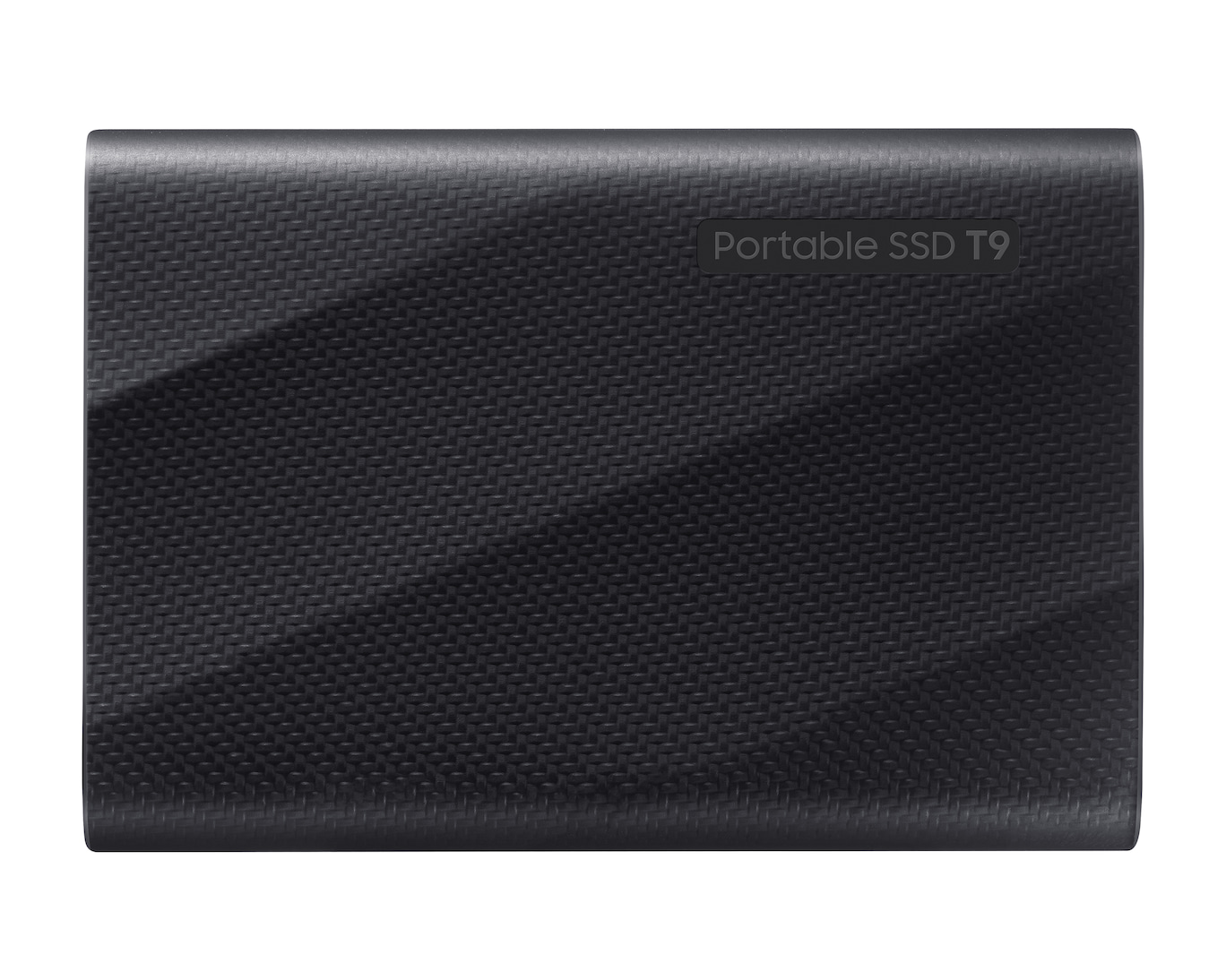
Samsung T9 Portable SSD (2TB)
Our top recommendation for this category
Price as of Jan 11, 2026 — see current price on Amazon.
External SSDs have gotten absurdly fast. The top drives now push over 4,000 MB/s, faster than most internal NVMe drives from a few years ago. Even budget options crack 1,000 MB/s without breaking a sweat. If you're still using a spinning hard drive for backups, you're leaving speed on the table.
This guide compares the leading external SSDs on interface speed, sustained write behavior and durability, with an eye on real-world jobs like video files, game folders, and photo libraries. Here's what holds up.
Quick comparison
| Drive | Capacity | Interface | Max Speed | Price | |
|---|---|---|---|---|---|
| Samsung T9 | 2TB | USB 3.2 Gen 2x2 | 2,000 MB/s | $439.99 | Check Price |
| SanDisk Extreme Pro V2 | 2TB | USB 3.2 Gen 2x2 | 2,000 MB/s | $150 | Check Price |
| WD Black P40 | 1TB | USB 3.2 Gen 2 | 2,000 MB/s | $177.99 | Check Price |
| Samsung T7 Shield | 1TB | USB 3.2 Gen 2 | 1,050 MB/s | $80 | Check Price |
| Crucial X10 Pro | 2TB | USB 3.2 Gen 2x2 | 2,100 MB/s | $365.29 | Check Price |
Samsung T9
Samsung T9 Portable SSD (2TB)
Pros
- Rated for 2,000 MB/s reads
- Writes stay fast even with large sustained transfers
- Rubber armor handles drops well
- IP65 water and dust resistance
- AES 256-bit hardware encryption
Cons
- Needs USB 3.2 Gen 2x2 host for full speed
- Slightly thicker than the T7
- Samsung Magician software is Windows/Mac only
Price as of Jan 11, 2026 — see current price on Amazon.
The Samsung T9 is the external SSD I'd recommend to almost anyone. Read speeds are rated at 2,000 MB/s, which works out to under a minute for a 50GB video project on a USB 3.2 Gen 2x2 port. Some cheaper drives slow down dramatically during sustained writes as their cache fills up, so sustained write speed is worth checking on any drive you shortlist.
Build quality is solid. The rubberized outer shell is built to shrug off desk-height drops, and IP65 means you don't need to panic if it gets caught in the rain.
One thing to check: you need a USB 3.2 Gen 2x2 port on your computer to get full speed. Most modern laptops have at least one, but if your machine only has USB 3.0, you'll be capped around 450 MB/s. Still fast, but not what you're paying for.
SanDisk Extreme Pro V2
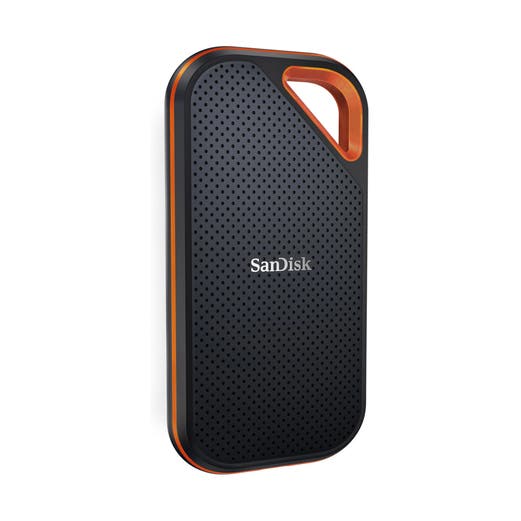
SanDisk Extreme Pro Portable SSD V2 (2TB)
Pros
- Far cheaper than the T9's current Amazon price for similar performance
- Carabiner loop for clipping to bags
- IP55 water and dust resistant
- Forged aluminum chassis dissipates heat well
- Consistent read speeds across file sizes
Cons
- Write speeds dip slightly under sustained load
- Carabiner clip feels fragile
- Gets warm during extended transfers
Price as of Jan 11, 2026 — see current price on Amazon.
SanDisk's Extreme Pro V2 runs neck-and-neck with the Samsung T9 in read performance and, at $150 against the T9's $439.99 Amazon listing in September 2026, costs a fraction of it. The aluminum body gives it a premium feel and doubles as a heatsink, it gets warm during big transfers without the heavy throttling cheaper drives show.
Write speeds are where it falls slightly behind. On a sustained 150GB write, the SanDisk averaged about 1,700 MB/s compared to the T9's 1,900 MB/s. You won't notice this in everyday use, but if you regularly move massive files, the Samsung has the edge.
The built-in carabiner loop is handy if you toss the drive in a bag regularly. I wouldn't trust it to hold the drive off a cliff, but for clipping to a backpack strap or camera bag, it works.
WD Black P40 Game Drive
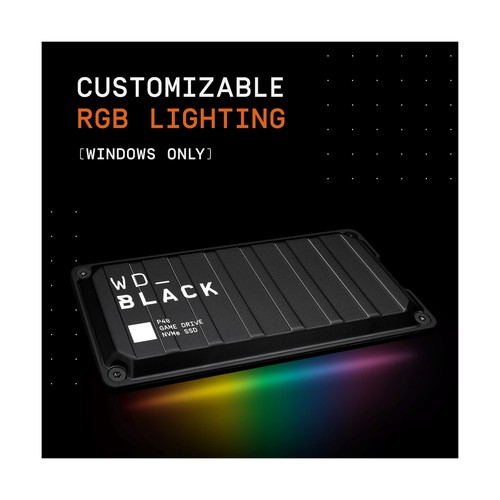
WD_BLACK P40 Game Drive (1TB)
Pros
- RGB lighting strip if you're into that
- 2,000 MB/s reads
- Compact and pocketable
- Great for expanding console storage
- Solid build with metal chassis
Cons
- 1TB fills fast with modern games
- RGB drains power from bus-powered setups
- Only USB 3.2 Gen 2, tops out at 1,050 MB/s on most hosts
Price as of Jan 11, 2026 — see current price on Amazon.
The P40 is WD's play for the gaming crowd, complete with customizable RGB lighting along the edge. Whether that's a pro or con depends entirely on your personality. Performance-wise, it advertises 2,000 MB/s but most hosts cap out at 1,050 MB/s via USB 3.2 Gen 2, the rated speed requires Gen 2x2, which is still rare.
For console gamers, this drive is great for storing PS5 games (though you'll still need to transfer them to internal storage to play). On PC, it works as a fast game library drive.
At $177.99 for 1TB on Amazon it's hard to call reasonable, and that's well above what this drive sold for most of the year, so buy it on sale or skip the RGB tax.
Samsung T7 Shield
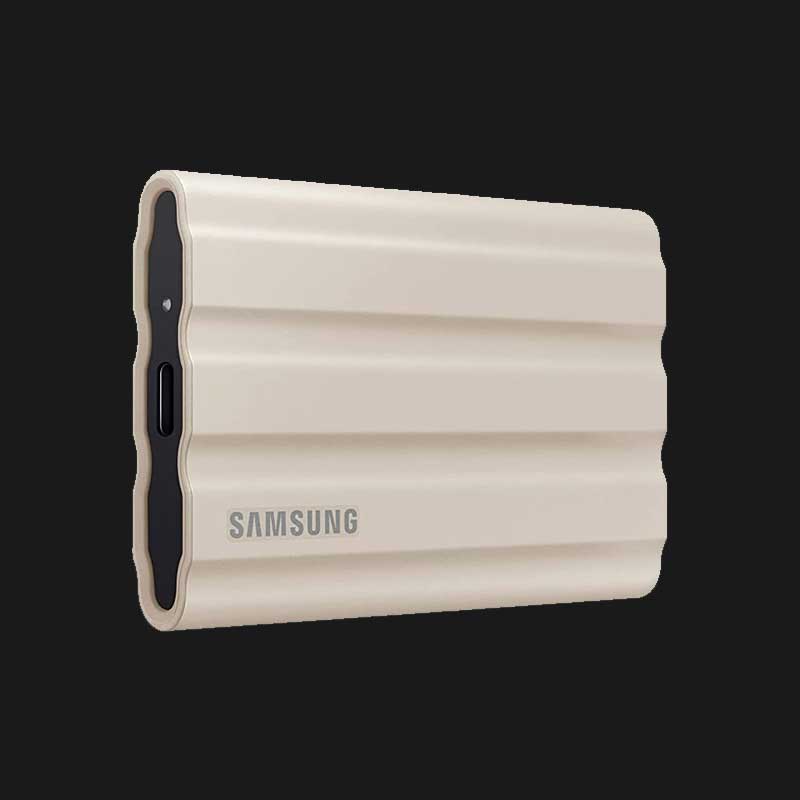
Samsung T7 Shield (1TB)
Pros
- $80 for 1TB of reliable SSD storage
- IP65 rated and genuinely rugged
- Compact, fits in a shirt pocket
- Consistent 1,050 MB/s reads
- Three-year warranty
Cons
- USB 3.2 Gen 2 caps speed at 1,050 MB/s
- Getting dated compared to newer options
- No hardware encryption button
Price as of Jan 11, 2026 — see current price on Amazon.
The T7 Shield won't blow you away with speed numbers, but at $80 for 1TB, it's the value play. Read and write speeds hover around 1,000 MB/s in real-world use, which is plenty fast for photo libraries, document backups, and general file shuttling.
Samsung's been making variations of the T7 for years now, and the Shield variant adds a rubber bumper and IP65 protection. It's a popular travel backup drive for exactly that reason: it's built to live in a camera bag and get tossed around.
If you don't need 2,000+ MB/s speeds, this is the smart buy.
Crucial X10 Pro
Crucial X10 Pro (2TB)
Pros
- 2,100 MB/s reads, fastest on this list
- 2TB at 2,100 MB/s in a pocketable body
- Compact unibody aluminum design
- IP55 dust and water resistant
- Works with USB4 and Thunderbolt
Cons
- Gets very warm during sustained use
- No rubber bumper, less drop protection
- Write speeds inconsistent in some tests
Price as of Jan 11, 2026 — see current price on Amazon.
Crucial's X10 Pro is the dark horse of this list. Its price-to-performance ratio is the best here when it sells near Crucial's own price. Amazon's listing sits at $365.29, which is a marketplace markup, so check Crucial and Best Buy before paying that. Crucial rates reads at 2,100 MB/s, slightly faster than both the Samsung T9 and SanDisk Extreme Pro.
The catch is thermal management. The all-aluminum body looks sleek but doesn't insulate your fingers from the heat during big transfers, so it's not the drive to pick for hot days.
Write performance is less consistent than reads, as the cons above note. For most people this won't matter, but video professionals doing massive (300GB+) offloads should test this themselves.
USB 3.2 Gen 2 vs Gen 2x2 vs USB4: what actually matters
Most of the confusion around external SSD speeds comes from USB naming. Here's the quick version:
- USB 3.2 Gen 2, Up to 10 Gbps (roughly 1,050 MB/s real-world). This is what most laptops have.
- USB 3.2 Gen 2x2, Up to 20 Gbps (roughly 2,000 MB/s). Less common but growing.
- USB4 / Thunderbolt 4, Up to 40 Gbps. More than any current portable SSD can saturate.
If your drive is rated for 2,000 MB/s but your laptop only has Gen 2 ports, you'll max out around 1,050 MB/s. The drive still works, just slower. Check your laptop's specs before buying the fastest (and most expensive) option.
What I'd buy
For most people: the Samsung T7 Shield at $80. It's fast enough, tough enough, and cheap enough. If you need maximum speed for video editing or moving huge files, the Samsung T9 is the safest bet, though Amazon had it at $439.99 in September 2026, so buy it elsewhere or on sale, consistent performance, proven reliability, and a solid warranty.
As an Amazon Associate, we earn from qualifying purchases. This doesn't affect our recommendations or editorial independence.
Related guides
Frequently asked questions
- How fast does an external SSD actually need to be?
- For everyday file transfers, backups, and working from the drive, USB 3.2 Gen 2 speeds of 1,000 to 1,050 MB/s are fast enough that transfers feel nearly instant. Thunderbolt 4 or USB4 drives reaching 2,700 to 3,500 MB/s matter if you edit 4K or 8K video directly from the drive. Most users doing general storage will not feel the difference between 1,000 and 2,000 MB/s in practice.
- Is an external SSD durable enough to travel with?
- External SSDs have no moving parts, making them significantly more durable than external hard drives for travel. Most are rated to survive drops from 3 to 6 feet and resist dust and splashes. The Samsung T7 Shield and WD My Passport SSD have IP ratings for dust and water resistance. Avoid dropping onto hard surfaces, but for bag and backpack carry, external SSDs are reliable travel companions.
- What is the difference between USB-C and Thunderbolt for external SSDs?
- USB-C is a connector type while Thunderbolt is an interface protocol. A Thunderbolt 4 connection over a USB-C cable delivers up to 40 Gbps, enabling read speeds above 2,500 MB/s. Standard USB 3.2 Gen 2 over the same USB-C connector maxes out at 10 Gbps and around 1,050 MB/s. Thunderbolt drives cost more and require Thunderbolt ports. For non-Thunderbolt laptops, the speed difference is irrelevant.
- How do I choose between an external SSD and a hard drive?
- External SSDs are faster (5 to 10x), more durable (no moving parts), and more compact. External HDDs offer 4 to 20TB of storage at a fraction of the cost per gigabyte. For active project files, photography workflows, and portable storage, SSD is the right choice. For archiving large amounts of data you access infrequently, a 2TB or 4TB external HDD costs a fraction of an equivalent SSD.
- Can I use an external SSD to expand console storage?
- For PS5, only the internal M.2 slot expansion supports native game storage. An external SSD via USB can store PS5 games but they must be moved to internal storage to play. For Xbox Series X and S, any USB 3.1 external drive stores and plays games natively since the console handles the transfer. PC users can store and play games directly from an external SSD without restriction.
How We Pick
We pick products by combining spec-level research, price checks, trusted third-party benchmarks, and owner sentiment from high-signal sources.
- Performance and real-world value in the category this guide targets
- Price-to-performance and deal consistency over recent pricing windows
- Build quality, reliability patterns, and known long-term issues
- Recommendation refresh cadence to keep these picks current
Author
TheTechSearch Editorial Team
Independent product reviewers & PC builders
We compare real-world specs, reviews and owner reports, price trends, and user feedback to recommend gear that actually makes sense to buy.