Best Indoor Security Cameras 2026: Top Picks for Every Budget
Best indoor security cameras of 2026: compared on video quality, pan/tilt coverage, night vision, and subscription costs. Honest picks from $35 to $100.
As an Amazon Associate we earn from qualifying purchases made through our links — this doesn't affect our picks.
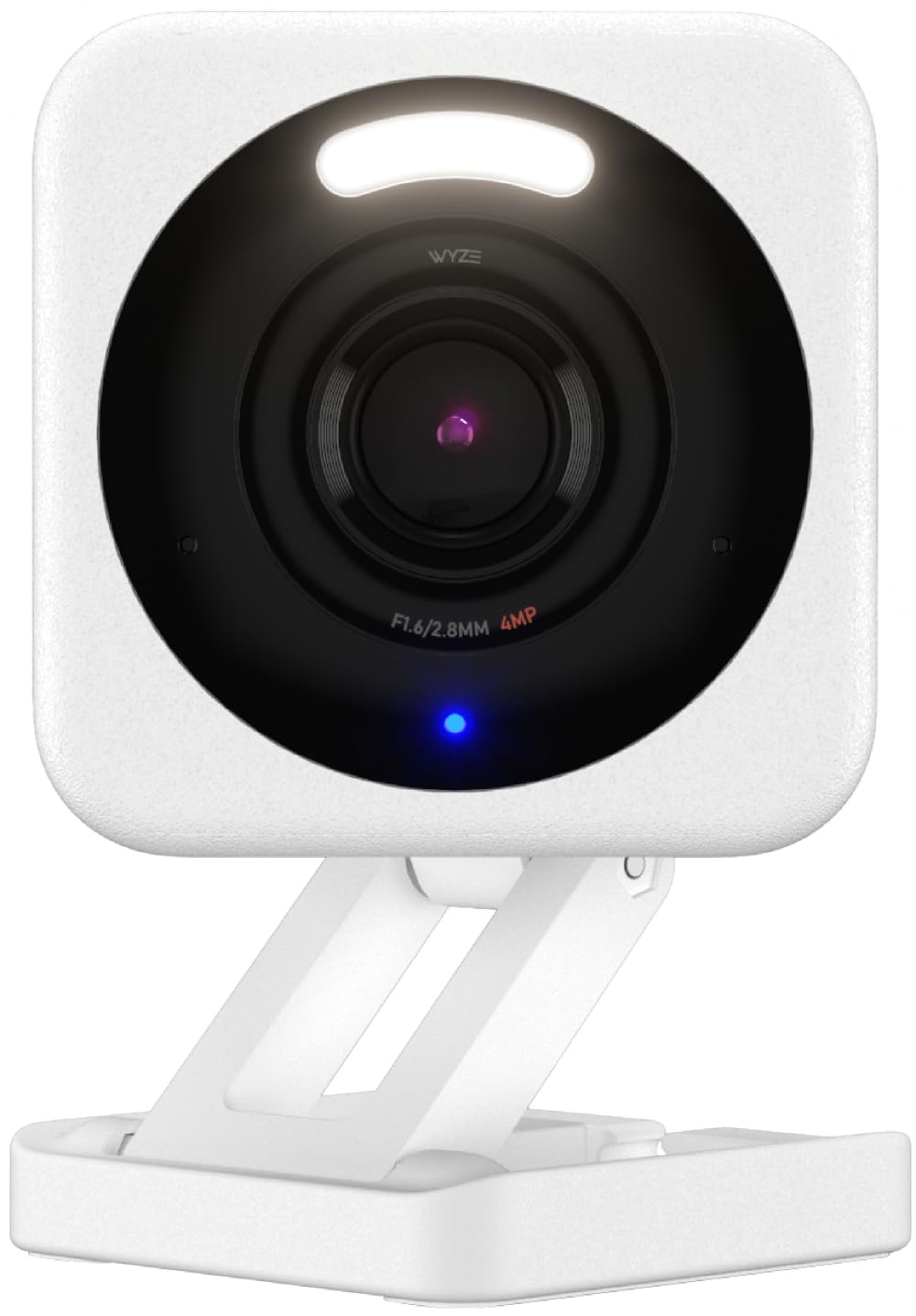
Wyze Cam v4
Our top recommendation for this category
Price as of Feb 27, 2026 — see current price on Amazon.
Indoor security cameras have gotten genuinely good at a price that no longer requires a second mortgage. A $35 camera now delivers 2.5K video, color night vision, and a built-in spotlight. The catch is the subscription model that follows almost every camera on the market, ready to lock your footage behind a monthly fee the moment you stop paying.
That monthly fee question matters more for indoor cameras than outdoor ones. You are pointing these at your living room, nursery, or home office. The footage is personal. Whether that data lives locally on a microSD card or uploads to a corporate cloud server is worth understanding before you buy.
The five indoor cameras below are compared on video clarity, night vision, app reliability, subscription requirements, and smart home compatibility. Here is what came out ahead.
Quick picks
- Best budget: Wyze Cam v4 at ~$35: 2.5K QHD video, color night vision, and most AI features free without a subscription
- Best no-subscription pan/tilt: eufy Indoor Cam S350 at ~$70: 4K dual lens with 8x optical zoom, 360-degree coverage, local storage only
- Best for Alexa: Ring Indoor Cam Gen 2 at ~$60: clean 1080p HD video, easy Alexa routines, straightforward plug-in setup
- Best value AI tracking: Arlo Essential Indoor Pan Tilt at ~$50: 2K auto-tracking pan/tilt with person and pet detection
- Best Google Home integration: Google Nest Cam Indoor Wired at ~$99: 2K HDR with Gemini AI event summaries and the tightest Google Home integration available
Wyze Cam v4
Wyze Cam v4
Pros
- 2.5K QHD resolution with Enhanced Color Night Vision included free
- Built-in motion-activated spotlight and siren at no extra cost
- IP65 weather resistance means it works indoors or outdoors
- MicroSD slot supports 24/7 local recording with no cloud subscription needed
- Free Cam Plus Lite tier includes AI person, pet, and package detection
Cons
- Fixed angle only, no pan or tilt without the separate Wyze Cam Pan v3
- Cam Plus subscription required for full AI detection and longer cloud clips
- App can feel cluttered navigating multiple devices
Price as of Feb 27, 2026 — see current price on Amazon.
Wyze changed what a budget camera looks like. The Cam v4 shoots 2.5K QHD at 20fps, which is enough resolution to read a name tag or identify a face on a six-inch screen. The Enhanced Color Night Vision uses the built-in spotlight to add color context to footage that would otherwise be washed-out green. Most cameras charge extra for that. Wyze includes it.
The free Cam Plus Lite plan gives you AI-powered person detection with 12-second cloud clips, which is more than enough for basic monitoring. Full-length clips and the complete AI package cost $1.99 per camera per month on Cam Plus, which is cheap compared to competitors. The microSD slot means you can skip the cloud entirely if you want.
Where Wyze falls short is coverage area. The fixed 130-degree field of view is wide for a stationary camera, but you cannot track motion across a room. If you need pan and tilt, Wyze makes the Cam Pan v3 for around $38, which adds mechanical movement but uses a lower-resolution sensor.
Best for: Anyone who wants real camera quality without a mandatory subscription.
eufy Indoor Cam S350
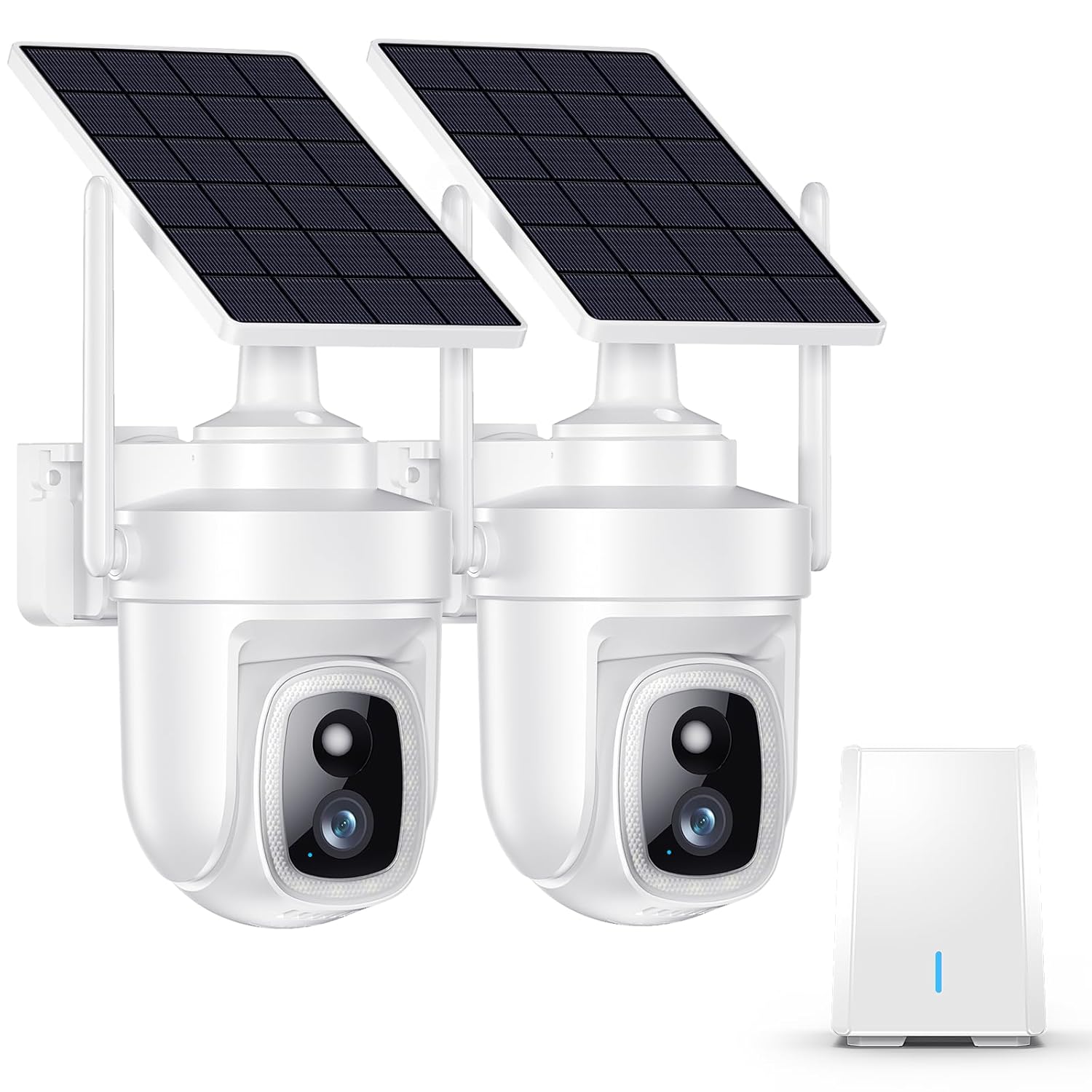
eufy Security 4K Indoor Cam S350
Pros
- 4K UHD resolution with a dedicated 8x optical zoom telephoto lens
- 360-degree pan and 90-degree tilt covers an entire room from one mount
- No monthly fee ever: all footage stays on the built-in local storage
- 2.4GHz and 5GHz dual-band Wi-Fi 6 for a stable, low-latency connection
- AI auto-tracking follows motion without manual remote control
Cons
- Requires the eufy Security app, which is separate from other ecosystems
- Limited third-party smart home integration compared to Ring or Google Nest
- Dual-lens design adds bulk compared to simpler fixed-angle cameras
Price as of Feb 27, 2026 — see current price on Amazon.
The eufy Indoor Cam S350 uses two lenses on one body: a wide-angle 4K main camera for broad coverage and a telephoto lens that delivers 8x optical zoom without losing detail. That combination means you can watch a full room normally, then zoom into a specific corner with no digital blurriness. Most pan/tilt cameras achieve zoom through cropping a single sensor. The S350 actually uses a second physical lens.
No-subscription is the real differentiator here. eufy records everything locally to internal storage. There is no cloud plan to upsell, no monthly fee structure, and no footage living on a third-party server. If privacy matters to you, that is worth paying the extra $35 over a Wyze.
Ecosystem isolation is the trade-off. eufy works with Alexa and Google Assistant for basic voice commands, but automations and routines are less developed than what Ring or Nest Cam offers within their respective platforms. If your home is already deep into one ecosystem, the S350 sits slightly outside of it.
Best for: Privacy-conscious buyers who want maximum coverage without a monthly fee.
Ring Indoor Cam Gen 2

Ring Indoor Cam (Gen 2)
Pros
- Clean 1080p HD video with 115-degree diagonal field of view
- Deep Alexa integration: triggers routines, shows on Echo Show, guards with Ring Alarm
- Privacy cover physically blocks the lens when you are home
- Simple plug-in setup with no hub or base station required
- Works alongside Ring doorbells, outdoor cameras, and Ring Alarm as one system
Cons
- Requires Ring Protect plan ($4/month) to save and review any video footage
- No local storage option: footage only saves to Ring's cloud
- 1080p resolution falls behind competitors at similar price points
Price as of Feb 27, 2026 — see current price on Amazon.
The Ring Indoor Cam Gen 2 is not the most technically impressive camera on this list. It shoots 1080p while competitors at similar prices offer 2K or higher. But Ring wins on ecosystem depth. If you already have a Ring video doorbell or Ring Alarm system, the Indoor Cam Gen 2 plugs directly into that ecosystem. Alexa routines can trigger the camera to start recording when your doorbell detects someone, or flash smart lights when the indoor cam detects motion.
Its privacy cover is a physical sliding mechanism over the lens, not a software flag. When you flip the cover closed, the camera cannot see anything. That kind of hardware privacy control matters when the camera points at your living room.
The Ring Protect Plan ($4/month per camera or $10/month for the whole home) is a real cost. Without it, you get a live view but zero recorded video history. Unlike Wyze's free tier, Ring offers no free cloud recording option at all.
Best for: Households already invested in Ring or Amazon Alexa ecosystems.
Arlo Essential Indoor Pan Tilt
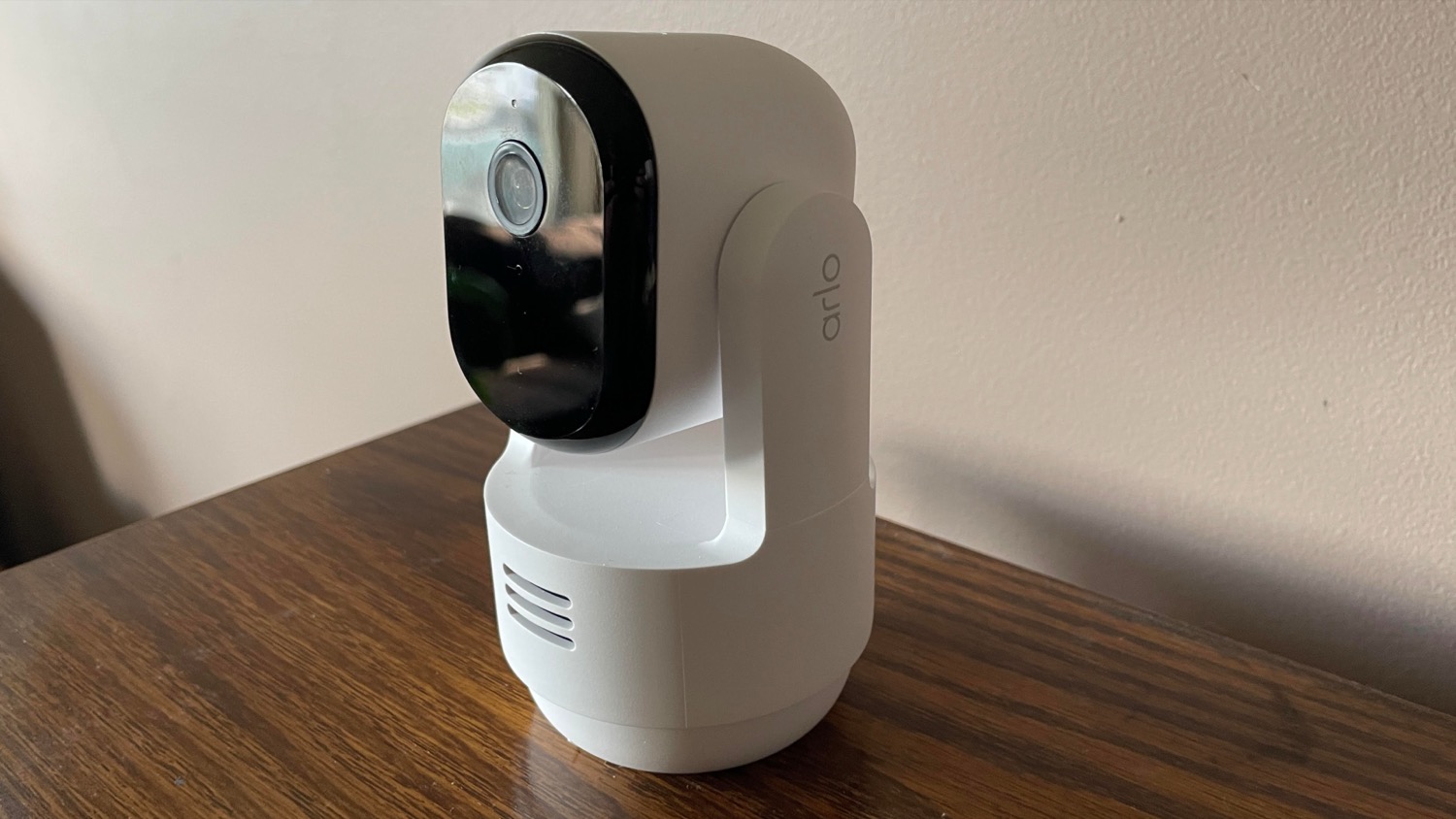
Arlo Essential Indoor Pan Tilt Camera 2K
Pros
- 360-degree pan and 220-degree tilt covers every corner of a standard room
- 2K (2304x1296) resolution with 12x digital zoom for detailed close-ups
- AI auto-tracking follows people or pets as they move through the frame
- Person, animal, and package detection with real-time alerts
- Automated Privacy Shield physically covers the lens on schedule or by voice
Cons
- Full AI features require Arlo Secure subscription ($5/month after 6-month trial)
- No local storage: all footage saves to Arlo's cloud
- 2K resolution is slightly lower than the eufy S350 at a similar price point
Price as of Feb 27, 2026 — see current price on Amazon.
Arlo's Essential Indoor Pan Tilt delivers pan/tilt tracking at a price that undercuts the eufy S350 by about $20. The auto-tracking works well for pet monitoring or watching a room where a child plays: as long as the subject moves within the camera's mechanical range, the camera follows them without requiring manual control from the app.
The 2K resolution captures enough detail for identification purposes, and the 12x digital zoom works well at close-to-medium range. At maximum zoom on a large room, some softness appears, but for typical indoor distances, the image holds up.
The six-month trial of Arlo Secure included with purchase gives you access to full-length cloud clips, full AI detection, and activity zones. After six months, Arlo Secure costs $4.99 per month per camera or $12.99 for up to five cameras. Without a subscription, you get live view and two-minute clips at the free tier, which is tighter than Wyze's free offering.
Best for: Motion-tracking use cases like baby monitoring or pet watching on a tighter budget.
Google Nest Cam Indoor Wired
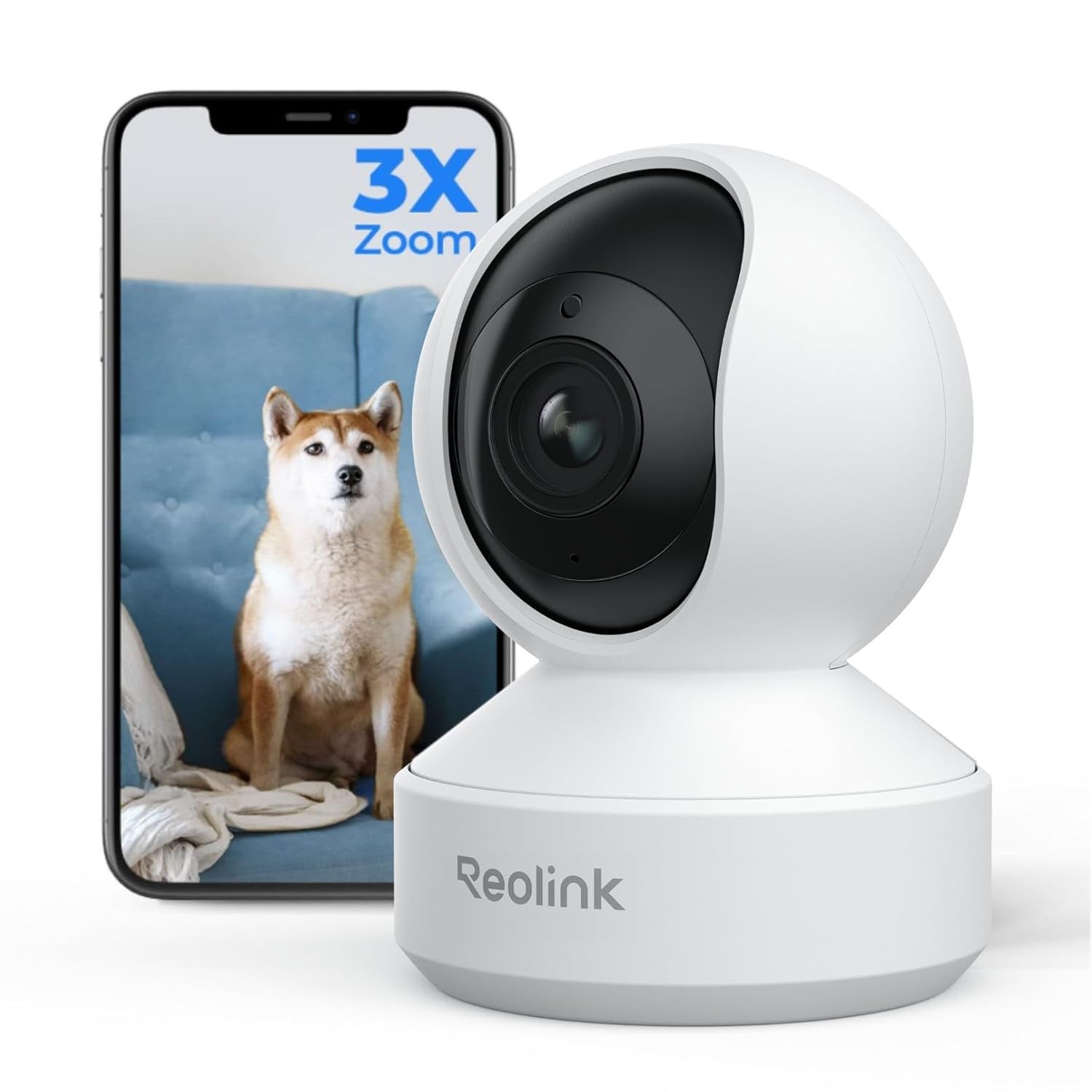
Google Nest Cam Indoor Wired (3rd Gen)
Pros
- 2K HDR video with 152-degree field of view captures wide indoor spaces accurately
- Five minutes of event clips saved free with no subscription required
- Gemini AI analyzes what it sees and describes activity in plain language
- Deep Google Home integration: automations, Routines, and Chromecast live view
- Familiar face recognition alerts you when known household members arrive
Cons
- Fixed angle only, no pan or tilt at any price point for this model
- Full face recognition and extended clip history require Nest Aware ($8/month)
- Google account lock-in makes switching ecosystems difficult
Price as of Feb 27, 2026 — see current price on Amazon.
Google Nest Cam Indoor Wired 3rd Gen costs more than the Wyze or Arlo options, and the video spec on paper is comparable to what you get at half the price. The reason to pay $99 is ecosystem integration.
If you use Google Home across your house, the Nest Cam plugs in without friction. You can cast a live view to a Chromecast device, build Routines that trigger lights and cameras together, and use Gemini AI to generate plain-English summaries of what the camera detected. Instead of scrubbing through clips to figure out what triggered an alert, you get a sentence: someone left through the back door at 7:14 PM.
Google's five-minute free event clip tier is more useful in practice than it sounds. Most motion events are short. You can review most activity without paying anything. The Nest Aware plan at $8 per month covers all cameras on your account, which makes it more cost-effective than per-camera plans from Arlo or Ring if you own multiple cameras.
The 152-degree field of view is the widest on this list. In a standard bedroom or living room, one camera covers the full space without needing to angle it carefully.
Best for: Google Home households that want AI-powered summaries without manual clip review.
How to choose an indoor security camera
Fixed angle vs. pan/tilt
Fixed-angle cameras like the Wyze Cam v4, Ring Indoor Cam, and Google Nest Cam rely on a wide field of view to cover a space from one spot. They are simpler to set up and generally cost less. Pan/tilt cameras like the eufy S350 and Arlo Pan Tilt can sweep a room mechanically, following motion or letting you control the angle remotely. For large open spaces or rooms where a child or pet moves around, pan/tilt is worth the extra cost. For hallways, entry points, or small rooms where a fixed angle covers everything, a stationary camera is enough.
Subscription requirements
Every camera on this list offers some form of free functionality, but how much varies widely. The Wyze Cam v4 is the most generous at the free tier with 12-second cloud clips and basic AI detection at no cost. Google Nest Cam offers five-minute event clips free. Ring gives you live view but no saved footage without paying. eufy skips the cloud subscription entirely with local storage. Arlo offers a six-month trial then charges $4.99 per month per camera. Match the subscription model to how you actually use footage: if you only check in occasionally, free tiers work. If you want historical review of full-length clips, factor in the monthly cost.
Resolution and night vision
For indoor cameras, 1080p is the minimum worth considering today. At normal indoor distances (10 to 20 feet), 2K provides a meaningful step up for identifying faces and reading text. 4K matters most if you are monitoring a large open space or using the digital zoom frequently. Color night vision is increasingly common and genuinely useful: it adds enough context to understand what happened in low light without straining to interpret a green-tinted image. Look for cameras that activate color night vision using a built-in spotlight rather than relying solely on the ambient light in a room.
Smart home compatibility
Camera decisions have long-term implications because switching ecosystems means replacing hardware. Ring cameras work deepest with Alexa and Ring Alarm. Nest Cam cameras work deepest with Google Home and Chromecast. eufy works adequately with both Alexa and Google Assistant but excels in its own app. Wyze supports Alexa and Google with a broad third-party integration through IFTTT. If you are already invested in one platform, stay in it for the strongest experience.
FAQ
Do indoor security cameras work without a subscription?
Yes. The Wyze Cam v4 and eufy Indoor Cam S350 both provide useful functionality without a paid plan. Wyze offers free 12-second cloud clips with person detection. eufy stores footage locally on built-in storage with no cloud fees at all. Ring and Arlo require paid plans to save any footage beyond a live view, though Arlo includes a six-month trial.
What is the difference between pan/tilt and fixed-angle indoor cameras?
Fixed-angle cameras point in one direction and rely on a wide field of view to cover a room. Pan/tilt cameras rotate horizontally and vertically, either manually through the app or automatically using motion tracking. Pan/tilt cameras are better for large rooms and pet or child monitoring where the subject moves around. Fixed cameras are simpler, cheaper, and sufficient for entry points, hallways, or small rooms.
Is it safe to keep an indoor camera running all day?
Modern indoor cameras are designed for continuous operation. Wired cameras have no downtime from battery charging. If privacy is a concern, look for cameras with physical lens covers like the Ring Indoor Cam Gen 2 or Arlo Pan Tilt, which physically block the lens rather than relying on software alone. For local-storage cameras like the eufy S350, footage never leaves your home.
How much storage does an indoor security camera need?
A 32GB microSD card holds roughly 2 to 7 days of continuous 1080p footage, or longer with motion-only recording. For 2K cameras, expect around 1 to 3 days per 32GB. Most cameras with microSD slots support up to 128GB or 256GB cards for longer retention. Cameras that rely on cloud storage, like Ring and Arlo, manage storage for you based on your subscription tier.
Can indoor security cameras detect specific people?
Face recognition is available on the Google Nest Cam with a Nest Aware subscription, which lets you train the camera to recognize household members and send alerts when a familiar or unfamiliar face appears. Other cameras on this list offer person detection (human vs. non-human) but do not identify specific individuals. Person detection is enough for most monitoring needs and works without an expensive subscription.
Verdict
The Wyze Cam v4 is the best indoor security camera for most people. At $35 with 2.5K video, free person detection, local storage, and a built-in spotlight, it offers more than cameras that cost twice as much. If you have a large room where you need full coverage without repositioning the camera, the eufy Indoor Cam S350 is the step up worth making: 4K dual-lens pan/tilt with no subscription ever. For Google Home households, the Nest Cam Indoor Wired adds Gemini AI event summaries that make reviewing footage genuinely faster. Pick your ecosystem and stay in it.
For more home security coverage, see our picks for the best security cameras overall, best smart locks, and best video doorbells.
How We Pick
We pick products by combining spec-level research, price checks, trusted third-party benchmarks, and owner sentiment from high-signal sources.
- Performance and real-world value in the category this guide targets
- Price-to-performance and deal consistency over recent pricing windows
- Build quality, reliability patterns, and known long-term issues
- Recommendation refresh cadence to keep these picks current
Author
TheTechSearch Editorial Team
Independent product reviewers & PC builders
We compare real-world specs, reviews and owner reports, price trends, and user feedback to recommend gear that actually makes sense to buy.