Best Streaming Devices 2026: Roku, Fire TV, Apple TV, and Google TV Compared
Best streaming devices in 2026. Roku, Fire TV, Google TV Streamer, and Apple TV 4K compared by ecosystem, interface, and price. The right pick from $49 to $129.
As an Amazon Associate we earn from qualifying purchases made through our links — this doesn't affect our picks.
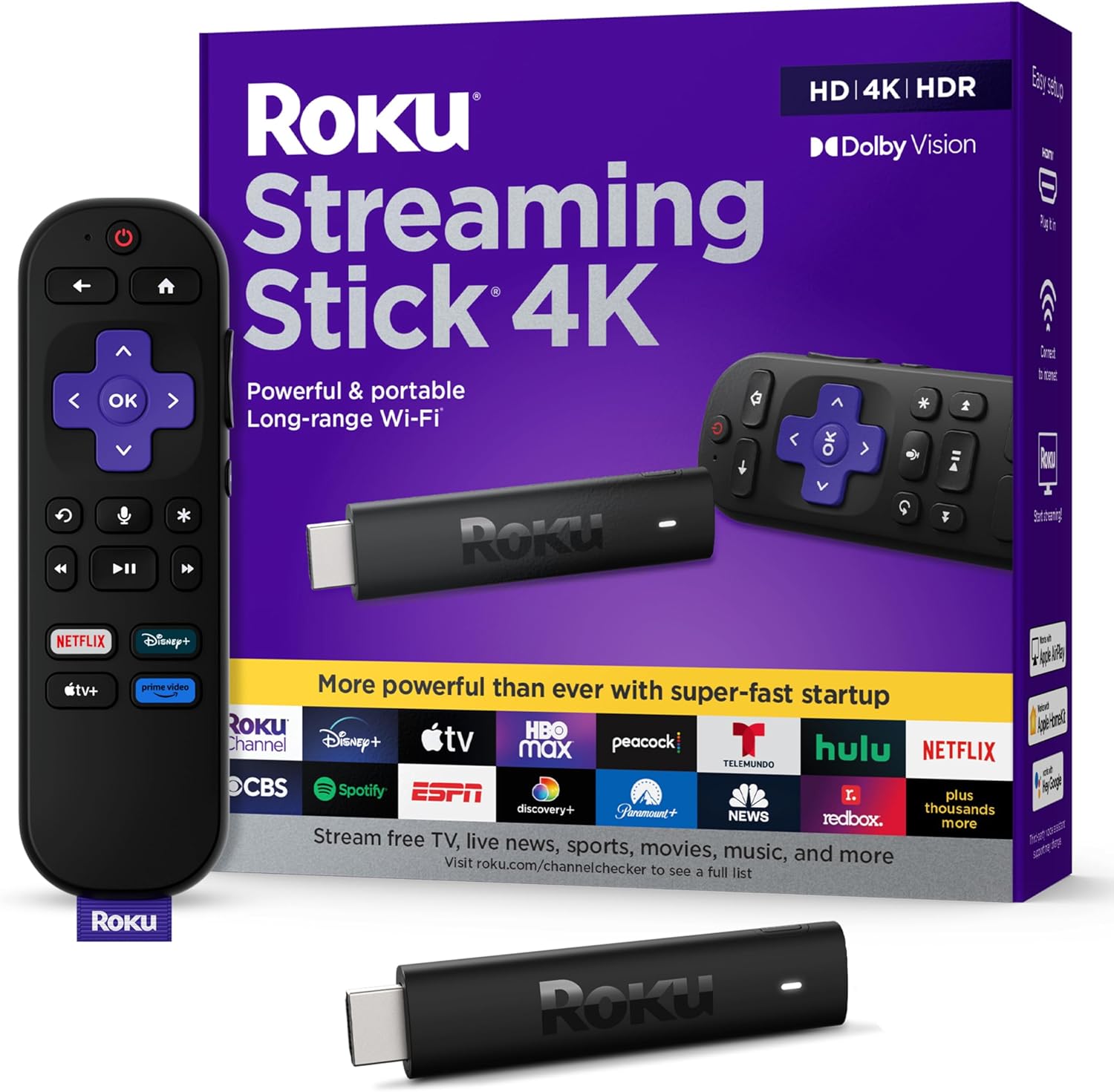
Roku Streaming Stick 4K Streaming Device with Voice Remote and TV Controls
Our top recommendation for this category
Price as of Feb 27, 2026 — see current price on Amazon.
In this guide
- Our top picks at a glance
- Best Overall: Roku Streaming Stick 4K
- Best for Amazon Ecosystem: Fire TV Stick 4K Max
- Best for Google/Android Users: Google TV Streamer
- Best for Apple Users: Apple TV 4K (3rd Gen)
- Roku vs Fire TV: Which Should You Buy?
- How to choose the right streaming device
- Frequently Asked Questions
- The verdict
Your TV's built-in smart platform is almost never the best option. Manufacturer software gets slow updates, clutters the interface with ads, and tends to lag on older panels. A dedicated streaming stick or box fixes all of that for $40 to $130, running faster, supporting more apps, and providing a far better content discovery experience than most TVs deliver on their own.
The four major platforms, Roku, Fire TV, Apple TV, and Google TV, each have distinct strengths, and the right pick depends entirely on which ecosystem you already live in. If you have a house full of Amazon devices, Fire TV feels native. If your home runs on Apple hardware, Apple TV 4K is the obvious choice. If you just want the best interface for discovering what to watch regardless of platform, Roku has been the benchmark for nearly a decade.
This guide compares all four current-generation devices across performance, content library depth, interface quality, voice remote functionality, and price to find the right pick at every level.
Our top picks at a glance
| Device | Resolution | Voice Assistant | Best For | Price | |
|---|---|---|---|---|---|
| Roku Streaming Stick 4K | 4K HDR | Roku Voice | Best Overall | ~$49 | Check Price |
| Fire TV Stick 4K Max | 4K HDR | Alexa | Best for Amazon Ecosystem | ~$59 | Check Price |
| Google TV Streamer | 4K HDR | Google Assistant | Best for Google/Android Users | ~$99 | Check Price |
| Apple TV 4K (3rd Gen) | 4K HDR | Siri | Best for Apple Users | ~$129 | Check Price |
Best Overall: Roku Streaming Stick 4K
The Roku Streaming Stick 4K is the easiest recommendation in consumer streaming hardware. It does not care which phone you use, which smart home platform you run, or which streaming services you subscribe to. It supports them all, delivers 4K HDR with Dolby Vision and HDR10+ support, and runs on a platform that has been refined over more than a decade of iteration.
Its interface is organized around content, not around which service paid Roku the most for placement. The universal search function pulls results across every installed app simultaneously, so searching for a specific movie returns results from Netflix, Prime Video, Disney+, Hulu, Apple TV+, and free ad-supported services like The Roku Channel in a single list, ranked by price. This sounds like a small thing until you spend time with Fire TV and notice that Amazon's content gets preferential positioning.
The Streaming Stick 4K runs on the same chip used in higher-end Roku models, with app load times and navigation response that feel current rather than sluggish. The included voice remote supports hands-free voice commands and includes physical shortcut buttons for popular streaming services. Private listening through the remote's headphone jack is a genuinely useful feature that Roku has offered for years and that neither Fire TV nor Google TV matches at this price.
Connectivity is HDMI with a USB power cable. Setup takes under five minutes, and Roku's approach to ads in the interface is far less aggressive than Amazon's. At $49, it is the cheapest path to a genuinely well-executed 4K streaming experience.
Roku Streaming Stick 4K Streaming Device with Voice Remote and TV Controls
Pros
- Universal search across all streaming services with price comparison
- Platform-agnostic: works equally well with all ecosystems
- Dolby Vision and HDR10+ support at this price
- Private listening headphone jack built into the remote
- No preferential content placement, interface organized around discovery
Cons
- No Ethernet port, Wi-Fi only
- Roku Voice not as capable as Alexa or Google Assistant for smart home control
- No local media playback support via USB or home network
Price as of Feb 27, 2026 — see current price on Amazon.
Best for Amazon Ecosystem: Fire TV Stick 4K Max
The Fire TV Stick 4K Max is the right pick if your home runs on Alexa. The 4K Max uses the Wi-Fi 6E chip, which is a meaningful upgrade over standard Wi-Fi 5 connections in homes with congested wireless environments or newer routers. At $59, it is only ten dollars more than the standard Fire TV Stick 4K and the Wi-Fi 6E upgrade alone justifies the price difference in a home with a compatible router.
Alexa integration is the defining feature. You can ask Alexa to control other smart home devices, check the weather, add items to a shopping list, or play content across Fire TV and Echo devices simultaneously, all from the same remote. If you have an Echo speaker in the room, you can also ask it to control the Fire TV without picking up the remote at all. For households already using Alexa for smart home control, this level of integration removes friction that no other streaming device matches.
Prime Video is deeply integrated in a way that feels different from how other services appear on competing platforms. Search results and recommendation rows prominently feature Prime Video content, which is a double-edged sword: useful if you use Prime Video heavily, noisy if you do not. The Fire TV experience is also more ad-heavy than Roku, with sponsored content appearing on the home screen regardless of your streaming habits.
Processing speed on the 4K Max is noticeably faster than older Fire TV generations. App launch times are quick, and 4K HDR playback with Dolby Vision handles correctly on compatible TVs. The Fire TV Stick 4K Max is the best streaming device for Prime Video subscribers with Alexa households. For everyone else, the Roku delivers a cleaner experience at a lower price.
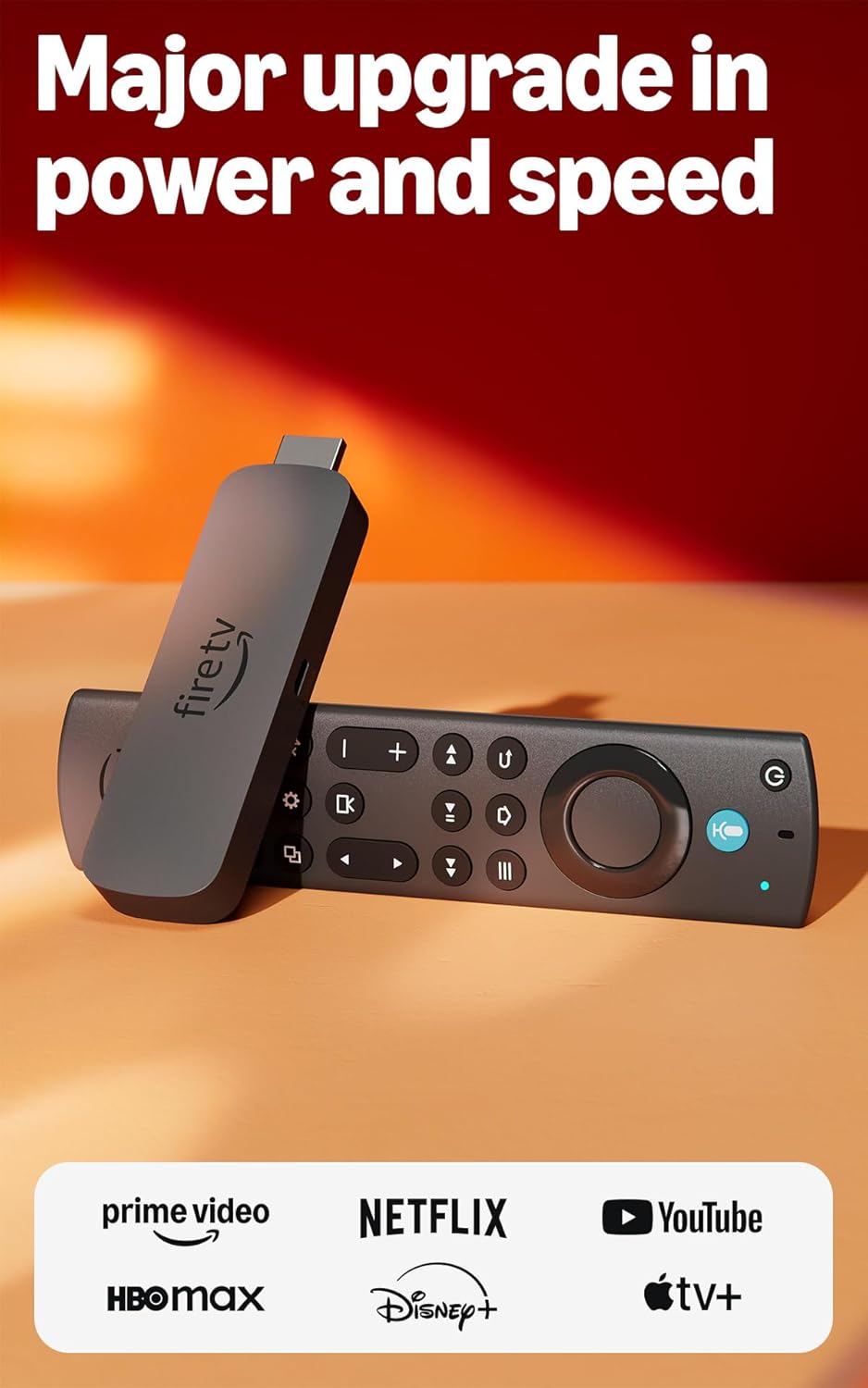
Amazon Fire TV Stick 4K Max Streaming Device with Wi-Fi 6E and Alexa Voice Remote
Pros
- Wi-Fi 6E for faster, more reliable connections in crowded wireless environments
- Deep Alexa integration for smart home control from the remote
- Fast processor with quick app launch times
- Dolby Vision and HDR10+ support at this price
- Hands-free Alexa available with compatible Echo devices in the room
Cons
- Home screen prominently features ads and promoted Amazon content
- Prime Video content gets preferential search and recommendation placement
- Interface less content-neutral than Roku
Price as of Feb 27, 2026 — see current price on Amazon.
Best for Google/Android Users: Google TV Streamer
The Google TV Streamer replaced the Chromecast in 2024, and the upgrade is substantial. Where Chromecast was a cast-only dongle that required your phone to initiate anything, the Google TV Streamer is a full-featured streaming box with its own remote, voice control, and content discovery platform.
The defining capability is smart home integration. The Google TV Streamer functions as a Google Home hub, allowing you to view compatible security camera feeds, control smart home devices, and use the TV as a control interface for your entire Google home. No other streaming device does this as cleanly. If you have Nest cameras, smart locks, or a Google Home speaker setup, the Streamer turns your TV into the display for all of it.
Google Assistant search is excellent for natural language queries. Asking "show me good sci-fi movies from the 80s" produces a genuinely useful list of results across streaming services, rather than the keyword matching that Alexa and Roku Voice use. Google's underlying search and recommendation algorithms produce more contextually relevant suggestions than competing platforms.
Content is organized by title and interest rather than by platform, with a Watchlist feature that aggregates content you want to watch across services in a single list. The interface is more complex than Roku's, which suits users who want more control over recommendations and less well for users who just want to find something to watch quickly.
At $99, the Google TV Streamer costs more than the Roku and Fire TV alternatives but adds smart home hub capabilities that justify the premium for Google ecosystem households. For Android phone users and Google Home households, it is the obvious choice.
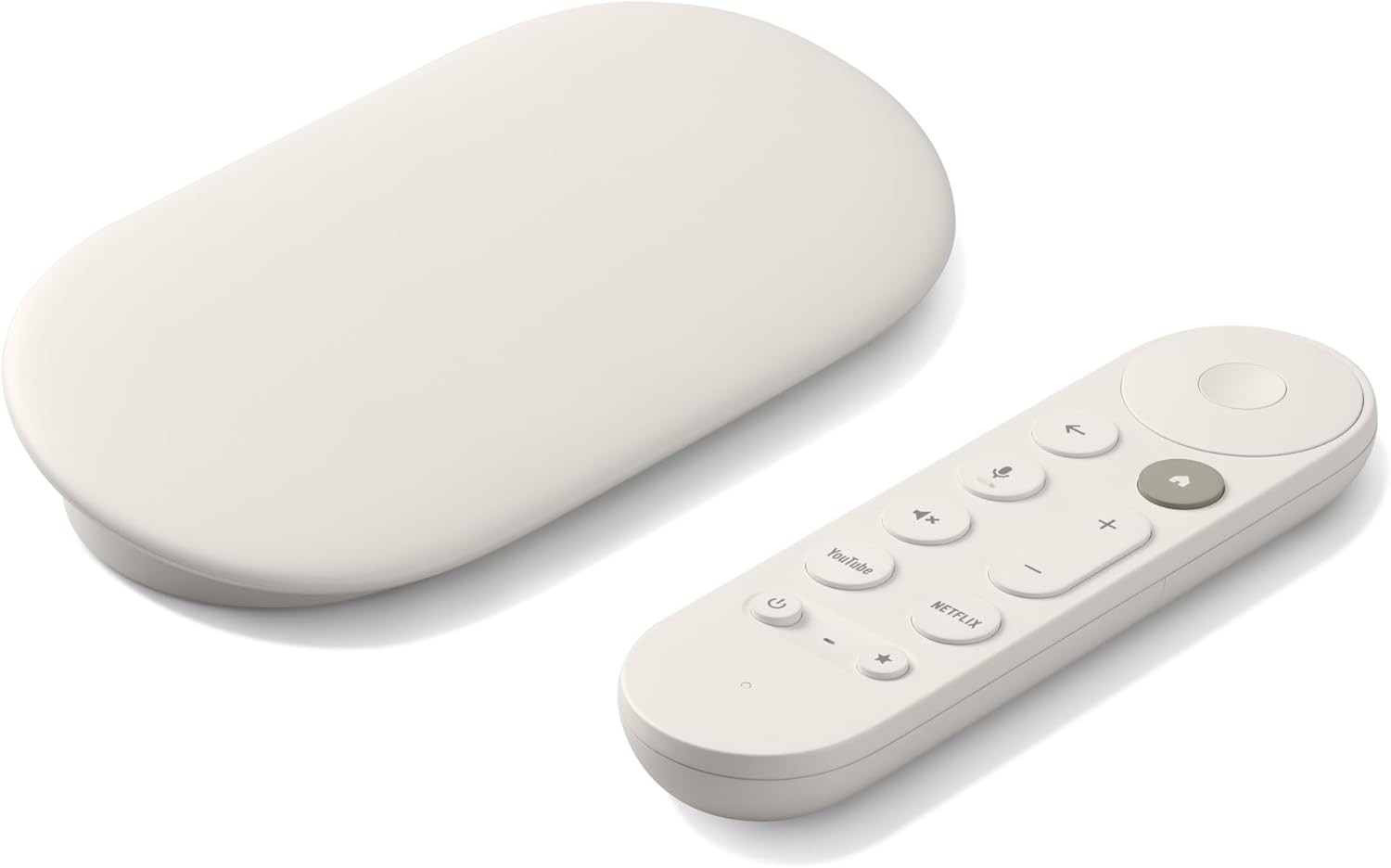
Google TV Streamer 4K Streaming Device with Voice Search Remote and Smart Home Control
Pros
- Functions as a Google Home hub with camera feeds and device control on TV
- Google Assistant handles natural language content searches well
- Upgraded from Chromecast to full remote-controlled streaming platform
- 32GB onboard storage for downloaded content and faster app loading
- Watchlist aggregates content to watch across all streaming services
Cons
- More expensive than Roku and Fire TV alternatives
- Interface is complex and takes longer to learn than Roku
- Smart home features require a Google Home setup to provide value
Price as of Feb 27, 2026 — see current price on Amazon.
Best for Apple Users: Apple TV 4K (3rd Gen)
The Apple TV 4K is the most powerful streaming device in this guide and the most expensive. At $129, it costs more than double the Roku Streaming Stick 4K and nearly triple the Fire TV Stick. Whether that price is justified depends entirely on how deep you are in the Apple ecosystem.
For iPhone, iPad, and Mac users, the Apple TV 4K delivers capabilities that no other streaming device offers. AirPlay 2 lets you wirelessly mirror or stream content from any Apple device to your TV with sub-second latency, without opening an app or going through any menus. The Continuity Camera feature uses your iPhone as a high-quality webcam for FaceTime calls on the TV. SharePlay allows multiple people in different locations to watch content together in a synchronized session, or to share a FaceTime call over a movie being watched simultaneously.
The tvOS interface is clean and fast, with app load times that are noticeably quicker than any competing platform at any price. The Siri Remote uses a touchpad surface rather than directional buttons, which is either precise and intuitive or maddening to use depending on your preference. Most people land in one camp immediately and stay there. The physical volume and mute buttons work with any TV via HDMI-CEC without any additional setup.
For households without Apple devices, the Apple TV 4K offers no meaningful advantage over a Roku that costs a third as much. The entire value proposition rests on Apple ecosystem integration. If you have that, it is the best streaming experience available. If you do not, save the money and buy a Roku.
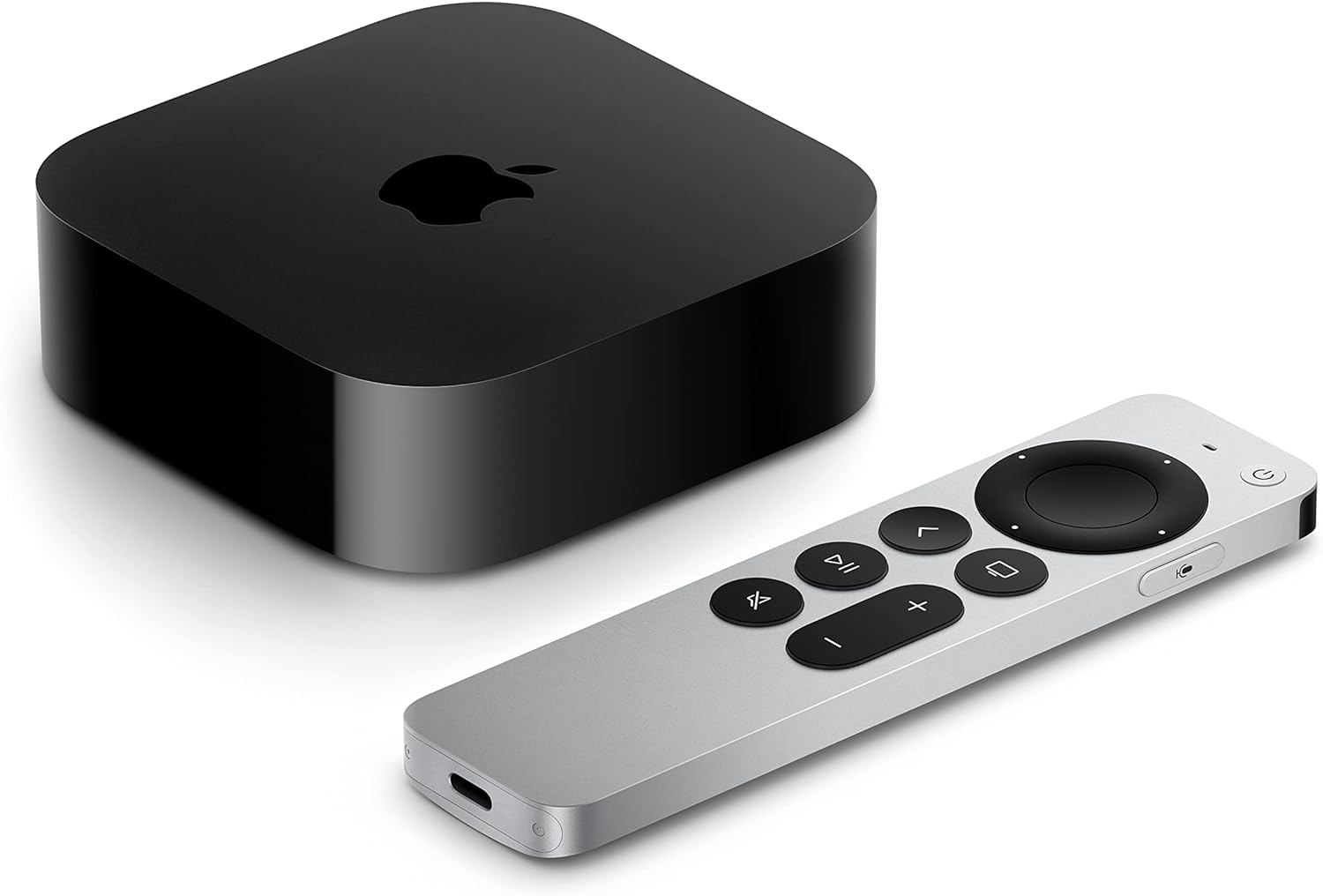
Apple TV 4K (3rd Generation) Wi-Fi with 64GB Storage
Pros
- AirPlay 2 for seamless wireless streaming from iPhone, iPad, and Mac
- tvOS interface is the fastest and most responsive of any streaming platform
- FaceTime and SharePlay for group viewing and video calls on TV
- Siri Remote with touchpad offers precise navigation
- HDMI-CEC controls any TV volume natively
Cons
- Premium price not justified without Apple devices to use ecosystem features
- No real advantage over Roku for users outside the Apple ecosystem
- Siri Remote touchpad has a learning curve compared to directional remotes
Price as of Feb 27, 2026 — see current price on Amazon.
Roku vs Fire TV: Which Should You Buy?
This is the most common streaming device decision, and the answer is simpler than most comparisons suggest.
Buy Roku if:
- You want the best content discovery experience regardless of which services you use
- You watch content across multiple platforms without a clear primary service
- You want less advertising in your interface
- You use a non-Amazon, non-Apple, non-Google ecosystem (or no smart home at all)
Buy Fire TV if:
- You subscribe to Prime Video and watch it regularly
- You use Alexa for smart home control and want that integration extended to your TV
- You have Wi-Fi 6E router infrastructure and want to use it
- You want Alexa hands-free commands from an Echo speaker in the same room
The difference in picture quality between these two at the same price point is not detectable. The difference in interface philosophy is significant. Roku treats the home screen as a neutral content launcher. Fire TV treats it as a storefront with Amazon's content at the top. Neither is wrong, but they suit different users.
How to choose the right streaming device
Does your TV already have a smart platform?
Most modern TVs ship with built-in Roku, Google TV, Fire TV, or WebOS. If your TV runs one of these natively and the hardware is less than two years old, the built-in platform may be adequate. As TVs age, the built-in processor cannot keep up with app updates, and a dedicated streaming stick running on newer hardware is faster and more current. If your TV's interface feels slow or some apps are missing, a streaming stick solves both issues immediately.
4K vs 1080p streaming devices
If your TV is 4K capable, buy a 4K streaming device. The Roku Streaming Stick 4K and Fire TV Stick 4K Max both cost the same as their 1080p counterparts and future-proof you for 4K content without a price premium. 4K streaming on Netflix and Prime Video is available with standard subscription tiers. On a non-4K TV, the 4K device still works fine at 1080p.
How much does Wi-Fi spec matter?
For most homes, the difference between Wi-Fi 5 (the Roku and Apple TV standard) and Wi-Fi 6E (the Fire TV Stick 4K Max) is not noticeable during streaming. 4K HDR video requires around 25 Mbps of sustained bandwidth, which Wi-Fi 5 handles without issue in the majority of home environments. Wi-Fi 6E matters when your 5GHz band is congested with many devices, or when the streaming device is far from your router. If you have a Wi-Fi 6E router and signal quality is a concern, the Fire TV 4K Max's radio is a real upgrade. For everyone else, it is a spec that rarely comes into play.
Streaming device vs smart TV platform
The main advantage of a dedicated streaming device over a smart TV platform is update longevity. Smart TV manufacturers provide software updates for two to four years after purchase. Dedicated streaming devices receive updates for longer, and replacing a $50 stick in five years is far cheaper than replacing a TV because the software became unusable. A streaming device also lets you standardize the interface across multiple TVs in the home, which reduces the cognitive load of using a different remote and interface in every room.
Which platforms have the most content?
All four devices covered here support Netflix, Prime Video, Disney+, Hulu, HBO Max, Apple TV+, YouTube, and Peacock. Content library differences between platforms are marginal for mainstream services. The meaningful differences are in free ad-supported streaming channels: Roku Channel, Amazon Freevee, and Tubi all offer significant free content, and Roku's free channel selection is the deepest of the three platforms. For live TV through services like YouTube TV or Hulu Live, all platforms deliver equivalent performance.
Frequently Asked Questions
Frequently asked questions
- Which streaming device is best for someone without a preferred ecosystem?
- The Roku Streaming Stick 4K is the best choice for ecosystem-agnostic users. Its platform treats all streaming services equally, the interface is organized around content discovery rather than any single platform's preferences, and the universal search across every installed app makes finding something to watch faster than any alternative. At $49, it also delivers the best value in the category.
- Is the Apple TV 4K worth the $129 price compared to a $49 Roku?
- Only if you have Apple devices to take advantage of AirPlay 2 and Continuity Camera. The tvOS interface is faster and the remote is more refined, but these differences do not justify the price gap for users without iPhones or Macs. For Apple households, the ecosystem integration, particularly AirPlay 2 for wireless screen mirroring, is worth the premium. For everyone else, the Roku delivers 95% of the experience at 40% of the price.
- What is the difference between Fire TV Stick 4K and Fire TV Stick 4K Max?
- The main difference is Wi-Fi 6E support on the 4K Max versus Wi-Fi 5 on the standard 4K. The 4K Max also has a slightly faster processor. At $59 versus $49, the Max is worth the extra $10 if you have a Wi-Fi 6E router. If you have an older router, the performance difference between the two in normal use is not noticeable.
- Can I use a streaming device on a non-smart TV?
- Yes, any TV with an HDMI port works with any streaming device in this guide. The streaming device plugs into the HDMI input and handles all the smart functionality independently of the TV. This is a common use case for older TVs, projectors, and computer monitors, and all four devices work correctly in this configuration.
- Do streaming devices require a cable subscription?
- No. Streaming devices work entirely with internet-based services, both paid subscriptions like Netflix and free ad-supported platforms like The Roku Channel, YouTube, and Tubi. A cable subscription is not required and is not part of the setup process. You need a broadband internet connection with at least 25 Mbps for 4K streaming, which is standard for most home internet plans.
The verdict
The Roku Streaming Stick 4K is the right choice for most people. It is platform-agnostic, content-forward, well-priced at $49, and has been the benchmark for easy streaming for years. If you already subscribe to multiple streaming services and do not have a strong ecosystem preference, nothing in this price range beats it.
Amazon's Fire TV Stick 4K Max makes sense if your home runs on Alexa and you subscribe to Prime Video regularly. Its Wi-Fi 6E upgrade and Alexa integration are genuinely useful, and at $59 the premium over Roku is small enough that it pays for itself quickly in hands-free convenience.
The Google TV Streamer is the pick for Google Home households. Smart home hub capabilities, Google Assistant search quality, and the Watchlist feature justify the $99 price over the cheaper alternatives for Android users invested in the Google ecosystem.
Apple TV 4K stands alone as the best streaming hardware available, period. If you have iPhone, iPad, or Mac devices in the home, AirPlay 2 integration and the speed of tvOS justify the $129. For everyone else, it is excellent hardware that does not need to be yours.
For the TV these devices connect to, see our Best TVs 2026 guide covering OLED, Mini-LED, and QLED options at every budget. If you want to add room audio to go with the picture upgrade, our Best Soundbars 2026 guide covers picks from $99 to $1,999. For smart home context on the Google Streamer's hub capabilities, see our Best Smart Home Hubs 2026 guide. Looking for streaming devices as gifts? The Roku and Fire TV Stick both appear in our Best Tech Gifts Under $100 guide.
How We Pick
We pick products by combining spec-level research, price checks, trusted third-party benchmarks, and owner sentiment from high-signal sources.
- Performance and real-world value in the category this guide targets
- Price-to-performance and deal consistency over recent pricing windows
- Build quality, reliability patterns, and known long-term issues
- Recommendation refresh cadence to keep these picks current
Author
TheTechSearch Editorial Team
Independent product reviewers & PC builders
We compare real-world specs, reviews and owner reports, price trends, and user feedback to recommend gear that actually makes sense to buy.