Best Gaming Laptops 2026
The best gaming laptops you can buy in 2026, ranked. From budget RTX 5050 machines to flagship RTX 5080 powerhouses with OLED displays. Expert picks, pros an...
As an Amazon Associate we earn from qualifying purchases made through our links — this doesn't affect our picks.
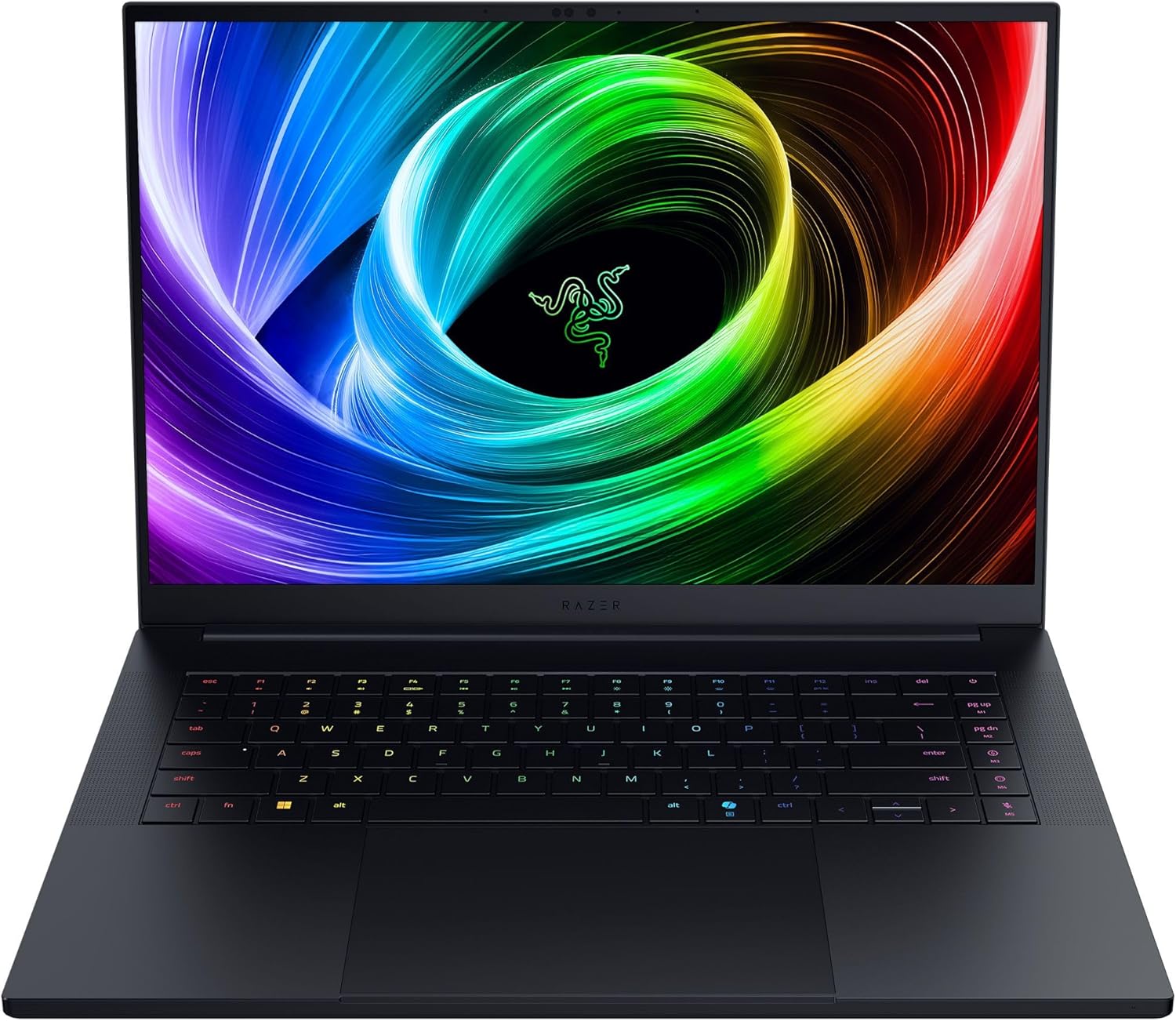
Razer Blade 16 (2025)
Our top recommendation for this category
Price as of Feb 15, 2026 — see current price on Amazon.
Gaming laptops have gotten absurdly good. The RTX 50-series brought massive performance jumps, OLED panels are showing up at every price point, and battery life no longer means "two hours if you're lucky." These are the releases from this generation worth your money.
Here's what I'd actually recommend in 2026.
Our top picks at a glance
| Laptop | GPU | Display | RAM | Price | |
|---|---|---|---|---|---|
| Razer Blade 16 | RTX 5080 | 16" QHD+ 240Hz OLED | 64GB | $2,999 | Check Price |
| ASUS ROG Strix G16 | RTX 5070 Ti | 16" 2.5K 240Hz | 32GB | $2,552.90 | Check Price |
| Lenovo Legion Pro 5i Gen 10 | RTX 5070 Ti | 16" WQXGA 240Hz OLED | 32GB | $2,999 | Check Price |
| ASUS TUF Gaming A14 | RTX 5060 | 14" 2.5K 165Hz | 16GB | $1,999 | Check Price |
Best overall: Razer Blade 16 (2025)
Razer Blade 16 (2025)
Pros
- Stunning QHD+ 240Hz OLED display
- RTX 5080 handles everything at max settings
- 64GB RAM future-proofs for years
- Premium aluminum build under 5 pounds
Cons
- Expensive, no way around it
- Fan noise under full load is noticeable
- Webcam is mediocre for the price
Price as of Feb 15, 2026 — see current price on Amazon.
The Razer Blade 16 is the gaming laptop other gaming laptops want to be when they grow up. The RTX 5080 paired with AMD's Ryzen AI 9 365 is the most powerful pairing on this list, with headroom for ultra settings and ray tracing in demanding games like Cyberpunk 2077.
That OLED panel deserves special attention. True blacks, absurd contrast, and HDR that actually means something. Playing Alan Wake 2 or Hellblade II on this display is a borderline cinematic experience. Colors are accurate enough for photo editing too, which makes this a legitimate creative workstation when you're not gaming.
The build quality is classic Razer, milled aluminum, minimal flex, clean lines. At 4.9 pounds it's not ultralight, but it's remarkably portable for the power it packs. The 2TB Gen4 SSD and 64GB of LPDDR5x RAM mean you won't be upgrading anytime soon.
The main downside is the price. Nearly three grand is a lot of money for a laptop, full stop. But if your budget stretches this far, nothing else combines performance, display quality, and build this well.
Best performance value: ASUS ROG Strix G16 (2025)
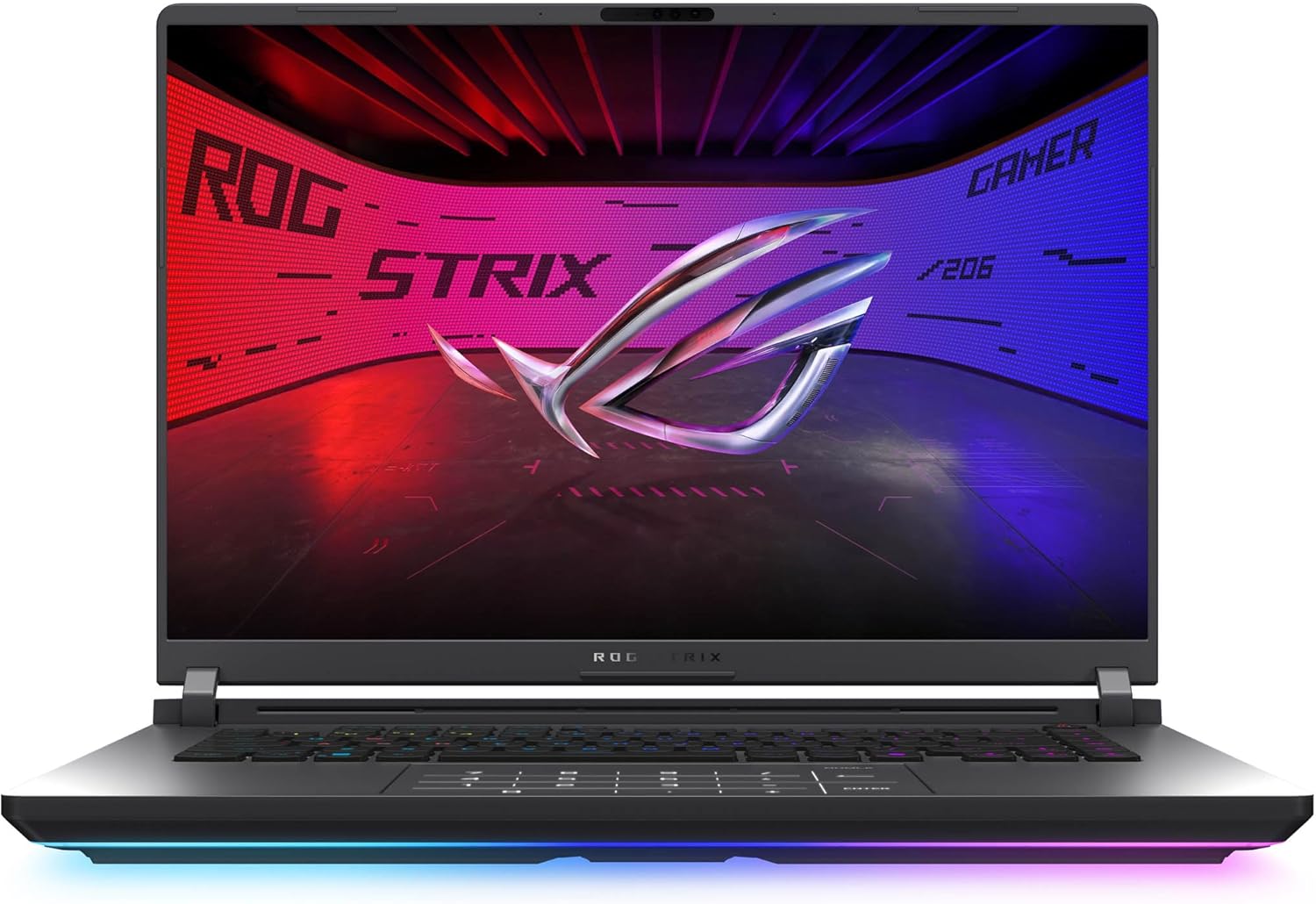
ASUS ROG Strix G16 (2025)
Pros
- RTX 5070 Ti at a competitive price
- 2.5K 240Hz display is gorgeous for gaming
- 32GB DDR5 and 1TB SSD standard
- Solid thermal design keeps temps in check
Cons
- Heavier than some competitors at 5.3 lbs
- No OLED option at this config
- Speaker quality is just okay
Price as of Feb 15, 2026 — see current price on Amazon.
The ROG Strix G16 hits what I consider the sweet spot of the 2026 gaming laptop market. You get an RTX 5070 Ti, which handles 1440p gaming with ease and can push into 4K at medium-high settings, paired with Intel's Core Ultra 9 275HX. That's flagship-tier performance for roughly a grand less than the Razer.
The 16-inch 2.5K display runs at 240Hz with a 3ms response time, which is fast enough that competitive gamers won't feel held back. It's not OLED, but the ROG Nebula panel has solid color coverage and gets bright enough for HDR content.
ASUS didn't skimp on the practical stuff either. Wi-Fi 7, a MUX switch for direct GPU-to-display routing, and a thermal system that actually works without sounding like a jet engine. The 32GB of DDR5 and 1TB SSD mean you're set out of the box for most people.
If you want near-flagship gaming without the flagship price, the Strix G16 is the move. One caveat: Amazon's listing was $2,552.90 when I checked in September 2026, well up from where it launched, so the gap to the Blade has narrowed.
Best OLED display: Lenovo Legion Pro 5i Gen 10
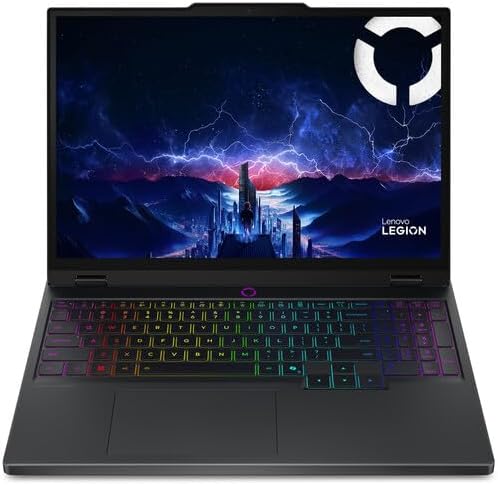
Lenovo Legion Pro 5i Gen 10
Pros
- Gorgeous WQXGA OLED panel with 500-nit brightness
- RTX 5070 Ti delivers strong 1440p performance
- Excellent keyboard with per-key RGB
- Dual SSD slots for easy storage expansion
Cons
- OLED burn-in risk with static content
- Gets warm under sustained load
- Bulkier than the Razer at 5.6 lbs
Price as of Feb 15, 2026 — see current price on Amazon.
If display quality is your top priority, the Legion Pro 5i Gen 10 threads the needle, with one honest caveat: Amazon's listing was $2,999 when I checked in September 2026, which is Razer Blade money. At that price it's a display-first pick, not a value pick. Its 16-inch WQXGA OLED panel hits 500 nits of peak brightness, bright enough for HDR to actually look good, with the same infinite contrast ratio and perfect blacks you'd expect from OLED.
The RTX 5070 Ti pairs well with the 2560x1600 resolution. Most modern games run at high-to-ultra settings above 100fps, which is exactly where you want to be on a 240Hz panel. The Intel Core Ultra 9 275HX handles productivity and streaming without breaking a sweat.
Lenovo's keyboard is a standout, the travel distance and actuation feel better than most gaming laptops, and the 24-zone RGB backlighting is tasteful rather than garish. Two M.2 SSD slots let you expand storage down the road without replacing anything.
The main trade-off versus the Strix G16 is weight and heat. The Legion runs warmer under sustained gaming sessions, and at 5.6 pounds it's not winning any portability contests. But that OLED display makes it worth the extra half-pound.
Best portable: ASUS TUF Gaming A14 (2025)
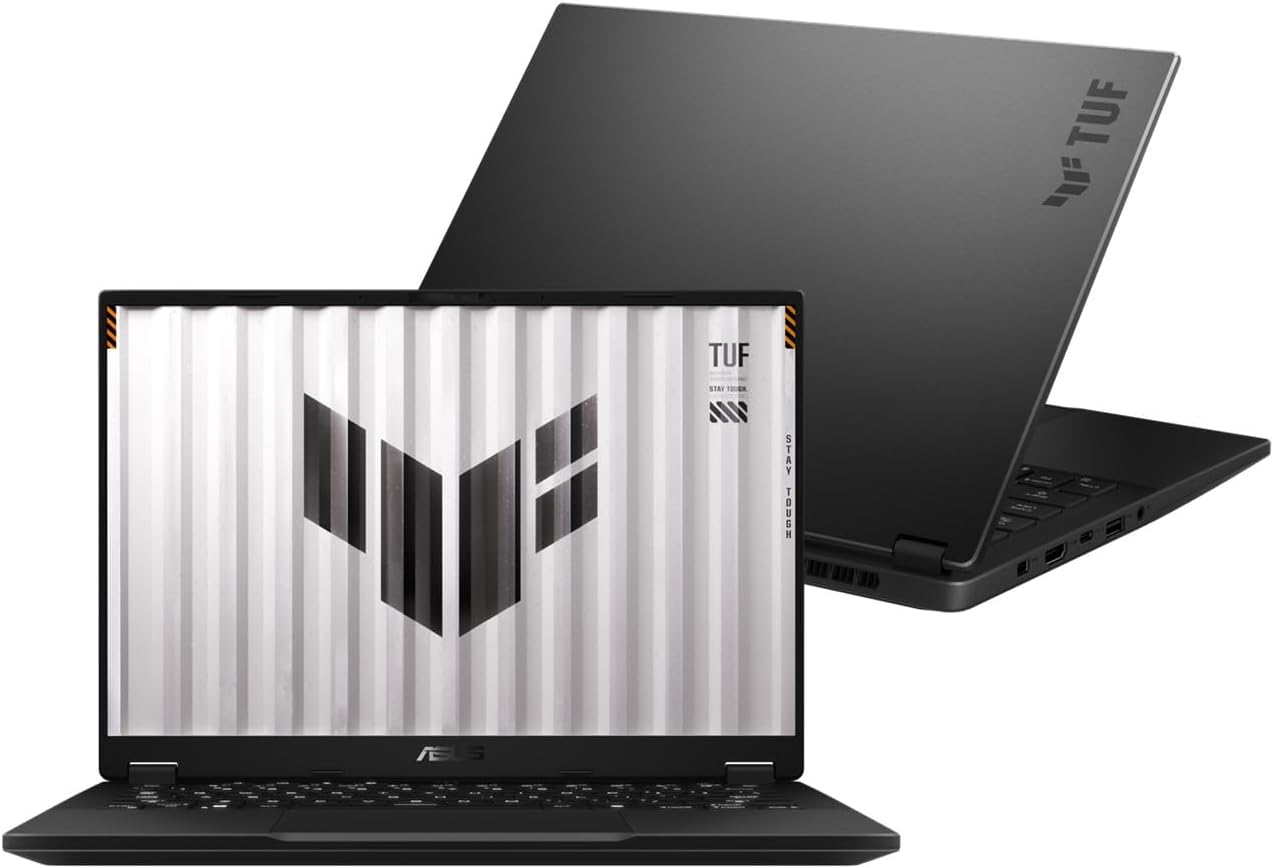
ASUS TUF Gaming A14 (2025)
Pros
- Genuinely portable at 3.2 lbs and 14 inches
- RTX 5060 handles 1080p gaming well
- Great battery life for a gaming laptop
- Mature, professional design that doesn't scream gamer
Cons
- RTX 5060 struggles at higher resolutions
- 16GB RAM isn't upgradeable (soldered)
- Smaller screen means less immersion
Price as of Feb 15, 2026 — see current price on Amazon.
Most gaming laptops claim to be portable. The TUF A14 actually is. At 3.2 pounds and 14 inches, this thing goes in a backpack and you forget it's there. The design is understated enough to use in a coffee shop without getting side-eye.
The RTX 5060 paired with AMD's Ryzen AI 7 350 isn't going to win benchmark wars, but that's not the point. At 1080p and even the native 2.5K resolution on medium-high settings, you're getting smooth framerates in everything from Baldur's Gate 3 to Fortnite. The 165Hz panel keeps up with faster titles.
Battery life is the hidden star. You can genuinely get 7-8 hours of non-gaming productivity work, which is unheard of for a machine that can also game. When you plug in and switch to Turbo mode, the GPU gets its full power budget.
The catch: 16GB of soldered RAM means you can't upgrade later. For most games in 2026 that's fine, but some heavier titles and multitasking scenarios will feel the squeeze in a year or two. If portability matters most to you, that's an acceptable trade-off. Price is the other catch: the Amazon listing we link is a third-party seller at $1,999 as of September 2026, a long way above ASUS's own pricing for this config, so check ASUS and Best Buy before you pay that.
What to look for in a gaming laptop
GPU matters most
The graphics card determines your gaming experience more than any other component. In 2026, here's the rough hierarchy:
- RTX 5090, Overkill for most people. 4K ultra at high framerates.
- RTX 5080, The sweet spot for enthusiasts. Handles everything at max settings.
- RTX 5070 Ti, Best performance-per-dollar. Great at 1440p, capable at 4K.
- RTX 5060, Solid 1080p, capable at 1440p on medium-high.
- RTX 5050, Budget 1080p gaming. Still way better than last-gen budget options.
Display technology
OLED panels have taken over the premium segment, and for good reason, the contrast and color accuracy are leagues ahead of traditional IPS or VA. But they cost more and carry burn-in risk with static elements (like taskbars or HUD elements). If you game for 2-3 hours at a time, burn-in shouldn't be a concern. If you leave your laptop displaying the same screen for 12 hours, maybe stick with IPS.
Resolution-wise, 1440p (WQXGA/QHD+) is the sweet spot. Sharp enough to look great on a 15-16" screen, and current GPUs can actually push high framerates at that resolution. 4K on a laptop panel is diminishing returns unless you also do photo/video work.
RAM and storage
32GB is the new standard for gaming laptops. Some games are already pushing past 16GB with high-res texture packs, and having headroom for background apps and streaming makes a real difference. 16GB still works, but it's getting tight.
For storage, 1TB SSD minimum. Modern games regularly hit 100-150GB installed, and a few exceed 200GB. A single 512GB drive fills up painfully fast.
Thermals and noise
This is where hands-on testing matters more than spec sheets. A laptop with great specs and bad thermals will throttle under load, tanking your framerates. Look for laptops with:
- Dual-fan designs with vapor chamber cooling
- A MUX switch (routes GPU directly to display, bypassing the iGPU for better framerates)
- Turbo/Performance modes that let you trade noise for thermals
Battery life
Don't expect miracles. Most gaming laptops last 4-6 hours on battery for productivity work, and 1-2 hours while actually gaming. The TUF A14 is an outlier with its 7-8 hour battery life. If you need all-day battery, you're probably better off with a thin-and-light for daily use and a desktop build for gaming.
Frequently asked questions
- Is a gaming laptop worth it over a desktop?
- It depends on whether you need portability. A desktop with the same GPU will be 15-30% faster due to higher power limits and better cooling. But if you travel, go to LAN events, or just want one machine for everything, a gaming laptop makes sense. The performance gap has shrunk dramatically with RTX 50-series laptops.
- How long do gaming laptops last?
- A good gaming laptop with a current-gen GPU should handle most games at playable settings for 4-5 years. The GPU ages out before anything else, a 2026 laptop with an RTX 5070 Ti will still be running games in 2030, just not at max settings.
- Should I wait for Intel Panther Lake or AMD Gorgon Point?
- If you need a laptop now, buy now. Intel's Panther Lake and AMD's next-gen mobile chips are expected in the second half of 2026, but the current-gen processors are plenty fast for gaming. CPU performance rarely bottlenecks modern gaming laptops anyway, the GPU is almost always the limiting factor.
- OLED or IPS for gaming?
- OLED wins on image quality, it's not close. Perfect blacks, instant response times, and stunning HDR. The only real drawback is potential burn-in with static elements over thousands of hours. For gaming sessions of a few hours at a time, OLED is the better experience. If your laptop doubles as a work machine with static UI elements displayed 10+ hours a day, IPS is the safer bet.
- How much should I spend on a gaming laptop?
- The $1,500-$2,000 range gives you the best balance of performance and value in 2026. Below $1,000, you're making meaningful compromises. Above $2,500, you're paying a premium for diminishing returns. The sweet spot right now is an RTX 5070 Ti laptop in the $1,800-$2,000 range, that's where performance-per-dollar peaks.
The verdict
For most people, the ASUS ROG Strix G16 is the gaming laptop to buy. It nails the balance between performance, display quality, and price that makes the most sense for the broadest audience.
If budget is tight, wait for the Katana 15 HX RTX 5050 config to reappear at a verified price rather than paying marketplace markup on anything here. And if money is no object and you want the absolute best experience, the Razer Blade 16 delivers a package that nothing else matches.
The best gaming monitors on our list pair beautifully with any of these laptops when you're at a desk, and if you're building out a full setup, check our picks for mechanical keyboards and wireless earbuds too.
How We Pick
We pick products by combining spec-level research, price checks, trusted third-party benchmarks, and owner sentiment from high-signal sources.
- Performance and real-world value in the category this guide targets
- Price-to-performance and deal consistency over recent pricing windows
- Build quality, reliability patterns, and known long-term issues
- Recommendation refresh cadence to keep these picks current
Author
TheTechSearch Editorial Team
Independent product reviewers & PC builders
We compare real-world specs, reviews and owner reports, price trends, and user feedback to recommend gear that actually makes sense to buy.