Best Budget PC Builds 2026
Complete PC build guides for every budget, from $500 starter builds to $1,500 powerhouses. Parts lists, benchmarks, and build tips. Expert picks, pros and co...
As an Amazon Associate we earn from qualifying purchases made through our links — this doesn't affect our picks.
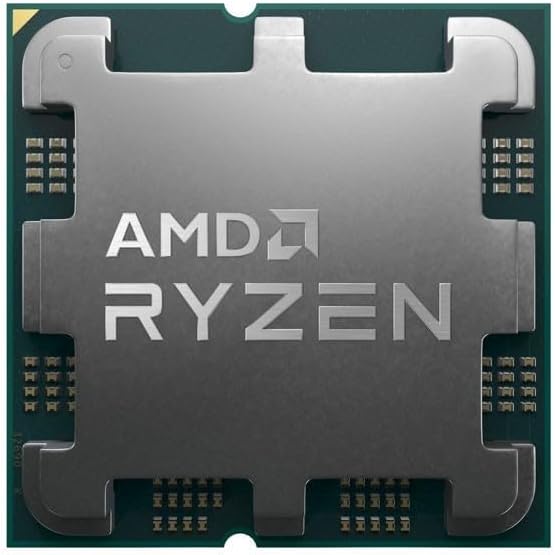
AMD Ryzen 5 7500F
Our top recommendation for this category
Price as of Jan 15, 2026 — see current price on Amazon.
Building your own PC is still the best way to squeeze the most performance out of your money. Below are three complete builds at different price points, all using current-gen parts that make sense in early 2026.
Build comparison
| Component | $500 Starter | $1,000 Sweet Spot | $1,500 Powerhouse |
|---|---|---|---|
| CPU | AMD Ryzen 5 7500F | AMD Ryzen 7 7700X | AMD Ryzen 7 9700X |
| GPU | RTX 4060 | RTX 5070 | RTX 5080 |
| RAM | 16GB DDR5-5600 | 32GB DDR5-6000 | 32GB DDR5-6400 |
| Storage | 500GB NVMe SSD | 1TB NVMe SSD | 2TB NVMe SSD |
| Motherboard | B650M | B650 | X670E |
| PSU | 550W 80+ Bronze | 750W 80+ Gold | 850W 80+ Gold |
| Case | Thermaltake S100 | Fractal Pop Air | Fractal North |
| Target | 1080p 60+ FPS | 1440p 100+ FPS | 4K 60+ / 1440p 144+ FPS |
The $500 starter build
This build handles 1080p gaming at 60+ FPS in every modern game and 100+ FPS in esports titles. It also works fine as a productivity machine.
AMD Ryzen 5 7500F
Pros
- Strong single-thread performance
- Low power consumption
- Included cooler is adequate
- AM5 platform for future upgrades
Cons
- No integrated graphics
- 6 cores may limit longevity
- Boxed cooler is loud under load
Price as of Jan 15, 2026 — see current price on Amazon.
Amazon's listing sat well above AMD's list price at $189.99 when we checked on September 5, 2026. Do not pay that. Wait for stock to come back near $129 or buy the chip from another retailer.
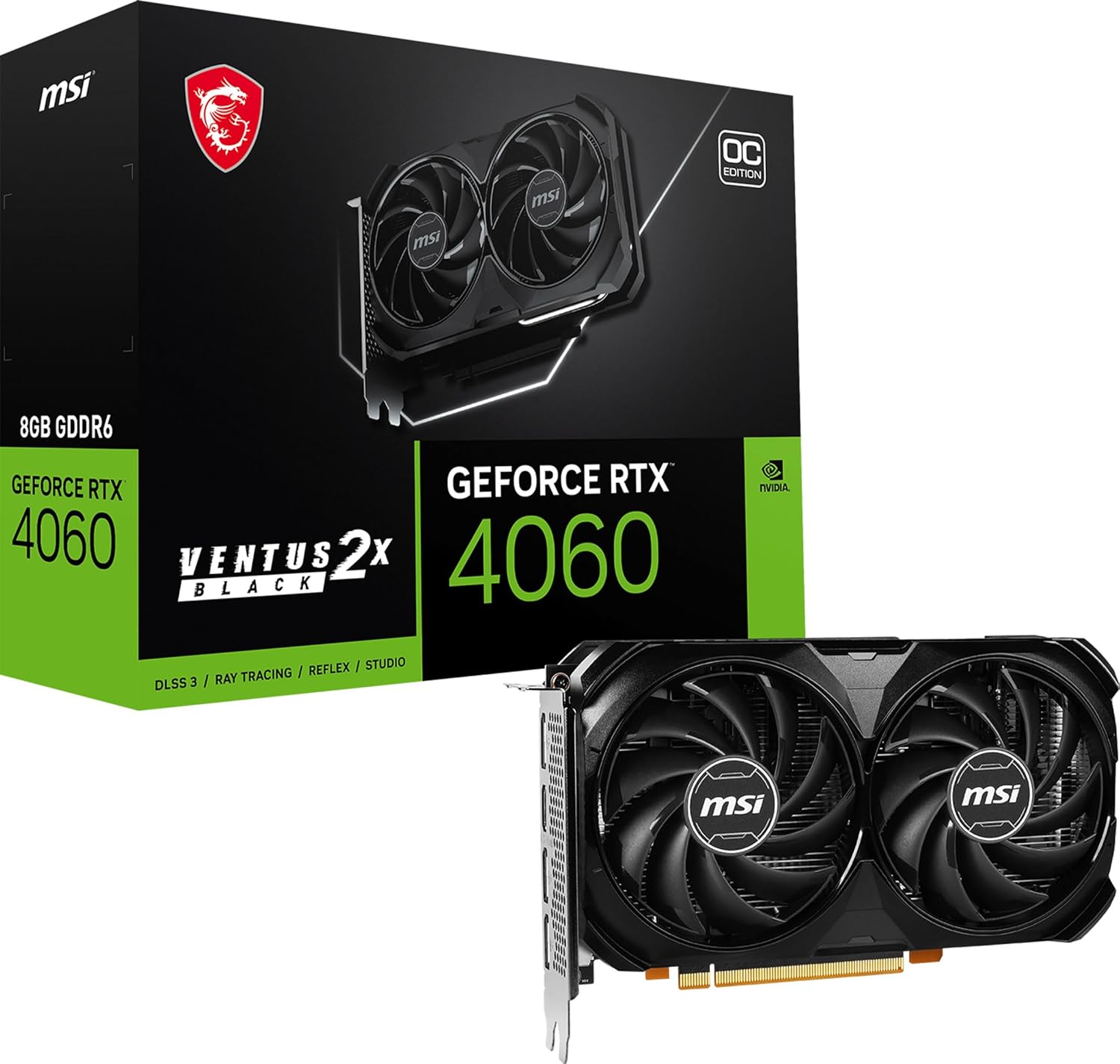
NVIDIA GeForce RTX 4060
Pros
- Solid 1080p performance
- DLSS 3 support
- Low 115W TDP
- Runs cool and quiet
Cons
- 8GB VRAM is limiting
- Not great for 1440p
- Last-gen architecture
Price as of Jan 15, 2026 — see current price on Amazon.
$500 build tips
- Don't skip the SSD, even a 500GB NVMe is worlds better than an HDD
- The stock cooler works, save money here and upgrade later if needed
- Budget cases are fine, airflow matters more than looks
- Buy Windows from Microsoft directly, avoid sketchy key resellers
The $1,000 sweet spot build
This is the build I recommend to most people. It handles 1440p gaming without breaking a sweat and works well for content creation, streaming, and general productivity.
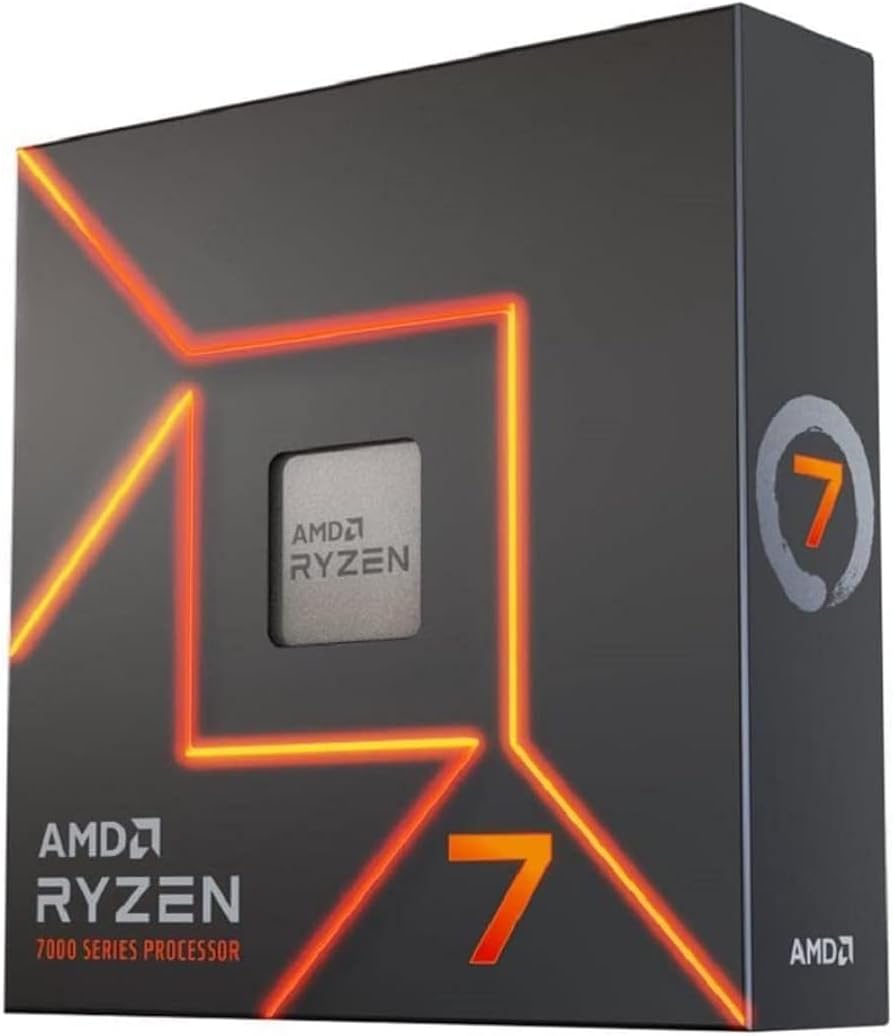
AMD Ryzen 7 7700X
Pros
- 8 cores/16 threads
- Strong gaming performance
- Good for streaming + gaming
- Reasonable power consumption
Cons
- Runs hot without good cooling
- No included cooler
- Ryzen 9000 is out (but pricier)
Price as of Jan 15, 2026 — see current price on Amazon.
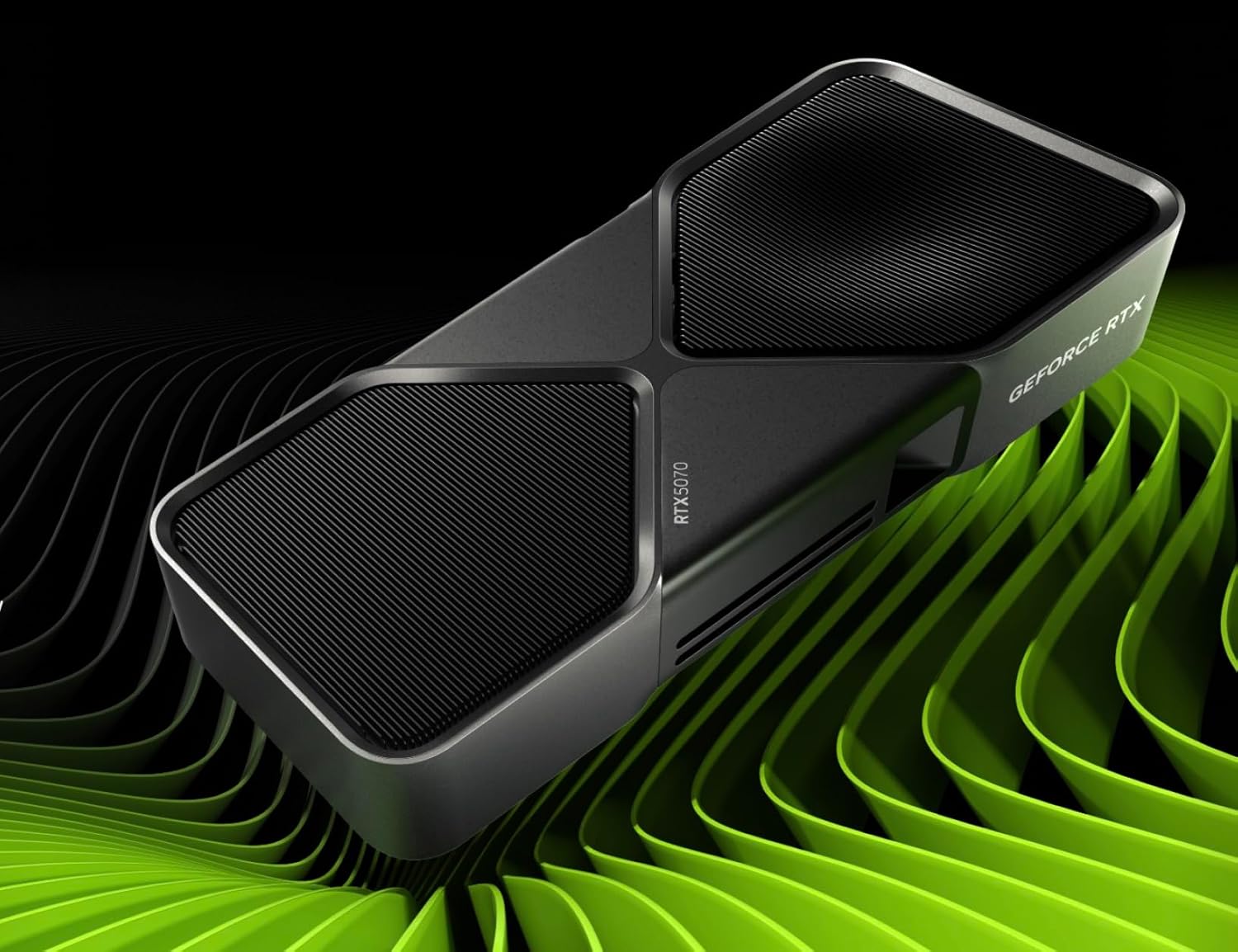
NVIDIA GeForce RTX 5070
Pros
- Outstanding 1440p performance
- DLSS 4 support
- 12GB GDDR7
- Efficient Blackwell architecture
Cons
- Can be hard to find at MSRP
- 12GB may limit some future titles
- Previous-gen 4070 Ti offers similar performance
Price as of Jan 15, 2026 — see current price on Amazon.
Amazon's listing for the RTX 5070 sat well above NVIDIA's $549 list price at $849.99 when we checked on September 5, 2026. Do not pay that. The build math here uses list price; wait for a restock near MSRP or buy the card from another retailer.
$1,000 build tips
- Spend on the GPU, this is where your gaming performance comes from
- Get a good PSU, 750W 80+ Gold gives headroom for future upgrades
- 32GB RAM is the new baseline, games are using more, and multitasking benefits
- Add a tower cooler , $30-40 for a Thermalright Peerless Assassin is money well spent
The $1,500 powerhouse build
For enthusiasts who want premium performance without going full flagship. This build handles 4K gaming, heavy content creation, and should stay relevant for years.
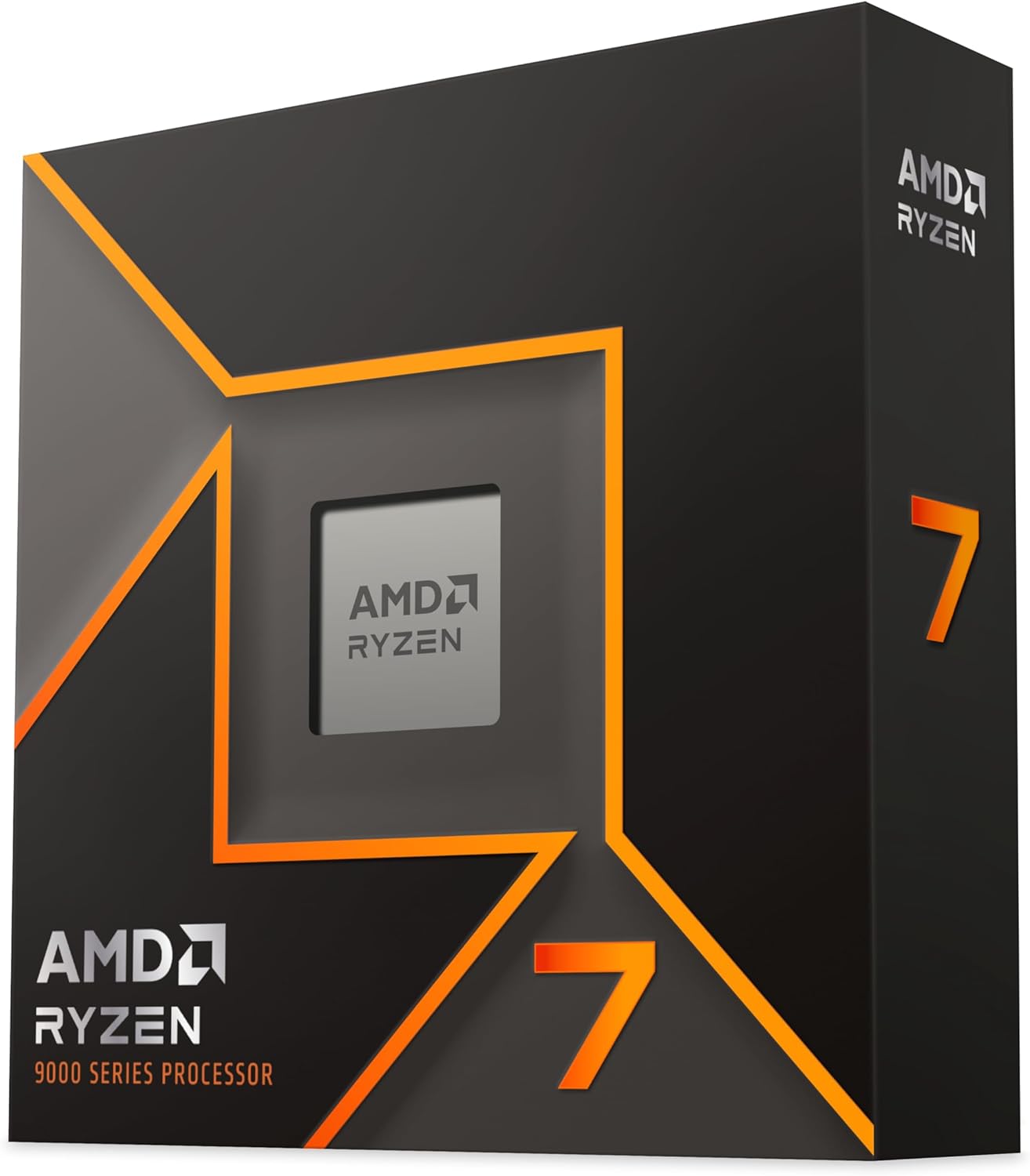
AMD Ryzen 7 9700X
Pros
- Zen 5 architecture, fastest per-core
- 8 cores/16 threads
- Lower power than previous gen
- AM5 longevity
Cons
- Marginal gaming gains over 7700X
- Pricier than Intel alternatives
- No included cooler
Price as of Jan 15, 2026 — see current price on Amazon.
NVIDIA GeForce RTX 5080
Pros
- Excellent 4K gaming
- 16GB GDDR7
- DLSS 4 with Multi Frame Gen
- Handles any game maxed out
Cons
- $999 is still a lot
- 360W TDP
- Availability issues
Price as of Jan 15, 2026 — see current price on Amazon.
Same warning for the RTX 5080: Amazon's listing was $1,849.99 against NVIDIA's $999 list price when we checked on September 5, 2026. That is a scalper premium, not the going rate. Hold out for a restock near MSRP or check Best Buy, Newegg, and Micro Center.
General build tips
- Watch for sales, PC parts go on sale constantly. Check r/buildapcsales
- Don't cheap out on the PSU, a bad PSU can fry everything. Stick to reputable brands (Corsair, Seasonic, be quiet!)
- Cable management matters, not for looks, but for airflow
- Install drivers after building, GPU drivers, chipset drivers, then Windows Update
- Monitor your temps, download HWMonitor and check that nothing runs too hot
The bottom line
The $1,000 sweet spot build is what I'd point most people toward. It hits a good balance between performance and cost, and it'll last. The $500 build gets you into PC gaming without emptying your wallet, and the $1,500 build is for the "max everything out" crowd.
As an Amazon Associate, we earn from qualifying purchases. This doesn't affect our recommendations or editorial independence.
Related guides
Frequently asked questions
- What is a realistic budget for a gaming PC in 2026?
- A capable 1080p gaming PC can be built for $500 to $700 using a mid-range GPU like an RX 7600 or RTX 4060, paired with a Ryzen 5 or Core i5 processor. For 1440p at high settings, budget $800 to $1,100. The GPU takes 40 to 50% of the total budget at any price point.
- Should I build a PC or buy a prebuilt?
- Building yourself saves 20 to 30% versus equivalent prebuilt configurations and teaches you how the hardware works. Prebuilts make sense if you want a warranty, no assembly, and are uncomfortable troubleshooting. The cost premium for prebuilts has shrunk since 2023, but component-by-component builds still offer better value and upgradeability.
- How long will a budget PC build last?
- A well-chosen budget build from 2026 should handle mainstream gaming for 4 to 6 years with one midcycle GPU upgrade. The CPU, RAM, motherboard, and storage typically last longer than the GPU. Choosing a B-series or mid-range chipset motherboard that supports the next CPU generation gives you an upgrade path without replacing everything.
- Do I need more than 16GB of RAM for gaming?
- 16GB is the current sweet spot for gaming. Most games use 8 to 12GB under load, leaving headroom for background apps. 32GB becomes useful if you run creative applications like video editing or 3D rendering alongside gaming. Budget builds can start at 16GB and upgrade later since RAM slots are typically expandable.
- What should I not cheap out on in a budget PC build?
- The power supply and storage. A low-quality PSU can damage components if it fails. Stick to Tier B or higher PSUs from established brands like Corsair, Seasonic, or be quiet! rated 80+ Bronze or better. For storage, an NVMe SSD dramatically outperforms SATA in real-world load times and is worth the small premium over a spinning hard drive for your OS and main games.
How We Pick
We pick products by combining spec-level research, price checks, trusted third-party benchmarks, and owner sentiment from high-signal sources.
- Performance and real-world value in the category this guide targets
- Price-to-performance and deal consistency over recent pricing windows
- Build quality, reliability patterns, and known long-term issues
- Recommendation refresh cadence to keep these picks current
Author
TheTechSearch Editorial Team
Independent product reviewers & PC builders
We compare real-world specs, reviews and owner reports, price trends, and user feedback to recommend gear that actually makes sense to buy.