Best Gaming Monitors 2026
Our top picks for gaming monitors in 2026, from budget 1080p to premium 4K 240Hz displays. Updated with the latest panels and features. Expert picks, pros an...
As an Amazon Associate we earn from qualifying purchases made through our links — this doesn't affect our picks.
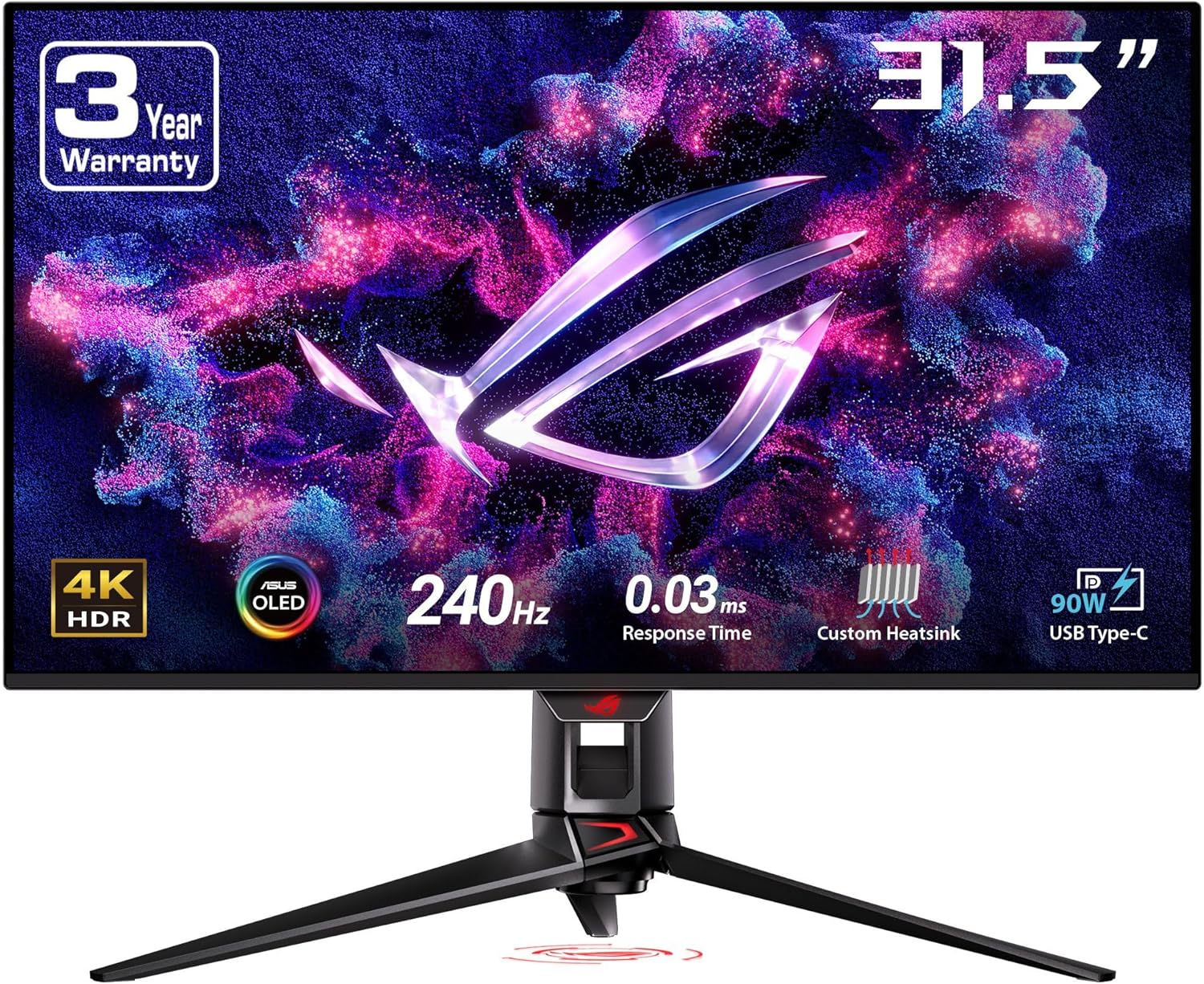
ASUS ROG Swift PG32UCDM
Our top recommendation for this category
Price as of Jan 18, 2026 — see current price on Amazon.
The right gaming monitor makes a bigger difference than most people expect. Reviews and lab measurements across this year's panels show the gap between a mediocre monitor and a good one is night and day, even on the same GPU.
Here are the monitors worth your money in 2026.
Our top picks at a glance
| Monitor | Resolution | Refresh Rate | Panel | Price | |
|---|---|---|---|---|---|
| ASUS ROG Swift PG32UCDM | 4K | 240Hz | QD-OLED | $1,299 | Check Price |
| LG 27GR95QE-B | 1440p | 240Hz | OLED | $799 | Check Price |
| Samsung Odyssey G7 (2026) | 1440p | 165Hz | VA | $349 | Check Price |
| Dell S2722DGM | 1440p | 165Hz | VA | $249 |
Best overall: ASUS ROG Swift PG32UCDM
ASUS ROG Swift PG32UCDM
Pros
- Gorgeous 4K QD-OLED panel
- 240Hz refresh rate
- 0.03ms response time
- Excellent HDR performance
Cons
- Expensive
- QD-OLED burn-in risk with static content
- 32-inch only
Price as of Jan 18, 2026 — see current price on Amazon.
The PG32UCDM is the best gaming monitor you can buy right now. The 32-inch 4K QD-OLED panel delivers perfect blacks, infinite contrast, and colors that pop without looking oversaturated. At 240Hz with a 0.03ms response time, it's fast enough for competitive play too.
HDR on this thing is on another level. Per-pixel dimming means you get true HDR that no LCD can touch. Playing Cyberpunk 2077 or Alan Wake 2 on this display is something else entirely.
Best value: LG 27GR95QE-B
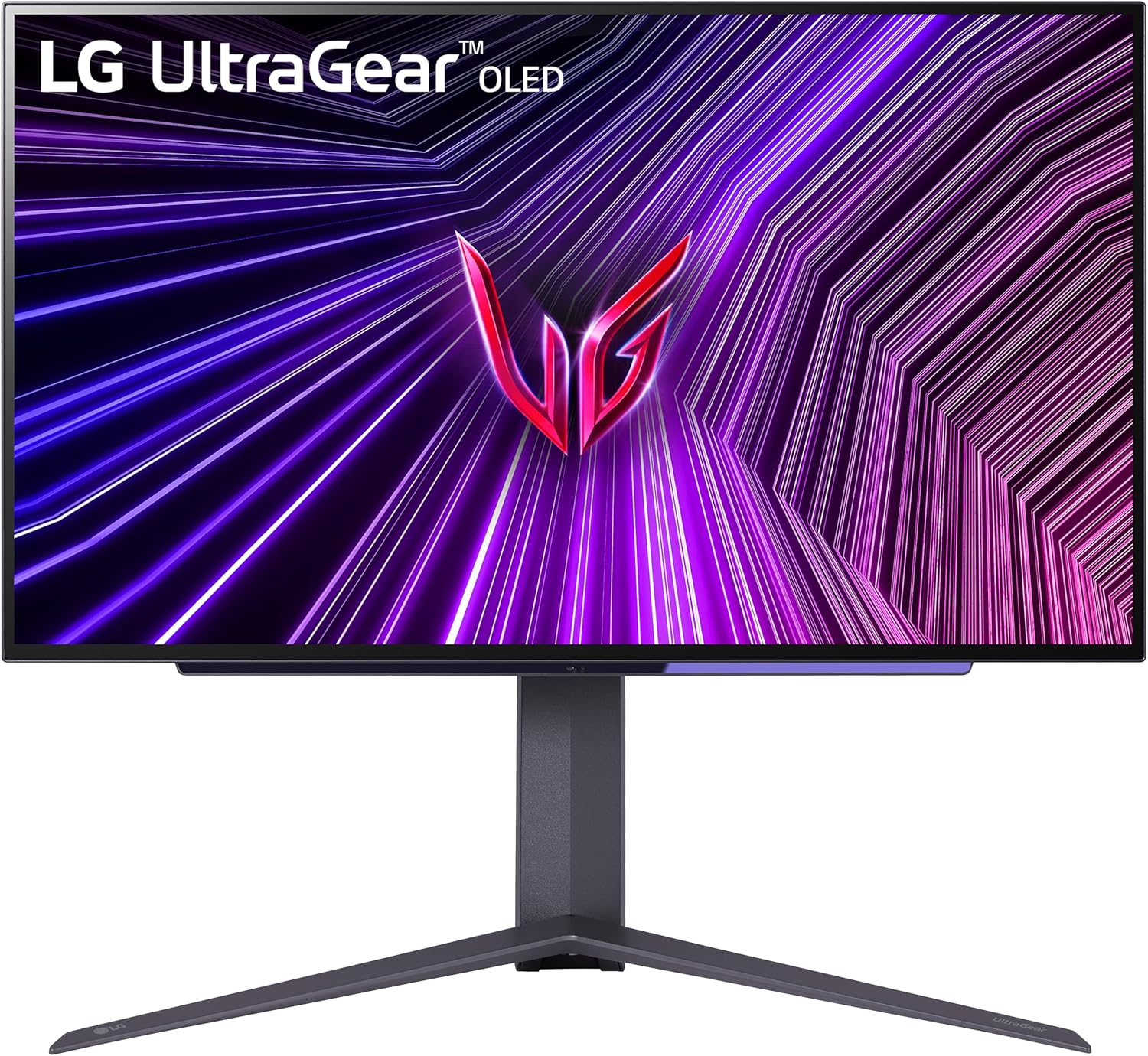
LG 27GR95QE-B
Pros
- Beautiful OLED panel
- 240Hz at 1440p
- Near-instant response times
- Great color accuracy out of box
Cons
- 27-inch might feel small for some
- OLED burn-in concerns
- No USB-C input
Price as of Jan 18, 2026 — see current price on Amazon.
If you want OLED gaming without cracking $1,000, this is the one. You get the same incredible contrast and response times as pricier options, just at 1440p instead of 4K. Honestly, 1440p at 27 inches is the sweet spot anyway for most people, sharp enough that pixels disappear and your GPU doesn't have to work as hard.
Best budget: Samsung Odyssey G7 (2026)
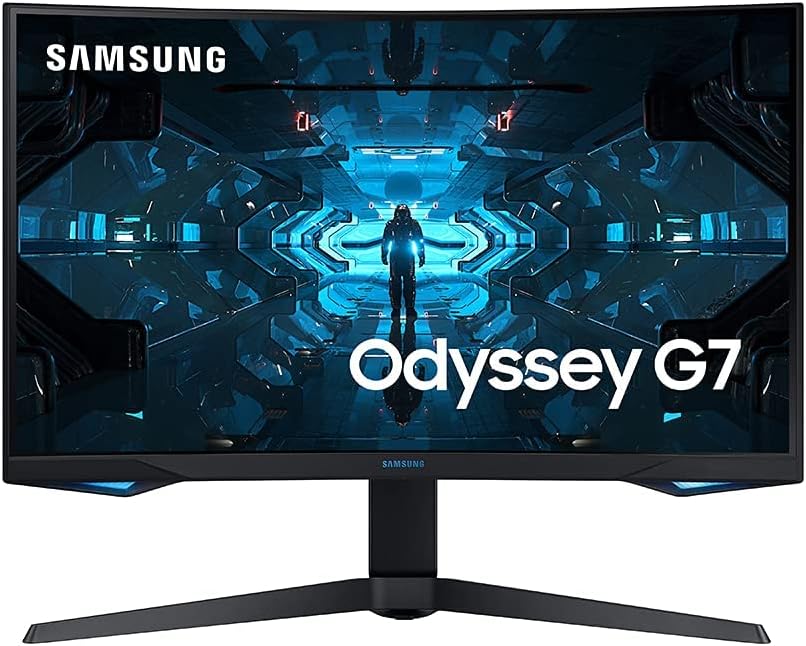
Samsung Odyssey G7 (2026)
Pros
- Excellent contrast ratio
- 165Hz is plenty fast
- Good build quality
- 1000R curve is immersive
Cons
- VA panel has slower response than IPS/OLED
- Curve isn't for everyone
- Limited viewing angles
Price as of Jan 18, 2026 — see current price on Amazon.
You don't need to spend a fortune to have a good time. The VA panel offers deep blacks and high contrast that IPS panels at this price can't match. At $349, it's the monitor to get if you want quality gaming on a budget.
How we pick
We weigh published reviews and lab data on:
- Response time, from independent measurements, not manufacturer claims
- Input lag, total click-to-photon latency
- Color accuracy, reported Delta E out of box and calibrated
- HDR performance, peak brightness, local dimming, tone mapping
- Build quality, stand adjustability, materials, cable management
- Value, performance per dollar compared to alternatives
Buying guide
Resolution
- 1080p: Fine for 24-inch monitors, best for competitive gaming on a budget
- 1440p: The sweet spot for 27-inch monitors, good balance of sharpness and performance
- 4K: Best for 32-inch+ monitors, needs a powerful GPU
Panel type
- OLED/QD-OLED: Best image quality, perfect blacks, fastest response times. Burn-in risk
- IPS: Good colors and viewing angles, decent response times. Weaker contrast
- VA: Best contrast among LCDs, deep blacks. Slower response times, limited viewing angles
Refresh rate
For most gamers, 144-165Hz is where you want to be. The jump from 60Hz is immediately obvious. Going above 165Hz has diminishing returns unless you're playing competitive esports.
The bottom line
For most gamers in 2026, the pick is the LG 27GR95QE-B, OLED quality at a price that doesn't require a second mortgage. If budget is tight, the Samsung Odyssey G7 is a lot of monitor for $349.
As an Amazon Associate, we earn from qualifying purchases. This doesn't affect our recommendations or editorial independence.
Related guides
Frequently asked questions
- What refresh rate do I need for competitive gaming?
- 144Hz is the entry point where competitive players notice a meaningful improvement over 60Hz. At 165Hz and 240Hz, the benefit is real but smaller with each step. Most professional FPS players use 240Hz monitors. For casual gaming, 144Hz is the sweet spot balancing cost and performance. For console gaming at 4K, 60Hz is the standard since current consoles max out there for most titles.
- Is 4K 144Hz worth it for gaming in 2026?
- Only if you have a GPU powerful enough to drive it. 4K 144Hz gaming requires an RTX 4080 or RX 7900 XTX class GPU. With a mid-range card like an RTX 4070 or RX 7700, you will drop to 1440p or lower resolutions to maintain 144fps. For most gamers with mid-range GPUs, 1440p 165Hz offers better actual frame rates than 4K 60Hz for competitive titles.
- What is the difference between IPS, VA, and OLED gaming monitors?
- IPS panels offer wide viewing angles, good color accuracy, and fast response times. VA panels offer deeper blacks and better contrast but have slower pixel response causing ghosting in fast scenes. OLED gaming monitors have perfect blacks, instant response, and excellent color but cost significantly more and can develop burn-in with static UI elements. For competitive FPS, IPS is the standard. For immersive single-player gaming, OLED is the premium choice.
- Should I buy a G-Sync or FreeSync monitor?
- G-Sync monitors are certified by NVIDIA and guaranteed to work correctly with NVIDIA GPUs. FreeSync is AMD's standard but many FreeSync monitors also work with NVIDIA cards under the G-Sync Compatible label. If you own or plan to buy an NVIDIA GPU, a G-Sync Compatible FreeSync monitor saves money without sacrificing adaptive sync benefits. If you are all-in on AMD, native FreeSync is the right choice.
- What response time spec should I look for?
- Response time marketing is inconsistent. Manufacturers often advertise MPRT (moving picture response time) which is always lower than the more meaningful GtG (gray-to-gray) figure. Look for GtG response of 1ms to 4ms for competitive gaming monitors. Any IPS monitor with a rated GtG under 4ms combined with 144Hz or higher refresh rate will feel smooth in practice. Overdrive settings on the monitor can further tune response time at the cost of some overshoot artifacts.
How We Pick
We pick products by combining spec-level research, price checks, trusted third-party benchmarks, and owner sentiment from high-signal sources.
- Performance and real-world value in the category this guide targets
- Price-to-performance and deal consistency over recent pricing windows
- Build quality, reliability patterns, and known long-term issues
- Recommendation refresh cadence to keep these picks current
Author
TheTechSearch Editorial Team
Independent product reviewers & PC builders
We compare real-world specs, reviews and owner reports, price trends, and user feedback to recommend gear that actually makes sense to buy.