Best Digital Photo Frames 2026
Five Wi-Fi photo frames compared on screen, sharing and the subscription fine print, from the $149 Aura Carver to the 15-inch Aura Walden. Expert picks, pros...
As an Amazon Associate we earn from qualifying purchases made through our links — this doesn't affect our picks.
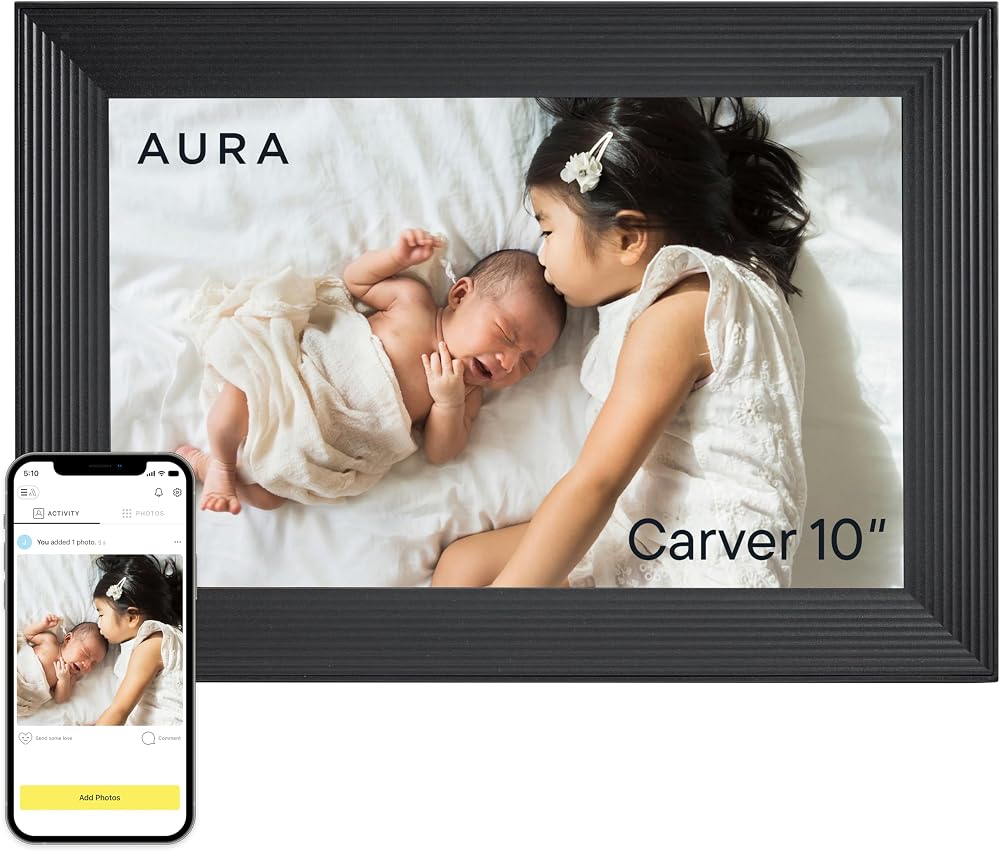
Aura Carver 10-inch (Black)
Our top recommendation for this category
Price as of Oct 6, 2026 — see current price on Amazon.
In this guide
- Aura Carver 10-inch (Black): Best for Most People
- Skylight Frame 2 (Walnut): Best for Grandparents
- Aura Aspen 12-inch (Black Mat): Best Upgrade Pick
- Aura Walden 15-inch (Black Mat): Best Large Frame
- Nixplay 10.1-inch Touch (Black/Silver): Best for Alexa Homes
- How to Choose a Digital Photo Frame
- Bottom Line
A digital photo frame lives or dies on two things that spec sheets bury: how easily the people who own the photos can get them onto it, and what the company charges once the box is open. Screen quality matters too, but every frame here is good enough that the subscription page will decide your experience long before the panel does.
So this guide ranks the five Wi-Fi frames worth buying on those terms. Three come from Aura, which charges nothing after purchase and stores unlimited photos. The other two, from Skylight and Nixplay, have touchscreens and cheaper entry points but hold features back for a yearly plan. Prices are Amazon's on 6 October 2026.
| Frame | Screen | Touch | Subscription | Price | |
|---|---|---|---|---|---|
| Aura Carver 10-inch (Black) | 10.1in, 1280x800 | No | None | $149 | Check Price |
| Skylight Frame 2 (Walnut) | 10in, 1920x1200 | Yes | Plus $39/yr optional | $219.99 | Check Price |
| Aura Aspen 12-inch (Black Mat) | 12in, 1600x1200, 4:3 | No | None | $229 | Check Price |
| Aura Walden 15-inch (Black Mat) | 15in, 1600x1200, 4:3 | No | None | $239 | Check Price |
| Nixplay 10.1-inch Touch (Black/Silver) | 10.1in, 1280x800 | Yes | Lite $19.99/yr, Plus $29.99/yr | $159.99 | Check Price |
Aura Carver 10-inch (Black): Best for Most People
Aura Carver 10-inch (Black)
Pros
- No subscription, free unlimited photo storage
- Family can add photos from the app, email or a text
- Google Photos and iCloud imports
- Plays 30-second video clips
Cons
- Landscape only, pairs two portraits side by side instead
- No touchscreen, controls are a touch bar on top
- 1280x800 is the lowest resolution here
Price as of Oct 6, 2026 — see current price on Amazon.
The Carver is the frame to buy if you're not sure which frame to buy. It costs $149, the same as Aura's own list price, and that's the last money you'll ever hand Aura for it.
Everything that makes a frame pleasant to live with is included. Anyone you invite can add photos from the free app on iPhone or Android, by email, or by texting them to the frame. Storage in Aura's cloud is unlimited. And the frame handles portrait shots well for a landscape-only display, because Aura's software pairs two related portraits side by side rather than shrinking one into a letterbox.
The 10.1-inch, 1280 x 800 screen is the weak point on paper. Lower resolution than the Skylight, and you'll see it on close inspection of fine detail. From across a kitchen counter, honestly, nobody notices. The ribbed frame looks more like a wooden picture frame than a tablet, which is half the point.
Setup is done from a phone, so it's an easy gift. One caveat that comes up in owner reviews: if the recipient changes their Wi-Fi network later, someone has to update it on site.
Skylight Frame 2 (Walnut): Best for Grandparents
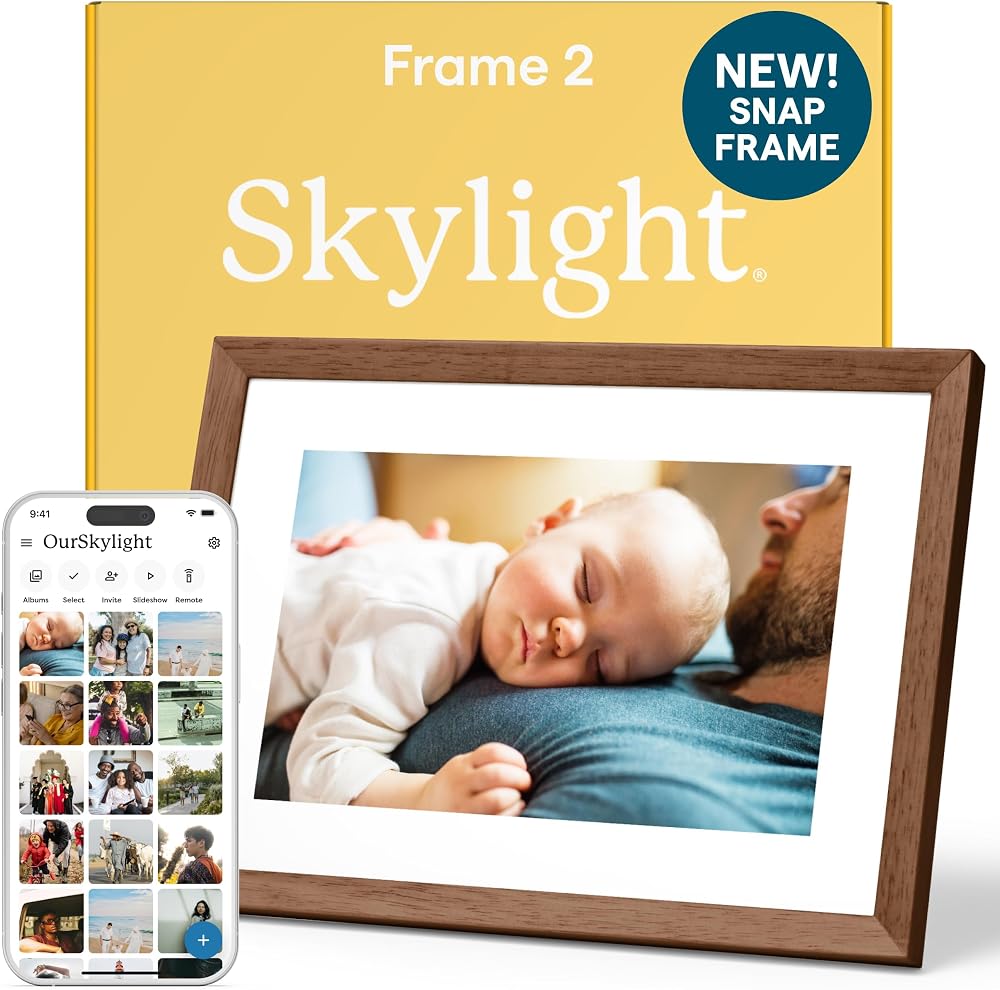
Skylight Frame 2 (Walnut)
Pros
- Sharpest screen here at 1920x1200
- Touchscreen with a Heart button that notifies the sender
- 16GB on board, about 16,000 photos
- Every frame gets its own email address
Cons
- Video, captions and remote settings need Plus at $39 a year
- Walnut costs more than the painted finishes
- Wi-Fi changes have to be done at the frame
Price as of Oct 6, 2026 — see current price on Amazon.
Skylight's pitch is the simplest in the category. Each frame gets an email address. Anyone who can attach a photo to an email can fill it, no app or account required, and photos arrive in under a minute.
That makes it the strongest pick when the senders are relatives who barely use apps. The touchscreen lets the person at the frame swipe back to a photo and tap a heart, which pings the sender. Small feature, and it's the one families talk about most in reviews.
Frame 2 fixed the original's biggest weakness. The 10-inch panel is now 1920 x 1200 Full HD with an anti-glare coating, a real jump from the old 1280 x 800 Skylight. Storage doubled to 16GB, and the walnut finish is real hardwood that you can swap later with Skylight's Snap Frames.
The fine print is Skylight Plus. At $39 a year it adds video with sound, captions, albums, remote settings and doodles. Without it, the frame shows photos and that's it. Over three years Plus adds $117, which puts the walnut Frame 2 at about $337 all in.
Aura Aspen 12-inch (Black Mat): Best Upgrade Pick
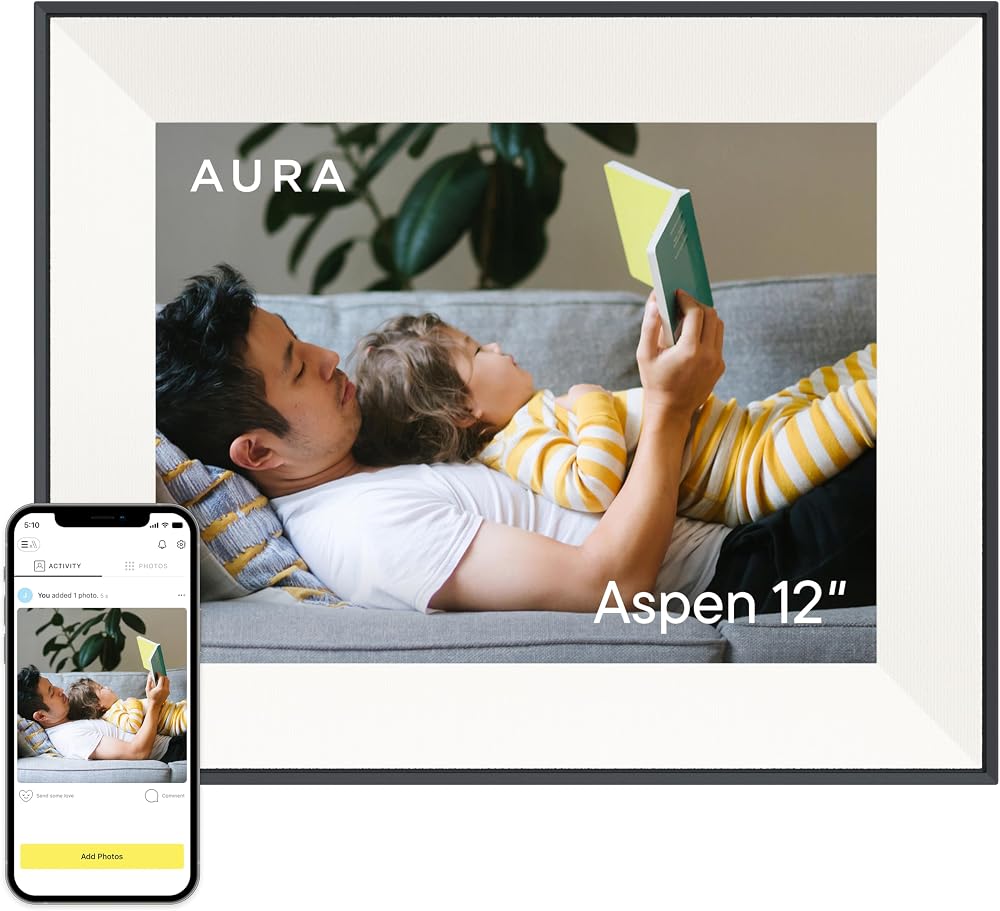
Aura Aspen 12-inch (Black Mat)
Pros
- 4:3 screen matches phone photos edge to edge
- 1600x1200 resolution on a 12-inch panel
- Stands portrait or landscape
- Photo captions and people search in the app
Cons
- $80 more than the Carver
- No touchscreen
- Paper-textured mat shrinks the visible picture slightly
Price as of Oct 6, 2026 — see current price on Amazon.
The Aspen fixes the one thing the Carver can't: aspect ratio. Its 1600 x 1200 screen is 4:3, which is the shape most phone cameras shoot by default. A typical phone photo fills the whole panel with no bars and no cropping.
It's also Aura's thinnest frame at half an inch along the edge, and it stands either way on its metal stand. A matted border makes it read as a framed print. Aura launched it at $229 and Amazon's price matches.
Two software features arrived with it. Captions let you add a date, place or short note that shows on the frame. People search lets you tap a face in the app to favour photos of that person, and Aura says that recognition runs on the device rather than in the cloud. Same no-subscription model as the Carver.
Worth the extra $80? If your library is mostly phone photos taken vertically, yes. If it's mostly landscape shots from a camera, the Carver does the job.
Aura Walden 15-inch (Black Mat): Best Large Frame
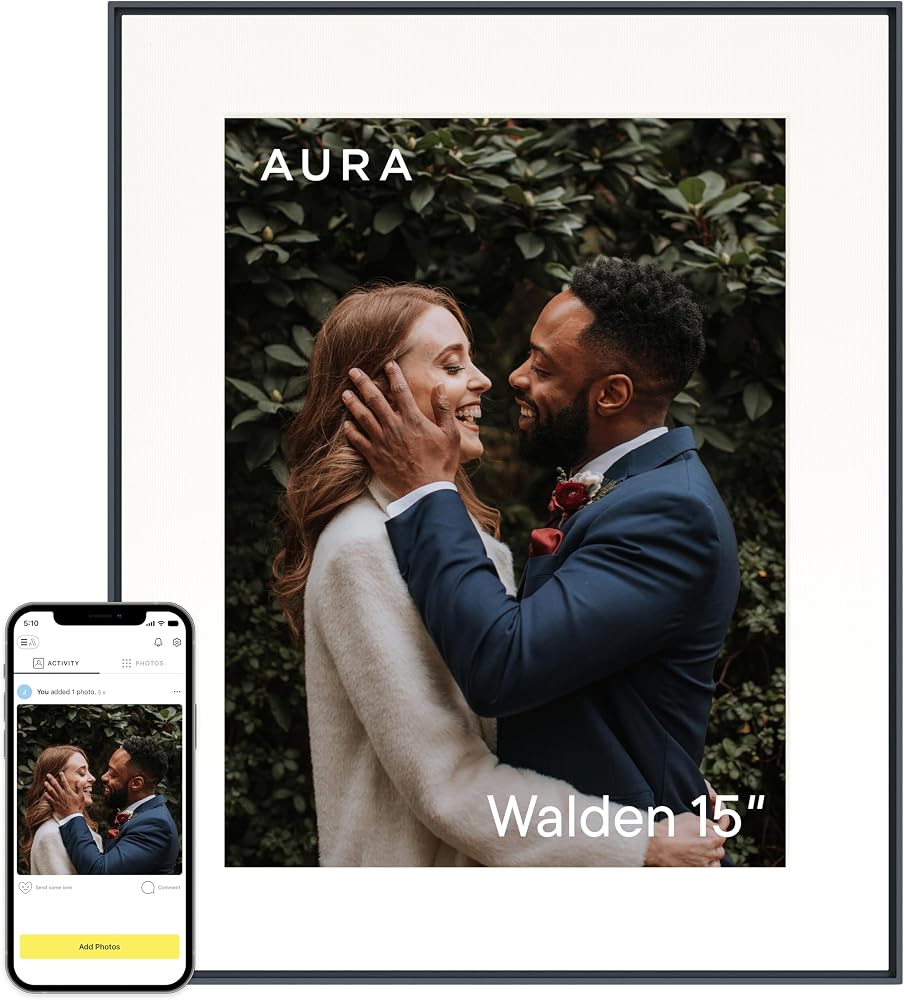
Aura Walden 15-inch (Black Mat)
Pros
- 15-inch screen is big enough for a mantel or shelf
- $239 on Amazon against Aura's $299 list
- Dual orientation with a 4:3 panel
- Built-in speakers for 30-second clips
Cons
- 133 pixels per inch is softer up close than the 10-inch Skylight
- 3.6 pounds and 1.2 inches deep
- Video plays muted until you tap for sound
Price as of Oct 6, 2026 — see current price on Amazon.
Small frames get lost on a big wall. The Walden's 15-inch panel is the one in this group that reads as decor from across a living room.
It runs at 1600 x 1200 on a 4:3 panel, so phone photos fill it the same way they fill the Aspen. Stretched over 15 inches, that works out to about 133 pixels per inch. That's softer than the 10-inch Skylight if you lean in, and perfectly sharp from a sofa. The matte screen does a good job with window glare.
The frame measures 15.7 x 12.7 x 1.2 inches and weighs 3.64 pounds, so plan a sturdy shelf or the included stand. It plays clips up to 30 seconds through built-in speakers, muted by default, with sound a tap away.
What pushes it up the list is price. Aura lists the Walden at $299, and Amazon's $239 makes it only $10 more than the 12-inch Aspen. For a big frame with no subscription, that's the value pick.
Nixplay 10.1-inch Touch (Black/Silver): Best for Alexa Homes
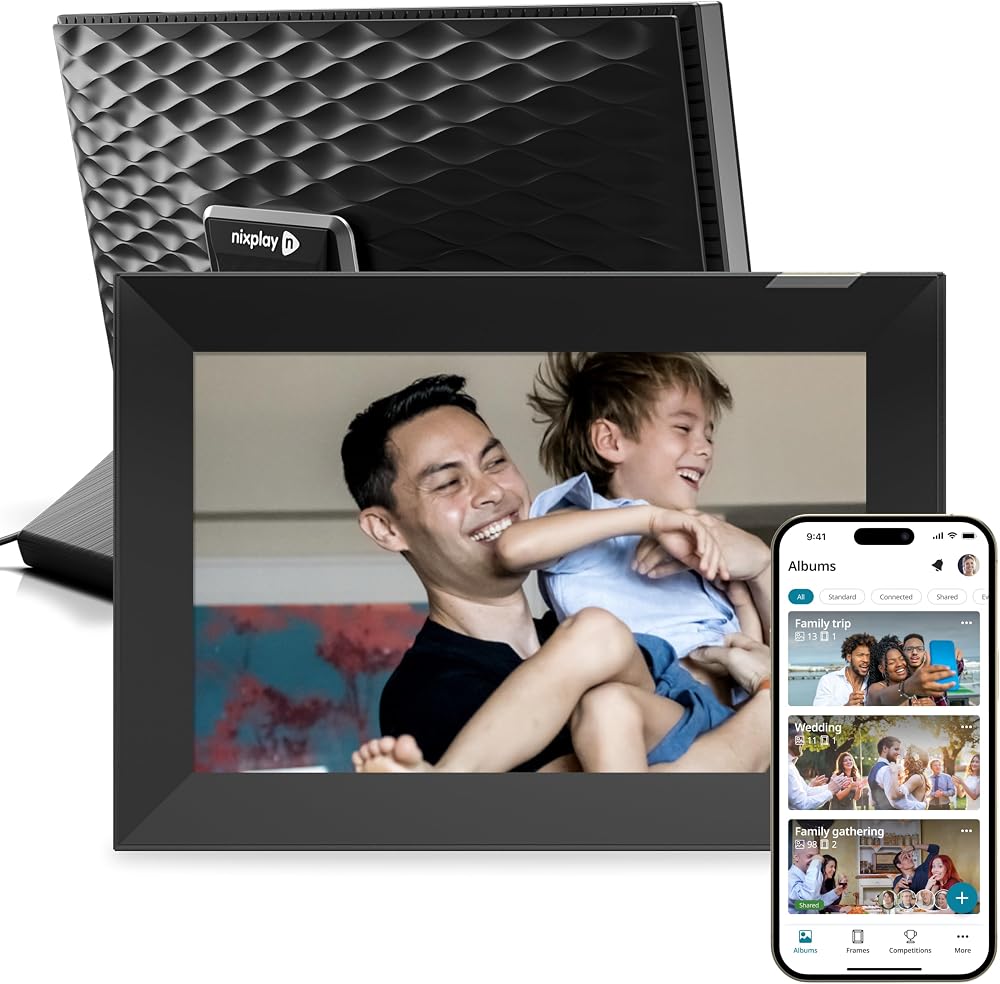
Nixplay 10.1-inch Touch (Black/Silver)
Pros
- Touchscreen with auto-rotate between portrait and landscape
- Built-in speaker plays short clips with sound
- Works with Alexa
- Shared playlists across up to 5 frames on the free plan
Cons
- Free plan caps cloud storage at 500MB for photos
- Google Photos sync needs a paid plan since April 2025
- 1280x800 screen, same as the cheaper Carver
Price as of Oct 6, 2026 — see current price on Amazon.
Nixplay gets a lot right on hardware. The 10.1-inch touchscreen auto-rotates, there's a speaker, and it plays short video clips with sound on the free plan, which Aura and Skylight frames handle differently. It also works with Alexa, so you can ask for a specific album by voice.
The catch is the plan structure. Free accounts get 500MB of photo storage and 500MB of video, and photos are resized to a 3MB maximum. Nixplay Lite costs $19.99 a year for 100GB of photo storage. Plus is $29.99 a year for unlimited photos and 50GB of video. And since April 21, 2025, free accounts can't connect a synced Google Photos or Dropbox album at all.
So the true price depends on how many photos you send. A family feeding it a few dozen photos a month can live on free for a long time. Anyone hoping to sync a big shared album should budget Lite or Plus from day one, which puts three years at roughly $220 to $250 all in.
How to Choose a Digital Photo Frame
Start with the subscription, not the screen
Aura charges nothing after purchase, with unlimited storage. Skylight works without Plus but locks video, captions and remote control behind $39 a year. Nixplay's free tier is limited enough that heavy users will pay. Multiply any yearly fee by three before you compare sticker prices, because that's roughly how long a frame stays on a shelf.
Match the aspect ratio to your photos
Phone cameras default to 4:3. A 4:3 frame like the Aspen or Walden shows those shots edge to edge. A 16:10 frame like the Carver, Skylight or Nixplay crops them or adds bars, and Aura's portrait pairing on the Carver is a clever workaround rather than a fix.
Decide who sends the photos
If the senders are comfortable with apps, any of these work. If they're not, Skylight's email address per frame is the lowest-friction option in the category. Aura also accepts photos by email and text, so it's close behind.
Touchscreen or not
A touchscreen helps the person at the frame swipe and react. It also collects fingerprints. Aura deliberately skips it and puts a small touch bar along the top edge instead. Neither approach is wrong. It comes down to whether the frame's owner wants to interact with it or just look at it.
Size for the room
Ten inches suits a desk, nightstand or kitchen counter. Twelve is a good compromise for a sideboard. Fifteen is for a mantel or a shelf you see from across the room. Viewing distance matters more than pixel count: the Walden's lower pixel density disappears at sofa distance.
Frequently asked questions
- Do digital photo frames need a subscription?
- Not all of them. Aura's Carver, Aspen and Walden need no subscription and include unlimited cloud storage. Skylight works without one but charges $39 a year for video, captions and remote settings. Nixplay's free plan caps photo storage at 500MB, with Lite at $19.99 a year and Plus at $29.99.
- Which digital photo frame is easiest for grandparents?
- The Skylight Frame 2. Every frame gets its own email address, so anyone who can email a photo can send one without an app, and the touchscreen Heart button lets the recipient react. Aura is a close second because it also accepts photos by email and text.
- Is Aura or Skylight better?
- Aura is better if you want no ongoing cost and unlimited storage. Skylight is better if you want a touchscreen and the sharpest 10-inch screen, at 1920x1200. Factor in Skylight Plus at $39 a year if you want video, which Aura includes.
- What size digital photo frame should I buy?
- Ten inches for a desk, nightstand or counter, 12 inches for a sideboard, and 15 inches for a mantel or a shelf you see from across the room. The bigger the viewing distance, the less pixel density matters.
- Can a digital photo frame show photos from Google Photos?
- Aura frames can import from Google Photos and iCloud on the free model. Nixplay removed synced Google Photos albums from its free plan in April 2025, so you need Lite or Plus for that. Skylight relies on email and its own app rather than a Google Photos sync.
Bottom Line
The Aura Carver at $149 is the right frame for most homes: no subscription, unlimited storage, and sharing that relatives can manage. Pick the Skylight Frame 2 when the senders are less technical or the owner wants a touchscreen, and budget for Plus if you want video. Step up to the Aura Aspen for edge-to-edge phone photos, or to the 15-inch Aura Walden, which at $239 costs barely more than the Aspen. Choose the Nixplay only if Alexa control matters to you, and read its storage limits first.
How We Test
We score products by combining spec-level research, pricing history, trusted third-party benchmarks, and owner sentiment from high-signal sources.
- Performance and real-world value in the category this guide targets
- Price-to-performance and deal consistency over recent pricing windows
- Build quality, reliability patterns, and known long-term issues
- Recommendation refresh cadence to keep these picks current
Author
TheTechSearch Editorial Team
Independent product reviewers & PC builders
We test and compare real-world specs, price trends, and user feedback to recommend gear that actually makes sense to buy.