Best Gaming Laptops Under $1,500 in 2026
The best gaming laptops under $1,500 in 2026: ASUS ROG Zephyrus G14, Lenovo Legion 5, ASUS TUF A16, and Acer Predator Helios Neo 16 with RTX 5060 and 5070.
As an Amazon Associate we earn from qualifying purchases made through our links — this doesn't affect our picks.
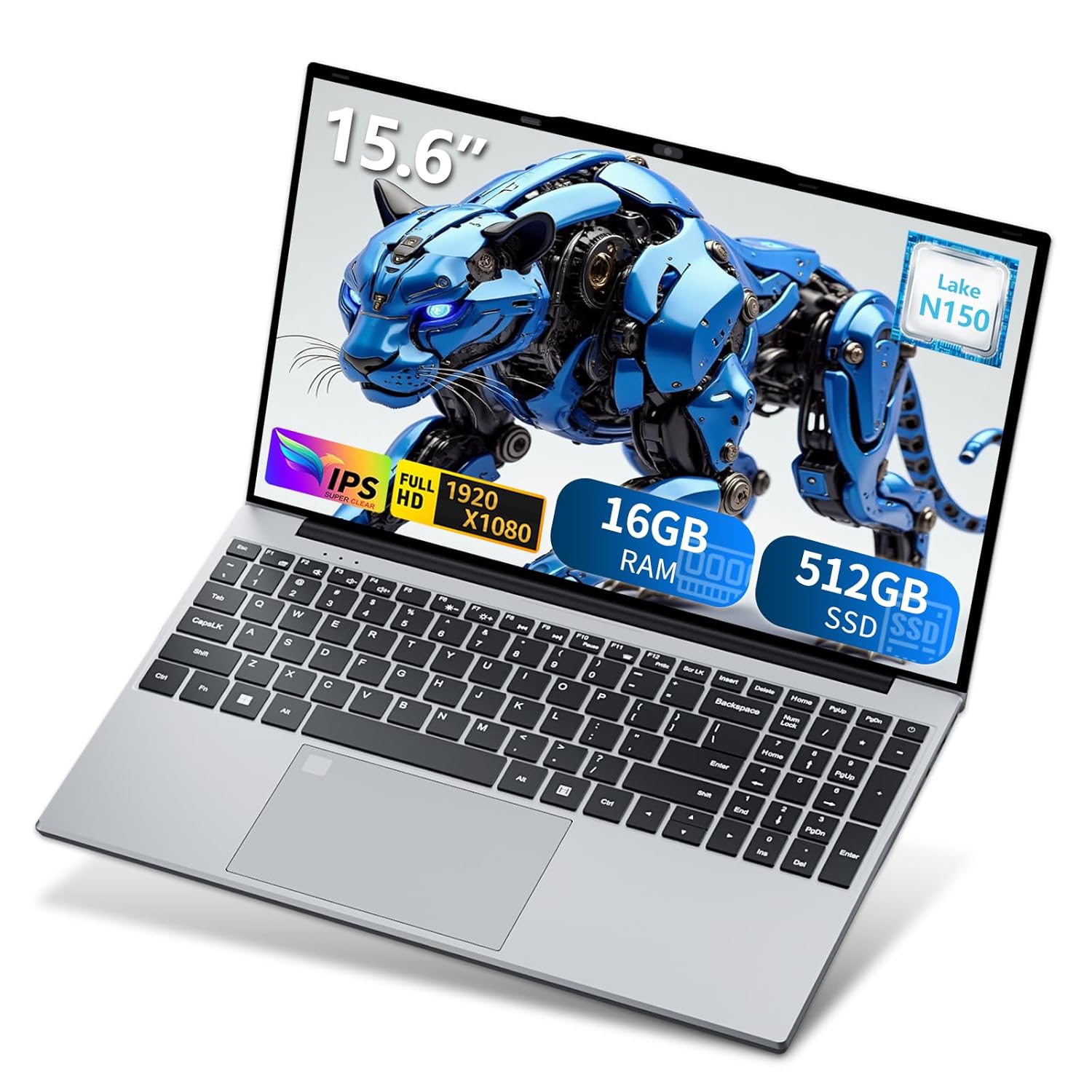
ASUS ROG Zephyrus G14 14-inch OLED Gaming Laptop - AMD Ryzen 9 270, RTX 5060 (2025)
Our top recommendation for this category
Price as of Mar 7, 2026 — see current price on Amazon.
In this guide
Best Gaming Laptops Under $1,500 in 2026
The $1,000 to $1,500 range is the most interesting bracket in gaming laptops right now. It's where RTX 5060 and 5070 GPUs live, where QHD/WQXGA displays become standard, and where you cross the threshold from "capable gaming laptop" to "genuinely impressive gaming laptop."
Unlike the under-$1,000 category, these machines don't require significant compromises. You get fast displays, real thermal headroom, and GPU performance that handles 1440p at high settings on most games. DLSS 4 makes even harder titles playable at high frame rates.
Here's what actually earns your money in this bracket.
A pricing note: Amazon has three of the four picks above $1,500. The Zephyrus G14 link is a third-party bundle at $2,188.01, the Legion 5 is $1,599.99, and the Helios Neo 16 is $1,699.99. Only the TUF A16 at $1,499 sits inside the bracket. Card prices below are Amazon's prices, not list prices, so treat the over-budget picks as wait-for-a-sale entries or check the maker's own store.
Quick Picks
- Best overall: ASUS ROG Zephyrus G14 (2025): thin, OLED, RTX 5060, exceptional battery
- Best value: Lenovo Legion 5 Gen 10: OLED, RTX 5060, strong thermals
- Best budget pick: ASUS TUF Gaming A16: reliable build, 144Hz, RTX 5060 at lower price
- Best performance: Acer Predator Helios Neo 16: RTX 5070 Ti, now over the ceiling at $1,699.99
1. ASUS ROG Zephyrus G14 (2025): Best Overall
ASUS ROG Zephyrus G14 14-inch OLED Gaming Laptop - AMD Ryzen 9 270, RTX 5060 (2025)
Pros
- 3K OLED display at 120Hz is stunning for gaming and productivity
- Genuinely portable at 3.5 lbs for a gaming machine
- RTX 5060 handles 1440p at high settings with DLSS 4
- Exceptional battery life for a gaming laptop (8-10 hours light use)
- Premium build quality for the price
Cons
- 16GB RAM on base config, 32GB preferred for future-proofing
- Smaller 14" screen won't suit everyone
- RTX 5060 has lower TGP than the larger Lenovo Legion
Price as of Mar 7, 2026 — see current price on Amazon.
The Zephyrus G14 proves you don't have to choose between gaming performance and portability. At 3.5 lbs with a 3K OLED display and RTX 5060, it's the kind of machine you can actually carry to a coffee shop, and it still handles demanding games at 1440p.
The ROG Nebula OLED panel runs at 120Hz with 2880x1800 resolution. Gaming at native resolution looks excellent. With DLSS 4 Quality mode enabled, you get near-native visual quality at 60-120+ fps on most titles. The Ryzen 9 270 CPU is strong on both single-core and multi-core workloads, making this a capable laptop for content creation and gaming in equal measure.
Battery life is the surprise feature: 8-10 hours of productivity use on a single charge, which almost no other gaming laptop achieves at this price.
Buy it if: You want premium gaming performance in a laptop you'll actually carry daily.
2. Lenovo Legion 5 Gen 10: Best Value
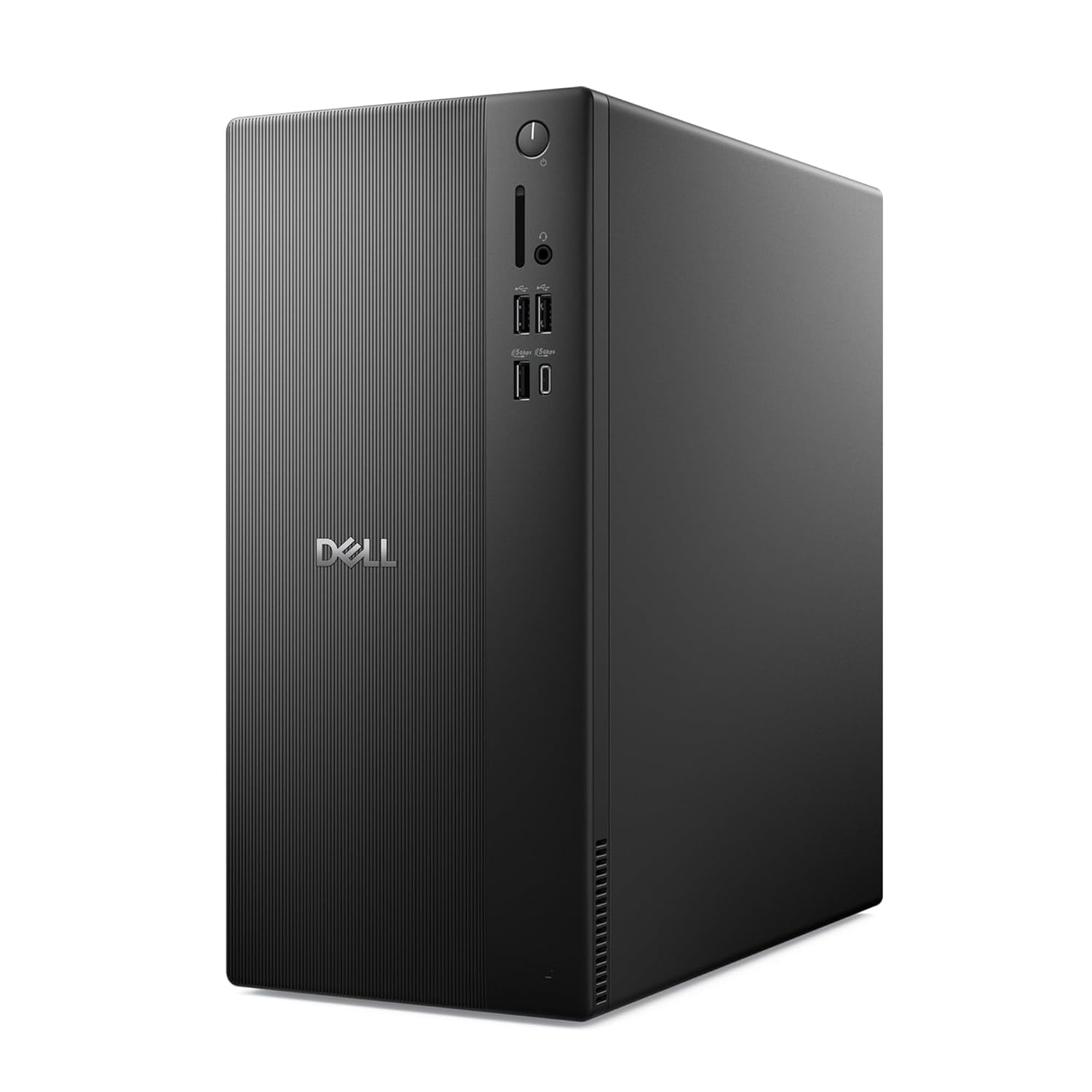
Lenovo Legion 5 Gen 10 15.1-inch OLED Gaming Laptop - AMD Ryzen 7 260, RTX 5060
Pros
- OLED display at 165Hz at this price is excellent value
- Ryzen 7 260 is strong for gaming workloads
- Legion cooling system keeps sustained performance stable
- Good port selection with USB-A, USB-C, HDMI 2.1, Ethernet
Cons
- 512GB SSD on base config is cramped; budget for a storage upgrade
- Chassis is thick and heavy vs the Zephyrus G14
- Fan noise under full gaming load is loud
Price as of Mar 7, 2026 — see current price on Amazon.
Lenovo's Legion line consistently delivers strong specs-per-dollar. The Gen 10 continues that tradition. The 15.1-inch OLED panel at 165Hz in the WQXGA (2560x1600) resolution was genuinely hard to find at the price this guide launched with. At $1,599.99 in September 2026 it's a fair deal rather than a steal. That display configuration alone would justify a higher price in other brands.
The Ryzen 7 260 is a solid CPU for gaming, and Lenovo's thermal design handles sustained workloads better than most chassis in this price range. The RTX 5060 with higher TGP (thermal design power) than the G14 means slightly better raw performance in GPU-heavy games when plugged in.
If you're primarily a desk gamer who wants a big OLED screen at a fair price, the Legion 5 Gen 10 is the clearest value in this roundup.
Buy it if: You game at a desk, want an OLED display and can stretch to $1,600, and don't need portability.
3. ASUS TUF Gaming A16 (2025): Best Budget Entry

ASUS TUF Gaming A16 16-inch FHD+ 165Hz Gaming Laptop - AMD Ryzen 7 260, RTX 5060 (2025)
Pros
- MIL-STD-810H durability rating: actually built for daily use
- Large 90Wh battery for a gaming laptop
- 16" screen at 165Hz provides a large gaming canvas
- Competitive RTX 5060 gaming performance
Cons
- FHD+ (1920x1200) display is less impressive than OLED competition
- Build quality feels cheaper than the Zephyrus G14
- Bundled configurations with inflated specs may cost more than base
Price as of Mar 7, 2026 — see current price on Amazon.
The ASUS TUF line is the value tier that doesn't feel cheap. MIL-STD-810H durability certification means the chassis is tested for temperature extremes, drop resistance, and humidity. These are qualities that matter for a laptop you'll throw in a backpack.
The 16-inch 1920x1200 display at 165Hz is capable for gaming, though it's not the OLED option the Zephyrus and Legion offer. In games that run at high frame rates, the 165Hz smoothness compensates for the lower resolution. For shooters and fast-paced games where frame rate matters more than resolution sharpness, the TUF A16 is competitive.
At $1,499 for the listing we link (a 16GB/1TB unit sold as a bundle with a laptop cooler), it's the only machine in this guide inside the $1,500 line, and it doesn't feel like a compromise on build quality.
Buy it if: You want the lowest entry point into RTX 5060 gaming with a reliable, durable build.
4. Acer Predator Helios Neo 16: Best Performance at the Budget Ceiling
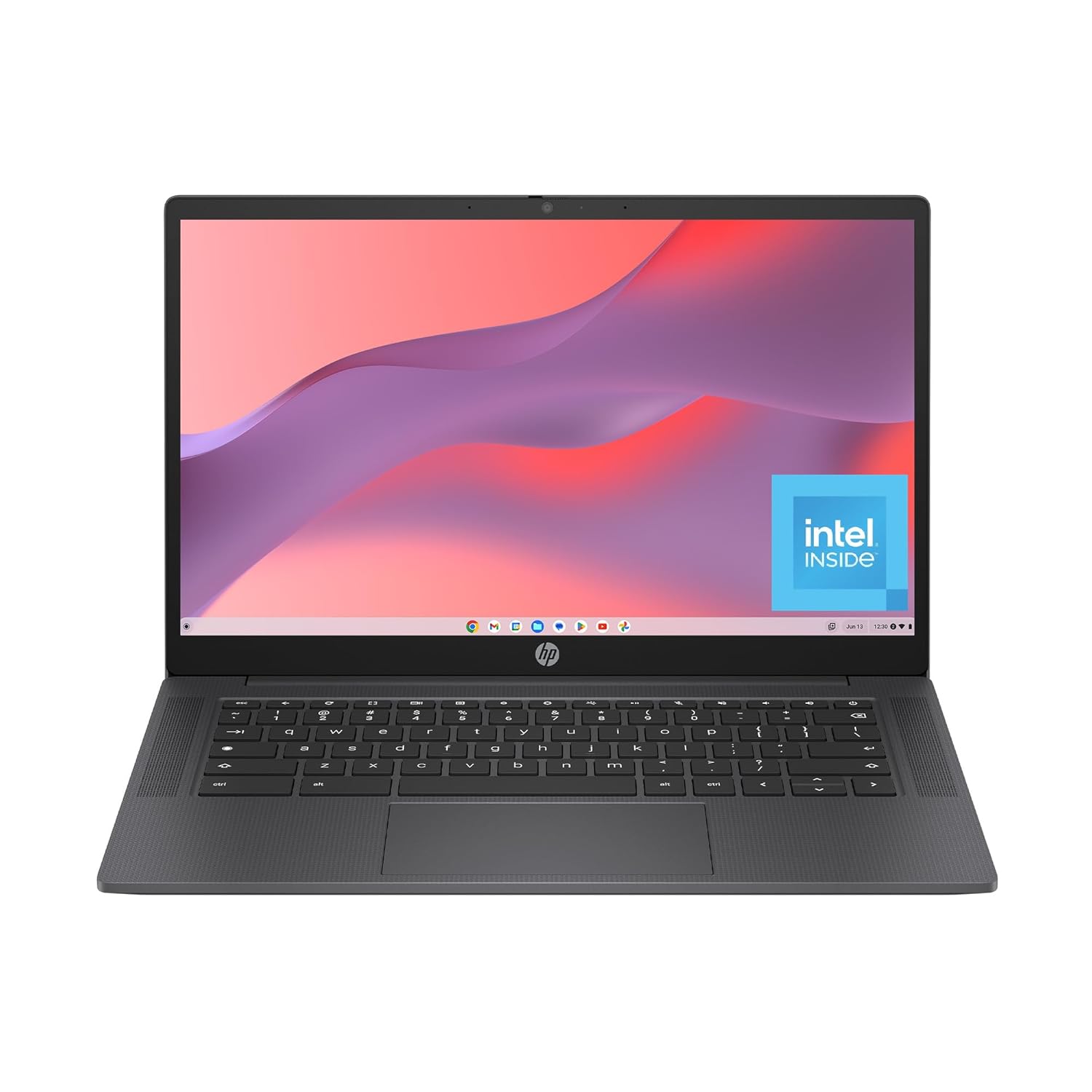
Acer Predator Helios Neo 16 AI Gaming Laptop - Intel Core Ultra 9 275HX, RTX 5070 Ti
Pros
- RTX 5070 Ti is a significant GPU jump from RTX 5060
- 240Hz display handles fast-paced competitive games at top frame rates
- Intel Core Ultra 9 275HX with 24 cores handles demanding workloads
- 32GB DDR5 RAM is future-proof
Cons
- At $1,699.99 in September 2026, it's over this article's budget
- Heavier than the Zephyrus G14 at 5.5+ lbs
- Acer Predator chassis runs loud under full load
Price as of Mar 7, 2026 — see current price on Amazon.
If you're willing to go over the $1,500 budget (Amazon had it at $1,699.99 in September 2026), the Acer Predator Helios Neo 16 crosses into RTX 5070 Ti territory. That's a meaningful upgrade over RTX 5060: roughly 30-40% more GPU performance, which translates to reliable 1440p high settings and the ability to push some titles at 4K with DLSS.
The Intel Core Ultra 9 275HX has 24 cores (8P+16E configuration) and handles CPU-heavy tasks including streaming, video editing, and running servers at levels that Intel Core i7 laptops in the same price range can't match. For buyers who need both gaming performance and a powerful productivity machine, this configuration makes sense.
Buy it if: You want the best raw gaming performance under $1,500 and RTX 5060 feels like the wrong ceiling.
RTX 5060 vs RTX 5070 Ti: Is the Upgrade Worth It?
In this price bracket, you're mostly choosing between RTX 5060 configurations ($1,499-1,599.99 on Amazon in September 2026, with the G14 bundle an outlier at $2,188.01) and RTX 5070 Ti configurations ($1,699.99).
The RTX 5060 handles 1440p gaming at high settings well. With DLSS 4 enabled, it can push most titles to 60-120+ fps at 1440p. For competitive games (Valorant, CS2, Apex), it handles 1080p at 200+ fps without issue.
The RTX 5070 Ti adds roughly 30-40% GPU performance. It's the difference between "maxed out at 1440p" and "capable at 4K with DLSS." If you play graphically demanding games (Cyberpunk 2077, Alan Wake 2, Indiana Jones) and want maximum settings at 1440p without DLSS, the 5070 Ti justifies the premium.
For most buyers, the RTX 5060 + DLSS 4 combination is the better value. DLSS 4's Multi Frame Generation technology adds generated frames on top of real frames, effectively multiplying perceived frame rates at a small visual cost that's hard to notice in fast motion.
How to Choose
Portability priority: ASUS ROG Zephyrus G14. Nothing else in this bracket comes close to the combination of performance, OLED display, and under-4-pound weight.
Desk gaming value: Lenovo Legion 5 Gen 10. The OLED at 165Hz was outstanding value at launch. At $1,599.99 in September 2026 it's still the best display for the money here.
Budget-first: ASUS TUF Gaming A16. MIL-STD durability, RTX 5060, large screen, lowest price.
Maximum performance: Acer Predator Helios Neo 16. RTX 5070 Ti and 24-core Intel Ultra 9, now $1,699.99 on Amazon and over the ceiling.
Related Guides
- Best Gaming Laptops 2026
- Best Gaming Laptop Under $1,000
- Best Gaming Headsets 2026
- Best Gaming Monitors (Budget)
FAQ
Is the RTX 5060 good enough for gaming at 1440p?
Yes, the RTX 5060 handles 1440p at high settings well in most games. In demanding titles like Cyberpunk 2077 or Alan Wake 2, enabling DLSS 4 Quality mode maintains visual fidelity while pushing frame rates above 60fps at 1440p. For competitive games (Valorant, CS2), the RTX 5060 delivers 200+ fps at 1080p.
What is the difference between the RTX 5060 and RTX 5070 in laptops?
In laptops, GPU performance depends heavily on TGP (thermal design power). A high-TGP RTX 5060 in a larger chassis can outperform a power-limited RTX 5070 in a thin laptop. The RTX 5070 and 5070 Ti nominally offer 25-40% more GPU performance than the RTX 5060 at equal TGP. Check TGP ratings (measured in watts) when comparing laptops across different brands.
How much RAM do I need in a 2026 gaming laptop?
16GB DDR5 is the minimum for modern games in 2026. 32GB is recommended if you run games, a browser with multiple tabs, Discord, and streaming software simultaneously. Most laptops in this price range offer upgradeable RAM, so starting at 16GB and upgrading is a reasonable approach.
Are gaming laptops worth it vs desktop PCs for gaming?
Gaming laptops trade raw performance-per-dollar for portability. An equivalent-performing desktop gaming PC costs roughly 30-40% less than a gaming laptop at the same GPU tier. If you game exclusively at home, a desktop gives more value. If you travel, work remotely, or want one machine for gaming and work, a gaming laptop makes sense.
Which gaming laptop has the best battery life under $1,500?
The ASUS ROG Zephyrus G14 (2025) leads this category significantly. The combination of Ryzen 9 270's efficiency and the compact chassis produces 8-10 hours of productivity battery life. Other gaming laptops in this bracket typically last 4-6 hours on a charge.
How We Test
We score products by combining spec-level research, pricing history, trusted third-party benchmarks, and owner sentiment from high-signal sources.
- Performance and real-world value in the category this guide targets
- Price-to-performance and deal consistency over recent pricing windows
- Build quality, reliability patterns, and known long-term issues
- Recommendation refresh cadence to keep these picks current
Author
TheTechSearch Editorial Team
Independent product reviewers & PC builders
We test and compare real-world specs, price trends, and user feedback to recommend gear that actually makes sense to buy.