Best Mini PCs 2026: Compact Desktops for Home Office, Gaming, and AI
Five mini PCs worth buying in 2026, ranked by use case, with the prices they actually sell for on Amazon right now. Expert picks, pros and cons, and side-by-...
As an Amazon Associate we earn from qualifying purchases made through our links — this doesn't affect our picks.
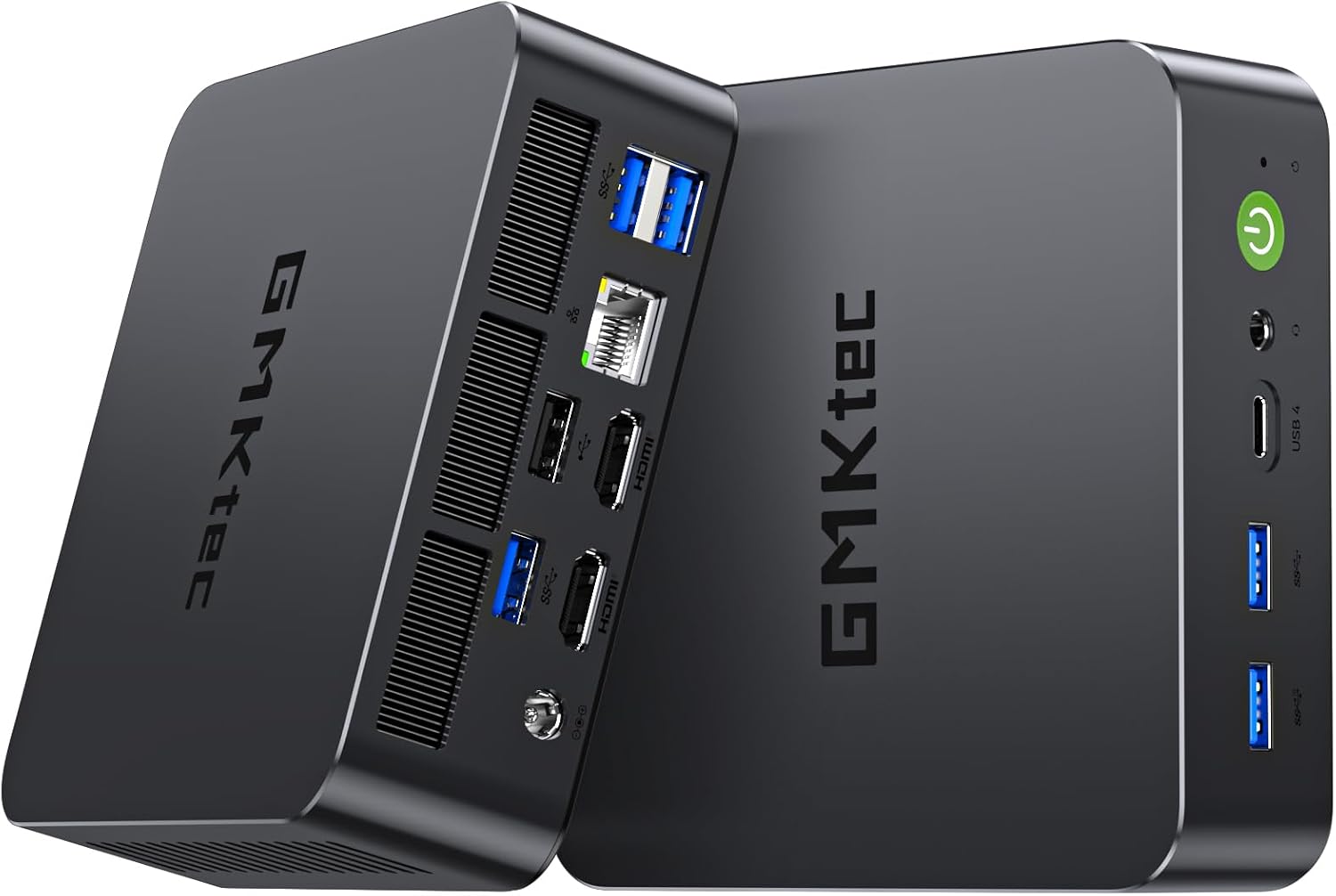
GMKtec Mini PC (Intel Core Ultra 5 226V, 16GB DDR5, 512GB NVMe)
Our top recommendation for this category
Price as of Apr 12, 2026 — see current price on Amazon.
Intel pulled the plug on the NUC line in 2023, and the vacuum it left has been filled by a wave of mini PC brands that are, frankly, better value than the NUC ever was. Beelink, Minisforum, GEEKOM and GMKtec have all shipped serious hardware, and a new buyer has entered the picture: the person running local models with Ollama or LM Studio who needs a machine that can handle 7B and 13B inference without a dedicated GPU.
One thing to say up front, because it changes what a good recommendation looks like. Mini PC pricing on Amazon has moved a long way north of where this category sat two years ago. The cheapest machine below sells for $550 and the most expensive for $1,499. Every price in this guide is the Amazon buy-box price at the time of writing, not a manufacturer suggestion or a sale figure that expired months ago. Check before you click, because these listings move.
Quick Comparison
| Model | Chip | RAM/Storage | Price | Best For | |
|---|---|---|---|---|---|
| GMKtec Ultra 5 226V | Core Ultra 5 226V | 16GB DDR5 / 512GB | ~$550 | On-die NPU for AI | Check Price |
| Minisforum UM890 Pro | Ryzen 9 8945HS | 32GB DDR5 / 1TB | ~$975 | Gaming and local AI | Check Price |
| GEEKOM A8 Max | Ryzen 9 8945HS | 32GB DDR5 / 1TB | ~$999 | Homelab and power user | Check Price |
| ASUS NUC 15 Pro | Core Ultra 7 255H | 32GB DDR5 / 1TB | ~$1,499 | Premium build quality | Check Price |
Best for Local AI: GMKtec Core Ultra 5 226V
GMKtec Mini PC (Intel Core Ultra 5 226V, 16GB DDR5, 512GB NVMe)
Pros
- Lunar Lake silicon with a dedicated on-die NPU for AI inference
- Intel Arc 130V graphics with hardware AV1 decode
- USB4 at 40Gbps plus six USB ports
- Dual HDMI 2.1 outputs
Cons
- 16GB of memory, and Lunar Lake solders it, so there is no upgrade path
- 512GB fills up quickly on a machine bought for models
- Arc 130V trails the Radeon 780M in games
Price as of Apr 12, 2026 — see current price on Amazon.
This is the most interesting machine on the list for one specific reason, and it is not raw speed. The Core Ultra 5 226V is Lunar Lake silicon, which means a dedicated neural processing unit sitting on the die alongside the CPU and the Arc 130V graphics, at less than half the price of the other Intel machine here. For most general users that is a spec-sheet number. For anyone running Windows AI features, OpenVINO-optimised pipelines or Adobe's AI tools, it is a real difference in how much of the work happens in dedicated hardware rather than by burning CPU cycles.
Be clear about what the NPU does and does not do. Standard GGUF models in Ollama will not touch it, because they are not compiled for it. Intel's OpenVINO toolkit has a growing library of converted models, and inference on those runs noticeably faster than CPU-only execution. If your workflow involves Windows Studio Effects on video calls or AI features inside Office, this machine does that work in silicon.
The Arc 130V graphics are weaker than the Radeon 780M for gaming but handle 4K media playback and AV1 decoding better than any AMD integrated part currently shipping. Building a 4K media box that also does light AI work? This is the only machine here that ticks both boxes cleanly.
The catch is memory. Lunar Lake packages its RAM on the processor, so the 16GB this ships with is the 16GB it will always have. That is the single biggest reason to look at the 32GB machines below if models are your primary purchase driver.
Best Overall: Minisforum UM890 Pro
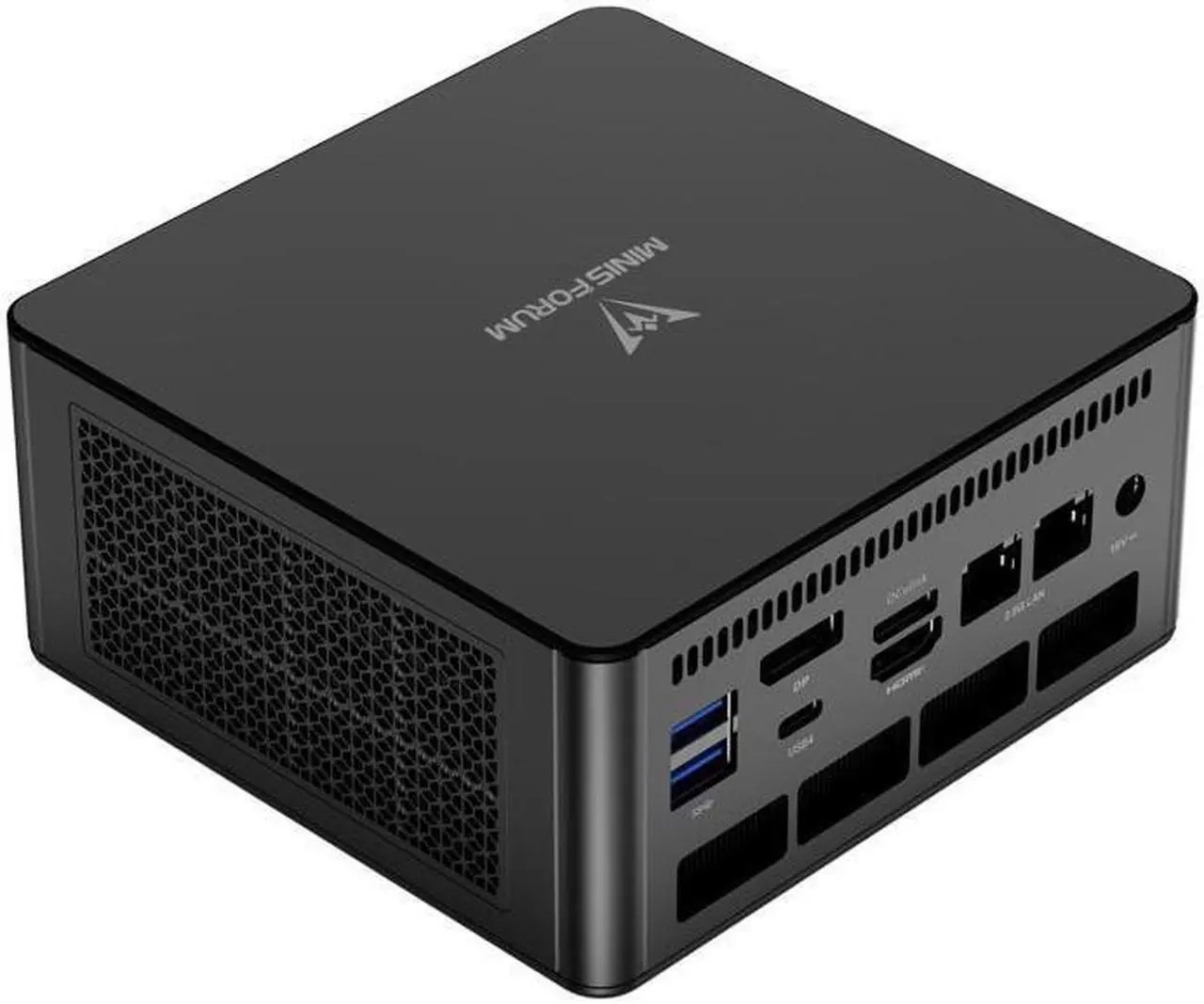
Minisforum UM890 Pro (Ryzen 9 8945HS, 32GB DDR5, 1TB NVMe)
Pros
- Ryzen 9 8945HS runs to 5.2GHz and sustains far more than a thin laptop
- Radeon 780M is a clear step up on the 680M for gaming and GPU offload
- Dual 2.5G LAN
- Quad display output over HDMI, DisplayPort 1.4 and USB-C
- 32GB of DDR5-5600 in sockets, so it can be upgraded
Cons
- $975 is a serious price for an integrated-graphics machine
- Fan is audible under sustained heavy load
- No NPU, so Windows AI features fall back to the CPU
Price as of Apr 12, 2026 — see current price on Amazon.
The jump from a budget 680M box to the 8945HS is not subtle. The Ryzen 9 8945HS pairs eight Zen 4 cores running to 5.2GHz with Radeon 780M graphics, and the 780M's twelve compute units are a real step up over the 680M's eight. Gaming performance lands roughly a third ahead of the older chips, and image generation workloads that took the better part of a minute on them finish in about half that.
For 2026 buyers the selling point is what the 780M does for local models. It can offload layers to graphics memory, and with 32GB of system RAM available as headroom you can run an 8B model in Ollama without quantising it into uselessness. Expect somewhere around 15 to 18 tokens per second on a Q4 quantisation, which is usable for daily work rather than merely a demo.
Minisforum's build quality has caught up with its specifications. The chassis feels solid, the ports are clearly labelled, and the BIOS actually exposes power-limit tuning, which is rare in this category and genuinely useful if you want to trade a little performance for a quieter fan.
What is harder to defend is the price. At $975 this costs nearly twice the GMKtec, and while it is comfortably the better machine for sustained work, it is not twice the machine. Buy it because you need sustained multi-threaded performance and GPU offload, not because it is the middle option.
Best Homelab Pick: GEEKOM A8 Max
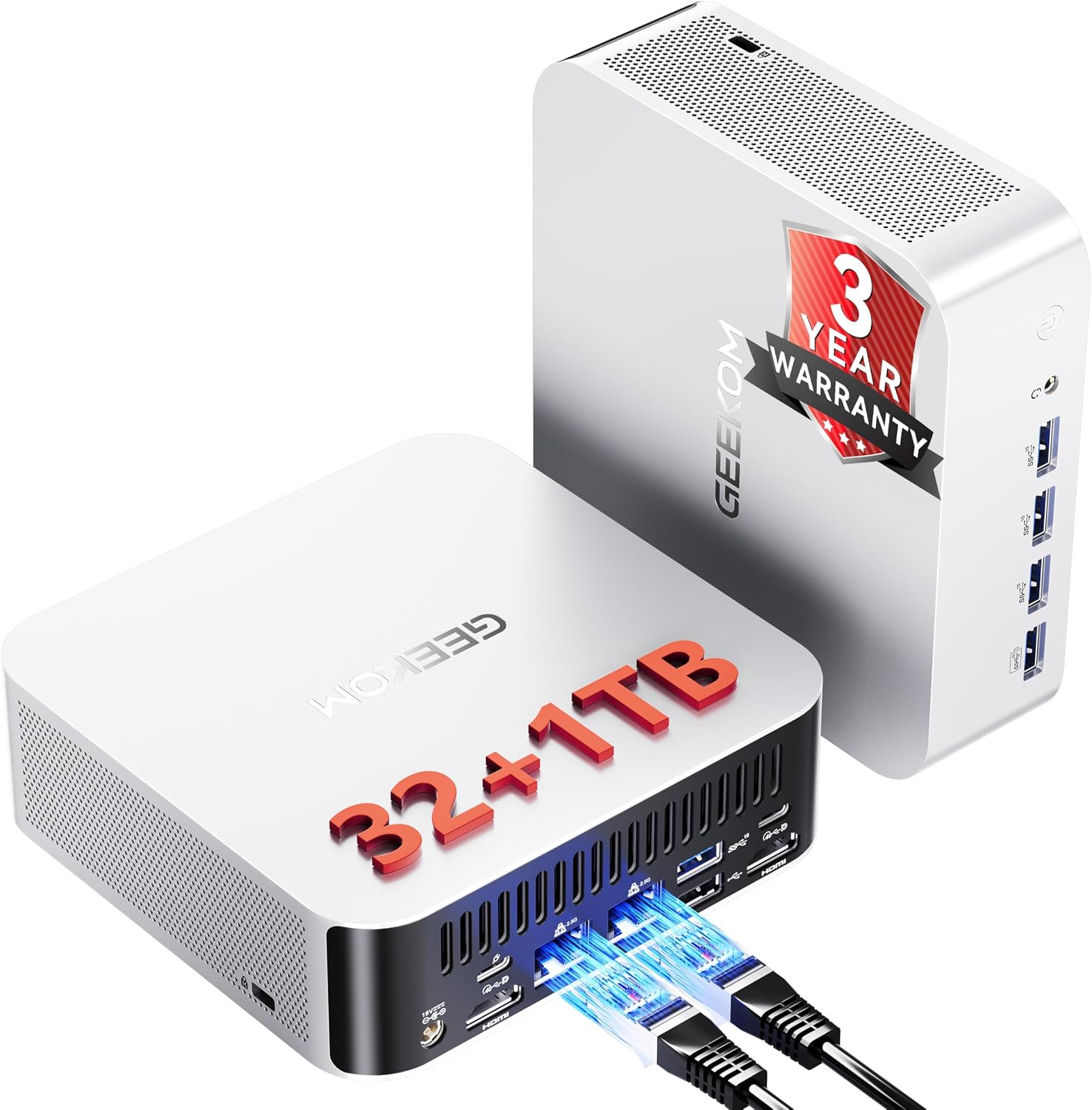
GEEKOM A8 Max (Ryzen 9 8945HS, 32GB DDR5, 1TB NVMe)
Pros
- Same Ryzen 9 8945HS and Radeon 780M as the UM890 Pro
- Expandable storage rather than a single fixed drive
- Dual 2.5G LAN for network-facing work
- USB4 and 8K output
- GEEKOM's three-year warranty and US support desk
Cons
- $24 more than the Minisforum for identical silicon
- Slightly bulkier chassis
- Fan ramp can be aggressive at moderate loads
Price as of Apr 12, 2026 — see current price on Amazon.
The GEEKOM A8 Max and the Minisforum UM890 Pro run the same Ryzen 9 8945HS, so raw performance between them is close to identical. What separates them is the support experience and the storage story. GEEKOM runs a US-based support operation that answers tickets and backs the machine for three years, which matters a great deal the day you are running something you depend on.
Expandable storage is a bigger deal than it sounds for homelab use. Running a 1TB operating system drive and adding a second larger drive for container images or virtual machines keeps everything inside one box rather than hanging off a USB enclosure. Proxmox and TrueNAS both install cleanly here, and with dual 2.5G networking this is a legitimate small server rather than a compromise.
Note that the A8 Max is the machine to buy if you want 8945HS silicon from GEEKOM. The company also sells an A9 Max, and despite the adjacent name it is a different processor family built around Ryzen AI silicon at a higher price. If you came looking for the 8945HS, this is the model number that carries it.
For anyone building a home server that doubles as a workstation, the A8 Max is the cleaner choice. For pure workstation use with occasional gaming, the Minisforum's smaller footprint and better BIOS tuning give it the edge, and it saves you $24.
Best Premium Mini PC: ASUS NUC 15 Pro
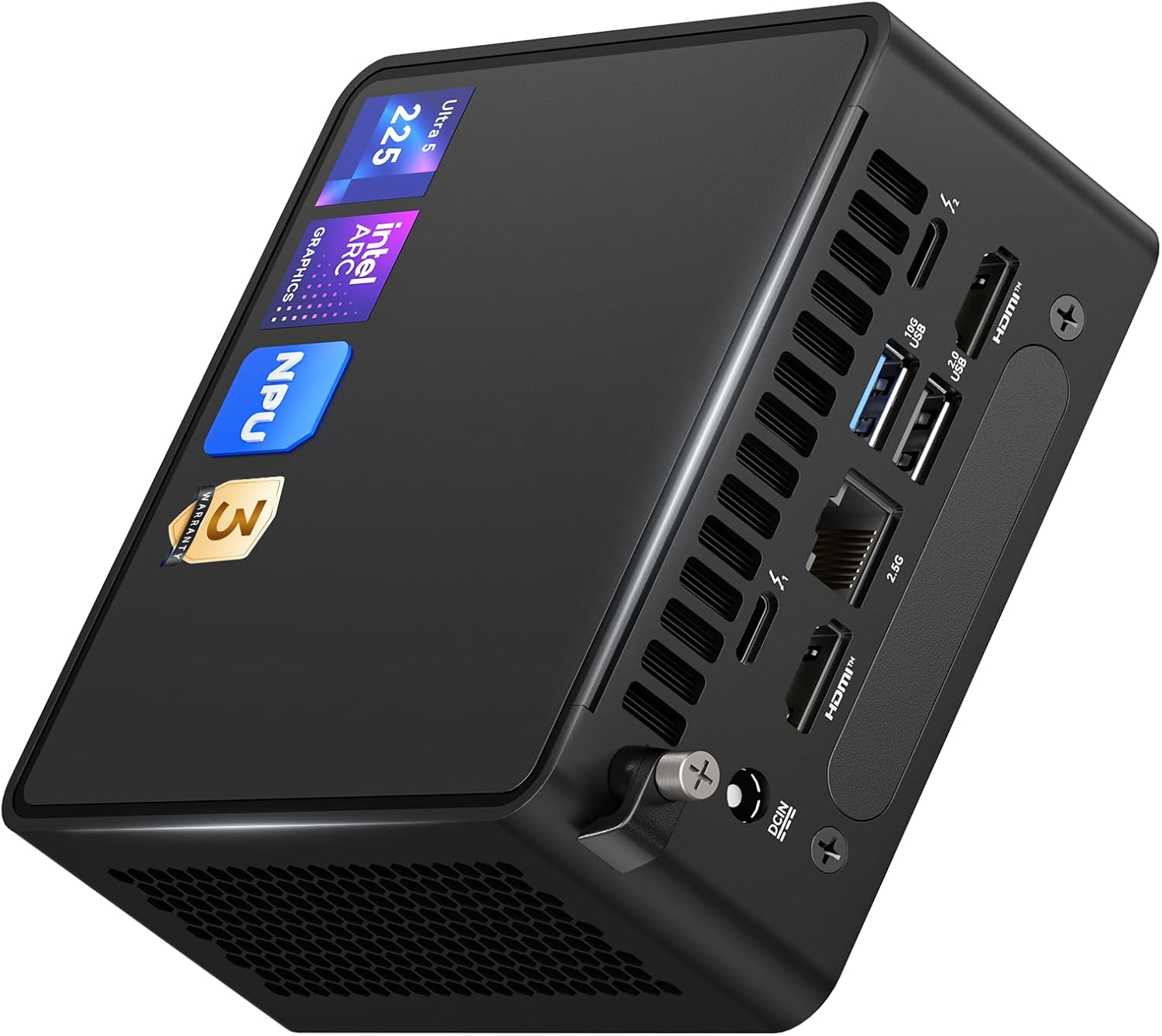
ASUS NUC 15 Pro (Intel Core Ultra 7 255H, 32GB DDR5, 1TB NVMe)
Pros
- Intel Core Ultra 7 255H with up to 97 platform TOPS of AI performance
- Intel Arc 140T graphics
- Two Thunderbolt 4 ports plus dual HDMI 2.1
- Wi-Fi 7 and Bluetooth 5.4
- DDR5 in sockets, upgradable to 96GB, behind a hinged panel
Cons
- $1,499 is nearly triple the cheapest machines here
- Arc 140T still loses to the Radeon 780M in many games
- The premium buys build quality, warranty and I/O rather than raw speed
Price as of Apr 12, 2026 — see current price on Amazon.
ASUS picked up the NUC brand after Intel exited, and the NUC 15 Pro is the first product under it that justifies paying a premium over the competition. The Core Ultra 7 255H is Intel's current mainstream mobile architecture, and ASUS rates the platform at up to 97 TOPS across processor, graphics and NPU combined. Read that number carefully, because it is a platform figure rather than an NPU one, and vendors are not always careful about the difference.
The I/O is in a different league. Two Thunderbolt 4 ports, dual HDMI 2.1, 2.5G Ethernet and Wi-Fi 7 mean you can drive several 4K displays, attach fast external storage and daisy-chain peripherals without a hub anywhere on the desk. Memory sits in sockets behind a hinged panel and goes to 96GB, so this is the one machine here you can meaningfully grow into.
Is it worth $500 more than the UM890 Pro? For most people, no. The honest case for it is narrow: you need ASUS warranty support, you need the Thunderbolt and display outputs, and you expect to keep the machine long enough that a memory upgrade path matters. Everyone else is better served further up this page.
Mini PCs for Running Local AI
This is the use case driving a lot of buying decisions in 2026 that was not on anyone's radar two years ago. Here is the honest breakdown.
Llama 3 8B and Mistral 7B: any of these five machines will run them. Expect 12 to 20 tokens per second at Q4 quantisation. The Radeon 780M machines pull ahead because ROCm graphics offload works with these models.
Llama 3 70B: you are running this on the processor at Q4 and living with 2 to 4 tokens per second. That is not practical for conversation but works for batch jobs. The 8945HS machines with fast memory handle it best.
Code models such as Qwen 2.5 Coder 7B and DeepSeek Coder 6.7B: the UM890 Pro and the A8 Max are the sweet spot. Around 16 to 20 tokens per second with graphics offload is genuinely usable for inline completion.
NPU-accelerated work: the two Intel machines here, the GMKtec Core Ultra 5 226V and the ASUS NUC 15 Pro, are the ones with an on-die NPU, and the GMKtec is by far the cheaper way to get one. Either is the right buy if your AI work runs through OpenVINO or Windows AI features rather than through Ollama. For GGUF models in Ollama the NPU sits idle, and on the GMKtec the 16GB memory ceiling becomes the constraint instead.
If local models are your primary purchase driver and budget allows, the Minisforum UM890 Pro is the pick. ROCm support on the 780M is more mature than Intel's Arc for this work, and the 8945HS sustains its clocks through long generation runs.
What to Look for in a Mini PC
Sustained Performance, Not Peak
The number on the spec sheet is rarely what you get. Take any 28W mobile part in a cheap mini PC. It boosts hard for a few seconds and then settles, and the settled figure is what matters for anything running longer than that. Both 8945HS machines hold their power budget continuously, which is the real gap between the tiers here.
Integrated Graphics Generation
Radeon 680M against Radeon 780M is roughly a 35 to 40% performance gap. If gaming or graphics offload for models matters to you, do not accept a 6800U or anything older. The 780M is the current baseline for serious integrated graphics work, and Intel's Arc parts trade blows with it depending on the workload.
Memory: Socketed or Soldered
This is the specification most buyers miss. Lunar Lake machines such as the GMKtec 226V carry their memory on the processor package, so whatever it ships with is permanent. Cheap boxes running LPDDR5 are fixed the same way. The Minisforum, the GEEKOM and the ASUS NUC 15 Pro use sockets, and the ASUS goes to 96GB. Check this before you buy, because it decides whether the machine has a second life in three years.
Connectivity and I/O
Four things to check. Does it have USB4 or Thunderbolt, which matters for external drives and graphics docks? How many display outputs? Is there 2.5G networking, and is there more than one port? Is Wi-Fi 6E or Wi-Fi 7 included? Budget models cut corners on networking first.
Storage Expansion
Most machines here use standard M.2 NVMe drives, and several take a second one. The GEEKOM A8 Max's expandable storage is a genuine long-term advantage for anyone running virtual machines or containers, where one drive fills faster than you expect.
The Bottom Line
Running local models, editing video, or wanting occasional gaming from the same box? The Minisforum UM890 Pro at $975 is the machine to buy. The 8945HS and Radeon 780M are a different class of hardware, and the memory sockets mean it grows with you.
Homelab builders who want a three-year warranty and expandable storage should take the GEEKOM A8 Max at $999 instead, and accept the extra $24 as the cost of a support desk that answers.
If your AI work runs through OpenVINO or Windows AI features rather than Ollama, the GMKtec Core Ultra 5 226V at $550 is the only machine here with the silicon for it. Just understand that its 16GB is permanent.
And professionals who need Thunderbolt, several 4K outputs and a memory upgrade path should spend the money on the ASUS NUC 15 Pro at $1,499. Everybody else does not need it.
Frequently asked questions
- Is the Intel NUC really dead? What replaced it?
- Intel officially exited the NUC business in 2023. ASUS licensed the NUC brand and now sells the NUC 14 Pro and NUC 15 Pro as successors. The rest of the gap has been filled by Beelink, Minisforum, GEEKOM and GMKtec, which offer comparable hardware, usually at lower prices than ASUS charges. The ecosystem is in better health now than it was when Intel ran it.
- Can a mini PC replace a desktop for home office work?
- For most office work, yes. If your day is browsers, video calls, office apps, email and occasional photo editing, any machine on this list handles it without complaint. Where mini PCs fall short of a tower is sustained heavy work such as video encoding and 3D rendering, anything needing a discrete graphics card, and upgradeability. You cannot add a graphics card to a mini PC.
- Which mini PC is best for running Ollama or LM Studio locally?
- The Minisforum UM890 Pro. The Radeon 780M supports ROCm graphics offload and the Ryzen 9 8945HS has the sustained processor performance that CPU-bound inference needs. Expect 15 to 18 tokens per second on Llama 3 8B at Q4 and 12 to 15 on Mistral 7B with graphics layers enabled. The GMKtec Core Ultra 5 226V has the hardware NPU advantage for OpenVINO models, but popular GGUF models do not use it.
- Why is the GEEKOM A9 Max not on this list?
- Because it is a different machine from the one most people mean when they search for it. The A9 Max is built on Ryzen AI silicon and sells at a higher price than the A8 Max recommended here. If you specifically want the Ryzen 9 8945HS, the A8 Max is the model number that carries it, and it is the one this guide tested against the Minisforum.
- Do mini PCs run hot or loud?
- At idle and under light load, all four machines here are close to silent. Under sustained heavy load the fan becomes audible from about a metre away, roughly like a gaming laptop working hard. The GMKtec Core Ultra 5 226V runs coolest because Lunar Lake draws the least power of the four. The 8945HS machines run warmer without becoming uncomfortable. None of them are silent workstations under load.
- Can I use a mini PC as a Proxmox or home server?
- Yes, and it is one of the best uses for the category. The GEEKOM A8 Max suits it particularly well thanks to expandable storage and a three-year warranty. Proxmox, TrueNAS and Home Assistant all install cleanly on these machines, and dual 2.5G networking on the A8 Max and the UM890 Pro makes them legitimate options for network-attached storage or container hosting.
- Should I worry about soldered memory?
- On one of these four, yes. The GMKtec Core Ultra 5 226V carries its 16GB on the processor package, which Intel does deliberately on Lunar Lake for power and bandwidth reasons, and no upgrade is possible afterwards. The Minisforum UM890 Pro, the GEEKOM A8 Max and the ASUS NUC 15 Pro all use socketed DDR5, and the ASUS accepts up to 96GB behind a hinged panel. If you expect to add memory later, buy one of those three.
How We Pick
We pick products by combining spec-level research, price checks, trusted third-party benchmarks, and owner sentiment from high-signal sources.
- Performance and real-world value in the category this guide targets
- Price-to-performance and deal consistency over recent pricing windows
- Build quality, reliability patterns, and known long-term issues
- Recommendation refresh cadence to keep these picks current
Author
TheTechSearch Editorial Team
Independent product reviewers & PC builders
We compare real-world specs, reviews and owner reports, price trends, and user feedback to recommend gear that actually makes sense to buy.