Best Wireless Mouse 2026
The best wireless mice for work, travel, and everyday use. Compared across Mac and Windows on rated battery life and connectivity. Expert picks, pros and con...
As an Amazon Associate we earn from qualifying purchases made through our links — this doesn't affect our picks.
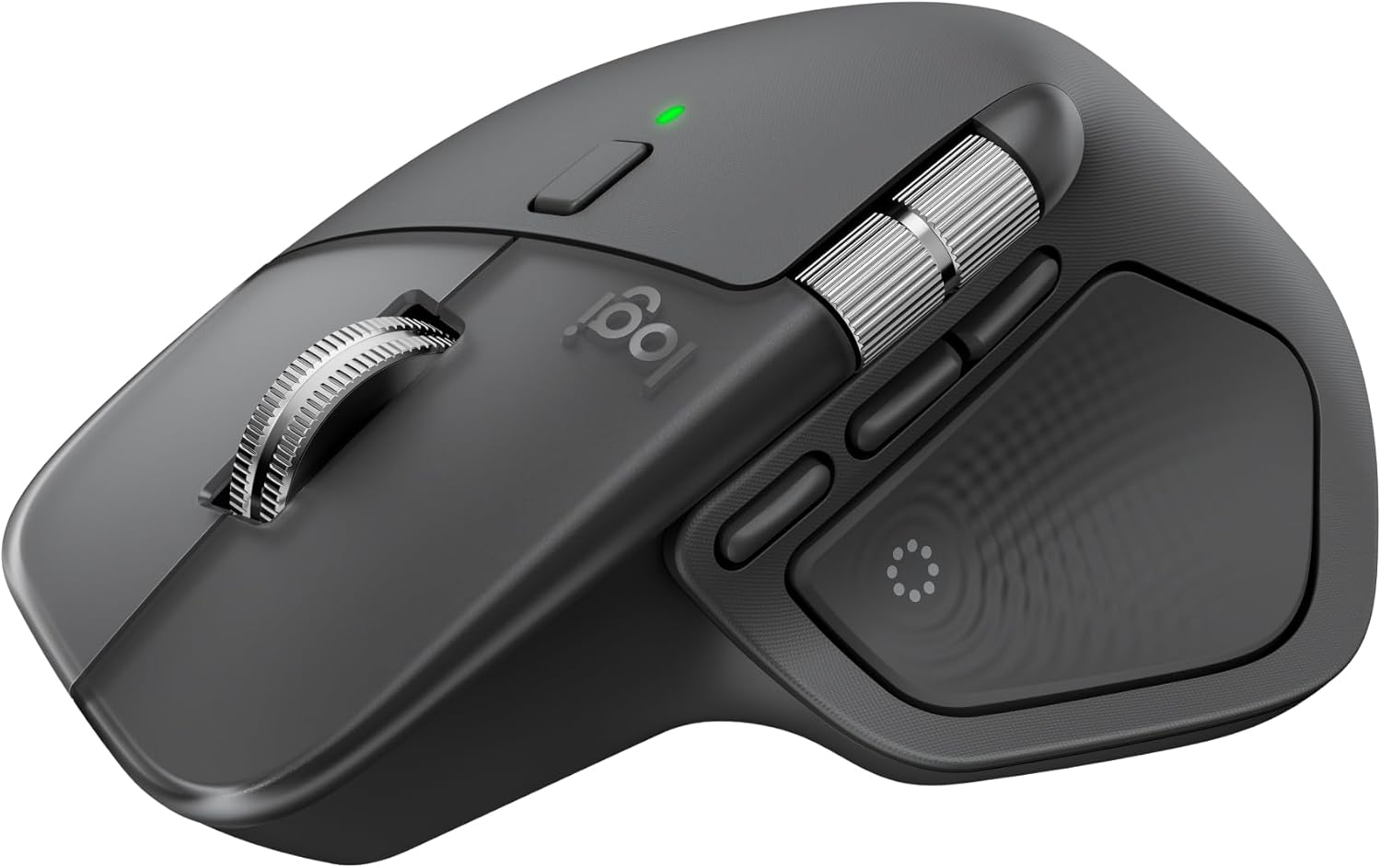
Logitech MX Master 4
Our top recommendation for this category
Price as of Mar 2, 2026 — see current price on Amazon.
Wireless mice now range from sculpted all-day productivity models to flat travel mice that fit in a jacket pocket. These six stand out for different reasons and different users.
The wireless mouse market splits into two camps: productivity mice built for multi-device workflows, and travel mice designed to disappear into a laptop bag. Both camps have gotten significantly better in the past two years, mostly thanks to better Bluetooth chips and USB-C charging finally replacing micro-USB on everything worth buying.
Quick comparison
| Mouse | Connection | Battery | DPI | Price | |
|---|---|---|---|---|---|
| Logitech MX Master 4 | Bluetooth/USB-C | Up to 70 days | 8,000 | $100 | Check Price |
| Logitech MX Master 3S | Bluetooth/Bolt | 70 days | 8,000 | $80 | Check Price |
| Logitech M720 Triathlon | Bluetooth/Unifying | 24 months | 1,000 | $50 | Check Price |
| Razer Pro Click V2 | BT/2.4GHz/USB-C | 400+ hours | 30,000 | $80 | Check Price |
| Microsoft Arc Mouse | Bluetooth | 6 months | 1,000 | $60 | Check Price |
| Apple Magic Mouse | Bluetooth | 1 month | 1,300 | $80 | Check Price |
Logitech MX Master 4
Logitech MX Master 4
Pros
- Haptic feedback scroll wheel feels incredible
- 8,000 DPI sensor tracks on glass
- USB-C charging with 70-day battery life
- Pairs with 3 devices via Bluetooth
- Quieter clicks than the 3S
Cons
- $100 is steep for a mouse
- Heavier than most at 166g
- Right-hand only
- Logi Options+ software can be buggy on Mac
Price as of Mar 2, 2026 — see current price on Amazon.
The MX Master line has been the default productivity mouse recommendation for years, and the 4th generation earned that spot again. The biggest upgrade is the haptic feedback scroll wheel, which replaces the mechanical ratchet system from the 3S. You get tactile feedback without the physical click, and you can switch between notched scrolling and free-spin with a button press.
The 8,000 DPI sensor tracks on glass, which sounds like a marketing gimmick until you try using a mouse on a hotel desk or glass table. It works. Battery life sits around 70 days with Bluetooth, and USB-C quick charge gives you three hours of use from a one-minute charge.
Where the MX Master 4 pulls ahead of competitors is the thumb wheel on the side. Horizontal scrolling in spreadsheets, timeline scrubbing in Premiere, volume control with custom mappings. Once you start using it, going back to a mouse without one feels limiting.
If you already own the MX Master 3S and it works fine, the upgrade is nice but not necessary. If you are buying your first premium wireless mouse, start here.
Logitech MX Master 3S
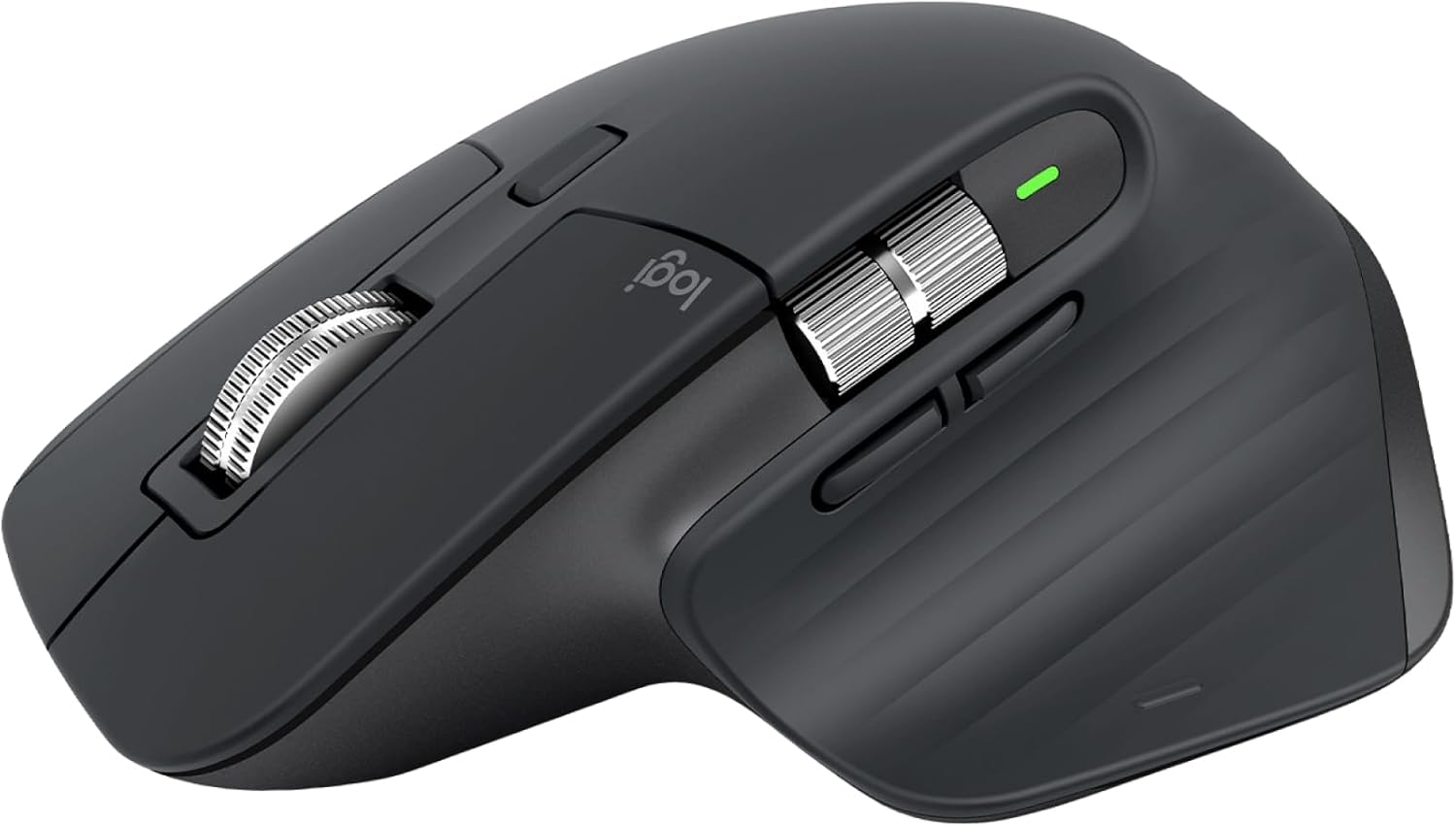
Logitech MX Master 3S
Pros
- $20 less than the MX Master 4
- Same 8,000 DPI sensor
- MagSpeed scroll wheel is still excellent
- Quiet click buttons
- USB-C charging
Cons
- No haptic feedback scroll
- Software identical to MX Master 4
- Getting harder to find new stock
- Still right-hand only
Price as of Mar 2, 2026 — see current price on Amazon.
The MX Master 3S is the previous generation, still widely available at $80 and sometimes lower during sales. The differences from the MX Master 4 are subtle enough that most people will not notice: a mechanical MagSpeed scroll wheel instead of haptic feedback, and slightly louder (but still quiet) click switches.
Everything else is effectively identical. Same sensor, same battery life, same thumb wheel, same multi-device pairing. The software experience through Logi Options+ is the same too, including per-app button customization and Flow for dragging files between computers.
If you find the 3S at $60 or less on sale, it is a better buy than the MX Master 4 at full price. The haptic scroll wheel is the only meaningful difference, and most people will not miss what they never had.
Good for anyone coming from a basic mouse who wants to understand what a premium wireless mouse actually offers. The answer is a lot, mostly in scroll wheel quality and multi-device switching.
Logitech M720 Triathlon
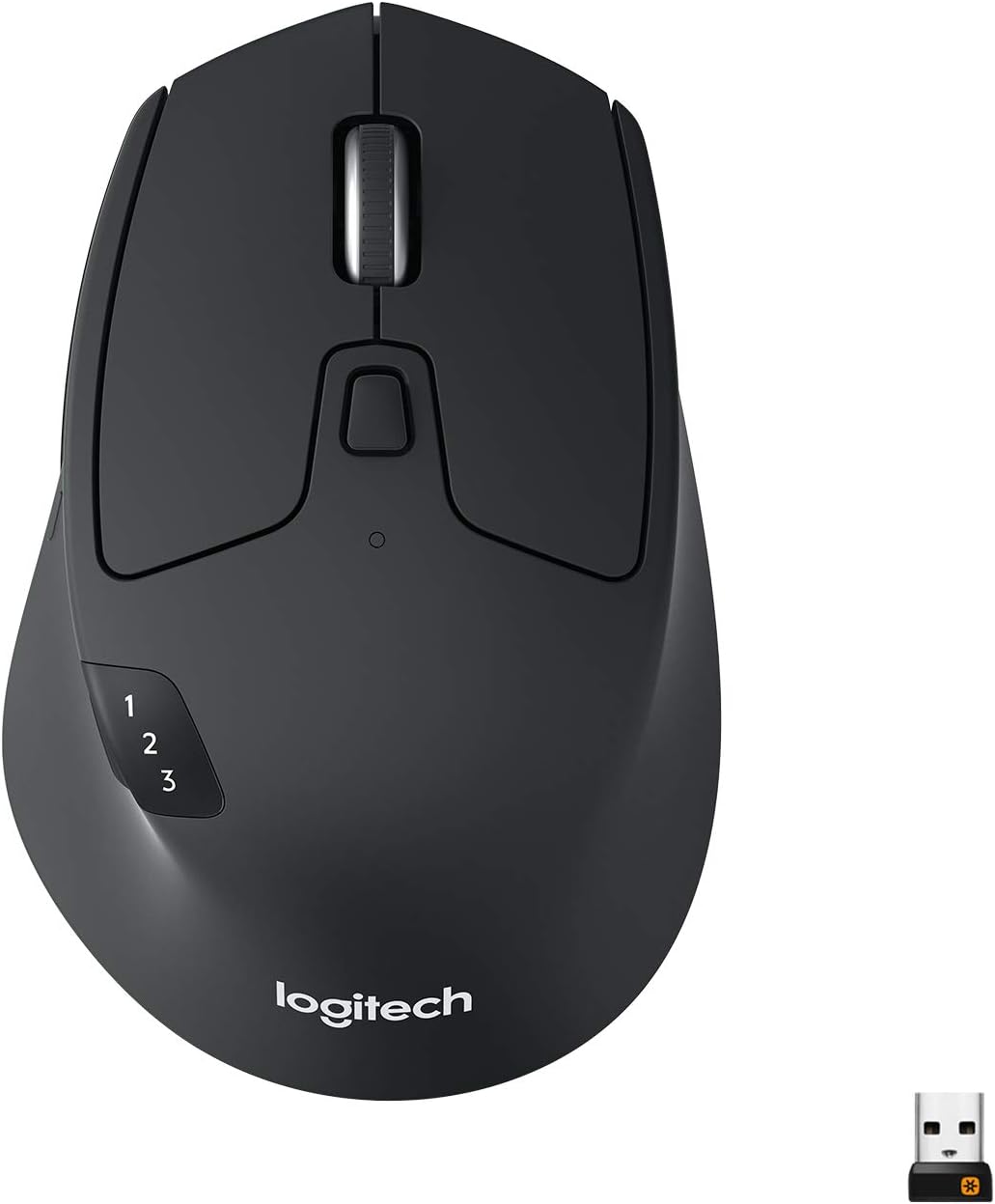
Logitech M720 Triathlon
Pros
- Connects to 3 devices with easy switching
- 24-month battery on a single AA
- Comfortable full-size shape
- Hyper-fast scrolling toggle
- Under $50 regularly
Cons
- 1,000 DPI is low by modern standards
- Micro-USB for Unifying receiver
- Plastic build feels cheap next to MX Master
- No USB-C
Price as of Mar 2, 2026 — see current price on Amazon.
The M720 Triathlon does 80% of what the MX Master does for half the price. Three-device Bluetooth switching, a comfortable full-size shape, and a scroll wheel that toggles between ratchet and free-spin. The battery runs on a single AA and lasts roughly two years, which means you will forget it even uses batteries.
Tradeoffs are obvious when you hold both mice. The M720 is lighter plastic instead of sculpted metal and rubber. Its scroll wheel is functional but lacks the satisfying precision of the MagSpeed wheel. The 1,000 DPI sensor works fine for everyday use but will not impress anyone doing detailed photo editing.
For a desk mouse that switches between a work laptop, personal PC, and tablet without fuss, the M720 delivers. It is the mouse I recommend to people who think $100 for a mouse is unreasonable but still want multi-device switching.
If you are looking for a budget-friendly keyboard to match, a good mechanical board under $100 pairs well with the M720 for a complete sub-$150 desk setup.
Razer Pro Click V2
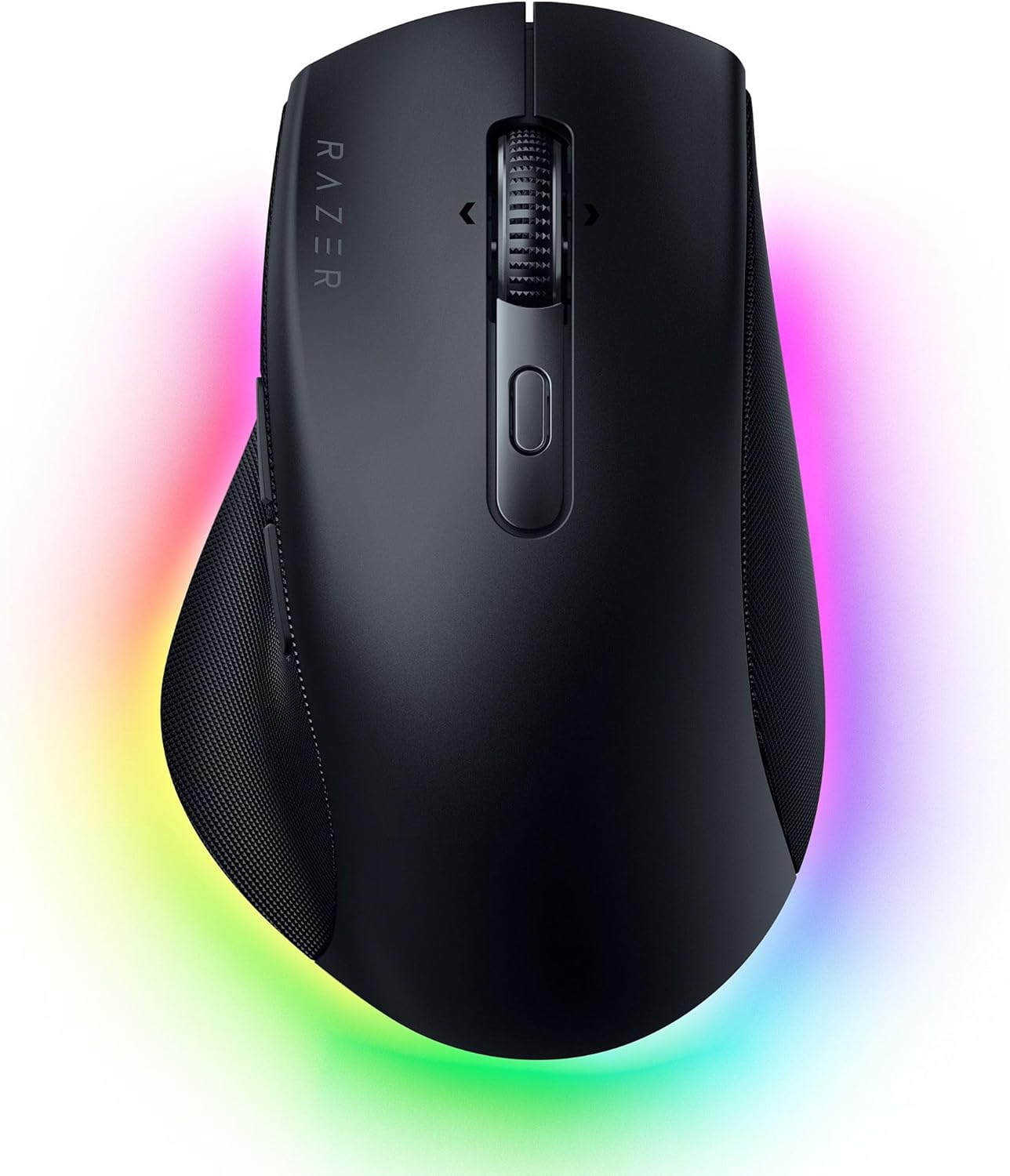
Razer Pro Click V2
Pros
- 30,000 DPI sensor is the highest here
- Triple connectivity: BT, 2.4GHz dongle, USB-C wired
- 400+ hour battery life
- Thumb rest is genuinely comfortable
- AI prompt button for Copilot/shortcuts
Cons
- Razer Synapse software is heavy
- Slightly narrower than MX Master
- RGB is subtle but unnecessary for productivity
- Right-hand only
Price as of Mar 2, 2026 — see current price on Amazon.
Razer's productivity mouse competes directly with the MX Master 3S at the same $80 price point, and it wins on specs. The 30,000 DPI sensor is overkill for spreadsheets, but it means the cursor tracking is flawless on any surface. Triple connectivity (Bluetooth, 2.4GHz dongle, and USB-C wired) gives you options the MX Master does not have. The 2.4GHz dongle provides noticeably lower latency than Bluetooth, which matters if you are doing precise work.
The dedicated AI prompt button on the side is either useful or annoying depending on whether you use Copilot. You can remap it to anything through Synapse, so it is effectively a bonus button.
Build quality is solid with a sculpted thumb rest that makes long sessions comfortable. The shape is narrower than the MX Master, which works better for medium-sized hands but feels cramped if you have large hands.
My main reason for ranking it below the MX Master 4 is Razer Synapse. Synapse is a heavier install than Logi Options+ and pushes more update prompts. If you already use Razer peripherals, Synapse is already installed and the Pro Click V2 is a strong pick.
Microsoft Arc Mouse
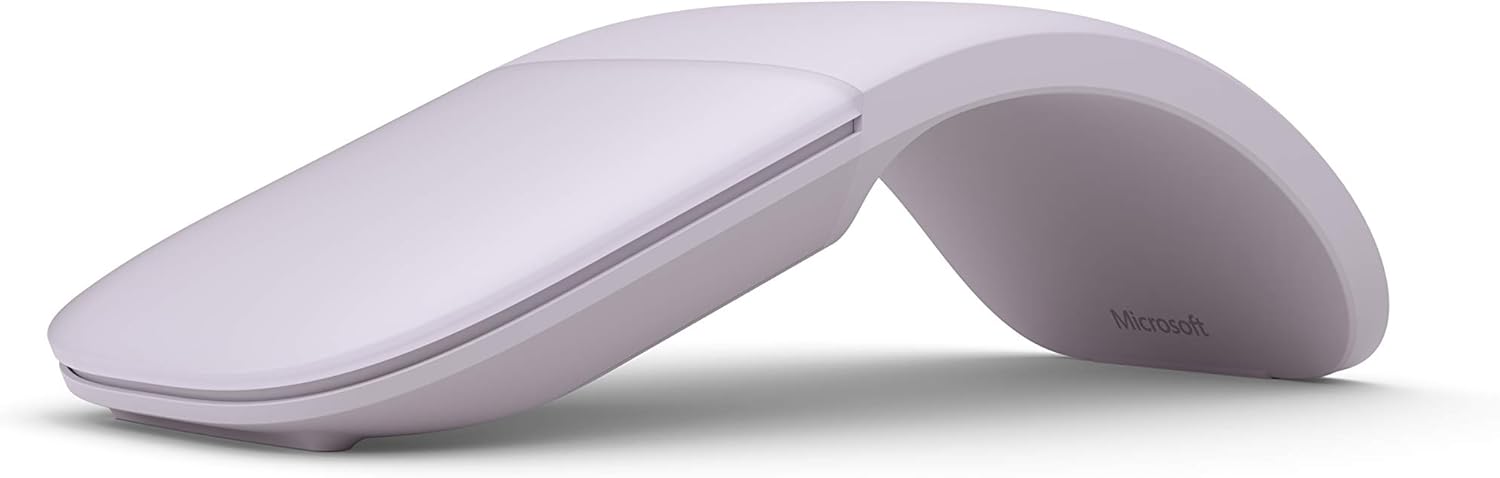
Microsoft Arc Mouse
Pros
- Folds flat for travel, genuinely pocketable
- Touch-sensitive scroll strip works well
- Bluetooth pairs instantly with Windows
- Weighs only 82g
- Clean, minimal design
Cons
- Not comfortable for long sessions
- No right-click feel, it is a flat surface
- No customizable buttons
- Touch scrolling is not as precise as a wheel
Price as of Mar 2, 2026 — see current price on Amazon.
The Arc Mouse is the only mouse here I would call genuinely pocketable. It folds completely flat, slides into a laptop sleeve or jacket pocket, and snaps into a curved shape when you are ready to use it. The fold mechanism also serves as the power switch, so it will not drain battery in your bag.
The touch-sensitive strip replaces a scroll wheel, and it works better than you would expect. Swiping up and down scrolls vertically, and you can flick for momentum scrolling. It is not as precise as a physical wheel for line-by-line scrolling, but for browsing and document reading it is fine.
Comfort is the trade-off. The Arc Mouse is thin and flat even when curved, so it does not fill your palm the way a traditional mouse does. It suits travel and coffee shop work where you need something better than a trackpad but do not want to carry a full-size mouse. For all-day desk use, pick something else.
Pairs well with a lightweight laptop under $500 for a portable work setup.
Apple Magic Mouse
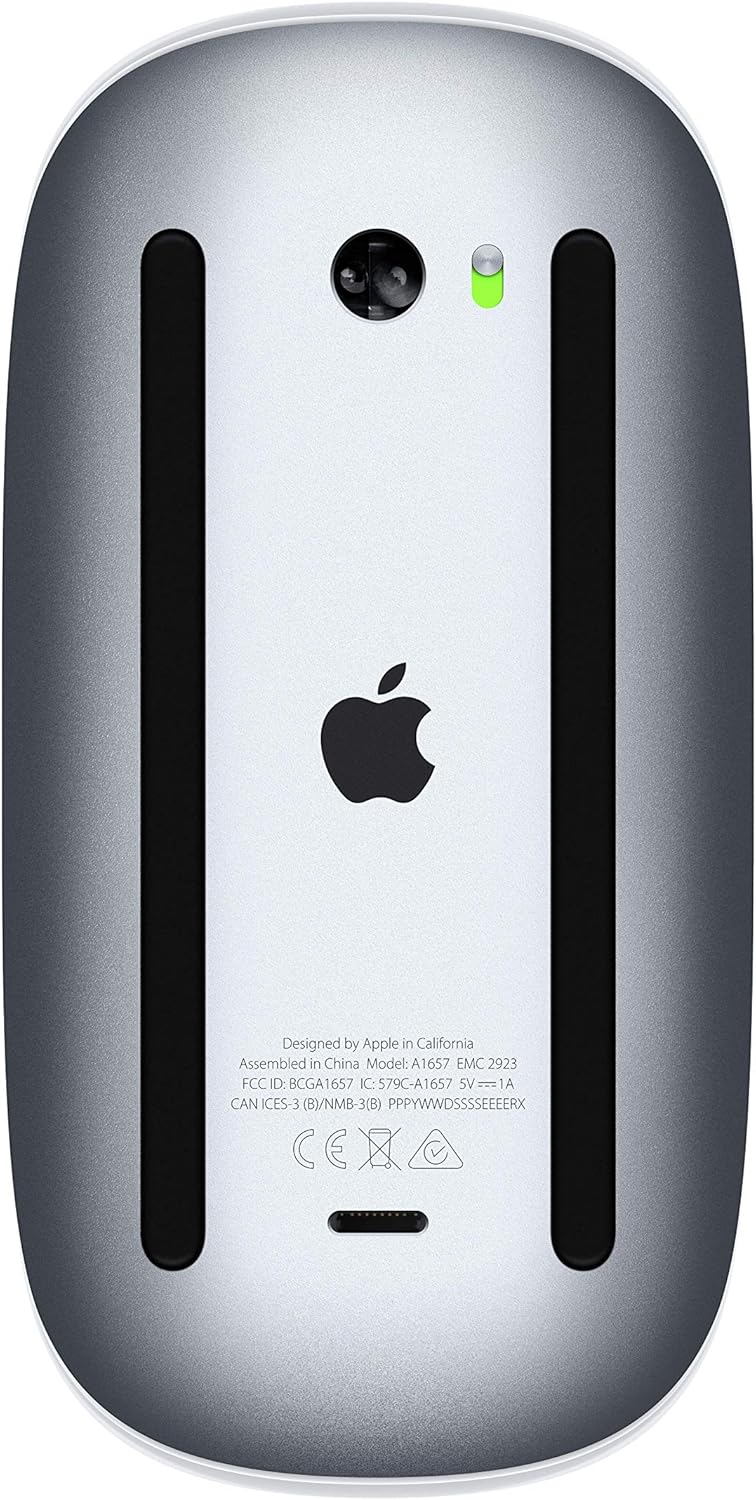
Apple Magic Mouse
Pros
- Multi-touch surface enables macOS gestures
- Swipe between desktops and apps
- Built-in rechargeable battery
- Pairs cleanly with Mac via Bluetooth
- Glass surface looks and feels premium
Cons
- Lightning port on the bottom for charging (unusable while charging)
- Flat profile causes wrist strain during long sessions
- No side buttons
- Only works well with macOS
Price as of Mar 2, 2026 — see current price on Amazon.
The Magic Mouse is polarizing, and honestly it deserves the criticism. That Lightning charging port on the bottom means you literally cannot use it while charging. The flat profile provides zero ergonomic support. It has no side buttons, no scroll wheel, and no DPI adjustment.
So why is it here? Because the multi-touch surface is genuinely good for macOS gesture navigation. Swiping between desktops, Mission Control, scrolling in any direction, pinch to zoom in supported apps. If you are deep in the Apple ecosystem and use these gestures constantly, nothing else replicates the experience.
For everyone else, the MX Master 4 or 3S is a better Mac mouse. Logitech's gesture support through Options+ is not as smooth as native multitouch, but the ergonomics and feature set more than compensate.
I would only recommend the Magic Mouse to Mac users who have tried it and specifically prefer gesture navigation over buttons and wheels. That is a smaller group than Apple thinks it is.
How we ranked these
Each mouse was judged on the things that matter for all-day work: multi-device pairing across Mac, Windows and iPad, rated battery life at a typical 8-10 hours of daily use, scroll wheel precision for spreadsheets and long documents, and tracking on surfaces like wood, glass and fabric. Manufacturer specs were weighed against published reviews and owner feedback.
What to look for in a wireless mouse
Connection type matters. Bluetooth is universal but adds slight latency. A 2.4GHz dongle provides faster response but uses a USB port. The best mice offer both, letting you use the dongle on your main PC and Bluetooth for your laptop.
Battery life varies wildly. The M720 runs two years on an AA battery. The Magic Mouse lasts about a month. Rechargeable is more convenient but means you will eventually be caught with a dead mouse mid-workday. Quick charge features help.
Size and shape are personal. The MX Master is large and sculpted. The Arc Mouse is thin and flat. No review can tell you which shape fits your hand. If you are spending over $60, buy from a retailer with a good return policy.
For more desk setup recommendations, check out our guides on the best ergonomic mice for wrist pain relief and the best gaming mice if you need a mouse that handles both work and play.
How We Pick
We pick products by combining spec-level research, price checks, trusted third-party benchmarks, and owner sentiment from high-signal sources.
- Performance and real-world value in the category this guide targets
- Price-to-performance and deal consistency over recent pricing windows
- Build quality, reliability patterns, and known long-term issues
- Recommendation refresh cadence to keep these picks current
Author
TheTechSearch Editorial Team
Independent product reviewers & PC builders
We compare real-world specs, reviews and owner reports, price trends, and user feedback to recommend gear that actually makes sense to buy.