Best Gaming Mouse Pads 2026
Top gaming mouse pads for every setup, from ultra-fast cloth surfaces to RGB desk mats and wireless charging pads. Expert picks, pros and cons, and side-by-s...
As an Amazon Associate we earn from qualifying purchases made through our links — this doesn't affect our picks.
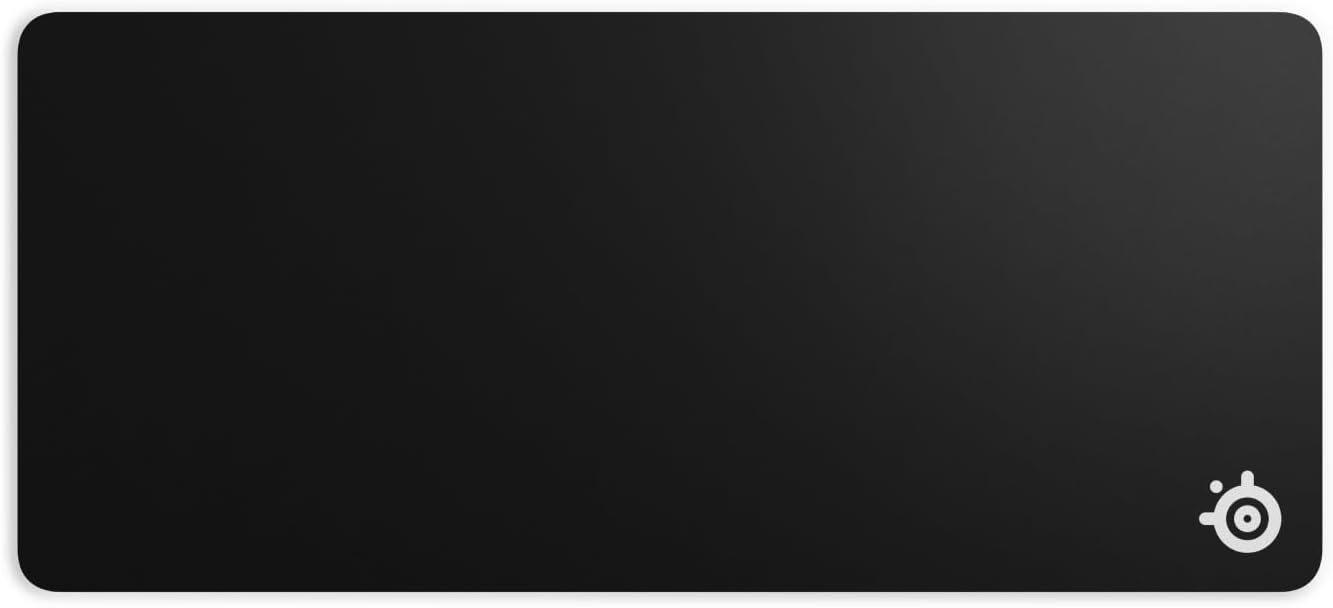
SteelSeries QcK Gaming Mouse Pad - XXL Cloth
Our top recommendation for this category
Price as of May 29, 2026 — see current price on Amazon.
In this guide
- SteelSeries QcK XXL: Best Overall
- Logitech G840 XL: Best for Low-Sensitivity Players
- Corsair MM300 PRO Extended: Best Hybrid Use
- Razer Goliathus Extended Chroma: Best RGB Desk Mat
- HyperX Pulsefire Mat XL: Best Value Extended Pad
- Logitech G PowerPlay 2: Best for Wireless Mouse Owners
- Buying Guide: How to Pick the Right Mouse Pad
- Bottom Line
Mouse pads are the most overlooked peripheral in any gaming setup. That's usually true right up until you upgrade and realize your old crappy pad was quietly wrecking your aim. In 2026, the category has actually gotten interesting: ultra-fast glass surfaces, wireless charging pads that keep your mouse topped up mid-session, and extended desk mats that cost less than a good lunch. Here's what's actually worth buying right now.
| Mouse Pad | Size | Surface | Price | Best For | |
|---|---|---|---|---|---|
| SteelSeries QcK XXL | 35 x 16 in | Cloth (balanced) | $29 | Budget + esports | Check Price |
| Logitech G840 XL | 35.4 x 15.7 in | Cloth (control) | $50 | Low-sens players | Check Price |
| Corsair MM300 PRO Extended | 36.6 x 11.8 in | Cloth (spill-proof) | $35 | Office/gaming hybrid | Check Price |
| Razer Goliathus Extended Chroma | 36.2 x 12 in | Cloth + RGB | $60 | RGB desk setups | Check Price |
| HyperX Pulsefire Mat XL | 36.2 x 11.8 in | Cloth (smooth) | $20 | Best value XL | Check Price |
| Logitech G PowerPlay 2 | 13.5 x 11.2 in | Cloth + wireless charging | $130 | Wireless mouse owners | Check Price |
SteelSeries QcK XXL: Best Overall
SteelSeries QcK Gaming Mouse Pad - XXL Cloth
Pros
- Proven cloth surface used by esports pros for 15+ years
- Full desk coverage at a budget price
- Non-slip rubber base stays put during aggressive movements
- Consistent glide for both optical and laser sensors
Cons
- No stitched edges, so fraying over time is possible
- No RGB or flashy aesthetics
- Just 2mm thick, which means less wrist cushioning than premium options
Price as of May 29, 2026 — see current price on Amazon.
Look, the QcK has been the default mousepad recommendation on r/buildapc for years. There's a reason for that. Over 10 million units sold. Esports pros across CS2, Valorant, and League of Legends have used it on stage. The micro-woven cloth surface gives you that satisfying balanced glide, not too fast and not too slow, which is exactly what you want when you're tracking targets at 1,000 DPI.
The XXL version measures 35 x 16 inches, big enough to cover your keyboard and mouse on most desks. At $29, it costs less than a meal out. The rubber base is dense and grippy.
The only real knock is the lack of stitched edges. Budget options don't always get them, and you might see fraying after 12-18 months of heavy use. At this price, just buy another one.
Logitech G840 XL: Best for Low-Sensitivity Players

Logitech G840 XL Cloth Gaming Mouse Pad
Pros
- Performance-tuned surface optimized for Logitech G sensors
- Low 3mm profile keeps wrist angle natural
- Dense rubber base with zero desk creep
- 900 x 400mm gives you plenty of room for low-sens arm sweeps
Cons
- Logitech G-optimized surface may not feel ideal with every mouse brand
- No RGB
- Premium price for a cloth-only pad
Price as of May 29, 2026 — see current price on Amazon.
If you play FPS games at low sensitivity, think sub-400 DPI with big sweeping arm movements, you need real estate. The G840 XL delivers 900 x 400mm of surface, wider than most extended pads on the market. Logitech tunes the surface friction specifically for their G-series sensors (G502 X, G Pro X Superlight 2, etc.), so if you're running Logitech peripherals this is genuinely the best match.
The 3mm thickness keeps your wrist at a natural low angle, which matters a lot during long sessions. Non-Logitech mice work fine too. It's just that the surface properties feel slightly tailored to their ecosystem.
$50 is on the higher end for a cloth pad with no RGB, but the build quality is there.
Corsair MM300 PRO Extended: Best Hybrid Use

Corsair MM300 PRO Premium Spill-Proof Cloth Gaming Mouse Pad - Extended
Pros
- Spill-proof surface coating lets liquids bead up and wipe clean
- 930mm x 300mm covers keyboard and mouse with room to spare
- Anti-fray stitched edges for longevity
- Works equally well for gaming and office tasks
Cons
- Narrower 300mm height feels cramped compared to 400mm-height options
- Cloth coating slightly alters glide feel compared to standard cloth
- Corsair branding is prominent on the surface
Price as of May 29, 2026 — see current price on Amazon.
The MM300 PRO is the one I'd recommend to anyone who has a coffee habit and a gaming desk. Those two things coexist poorly, usually. Corsair treated the cloth surface with a spill-proof coating, so liquids bead up rather than soaking in and destroying the pad. It still feels like cloth under the mouse, not like you're skating on plastic.
Stitched edges on all four sides mean this one will last. At 930 x 300mm it's a bit narrow height-wise compared to the 400mm-height pads above, but it covers the full width of a standard desk easily. Good for the gamer-by-night, office-worker-by-day crowd.
Razer Goliathus Extended Chroma: Best RGB Desk Mat
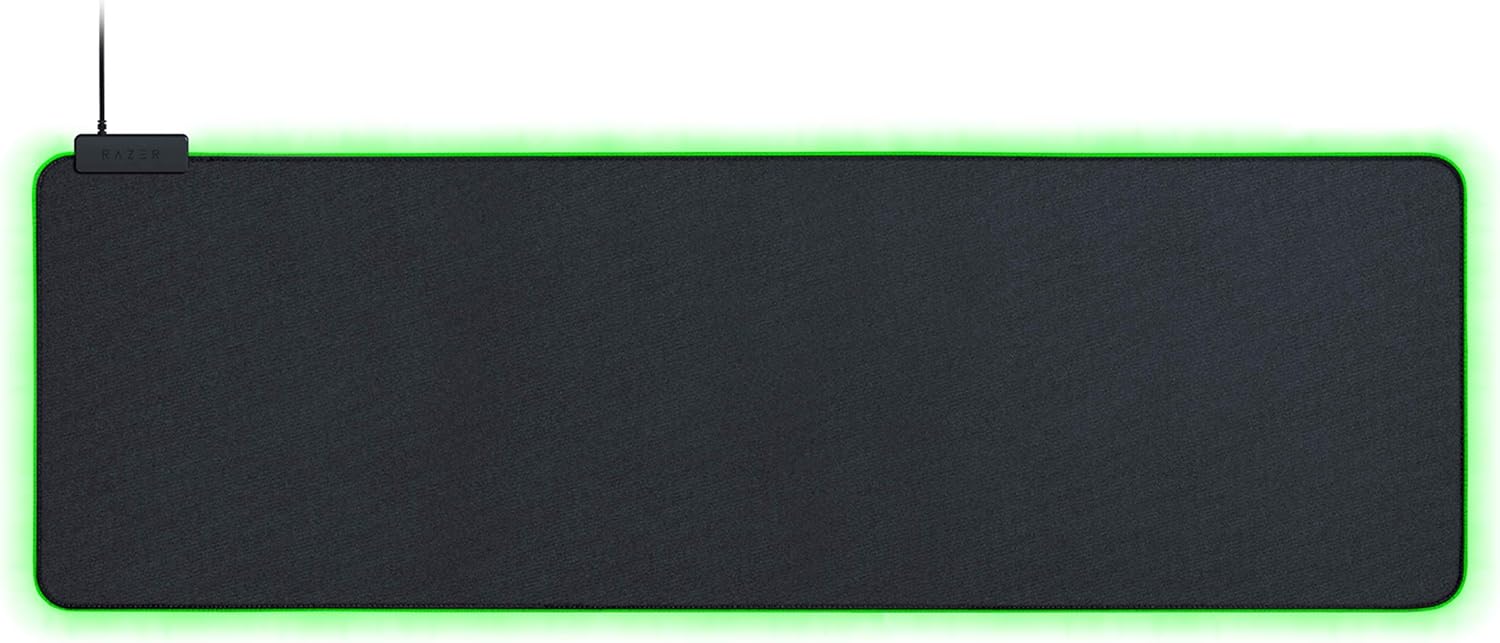
Razer Goliathus Extended Chroma Gaming Mousepad
Pros
- Chroma RGB edge lighting syncs with Razer ecosystem
- Micro-textured cloth surface balances speed and control
- 920mm x 294mm extended format
- Non-slip rubber base stays firmly anchored
Cons
- Requires USB connection to power the RGB
- USB cable to a power brick adds desk clutter
- Pricier than non-RGB options with similar surface performance
Price as of May 29, 2026 — see current price on Amazon.
The Goliathus Extended Chroma has been Razer's flagship desk mat for years and it still holds up well. The Chroma RGB lighting runs along the perimeter of the pad and syncs with Razer keyboards, mice, and headsets if you're in that ecosystem. Even standalone, it looks great in a dark room.
Surface-wise, it's micro-textured cloth that Razer calls "balanced," meaning decent speed without being slippery and decent control without being grabby. The rubber underside is solid.
The USB power requirement is a minor inconvenience, one USB port dedicated to powering an RGB border. But if aesthetics matter to you and you're building a lit desk setup, this is the move.
HyperX Pulsefire Mat XL: Best Value Extended Pad
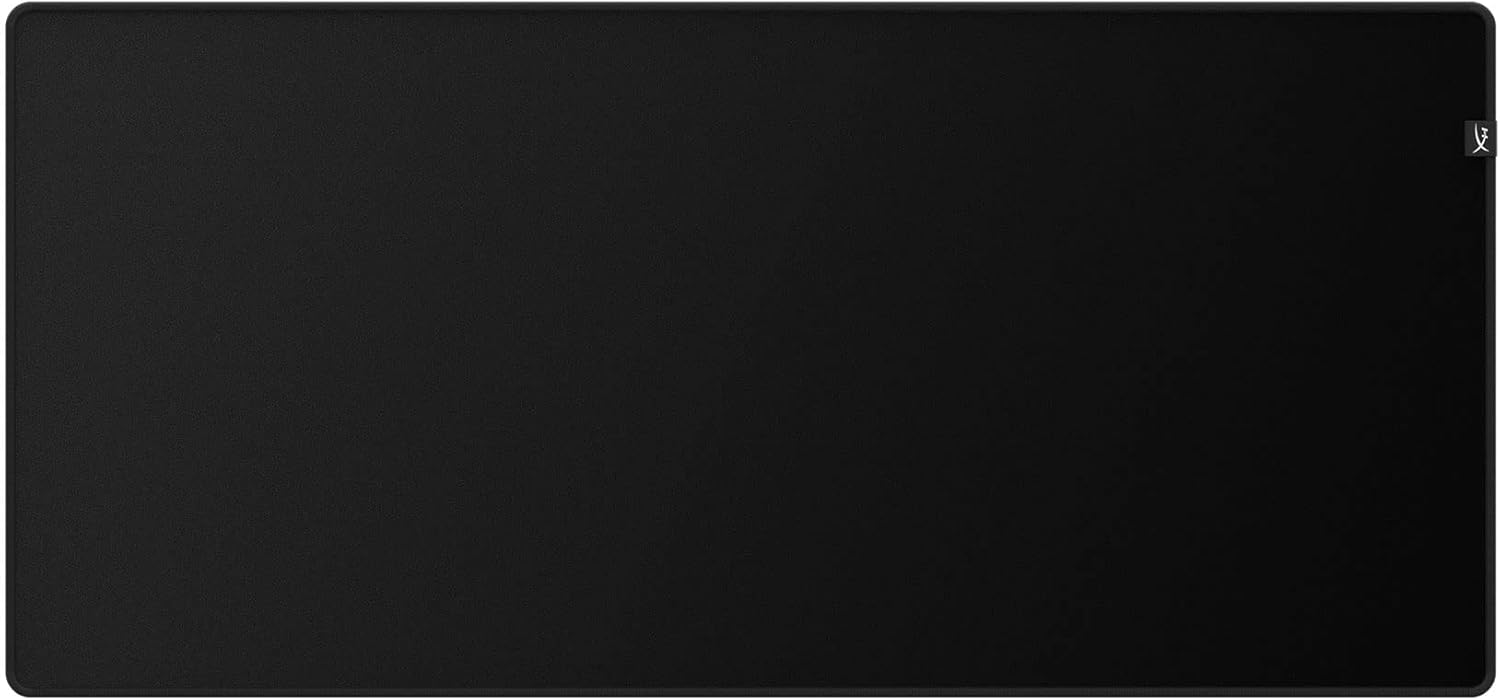
HyperX Pulsefire Mat - Gaming Mouse Pad - XLarge
Pros
- Under $20 for a full extended mat
- Flush anti-fray stitching extends edge life well beyond cheaper options
- Smooth cloth surface works with any sensor
- Non-slip rubber base is surprisingly grippy for the price
Cons
- No RGB
- Surface runs faster than some control-focused players prefer
- HyperX branding on the surface isn't subtle
Price as of May 29, 2026 — see current price on Amazon.
This is the one I tell budget builders to get. The Pulsefire Mat XL comes in under $20 most days, has stitched edges (rare at this price point), and the cloth surface is genuinely good. Fast but not ice-skating-fast. At 900 x 420mm you get more vertical height than the Corsair MM300 PRO, which matters a lot for players who use medium sensitivity and need that extra mouse travel room.
HyperX doesn't cut corners on the rubber base either. It's properly dense and textured. Nothing flashy here. It's just a solid, affordable extended mat that does everything right.
Logitech G PowerPlay 2: Best for Wireless Mouse Owners
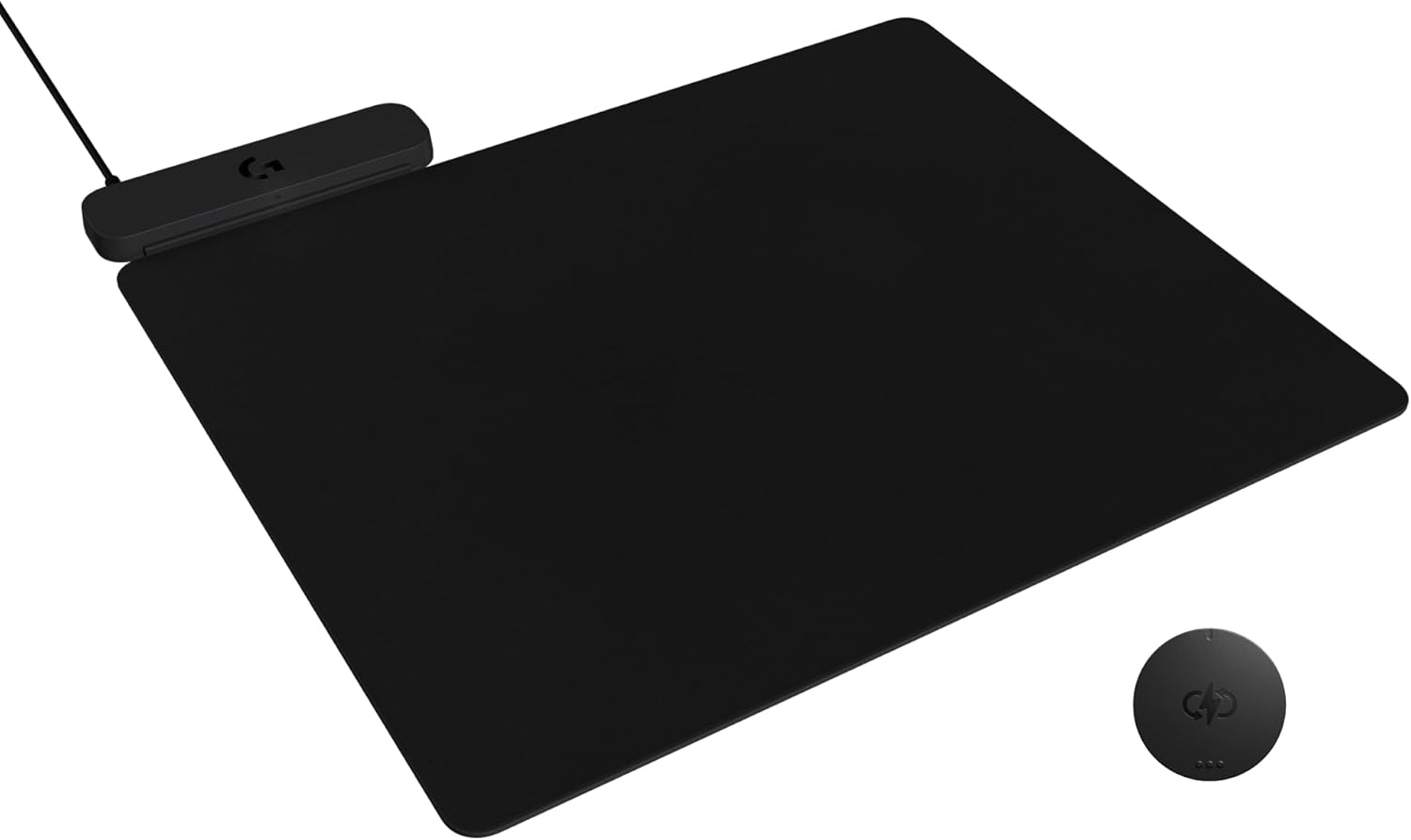
Logitech G POWERPLAY 2 Wireless Charging Mouse Pad
Pros
- Continuously charges compatible Logitech wireless mice during play
- Works with G502 X Plus, G Pro X Superlight 2, G703, and G903
- Includes both cloth and hard surface pad options in the box
- Eliminates battery anxiety completely
Cons
- Only works with specific Logitech mice, not a universal solution
- Smaller 345 x 284mm footprint, not an extended desk mat
- Steep $130 price tag
- Requires a USB connection to function
Price as of May 29, 2026 — see current price on Amazon.
The PowerPlay 2 is legitimately magical if you own a compatible Logitech wireless mouse. It charges your mouse continuously while you use it. The battery never depletes. You can literally never plug your mouse in again. For competitive players who can't tolerate the mental tax of battery anxiety mid-match, it's worth every dollar of the $130.
The trade-off is obvious: it only works with specific Logitech mice (G502 X Plus, G Pro X Superlight 2, G703, G903 Lightspeed). And the pad itself is standard desk size, not an XL extended mat. So this isn't a desk coverage solution. It's a charging ecosystem play.
If you're running a compatible mouse, buy it. If you're not, skip it and put that $130 toward a new mouse instead.
Buying Guide: How to Pick the Right Mouse Pad
Size: Desk Mat vs. Standard vs. Large
Most people should be buying extended or XL pads by default. Standard 12 x 10 inch pads restrict mouse movement for anyone playing at medium or low sensitivity. Extended pads (around 35 x 12-16 inches) cover your keyboard and mouse with a unified surface, fewer hard transitions and a cleaner look.
Go extended unless you're playing high-sensitivity and genuinely never need to sweep more than a few inches.
Surface Type: Cloth vs. Hard vs. Glass
Cloth is what 95% of players use. It's comfortable on the wrist, quieter, and gives consistent friction. Speed cloth is tighter-woven and slicker. Control cloth is more textured and slower. "Balanced" is in between.
Hard and aluminum pads like the Corsair MM350 Pro offer the fastest glide possible but feel cold, noisy under the mouse, and some sensors don't track as consistently on them.
Glass pads (Razer Atlas, Wallhack SP-004) are the extreme end of the spectrum. Ultra-smooth, essentially frictionless, and very loud click sounds. Niche preference.
For most players: cloth, balanced or speed variant, extended size. Done.
Thickness: 2mm vs. 3mm vs. 4mm
Thicker pads (3-4mm) cushion your wrist more, which matters during multi-hour sessions. Thinner pads feel more connected to the desk. Neither is wrong. If you have wrist fatigue, go 3-4mm.
RGB: Worth It or Gimmick?
It's entirely aesthetic. RGB adds $20-30 to the price and requires a USB connection. If you have a Razer Chroma or Corsair iCUE ecosystem, the sync effect is genuinely cool. If you don't, it's a power brick on your desk. Zero impact on performance.
Wireless Charging Pads
Only worth considering if you already own or plan to buy a compatible wireless mouse. Right now that means Logitech's ecosystem. Corsair has similar technology with Slipstream but no mainstream charging mat equivalent yet.
Frequently asked questions
- Do gaming mouse pads actually make a difference?
- Yes, more than most people expect. A worn or low-quality surface causes inconsistent sensor tracking, which shows up as micro-stutters in cursor movement. An extended pad also physically frees up your arm to use lower sensitivity settings, which improves aim for most players.
- What size gaming mouse pad do I need?
- Extended (roughly 35 x 12-16 inches) is the right call for almost everyone. It covers your keyboard and mouse, gives you room to sweep at lower sensitivity, and looks cleaner than a standard pad floating on bare desk. Only go smaller if desk space is genuinely limited.
- How often should I replace a gaming mouse pad?
- A quality cloth pad with stitched edges lasts 2-3 years under daily heavy use. Telltale signs it's time for a new one: the surface feels slick or uneven in spots, the rubber base has lost grip, or you can see physical wear on the tracking area. Washing extends life, hand wash cold and air dry flat.
- Can I use a gaming mouse pad with any mouse?
- Yes, any optical or laser mouse will work on a cloth surface. The exception is the Logitech G PowerPlay 2, which only charges specific Logitech wireless mice. Otherwise, surface choice affects feel and speed but not compatibility.
- Is a hard surface mouse pad better than cloth?
- Not for most players. Hard pads are faster and easier to clean, but they're louder, colder on the wrist, and some sensors track less consistently on them. The best competitive players in the world mostly use cloth. Go hard surface only if you specifically want that frictionless feel.
- What is the difference between a control and speed mouse pad?
- Speed surfaces have a tighter weave and lower friction, so your mouse glides quickly with less force. Control surfaces have more texture and more resistance, making precise small movements easier. Speed pads suit flicky FPS playstyles. Control pads suit players who prioritize micro-adjustments and tracking. Balanced surfaces split the difference and work well for most use cases.
Bottom Line
For the vast majority of setups, the SteelSeries QcK XXL at $29 is the answer. Proven surface, full desk coverage, trusted by pros. If you want a step up in build quality, the Logitech G840 XL is excellent at $50. On a tight budget, the HyperX Pulsefire Mat XL at $20 is a genuine steal. And if you own a compatible Logitech wireless mouse, the PowerPlay 2 at $130 is one of those purchases you won't regret.
Your mouse pad is the foundation everything else rests on. It doesn't need to be expensive. It just needs to not be terrible.
How We Pick
We pick products by combining spec-level research, price checks, trusted third-party benchmarks, and owner sentiment from high-signal sources.
- Performance and real-world value in the category this guide targets
- Price-to-performance and deal consistency over recent pricing windows
- Build quality, reliability patterns, and known long-term issues
- Recommendation refresh cadence to keep these picks current
Author
TheTechSearch Editorial Team
Independent product reviewers & PC builders
We compare real-world specs, reviews and owner reports, price trends, and user feedback to recommend gear that actually makes sense to buy.