Best Laptops for College Students 2026: Portable, Fast, and Actually Affordable
The best laptops for college students in 2026. Picks for every budget from $600 to $1,500, focusing on battery life, weight, and day-to-day performance.
As an Amazon Associate we earn from qualifying purchases made through our links — this doesn't affect our picks.

Apple MacBook Air 13" M5 (16GB / 512GB)
Our top recommendation for this category
Price as of Mar 1, 2026 — see current price on Amazon.
College students have three requirements that most laptop guides ignore: it has to last all day on battery, it can't weigh enough to make your backpack a chore, and it can't blow the budget that also has to cover rent and ramen. A great gaming laptop is usually wrong for college. A thin-and-light business laptop is usually right.
Here are the picks that actually make sense for students in 2026.
Quick comparison
| Product | Chip | Battery | Weight | Price |
|---|---|---|---|---|
| Apple MacBook Air 13" M5 | Apple M5 | Up to 18h | 2.7 lbs | $1,299 |
| Dell XPS 13 9350 | Intel Core Ultra 7 AI | Up to 15h | 2.73 lbs | $1,199 |
| ASUS Zenbook 14 OLED | Intel Core Ultra 7 155H | Up to 13h | 3.09 lbs | $799 |
| Apple MacBook Air 15" M4 | Apple M4 | Up to 18h | 3.5 lbs | $1,299 |
| Lenovo IdeaPad Slim 5i | Intel Core 7 150U | Up to 14h | 3.97 lbs | $600 |
Best overall: Apple MacBook Air 13" M5
Apple MacBook Air 13" M5 (16GB / 512GB)
Pros
- All-day battery life that actually delivers 15-18 hours
- Lightweight at 2.7 lbs
- Fanless design runs silently
- M5 chip handles demanding tasks with no thermal throttling
- 512GB base storage, double what the M4 Air started at
- MagSafe charging and two Thunderbolt 4 ports
Cons
- Only two ports without a hub
- $1,299 is $200 more than the M4 Air it replaces
- More expensive than Windows alternatives
Price as of Mar 1, 2026 — see current price on Amazon.
Updated 8 September 2026: the M4 Air this pick originally named is no longer buyable new on Amazon, and Apple has replaced it with the M5 Air at $1,299 with 512GB of storage. Same chassis, same weight, same battery, newer chip, double the storage. The recommendation is unchanged, the model number and the price are.
The MacBook Air is the best college laptop for most students in 2026, and it's not particularly close. Its M5 chip competes with machines twice the price. The battery genuinely lasts all day at moderate use, meaning you can leave the charger in your dorm room most days. At 2.7 lbs, it doesn't punish your back on walk-heavy campus days.
The fanless design matters more than it sounds. Lecture halls, libraries, and study rooms reward silent operation. The Air's thermal management keeps it cool enough without a fan in all but the most sustained workloads.
Spend up to 16GB RAM (non-negotiable for future-proofing) and 512GB storage if you can stretch the budget. The base 256GB fills up faster than expected over four years. If your workflow is locked to Windows software, skip ahead to the Dell XPS 13.
Best Windows laptop: Dell XPS 13 9350
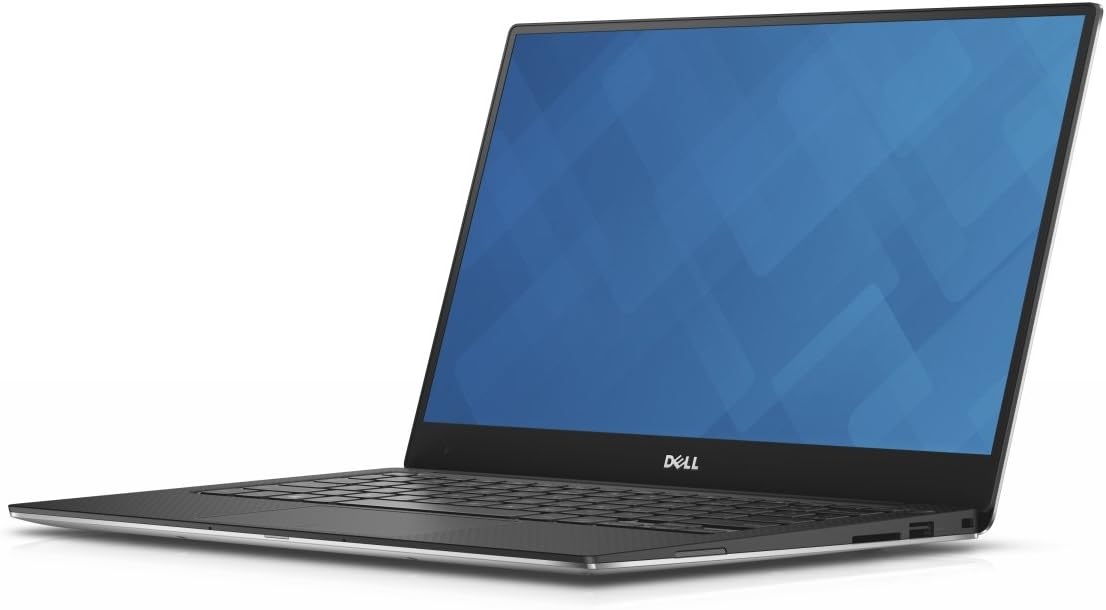
Dell XPS 13 9350
Pros
- Intel Core Ultra AI NPU for on-device AI features
- 13.4-inch FHD+ 120Hz InfinityEdge display
- Thunderbolt 4 and WiFi 7
- Copilot+ PC certified
- Compact and light at 2.73 lbs
Cons
- Expensive for a Windows ultrabook
- Limited port selection
- Fan can be audible under load
Price as of Mar 1, 2026 — see current price on Amazon.
If you need Windows, the XPS 13 9350 is the best ultrabook in its class for college. The Copilot+ AI features are increasingly useful for note-taking and content summarization, and the 120Hz display makes the Windows UI feel more responsive than most student laptops. WiFi 7 is a future-proof addition that will matter as campus networks upgrade.
At $1,199, it's pricier than it needs to be for typical student work, but the build quality and longevity justify it over a cheaper Windows alternative that might not survive four years of backpack life.
Best OLED display: ASUS Zenbook 14 OLED
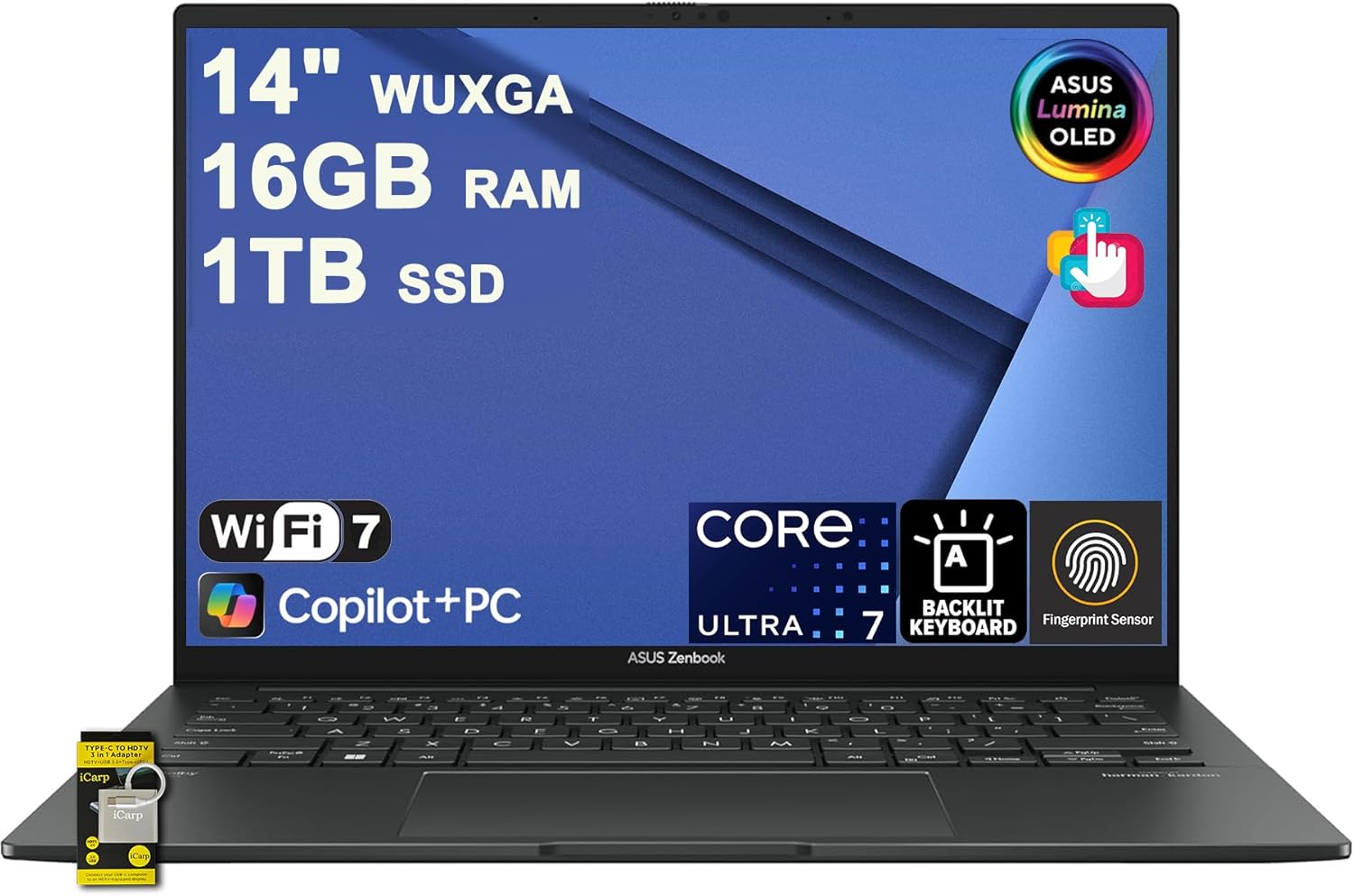
ASUS Zenbook 14 OLED
Pros
- OLED touchscreen at 14 inches is gorgeous
- Intel Arc 140T graphics handle light creative work
- Thunderbolt 4 port
- Backlit keyboard
- Reasonably priced for OLED quality
Cons
- Intel Arc iGPU can be inconsistent for gaming
- Heavier at 3.09 lbs than the MacBook Air
- OLED brightness lower than LCD in bright rooms
Price as of Mar 1, 2026 — see current price on Amazon.
For design, film, or media students who need color-accurate display work without MacBook pricing, the Zenbook 14 OLED hits the right notes. The OLED touchscreen at 14 inches delivers colors and contrast that IPS laptops at any price can't match. Intel's Core Ultra 7 155H handles photo editing, light video work, and student CAD without issue.
The touchscreen is genuinely useful for annotation in digital art tools and handwritten notes if you add a stylus. At $799, this is one of the better values in the OLED laptop category.
Best for big screen needs: MacBook Air 15" M4
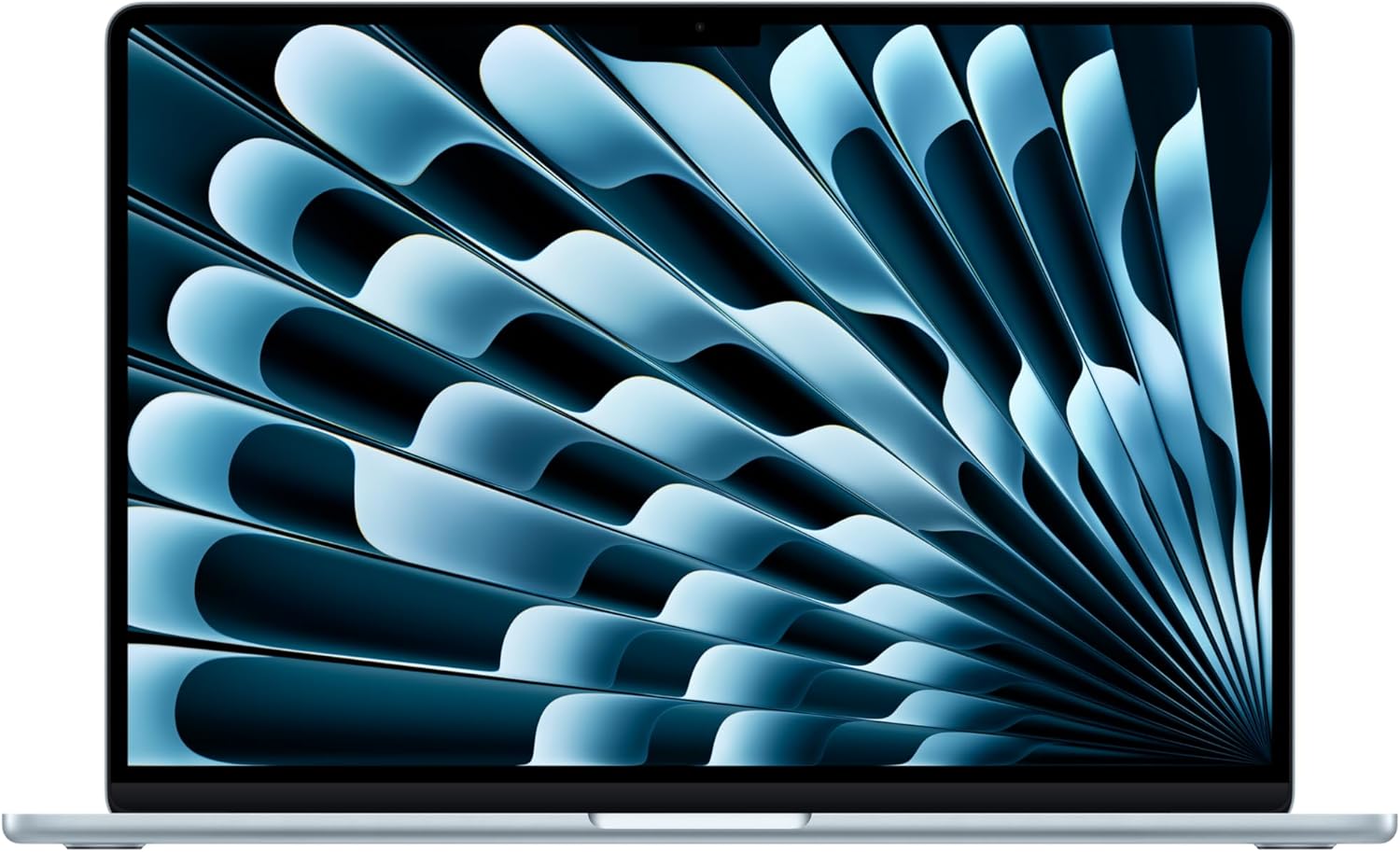
Apple MacBook Air 15" M4
Pros
- 15.3-inch display gives more screen real estate for coding and spreadsheets
- Same M4 performance as the 13-inch
- 18-hour battery life with a larger battery
- Still under 3.5 lbs for a 15-inch laptop
- 12MP Center Stage camera
Cons
- More expensive than the 13-inch for the same chip
- Larger footprint fits fewer laptop bags
- Overkill if you mostly use it docked at a desk
Price as of Mar 1, 2026 — see current price on Amazon.
Some people genuinely need a 15-inch display. If you code, work in large spreadsheets, or your eyes appreciate more screen space, the MacBook Air 15" M4 is the right call. It's the same M4 chip as the 13-inch with a larger display and a bigger battery. The 18-hour battery estimate is actually achievable at light to moderate use.
At $1,299, there's a real price jump from the 13-inch, but if you know you work better on a larger screen, it's worth it rather than buying a 13-inch and regretting it.
Best budget: Lenovo IdeaPad Slim 5i
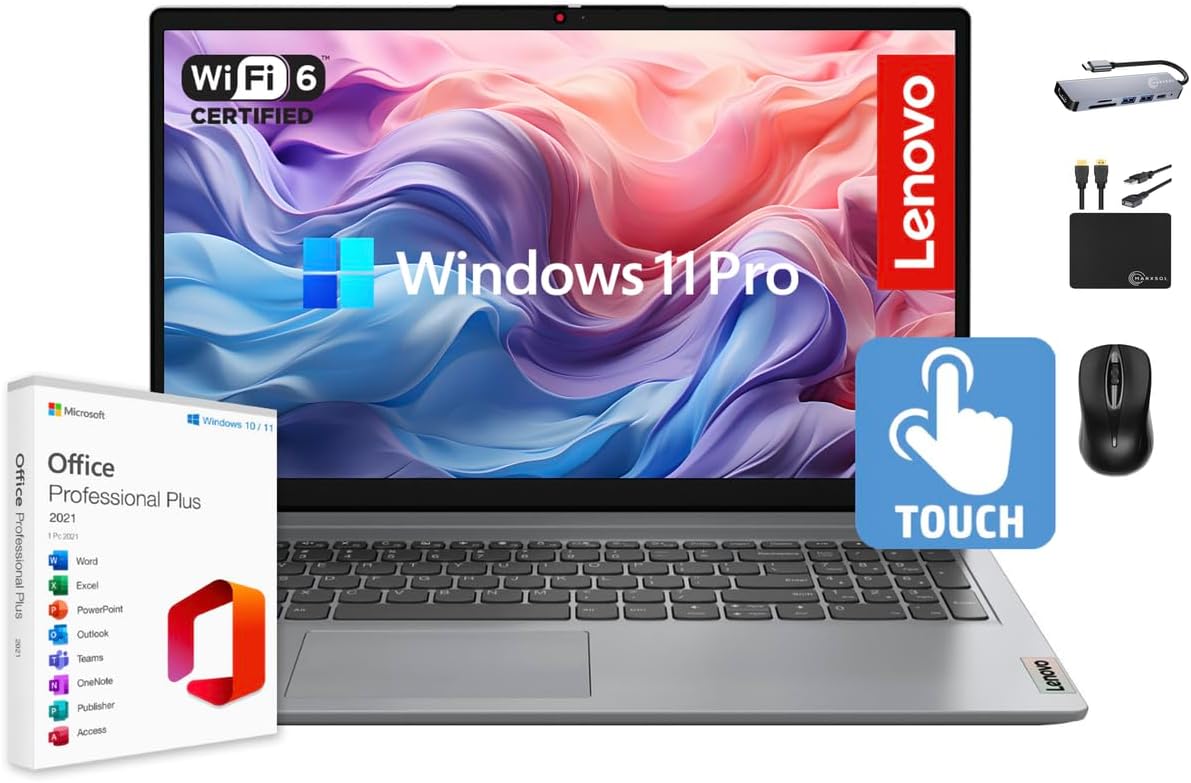
Lenovo IdeaPad Slim 5i
Pros
- Under $600 for a capable student laptop
- 16-inch IPS display
- 16GB RAM and 1TB SSD
- Intel Core 7 150U handles basic workloads
- Fingerprint reader
Cons
- 3.97 lbs is heavier than premium alternatives
- Average battery life compared to MacBook Air
- Plastic build won't survive four years of rough handling
Price as of Mar 1, 2026 — see current price on Amazon.
For students on a tight budget, the IdeaPad Slim 5i is honest about what it is. At $600, you get 16GB RAM and 1TB SSD (more storage than the $1,299 MacBook Air base model), a 16-inch IPS display, and a chip that handles document editing, research, and video calls without issue. It won't win any performance or battery life competitions, but it completes the task of being a capable laptop for under $600.
If your budget is flexible, spending more on the Zenbook 14 OLED or MacBook Air will be noticeable every day. If $600 is the ceiling, this gets the job done.
What to look for in a college laptop
Battery life is the most important spec most buyers ignore. A laptop that lasts 8 hours is genuinely different from one that lasts 15 hours when you're going between classes, the library, and campus events. Test it against real workload estimates, not manufacturer claims.
Weight matters more than you expect. A 4-pound laptop in a backpack already full of textbooks is a real burden. Under 3 pounds is ideal. Under 3.5 is acceptable. Over 4 pounds is a compromise you'll feel by sophomore year.
RAM minimum is 16GB for 2026 and beyond. 8GB laptops will feel slow by the time you graduate. If you're buying something to last four years, 16GB is the floor.
SSD size: 256GB fills up with software updates and a few video projects. 512GB is the comfortable minimum. 1TB future-proofs you.
Consider your major: Engineering, CS, and architecture students should lean toward more RAM and better processing power. Business and liberal arts students can get by with mid-range chips. Design and film students should prioritize display quality and GPU capability.
If your major is CS, the best laptops for programming 2026 guide goes deeper on RAM and compilers. On a tighter budget, the best laptop under $500 roundup covers the machines that still hold up through a semester. And if you want one laptop for class and games, the best gaming laptop under $1,000 picks are the compromise that works.
FAQ
Is a MacBook Air worth it for college students? Yes, for most students. The M4 chip, all-day battery, and light weight solve the three biggest problems college students face with laptops. The higher price versus Windows alternatives is justified by performance, battery life, and build quality that holds up over four years.
What laptop is best for a college student on a budget? The Lenovo IdeaPad Slim 5i at $600 is the best budget pick. The ASUS Zenbook 14 OLED at $799 is better if you can stretch, especially for students who need a quality display.
Should a college student get a 13-inch or 15-inch laptop? It depends on how you work. If you're mostly on campus moving between classes, 13-inch is lighter and easier to carry. If you spend most time at a desk and want more screen space, 15-inch is worth the extra weight. The MacBook Air 13" and 15" M4 are both excellent; pick based on how you work.
Do college students need a gaming laptop? Rarely. Gaming laptops are heavier, run hotter, have worse battery life, and cost more for the GPU performance most students won't use in class. A thin-and-light like the MacBook Air or XPS 13 handles the occasional game fine. Serious gaming is better left for a gaming PC in your dorm. See our best gaming laptops 2026 if gaming performance is a priority.
How much RAM does a college student need? 16GB is the minimum for buying a laptop in 2026 that will stay useful through four years of college. 8GB options exist at lower prices but will feel sluggish running modern browsers, cloud apps, and OS updates by 2028. Don't compromise on this.
How We Test
We score products by combining spec-level research, pricing history, trusted third-party benchmarks, and owner sentiment from high-signal sources.
- Performance and real-world value in the category this guide targets
- Price-to-performance and deal consistency over recent pricing windows
- Build quality, reliability patterns, and known long-term issues
- Recommendation refresh cadence to keep these picks current
Author
TheTechSearch Editorial Team
Independent product reviewers & PC builders
We test and compare real-world specs, price trends, and user feedback to recommend gear that actually makes sense to buy.