Best Monitors for Programming 2026
The best monitors for coding and software development, from ultrawide productivity beasts to sharp 4K displays perfect for text. Expert picks, pros and cons,...
As an Amazon Associate we earn from qualifying purchases made through our links — this doesn't affect our picks.
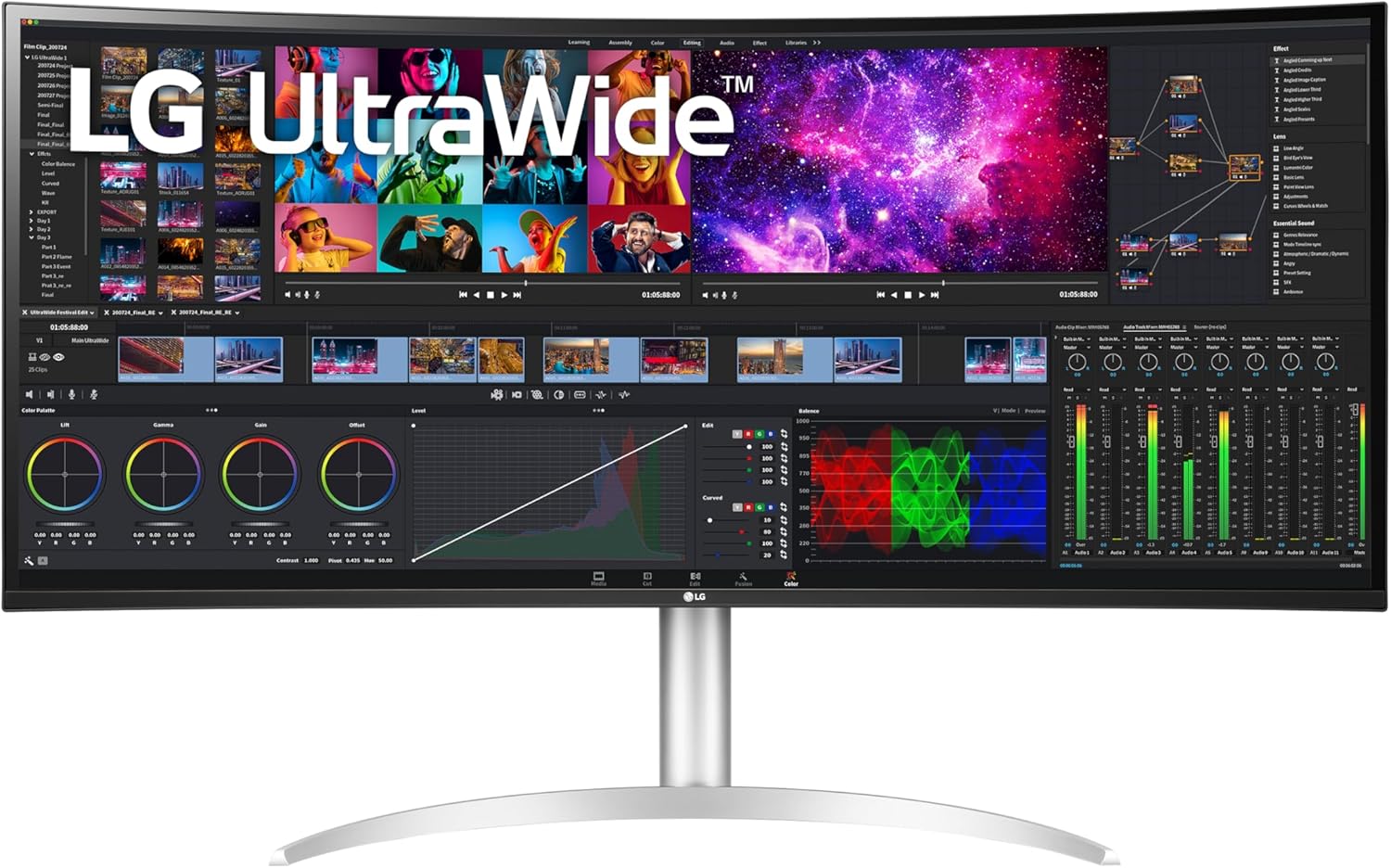
LG 40WP95C-W 40-Inch Curved 5K2K UltraWide
Our top recommendation for this category
Price as of Jan 27, 2026 — see current price on Amazon.
Programming monitors have different requirements than gaming monitors. You need sharp text rendering, comfortable viewing for 8+ hour sessions, and enough screen real estate to show your editor, terminal, browser, and docs simultaneously.
Top Picks
| Monitor | Size | Resolution | Panel | Price | |
|---|---|---|---|---|---|
| LG 40WP95C-W | 40" | 5K2K Curved Ultrawide | Nano IPS | $1,499 | Check Price |
| Dell U2723QE | 27" | 4K | IPS Black | $649.00 | Check Price |
| LG 27UK850-W | 27" | 4K | IPS | $349 | |
| Samsung ViewFinity S9 | 27" | 5K | IPS | $899 | Check Price |
| Dell U3423WE | 34" | 3440x1440 | IPS | $549 | Check Price |
Best Overall: LG 40WP95C-W
LG 40WP95C-W 40-Inch Curved 5K2K UltraWide
Pros
- Massive 5K2K resolution, incredibly sharp text
- 40-inch ultrawide replaces dual monitors
- Thunderbolt 4 with 96W charging
- Excellent color accuracy
Cons
- Expensive
- Large footprint, measure your desk
- Curved screen can distort straight lines
- Heavy
Price as of Jan 27, 2026 — see current price on Amazon.
The LG 40WP95C-W is a productivity monster. Its gently curved 5120x2160 Nano IPS panel keeps text razor-sharp even at 40 inches, and you get enough space for three full-width code columns side by side. The Thunderbolt 4 connection means one cable for video, data, and laptop charging.
This is the "one monitor to rule them all" for developers. It replaces a dual-monitor setup with no bezels in the middle.
Best USB-C Dock: Dell U2723QE
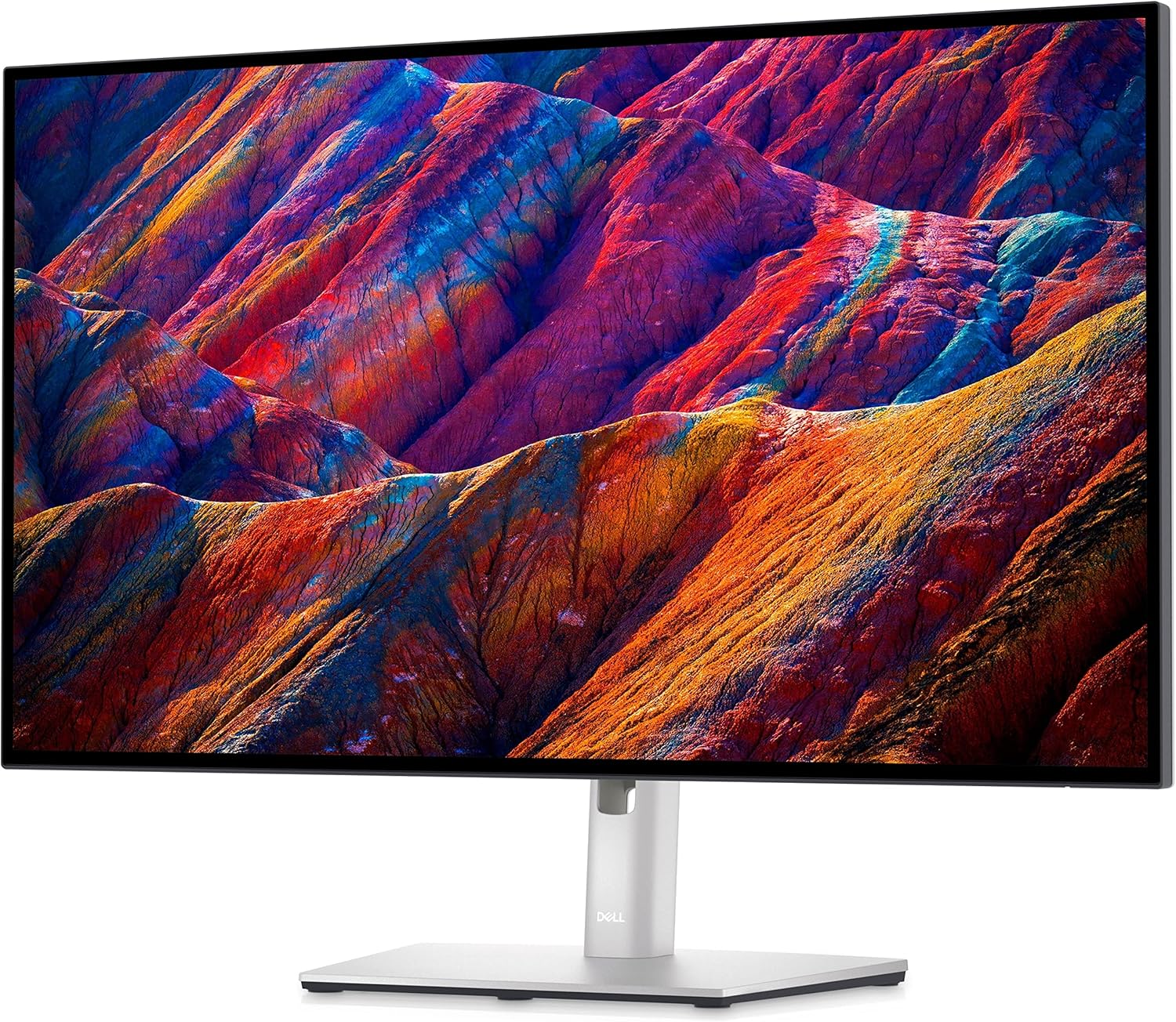
Dell U2723QE
Pros
- IPS Black panel, deeper blacks than standard IPS
- Excellent text clarity at 4K
- USB-C with 90W charging
- Great ergonomic stand
Cons
- 27" may feel small for some
- Not the widest color gamut
- 60Hz only
Price as of Jan 27, 2026 — see current price on Amazon.
Dell's UltraSharp line has been the go-to for professional monitors for years, and the U2723QE continues that tradition. The IPS Black panel offers 2000:1 contrast (vs 1000:1 on standard IPS), which makes dark IDE themes look significantly better. At $649.00 it is no longer the cheap 4K pick here, and the LG 27UK850-W at $349 undercuts it badly unless you specifically want the IPS Black contrast and the 90W USB-C dock.
Best 5K: Samsung ViewFinity S9
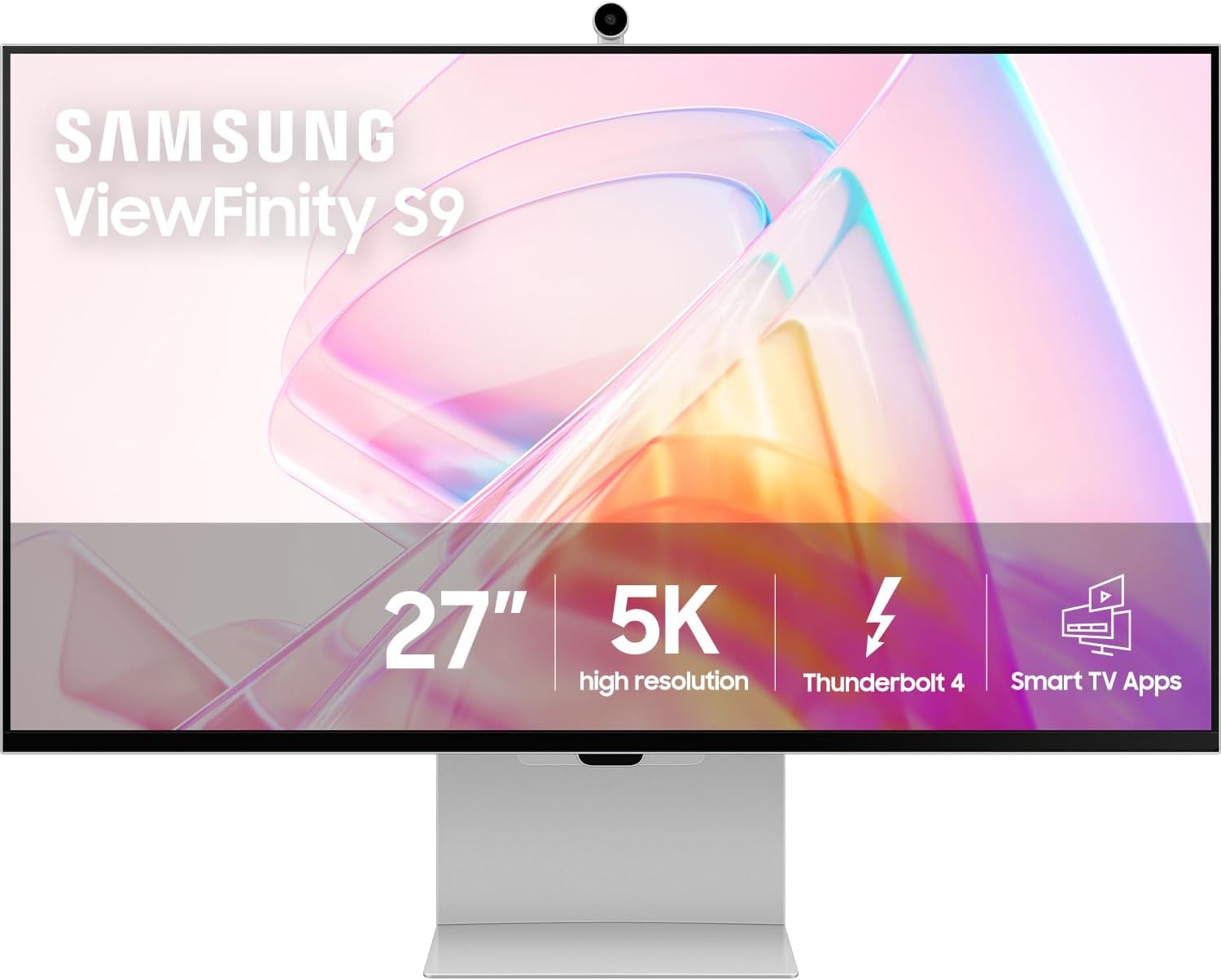
Samsung ViewFinity S9
Pros
- 5K resolution, Apple Studio Display competitor
- Matte coating reduces glare
- Built-in webcam with Windows Hello
- USB-C with 65W charging
Cons
- $899 is steep for a 27" monitor
- Camera quality is mediocre
- Stand wobbles slightly
Price as of Jan 27, 2026 — see current price on Amazon.
If you want Apple Studio Display quality on Windows (or Linux), the ViewFinity S9 delivers 5K resolution at 27 inches, the same pixel density Apple uses. Text rendering is noticeably sharper than 4K at this size. The matte coating is a huge plus for offices with windows.
Best Ultrawide: Dell U3423WE
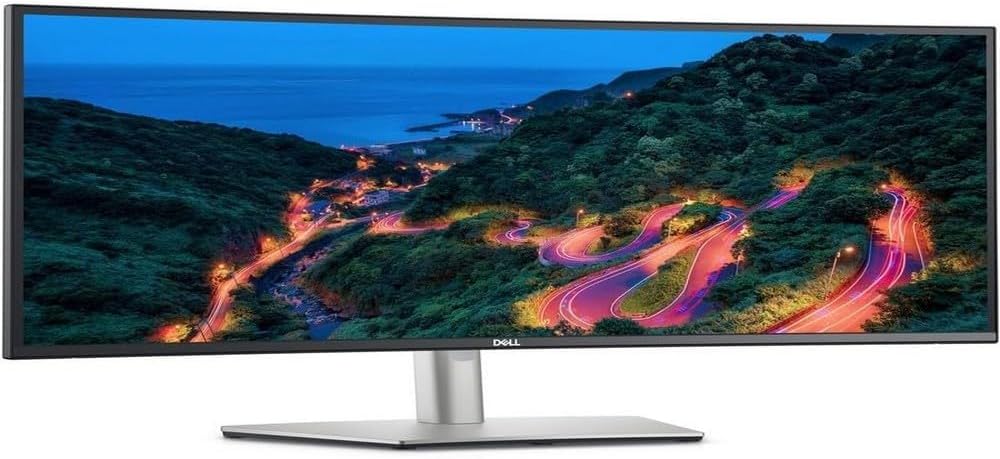
Dell U3423WE
Pros
- 34" ultrawide gives great workspace
- USB-C hub with 90W charging
- IPS with good colors
- Excellent build quality and stand
Cons
- 3440x1440, not as sharp as 4K at this size
- No HDR
- Premium price for 1440p ultrawide
Price as of Jan 27, 2026 — see current price on Amazon.
The 34" ultrawide format is perfect for coding, you can comfortably have your editor on one side and a browser/terminal on the other without any bezel in between. The Dell U3423WE adds a USB-C hub with Ethernet passthrough, making it a great docking station replacement.
What Makes a Good Programming Monitor?
Text Clarity is King
You're staring at text all day. High resolution and good subpixel rendering are non-negotiable. At 27 inches, 4K (3840x2160) gives you ~163 PPI, sharp enough that individual pixels disappear. At 32+ inches, you want 5K or higher.
USB-C Changes Everything
A single cable for video, data, and laptop charging simplifies your desk setup enormously. Look for at least 65W power delivery, 90W+ if you have a power-hungry laptop.
Eye Comfort
- Flicker-free backlight, eliminates fatigue-causing flickering
- Low blue light mode, reduces eye strain during long sessions
- Matte coating, eliminates distracting reflections
- Good brightness range, dim enough for late-night coding, bright enough for daylight
Size & Resolution Guidelines
| Size | Minimum Resolution | PPI | Verdict | |------|-------------------|-----|---------| | 24" | 1920x1200 | 94 | Acceptable | | 27" | 3840x2160 (4K) | 163 | Excellent | | 32" | 3840x2160 (4K) | 140 | Good | | 34" UW | 3440x1440 | 110 | Acceptable | | 40" UW | 5120x2160 | 140 | Excellent |
Dual vs Ultrawide
Dual monitors: More total resolution, can angle screens. But the bezel in the middle is annoying, and managing windows across two displays adds friction.
Ultrawide: Seamless workspace, cleaner desk, one cable. But limited vertical space at 1440p, and some apps don't handle ultrawide layouts well.
Our recommendation: A single high-res ultrawide (5K2K) or a single 4K with a vertical secondary monitor on the side.
The Bottom Line
For most developers, the Dell U2723QE at $649 is still the pick if you want sharp 4K text, 90W USB-C charging, and Dell's reliable build quality on one cable. On a tighter budget the LG 27UK850-W at $349 gets you the same 4K sharpness for a lot less. If you want the ultimate programming monitor and have the budget, the LG 40WP95C-W curved ultrawide is transformative at $1,499.99.
As an Amazon Associate, we earn from qualifying purchases. This doesn't affect our recommendations or editorial independence.
Related guides
Frequently asked questions
- Is a 27-inch or 32-inch monitor better for programming?
- 27 inches at 1440p is the most common programmer setup because it delivers high pixel density (108 PPI) for sharp text without needing display scaling. 32 inches at 4K matches the sharpness of 27 inches at 1440p with more physical screen real estate for multiple windows. Beyond 32 inches, most programmers switch to dual-monitor setups rather than a single ultrawide. The choice depends on how much code you want visible simultaneously.
- Should I buy a matte or glossy display for programming?
- Matte displays with anti-glare coatings are preferred for extended programming sessions in office environments. They eliminate reflections from overhead lighting and windows that cause eye strain over time. Glossy displays have better color vibrancy and contrast but require a carefully controlled lighting environment to avoid constant reflections. Most dedicated monitors for professional use are matte.
- Do I need an ultrawide monitor for programming?
- Ultrawide monitors (21:9 at 3440x1440 or wider) are popular with developers for running a code editor, browser, and terminal simultaneously without window switching. The trade-off is desk space, cost, and that some applications do not handle the unusual aspect ratio cleanly. A well-calibrated dual 27-inch setup often gives more total pixels at lower cost than a single premium ultrawide.
- How important is color accuracy for programming?
- For pure coding, color accuracy matters less than resolution, brightness, and low blue light options. If you also do any UI or UX work, CSS styling, or front-end development where you need to match design files, a monitor with reasonable sRGB coverage (99%+) and low Delta E matters more. The ASUS ProArt and Dell UltraSharp lines are popular for developers who also do design work.
- What is the best display type for long coding sessions?
- IPS panels are the standard recommendation for long coding sessions because of their wide viewing angles and consistent color across the display. OLED monitors have better contrast and can be configured with low brightness for eye comfort, but the static nature of code on screen raises burn-in concerns with OLED over multi-year use. Many developers prefer IPS for its reliability and longevity. Look for hardware low blue light modes over software filters for better eye comfort.
How We Pick
We pick products by combining spec-level research, price checks, trusted third-party benchmarks, and owner sentiment from high-signal sources.
- Performance and real-world value in the category this guide targets
- Price-to-performance and deal consistency over recent pricing windows
- Build quality, reliability patterns, and known long-term issues
- Recommendation refresh cadence to keep these picks current
Author
TheTechSearch Editorial Team
Independent product reviewers & PC builders
We compare real-world specs, reviews and owner reports, price trends, and user feedback to recommend gear that actually makes sense to buy.