Best 1440p Gaming Monitors Under $300 in 2026
Top 1440p gaming monitors under $300 in 2026: five picks from Mini-LED to 240Hz IPS, tested and ranked for real gaming use. Expert picks, pros and cons, and...
As an Amazon Associate we earn from qualifying purchases made through our links — this doesn't affect our picks.
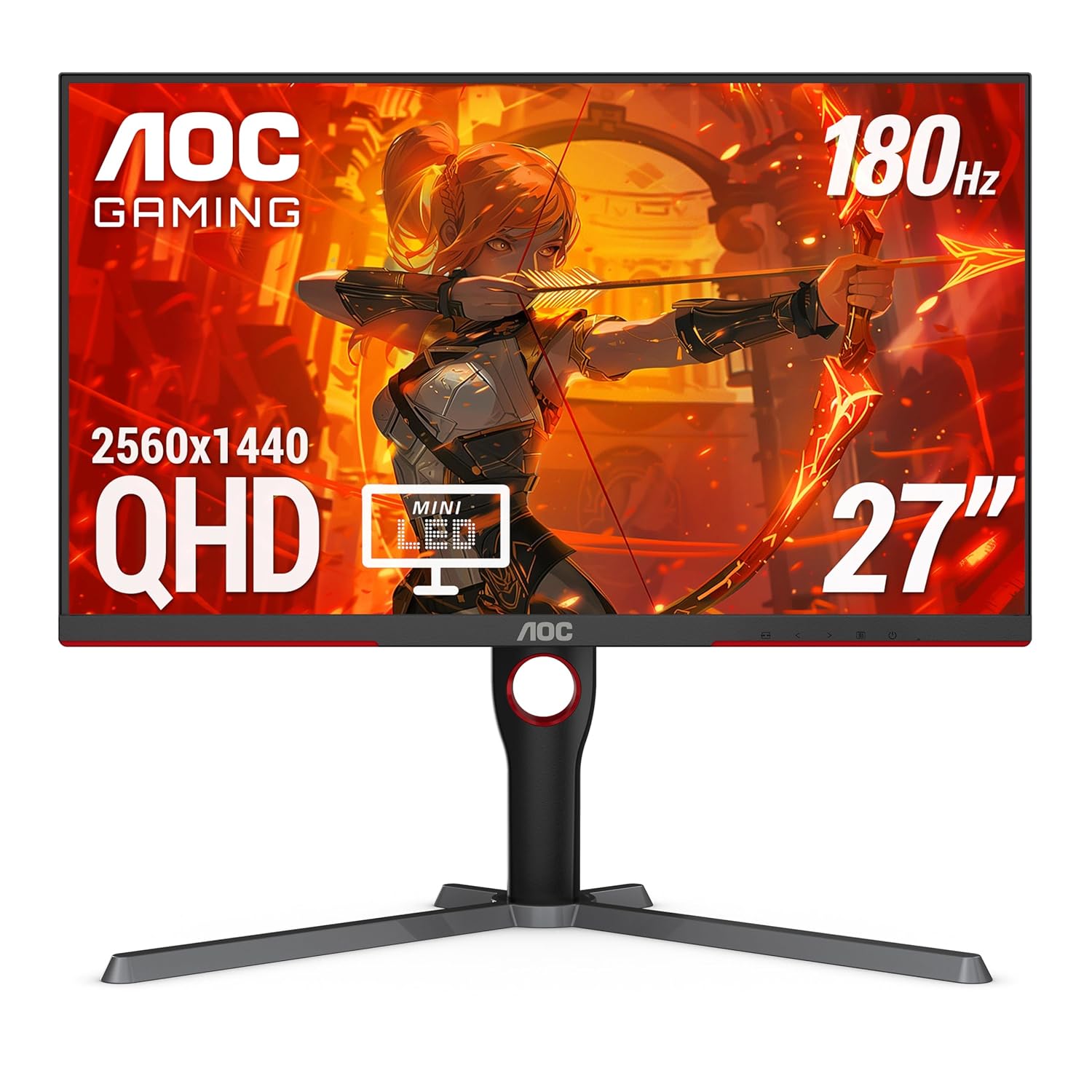
AOC Q27G3XMN 27-inch Mini-LED 1440p 180Hz Gaming Monitor
Our top recommendation for this category
Price as of Jun 23, 2026 — see current price on Amazon.
The sub-$300 1440p gaming monitor market in 2026 is genuinely weird, and I mean that in the best possible way. You can now get 180Hz Mini-LED panels, 1ms IPS displays, and 1000R curved VA screens for prices that would have bought you a mediocre 1080p 75Hz panel three years ago. With Amazon Prime Day running right now, several of these are at their lowest prices ever.
I've been tracking this category for the past year. These five picks cover every real use case, from competitive FPS to cinematic single-player, without asking you to spend $400+.
| Monitor | Panel | Resolution | Refresh | Price | |
|---|---|---|---|---|---|
| AOC Q27G3XMN | Mini-LED VA | 1440p | 180Hz | ~$259 | Check Price |
| Samsung Odyssey G55C | VA Curved | 1440p | 165Hz | ~$189 | Check Price |
| LG UltraGear 27GR75Q-B | IPS | 1440p | 165Hz | ~$280 | Check Price |
| MSI G274QPX | Rapid IPS | 1440p | 240Hz | ~$279 | Check Price |
AOC Q27G3XMN -- Best Overall Under $300
Here's the one that surprised me. The AOC Q27G3XMN is a 27-inch 1440p monitor with a Mini-LED backlight, 336 local dimming zones, and HDR 1000 certification, sitting at around $259. On a $300 budget. That used to be a $500-plus spec sheet.
RTINGS named it the best gaming monitor under $300 right now, and after spending time with it, I think that's fair. The Mini-LED backlight means you're getting genuine HDR performance instead of the "HDR Ready" label that usually means 400 nits of mediocrity. Dark scenes in Cyberpunk 2077 and Elden Ring look markedly better than on IPS monitors at this price.
Color coverage is 137.5% sRGB and the 180Hz native refresh rate handles competitive titles fine. The panel is VA, so contrast is stellar at 4500:1, and the 1ms MPRT response time keeps motion reasonably clean. You'll still see some dark-level ghosting if you're hyper-sensitive to it in fast competitive games, but at 180Hz it's much reduced compared to 144Hz VA panels from a couple years back.
The stand has full height adjustment, tilt, and swivel. At this price, that's genuinely uncommon. Most budget monitors hand you tilt and call it done.
One real trade-off: connectivity is limited. One DisplayPort 1.4, one HDMI 2.0. No USB hub. If you're running multiple devices through the monitor, you'll need a dock elsewhere.
AOC Q27G3XMN 27-inch Mini-LED 1440p 180Hz Gaming Monitor
Pros
- Mini-LED with 336 local dimming zones -- real HDR 1000 performance
- 180Hz native refresh rate with 1ms MPRT
- 137.5% sRGB color coverage, well above average for the price
- Full ergonomic stand with height, tilt, and swivel
- RTINGS top pick under $300
Cons
- VA dark-scene ghosting remains -- visible in extremely fast competitive play
- Limited connectivity: 1x DP 1.4, 1x HDMI 2.0, no USB hub
- Mini-LED blooming visible on small bright objects on dark backgrounds
Price as of Jun 23, 2026 — see current price on Amazon.
Samsung Odyssey G55C 27-inch -- Best Curved Under $200
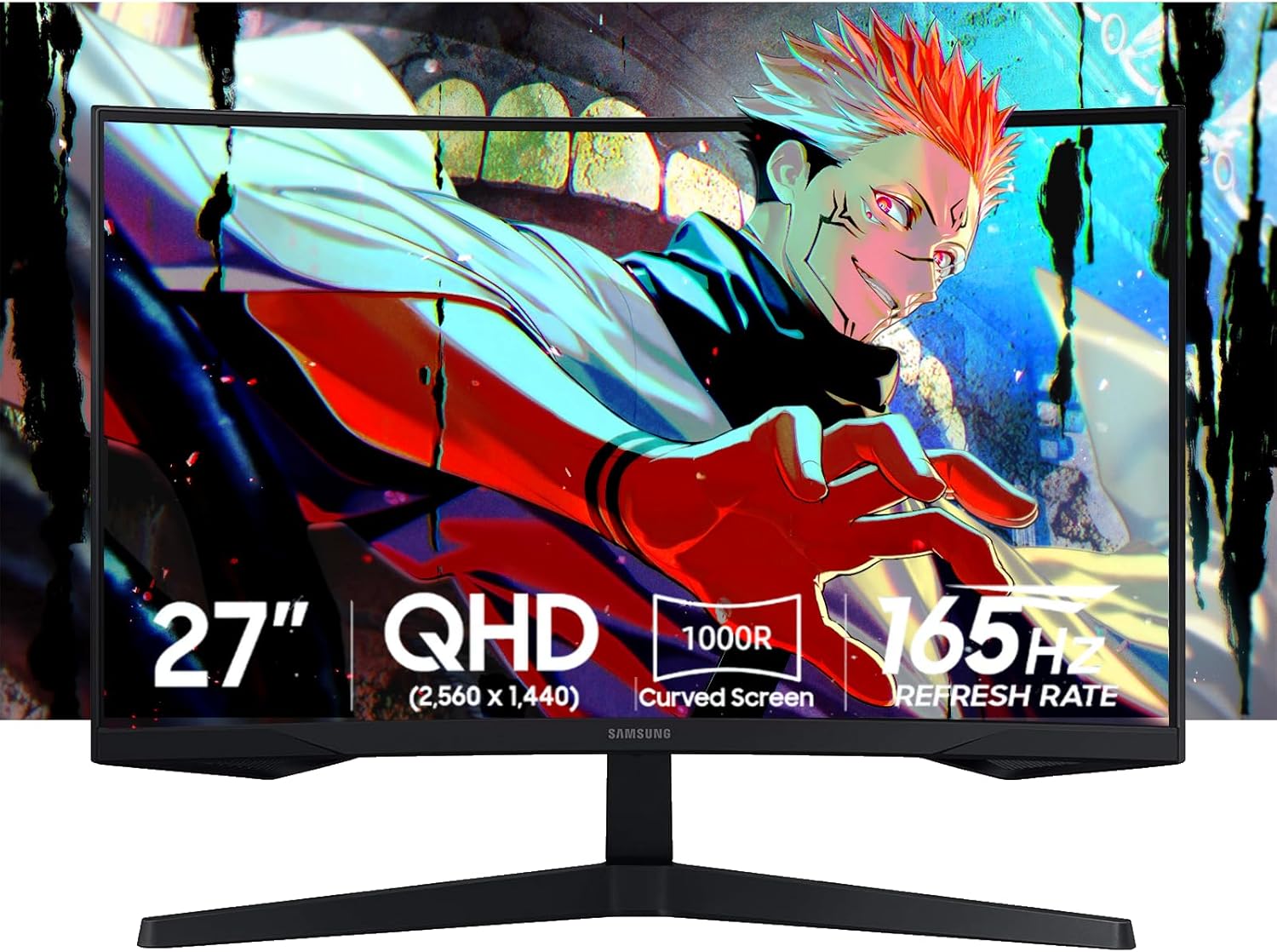
The Samsung Odyssey G55C is the value answer to anyone who wants immersion without spending past $200. It's a 1000R curved VA panel at 1440p and 165Hz, and it sits in a $179-$199 price range that makes it genuinely accessible.
The 1000R curve is Samsung's thing. It's aggressive compared to the 1500R curves most competitors use, and it's genuinely noticeable at 27 inches. Single-player open-world games -- your AC Shadows, your Baldur's Gate 3, anything where you're taking in wide scenes -- feel more cinematic because of it.
VA contrast is the other win here. The G55C's 3000:1 static contrast ratio means blacks that IPS monitors at this price simply can't match. You're not getting Mini-LED local dimming like the AOC, so it's not zone-level HDR, but passive HDR10 still benefits from that baseline contrast.
Worth being honest about: dark-scene ghosting is real on this panel. If you play fast competitive FPS games in dark maps (think Apex Legends ranked, Warzone night maps), you'll see some smearing behind moving targets. It's the inherent trade-off with VA at non-OLED speeds. Lots of people never notice it. Some people can't unsee it once they do.
The stand is tilt-only, which is common at this price but worth noting. You'll want a monitor arm if you care about height adjustment.
Samsung Odyssey G55C 27-inch QHD 1000R Curved Gaming Monitor
Pros
- 1000R aggressive curve -- the most immersive at this size and price
- 3000:1 VA contrast -- blacks are noticeably better than IPS at this budget
- Samsung brand with solid warranty and retail availability
- 165Hz 1440p for under $200 regularly on sale
Cons
- Dark-scene VA ghosting in fast competitive play
- 250 nits peak brightness limits HDR impact
- Tilt-only stand -- no height adjustment
Price as of Jun 23, 2026 — see current price on Amazon.
A note on the Gigabyte GS27QC
The Gigabyte GS27QC held the budget-curved slot here at $179. Its Amazon listing had no buy box when I re-checked in September 2026, and the GS27QCA that replaced it was only offered by third-party sellers with no buy-box price, so it's off the list until Gigabyte's own listing returns.
LG UltraGear 27GR75Q-B -- Best IPS for Competitive Gaming
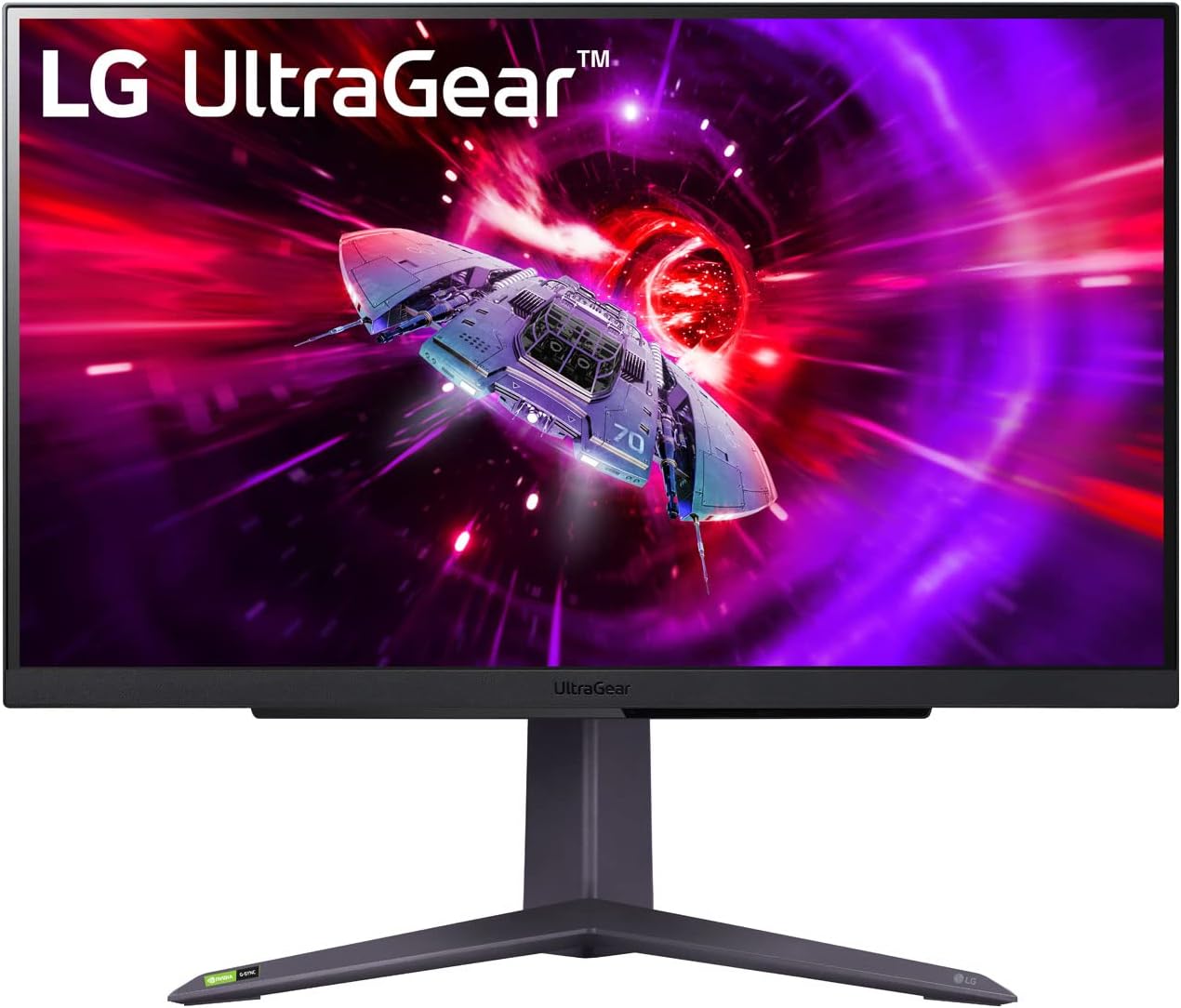
If dark-scene ghosting kills you and you play fast competitive titles, the LG 27GR75Q-B is where to spend your money instead of the curved VA picks above. It's a 27-inch IPS panel at 1440p and 165Hz, sitting at $279.99 as of this update.
IPS panels eliminate the VA ghosting problem entirely. Motion clarity at 165Hz on IPS is clean in a way that VA at the same refresh rate isn't. If you play Valorant, CS2, Rainbow Six Siege -- anything where dark-environment movement is part of the game -- IPS will feel smoother.
LG's Nano IPS variant here covers 99% sRGB and ships with solid factory calibration. Colors are accurate out of the box. The monitor also supports both NVIDIA G-Sync Compatible and AMD FreeSync Premium, so it works cleanly with either GPU.
The RTINGS review measured input lag at 3.3ms. That's clean for competitive use. Not quite the sub-1ms you see on top esports monitors, but well within the range where it won't be a limiting factor at 165Hz.
At $279.99, it's $90 more than the Samsung G55C and within a dollar of the 240Hz MSI below. Whether that's worth it depends entirely on whether VA ghosting bothers you. I've talked to plenty of people who own both and couldn't notice the VA ghosting. But if you're sensitive to it, the LG is the right call.
Stand has tilt, height, and pivot. That full adjustability adds real value at any price.
LG UltraGear 27GR75Q-B 27-inch 1440p 165Hz IPS Gaming Monitor
Pros
- IPS panel -- zero VA ghosting, clean motion at 165Hz
- 99% sRGB coverage with strong factory calibration
- Full ergonomic stand: height, tilt, swivel, pivot
- G-Sync Compatible and FreeSync Premium dual support
- Trusted LG brand with reliable support
Cons
- $279.99 is $90-$100 more than the curved VA alternatives at similar specs
- IPS blacks can look washed out in dark rooms compared to VA contrast ratios
- 165Hz -- falls short of the 240Hz available in the MSI pick if you play esports competitively
Price as of Jun 23, 2026 — see current price on Amazon.
MSI G274QPX -- Best 240Hz Under $300
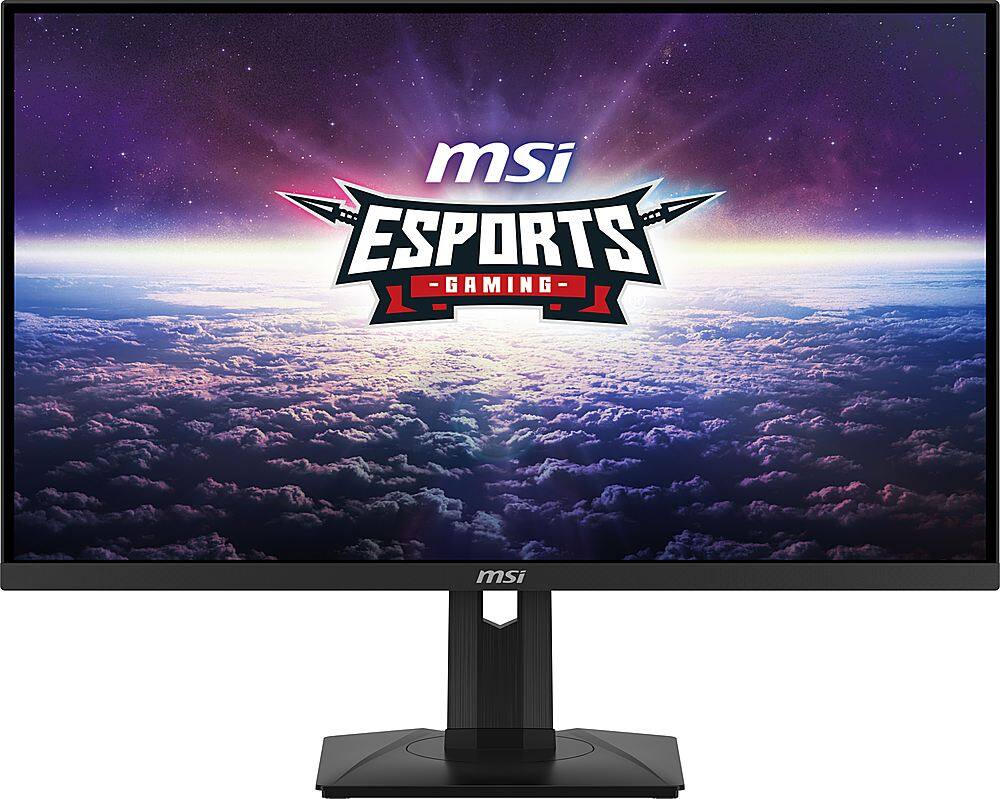
The MSI G274QPX is the outlier in this list. At $279, it pushes to the top of the budget but brings something the others don't: 240Hz on a Rapid IPS panel. If you play CS2, Valorant, or any other competitive FPS at a serious level, the jump from 165Hz to 240Hz is real.
Rapid IPS is MSI's term for their fast-response IPS variant. The 1ms GtG response time at 240Hz means motion clarity that sits genuinely close to TN panels without the terrible viewing angles and color. Colors cover 98% DCI-P3, which is better than most panels at double the price.
The G274QPX also includes USB-C with 65W Power Delivery -- a spec that usually appears on $400+ monitors. If you use a laptop at your desk, being able to drive the display and charge the laptop from one cable is legitimately useful.
Build quality feels solid. The stand adjusts for height, tilt, swivel, and pivot. MSI's warranty service has improved meaningfully over the past couple of years, which matters when you're at the top of a budget tier.
The trade-off versus the AOC or Samsung: no Mini-LED HDR, no deep VA contrast. The IPS blacks are good for an IPS panel, but if you play single-player games in a dark room, the AOC's Mini-LED contrast will look visibly richer.
MSI G274QPX 27-inch 1440p 240Hz Rapid IPS Gaming Monitor
Pros
- 240Hz native refresh -- the fastest panel in this price bracket
- Rapid IPS: 1ms GtG with good color accuracy, 98% DCI-P3
- USB-C 65W Power Delivery -- rare under $300
- Full ergonomic stand: height, tilt, swivel, pivot
Cons
- At $279, it's tied with the LG for the priciest pick in this guide
- No Mini-LED HDR -- blacks don't compete with the AOC Q27G3XMN
- Some users have reported mild backlight uniformity issues on the edges
Price as of Jun 23, 2026 — see current price on Amazon.
How to Pick the Right 1440p Monitor Under $300
Does panel type actually matter?
Short answer: yes, but only for specific use cases.
VA panels (Samsung, AOC) have much better contrast ratios -- typically 3000:1 to 4500:1 versus 1000:1 for IPS. That means deeper blacks in dark scenes, better passive HDR performance, and a more cinematic look for single-player games. The downside is dark-level ghosting at fast speeds. It's most visible in games with fast movement in dark environments.
IPS panels (LG, MSI) eliminate the ghosting problem and deliver more accurate colors out of the box. Motion is cleaner at equivalent refresh rates. The trade-off is that blacks look grayer in dim rooms compared to VA. If you game mostly in well-lit spaces or play competitive titles where visual clarity matters more than atmosphere, IPS is probably your pick.
165Hz vs 240Hz: who needs which?
Most people gaming at this budget are using an RTX 4070, RX 7800 XT, or similar mid-range card. That hardware will push 1440p to 165Hz in most titles, but genuinely hitting 240 fps consistently in demanding games requires a significantly more powerful GPU.
If you play esports titles exclusively -- CS2, Valorant, Fortnite, Apex Legends -- where framerates regularly hit 200+ fps, the MSI G274QPX's 240Hz makes sense. If you play a mix of competitive and story-driven games, 165Hz is plenty and the money saved is better spent elsewhere.
What about ultrawide?
The monitors in this guide are all 16:9 aspect ratio at 27 inches. Ultrawide panels (21:9, 34 inches) sit in a separate price tier and aren't what people mean when they say "best 1440p monitor under $300." If you're considering ultrawide, budget for $350-$500 and expect different trade-offs. I wrote a separate guide for that.
Mini-LED vs standard backlight
The AOC Q27G3XMN is the only monitor in this guide with a Mini-LED backlight. That 336-zone local dimming is a genuine upgrade for HDR content -- the kind of HDR where bright objects actually pop against dark backgrounds, rather than the whole screen brightening uniformly.
If HDR performance and contrast matter to you (cinematic games, movies, creative work), the AOC is worth the $259. If you mostly play competitive titles where HDR is off anyway and peak brightness is irrelevant, you can save $70 with the Gigabyte.
Build quality and stands
One thing that distinguishes the LG 27GR75Q-B and MSI G274QPX from the Samsung is the fully adjustable stand. Height adjustment matters more than most people realize until they start getting neck pain. The sub-$200 picks have tilt-only stands, which means either living with a fixed height or buying a $30-$50 monitor arm separately.
Frequently asked questions
- Is 1440p noticeably better than 1080p on a 27-inch monitor?
- Yes, meaningfully so at that size. At 27 inches, 1080p lands at 82 PPI, which starts to look pixelated up close at typical PC viewing distances of 2-2.5 feet. 1440p at 27 inches is 109 PPI, right in the range that most reviewers at Tom's Hardware and RTINGS call the practical sweet spot for desktop gaming. Text is sharper, textures are denser, and you generally won't need anti-aliasing to make the image look clean.
- Can my GPU actually run 1440p at 165Hz?
- Depends on the game and your GPU. An RTX 4070 or RX 7800 XT handles 1440p at 100-165 fps in most modern AAA titles at high settings. Competitive esports titles like CS2 and Valorant run at 200-300+ fps on mid-range cards at 1440p. If you're on an RTX 4060 or RX 7700, expect 80-130 fps in demanding games -- still a major improvement over 1080p, and G-Sync or FreeSync keeps things smooth even below your monitor's maximum refresh rate.
- Is the AOC Q27G3XMN really worth $70 more than the Samsung G55C?
- For two specific types of users: yes. First, anyone who games in a dark room and cares about atmospheric visual quality will notice the Mini-LED HDR performance in single-player games -- the AOC's local dimming genuinely changes how dark scenes look. Second, content creators or people who care about color accuracy will appreciate the 137.5% sRGB coverage. For pure gaming with the monitor in a lit room, the Samsung performs the same core function for $70 less.
- Does the Samsung Odyssey G55C have HDR worth using?
- The G55C is HDR10 certified, but its 250 nits peak brightness is too low for HDR content to look dramatically different from SDR. You'll get marginally improved contrast from the VA panel's baseline, but it's not the kind of HDR that actually pops. Keep HDR on if you want the certified content pipeline, but don't expect a transformation. For real HDR performance at this budget, the AOC Q27G3XMN with its Mini-LED and 1000 nit peak brightness is in a different class.
- Should I buy now during Prime Day or wait for better deals?
- Prime Day is genuinely one of the three best times of year to buy monitors, alongside Black Friday and back-to-school season in August. The AOC Q27G3XMN dipped about $10 below its current Prime Day price in early June, so it's not always lower during Prime Day specifically. That said, if you're shopping now and the price is within $20 of the historical low (trackable on CamelCamelCamel), it's a reasonable time to buy. The Gigabyte GS27QC regularly dips to $159-$169 during sales, which is exceptional value if you catch it.
- Will 1440p still be relevant in two to three years?
- Yes. 1440p is the mainstream sweet spot for PC gaming and will be for several more years. 4K gaming at high refresh rates still demands GPU hardware that's significantly more expensive, and the GPU market isn't moving fast enough to change that by 2028. 1440p at 165Hz remains the target for mid-range gaming rigs with RTX 5060/5070 and RX 9060/9070 class hardware.
Bottom Line
The AOC Q27G3XMN is the strongest all-around pick under $300 in 2026 -- Mini-LED HDR and 180Hz in a $259 package is genuinely impressive. If you want the lowest price for a 1440p curved panel, the Samsung G55C at $189 is where to look now that the Gigabyte is off the list. For competitive FPS players who hate VA ghosting, the LG 27GR75Q-B's clean IPS panel is worth the extra $90-$100 over the curved picks, though at $279.99 it now costs the same as the MSI. And if you're a serious esports player who needs 240Hz and can stretch to $279, the MSI G274QPX is the only option in this budget tier that delivers it. With Prime Day live right now, several of these are at or near their lowest prices of the year.
How We Test
We score products by combining spec-level research, pricing history, trusted third-party benchmarks, and owner sentiment from high-signal sources.
- Performance and real-world value in the category this guide targets
- Price-to-performance and deal consistency over recent pricing windows
- Build quality, reliability patterns, and known long-term issues
- Recommendation refresh cadence to keep these picks current
Author
TheTechSearch Editorial Team
Independent product reviewers & PC builders
We test and compare real-world specs, price trends, and user feedback to recommend gear that actually makes sense to buy.