Best Ultrawide Monitors 2026: From Budget 34" to 5K Creator Displays
The best ultrawide monitors of 2026 ranked: budget LG VA, gaming IPS, QD-OLED, and 5K2K creator options. Covers 3440x1440 and 5120x2160 resolutions. Expert p...
As an Amazon Associate we earn from qualifying purchases made through our links — this doesn't affect our picks.
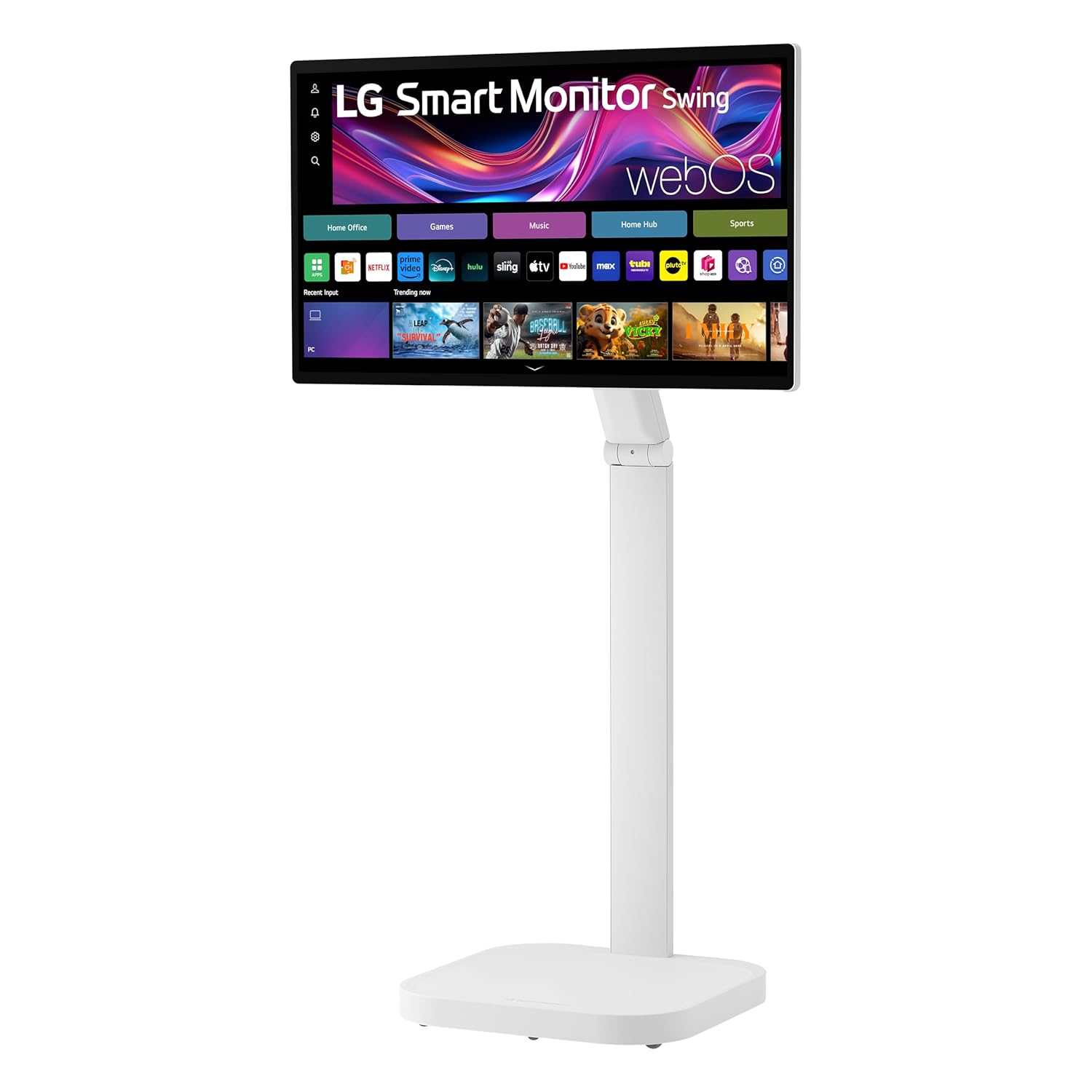
LG UltraWide 34WP65C-B 34-Inch Curved 3440x1440 VA Monitor
Our top recommendation for this category
Price as of Sep 15, 2026 — see current price on Amazon.
In this guide
- Quick Picks
- 1. LG 34WP65C-B: Best Budget Ultrawide
- 2. LG 34GP83A-B: Best Gaming Ultrawide IPS
- 3. Alienware AW3425DW QD-OLED: Best Gaming Ultrawide
- 4. LG 40WP95C-W: Best Ultrawide for Creative Professionals
- 34-Inch vs 40-Inch Ultrawide: Which Size Is Right?
- Ultrawide Gaming vs 16:9 144Hz Gaming
- Related Guides
- FAQ
Best Ultrawide Monitors 2026: From Budget 34" to 5K Creator Displays
Ultrawide monitors change how you work and game in a way that regular widescreen monitors can't. The 21:9 aspect ratio gives you spreadsheet space that doesn't require constant scrolling, racing game immersion that no 16:9 panel matches, and the ability to snap two windows side-by-side without them feeling cramped.
The category splits into three distinct audiences: value-focused buyers who want more screen for less money, gamers chasing high refresh rates and OLED contrast, and creative professionals who need accurate color and maximum pixel density.
Here's where each option fits in 2026.
Quick Picks
- Best budget: LG 34WP65C-B: curved VA at $479, great value entry point
- Best gaming IPS: LG 34GP83A-B: Nano IPS, 144Hz, G-Sync compatible
- Best gaming OLED: Alienware AW3425DW QD-OLED: 240Hz, infinite contrast, $650
- Best for creators: LG 40WP95C-W: 40", 5K2K, Thunderbolt 4
1. LG 34WP65C-B: Best Budget Ultrawide
LG UltraWide 34WP65C-B 34-Inch Curved 3440x1440 VA Monitor
Pros
- Affordable entry into 3440x1440 ultrawide territory
- Curved VA panel with deep blacks and high contrast vs IPS
- AMD FreeSync Premium with 160Hz refresh rate
- Height-adjustable stand included
Cons
- VA ghosting still visible vs IPS at high refresh -- motion clarity is worse than Nano IPS
- VA ghosting in fast motion visible vs IPS alternatives
- HDR10 support is nominal at this price point
Price as of Sep 15, 2026 — see current price on Amazon.
The LG 34WP65C-B is the most straightforward answer to "I want an ultrawide, what's the cheapest good option?" At $479, it delivers the full 3440x1440 resolution with a curved VA panel, 160Hz, and AMD FreeSync Premium.
That VA panel's contrast advantage over IPS is real: blacks look black, not gray, which makes movies and dark-scene games more immersive. The trade-off is slower pixel response times that create visible ghosting in fast-moving content above 75Hz. For office work, casual gaming, and media consumption, this isn't a problem. For competitive shooters, it is.
With 160Hz and AMD FreeSync Premium, this is a capable gaming monitor for the price. The VA panel still shows some ghosting in fast transitions compared to Nano IPS, and the LG 34GP83A-B below beats it on motion clarity.
Buy it if: You want ultrawide productivity and casual gaming for as little as possible.
2. LG 34GP83A-B: Best Gaming Ultrawide IPS
(Amazon doesn't carry the 34GP83A-B new right now. B&H and Best Buy sometimes have open-box units.)
The LG 34GP83A-B remains one of the best value gaming ultrawides available despite being a 2021 release. The Nano IPS panel delivers 98% DCI-P3 color coverage with a 1ms GtG response time, and the 144Hz refresh rate with G-Sync Compatible certification makes it genuinely smooth for gaming.
At 3440x1440 with a fast IPS panel, this monitor handles both games and creative work well. Graphic design, photo editing, and video work benefit from the wide color gamut. Gaming at 144Hz in ultrawide format is a significant quality-of-life upgrade over the budget 75Hz option.
The $350 price is a real value for what you're getting. It regularly dips lower on sale.
Buy it if: You want gaming-capable 144Hz ultrawide at the lowest reasonable price and don't need OLED.
3. Alienware AW3425DW QD-OLED: Best Gaming Ultrawide
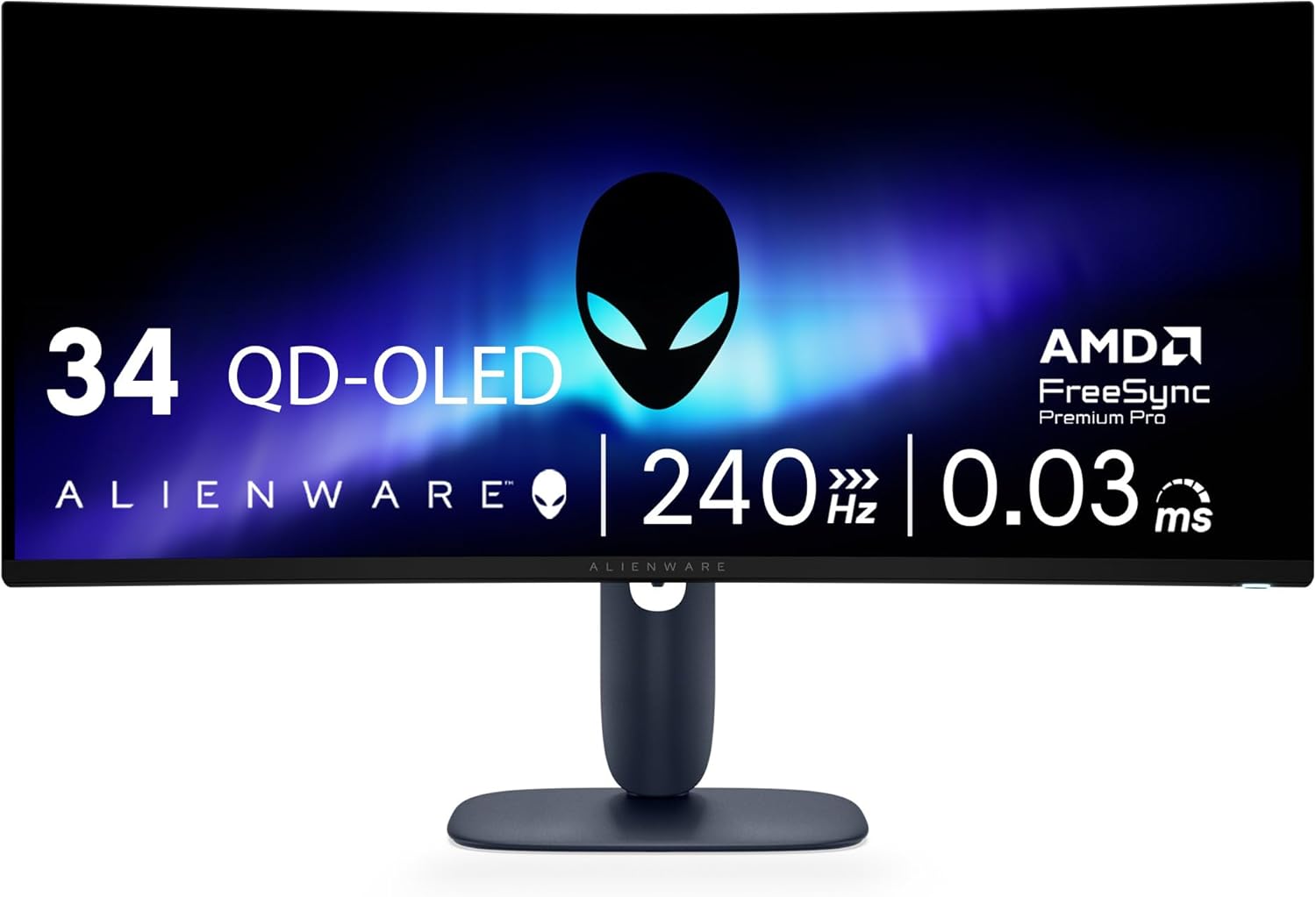
Alienware 34-inch QD-OLED Curved Gaming Monitor AW3425DW - 3440x1440 240Hz
Pros
- QD-OLED infinite contrast makes dark scenes and space games stunning
- 240Hz with 0.03ms response time: fastest ultrawide gaming available
- 1800R curve pulls you into the content
- AMD FreeSync Premium Pro and G-Sync compatible
- DisplayHDR TrueBlack 400 delivers real HDR performance
Cons
- OLED burn-in risk with static content (taskbars, health bars)
- Price premium over IPS alternatives is real
- Heavier than flat monitors; needs sturdy desk mount
Price as of Sep 15, 2026 — see current price on Amazon.
Alienware's AW3425DW is where ultrawide gaming reaches its logical conclusion. QD-OLED technology gives you OLED's infinite contrast in an ultrawide panel, combined with 240Hz refresh rate and 0.03ms response time. Space games, racing sims, and open-world RPGs look extraordinary on this screen.
The 1800R curve is tighter than the 34WP65C-B's 1900R, which creates more immersion at the edges of the screen. At 34 inches, the ultrawide format with that curve makes you feel present in a racing cockpit or space ship in a way flat 16:9 monitors don't.
HDR is actually good here: DisplayHDR TrueBlack 400 means deep shadow detail with bright highlights, which OLED handles much better than local-dimming LCD alternatives.
OLED burn-in is the real caveat. Keep brightness moderate, use Windows' built-in screen saver, and enable pixel-shifting if gaming with static HUDs. For a primary gaming monitor used 4-8 hours daily, the risk is manageable.
Buy it if: You game seriously in immersive genres (RPGs, space, racing) and want the best ultrawide picture available.
4. LG 40WP95C-W: Best Ultrawide for Creative Professionals
(Amazon doesn't carry the 40WP95C-W new right now. B&H Photo and LG's own site sell it.)
The LG 40WP95C-W is in a different category from the other monitors on this list. It's not a gaming monitor. It's a productivity workstation display for professionals who need maximum screen real estate, accurate color, and Mac compatibility.
Its 5120x2160 (5K2K) resolution at 40 inches delivers 146 PPI, noticeably sharper than the 34-inch models at 3440x1440 (110 PPI). For photo retouching and video editing, this sharpness difference is visible in fine detail work.
The Thunderbolt 4 with 96W Power Delivery is the key feature for Mac users. A single USB-C cable from MacBook to monitor carries video signal, data, and charges the laptop at full wattage. No separate power brick needed during desk work.
At 72Hz, it's not suitable for gaming. That's a deliberate trade-off for the 5K2K resolution and creator-focused feature set.
Buy it if: You're a creative professional on Mac who needs maximum resolution, color accuracy, and Thunderbolt connectivity.
34-Inch vs 40-Inch Ultrawide: Which Size Is Right?
The 34-inch 3440x1440 format is the mainstream choice. Most gaming-focused ultrawides, from budget to premium, are in this category. At typical desk distances (24-30 inches), a 34-inch ultrawide fills your field of view well without requiring you to turn your head to see edge content.
A 40-inch 5K2K format (like the LG 40WP95C-W) is a fundamentally different product. Higher resolution, better DPI, Thunderbolt-focused connectivity. It's for professional workstations, not gaming setups.
The 49-inch super-ultrawide (32:9 aspect ratio, like the Samsung Odyssey G9) is a third category worth mentioning for completeness. These are dual-monitor replacements that come with significant GPU demands and desk space requirements.
Ultrawide Gaming vs 16:9 144Hz Gaming
Ultrawide gaming requires more GPU power than 1080p or 1440p 16:9 gaming. At 3440x1440, you're rendering roughly 76% more pixels than 2560x1440 16:9. On an RTX 5060 or similar card, this means 1440p ultrawide games typically require similar GPU load to 4K 16:9 in many titles.
Some games don't support ultrawide aspect ratios (they show black bars on the sides). This is increasingly rare in 2026, but check compatibility for your favorite titles before buying.
Related Guides
- Best 4K Monitors 2026
- Best Budget Gaming Monitors 2026
- Best Gaming Laptops 2026
- Best OLED TVs 2026
- Best Free RTINGS Alternatives
FAQ
What resolution do ultrawide monitors use?
Most 34-inch ultrawide monitors run at 3440x1440 (WQHD). The wider 49-inch super-ultrawide format uses 5120x1440 (DQHD). The LG 40WP95C-W uses 5120x2160 (5K2K), a unique higher-resolution option. Entry-level ultrawides may use 2560x1080 (WFHD), which is 1080p stretched to 21:9. Acceptable for budget buyers but noticeably lower quality.
Is an ultrawide monitor good for gaming?
Yes, with the right GPU. Ultrawide at 3440x1440 requires more GPU power than 1440p 16:9. With an RTX 5060 or better, most games run well at ultrawide. Some older or poorly supported games don't fill the full width. Check game compatibility for specific titles if you have favorites.
Is ultrawide better than dual monitors?
For most setups, yes. Ultrawide eliminates the bezel gap between two monitors, provides a single curved screen plane, and reduces cable clutter. Dual monitors are better when you need to display two separate applications at full resolution simultaneously without any overlap. For productivity combined with gaming, ultrawide is generally the cleaner solution.
What GPU do I need for an ultrawide monitor?
For casual gaming at 3440x1440, an RTX 4060 or RX 7600 handles most games at medium-high settings. For high-refresh ultrawide gaming (144Hz+) at high settings, an RTX 5060 or better is recommended. For the 5K2K LG 40WP95C-W at 72Hz for professional work, any modern GPU handles the desktop and creative application workload.
Do ultrawide monitors work with consoles (PS5, Xbox)?
Limited support. PS5 and Xbox Series X output at 16:9 natively. Ultrawide monitors will display the image with black bars on the sides, or stretch it to fill the screen (which looks distorted). A few games support ultrawide on console, but it's not the primary use case. Ultrawide is best paired with a gaming PC.
How We Pick
We pick products by combining spec-level research, price checks, trusted third-party benchmarks, and owner sentiment from high-signal sources.
- Performance and real-world value in the category this guide targets
- Price-to-performance and deal consistency over recent pricing windows
- Build quality, reliability patterns, and known long-term issues
- Recommendation refresh cadence to keep these picks current
Author
TheTechSearch Editorial Team
Independent product reviewers & PC builders
We compare real-world specs, reviews and owner reports, price trends, and user feedback to recommend gear that actually makes sense to buy.