Best Webcam Under $100 in 2026
Best webcams under $100: three picks for video calls and everyday use, from Logitech and EMEET, with the trade-offs that matter. Expert picks, pros and cons,...
As an Amazon Associate we earn from qualifying purchases made through our links — this doesn't affect our picks.
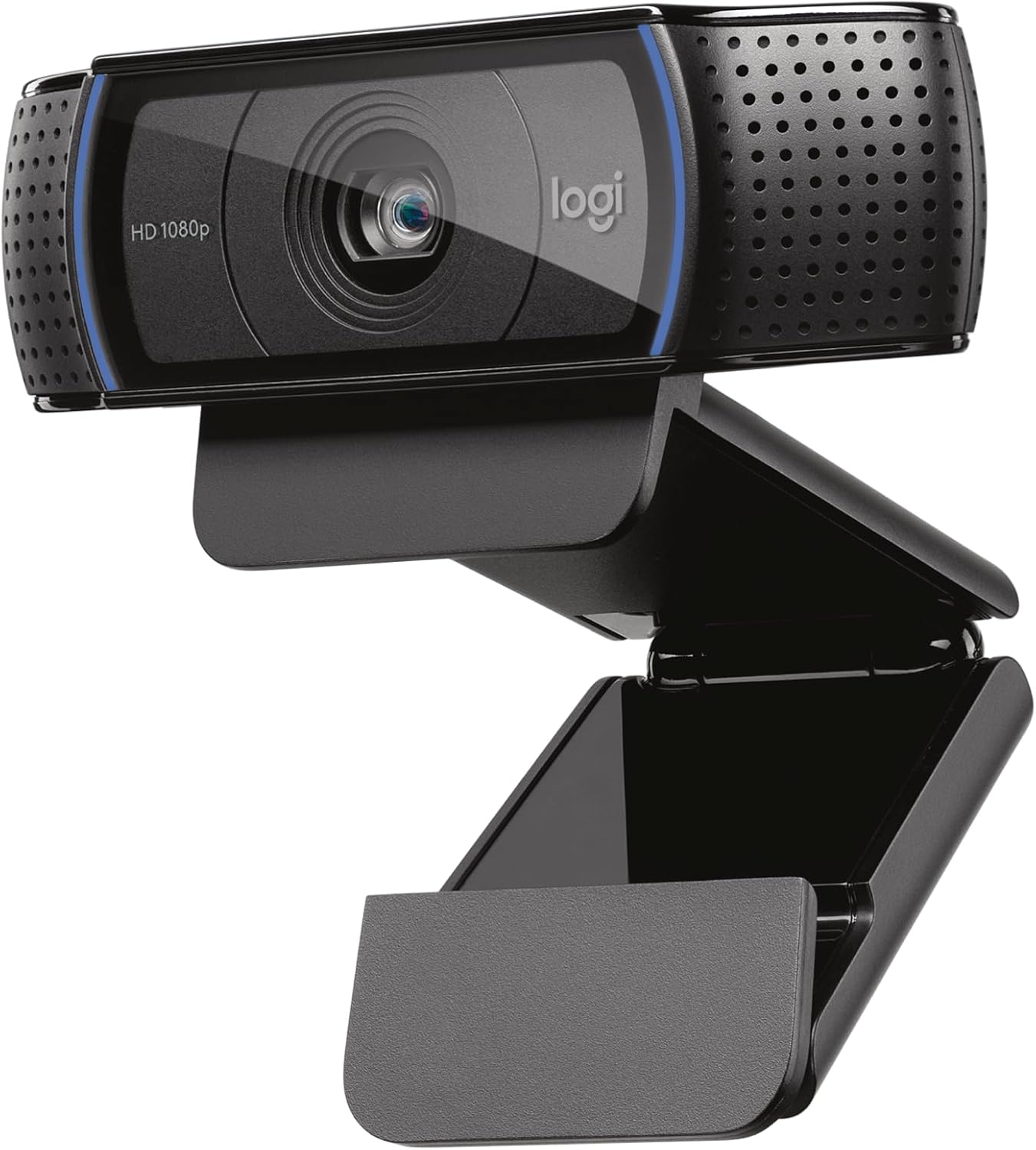
Logitech C920x HD Pro Webcam
Best overall
Price as of Nov 9, 2026 — see current price on Amazon.
The Logitech C920x is the webcam to buy under $100: 1080p with autofocus, dual mics and no setup on any platform. If you sit still at a desk and want to spend less, get the Logitech Brio 101 instead.
- Best overall: Logitech C920x: 1080p autofocus, stereo mics and H.264 encoding on the camera.
- Best for daily video calls: Logitech Brio 101: a built-in privacy shutter and auto light balance.
- Best budget pick: EMEET C960: a 90-degree field of view and dual noise-canceling mics.
Prices as of November 9, 2026.
Built-in laptop cameras still fall short of video call expectations. The gap shows every time your face drops to a pixelated blur the moment a cloud passes outside. A dedicated webcam under $100 fixes that, and you do not need a premium camera to look sharp on Zoom.
These picks draw on test data from Wirecutter, Tom's Guide, PCMag, and RTINGS, cross-referenced against Amazon purchase data and streaming community recommendations, to identify the webcams worth buying under $100.
Quick picks
| Webcam | Resolution | Field of View | Best For | |
|---|---|---|---|---|
| Logitech C920x | 1080p/30fps | 78 degrees | Best overall | Check Price |
| Logitech Brio 101 | 1080p/30fps | 70 degrees | Daily video calls | Check Price |
| EMEET C960 | 1080p/30fps | 90 degrees | Best budget pick | Check Price |
Best overall: Logitech C920x
Logitech C920x HD Pro Webcam
Best for: Best overallPros
- 1080p 30fps with autofocus that locks on in under a second
- Dual stereo mics capture audio from both sides, reducing the need for a separate mic
- H.264 encoding offloads compression from your CPU to the camera
- Universal clip fits monitors, laptops, and tripods without adapters
- Works out of the box with Zoom, Teams, Meet, and OBS on both Mac and Windows
- Light correction handles backlit rooms reasonably well without manual adjustments
Cons
- 30fps cap at 1080p, no 60fps option at full resolution
- Plastic build feels functional rather than premium
- Privacy shutter sold separately as an accessory, not built in
Price as of Nov 9, 2026 — see current price on Amazon.
The C920x earned its position as the default webcam recommendation for a simple reason: it works correctly every time you plug it in, on every platform, without configuration. That sounds like a low bar until you have fought through driver issues or color calibration failures on competing cameras.
At 1080p with full autofocus, the C920x produces video quality that reads as professional on a standard call. Skin tones render accurately, the autofocus refocuses quickly when you lean back or look away, and the dual stereo mics pick up your voice without the hollow, distant quality that single-mic cameras produce. Reviewers at Tom's Guide consistently rank it as the benchmark against which cheaper alternatives are measured.
The H.264 hardware encoding is a legitimate performance advantage. During a recorded stream or simultaneous call and screen share, the C920x offloads the video compression task from your CPU to the camera's onboard processor. On a mid-range system, that frees up 5 to 8 percent CPU headroom compared to cameras that pass raw video to the host machine.
The 78-degree field of view captures a natural frame at typical sitting distances. You get your face and some shoulder without the fisheye distortion that wide-angle cameras produce in small rooms.
The C920x is not the cheapest webcam on this list. But it is the one that requires no compromises and no ongoing adjustment. If you want one webcam that handles everything reliably, this is it.
Best for daily video calls: Logitech Brio 101

Logitech Brio 101 Full HD Webcam
Best for: Daily video callsPros
- Privacy shutter built directly into the housing, no adhesive add-ons needed
- Auto light balance adjusts exposure automatically in changing light conditions
- Clean, minimal industrial design sits flat on most monitor bezels
- USB-A plug-and-play, zero driver installation on Windows or Mac
- 1080p video quality is noticeably better than laptop built-in cameras
- Lower price leaves budget for a better desk setup
Cons
- Single built-in mic (not stereo), narrower audio pickup than the C920x
- 70-degree FOV is tighter than competing cameras at this price
- No autofocus, uses fixed focus (sharp between about 1-3 feet from the lens)
- Software customization requires Logi Tune app download
Price as of Nov 9, 2026 — see current price on Amazon.
The Brio 101 is what Logitech built when they looked at what most people actually use a webcam for: Zoom calls, Teams meetings, and the occasional FaceTime. For that use case, paying more for the C920x's dual mics and H.264 encoding delivers diminishing returns.
The built-in privacy shutter is genuinely useful. It is a physical sliding cover molded into the housing. When it is closed, no software vulnerability can activate the camera. That is more security than most cameras offer without an accessory purchase, and it takes zero effort to use.
The fixed focus on the Brio 101 is the main trade-off versus the C920x. Fixed focus works well when you are stationary at a desk, which describes most video call situations. If you move around, stand up, or frequently change your distance from the camera, autofocus becomes more valuable. For static desk setups, you will not notice the difference.
The Brio 101 is the right recommendation for someone who wants a real camera upgrade from their laptop without overthinking it. It is not the best webcam under $100, but it is the best value.
Best budget pick: EMEET C960
EMEET C960 1080P Webcam with Microphone
Best for: Best budget pickPros
- 90-degree field of view, widest on this list, useful for small rooms or wide shots
- Dual noise-canceling mics eliminate keyboard clicks and fan noise effectively
- USB-A and USB-C adapter both included in the box
- Plug-and-play compatible with Nintendo Switch 2 GameChat
- 10,000+ units sold per month on Amazon, well-established reliability record
- Costs less than most dedicated webcam accessories
Cons
- No autofocus, fixed focus only
- 90-degree FOV can appear slightly distorted at close range
- Single USB cable, no premium mounting options
- Brand support is less established than Logitech or Razer for long-term issues
Price as of Nov 9, 2026 — see current price on Amazon.
The EMEET C960 sits at a price point where most webcam discussions stop. At this price, the expectation is 720p video and a microphone that makes you sound like you are calling from inside a cardboard box. The C960 does not deliver that experience. It shoots 1080p, and the dual noise-canceling mics handle a standard office environment well enough that most call participants will not ask you to mute.
The 90-degree field of view is the standout spec for the price. It is the widest field of view on this list, which means it captures more horizontal context without requiring you to back up. In small rooms where the distance between you and your monitor is limited, the extra width produces a less cramped frame than narrower cameras.
The dual noise-canceling mics deserve specific mention because they address the main microphone failure mode of cheap cameras: picking up everything except your voice. The C960's mics apply noise reduction that filters keyboard noise, fan hum, and ambient room sounds without over-processing your voice into a robotic artifact. It is not studio quality, but it handles real desk environments.
USB-C compatibility included in the box is a genuine convenience. Most competitor cameras at this price include only USB-A. The C960 ships with both connections, which means it works on newer laptops without an adapter purchase.
The fixed focus is the main limitation. Like the Brio 101, it works fine for stationary setups. Unlike the Brio 101, the C960 costs less and does not carry the Logitech name, which is a real trade-off if long-term support matters to you. For a home office setup where you want to look noticeably better than a laptop camera and keep the cost as low as possible, nothing at this price competes.
Webcam buying guide
Resolution and frame rate
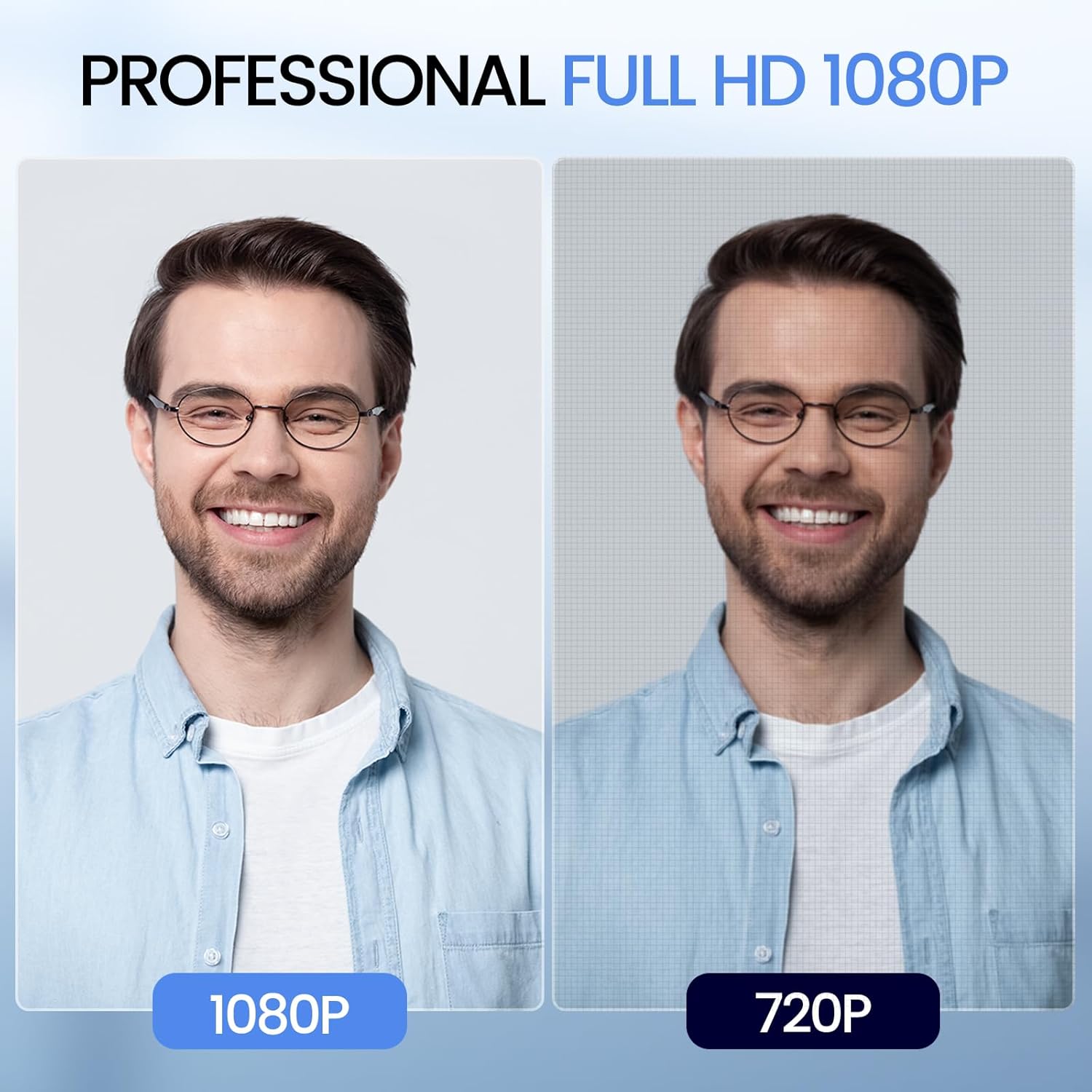
1080p is the resolution floor worth buying. 720p webcams exist below this list, but the quality difference is visible to everyone on the call. Frame rate matters more for streaming than for calls. At 30fps, video calls look fine. At 60fps, streaming content looks smoother. None of the cameras on this list offer 60fps at 1080p, which is where the under-$100 ceiling shows.
Autofocus versus fixed focus
Autofocus cameras like the C920x refocus as you move. Fixed focus cameras (Brio 101, EMEET C960) are pre-set for a specific distance and stay there. For static desk setups, fixed focus is indistinguishable from autofocus in practice. For setups where you frequently stand, gesture widely, or work at varying distances, autofocus removes a persistent video quality problem.
Field of view
70-degree FOV frames your face and immediate background tightly. 90-degree FOV captures substantially more of your room behind you. Wider is not always better. In small rooms or messy spaces, a tight FOV is actually an advantage. Match your FOV choice to your actual setup.
Built-in microphone quality
All three cameras on this list include built-in microphones. None of them match the audio quality of a dedicated USB microphone at the same price point. For casual video calls, the built-in mics are adequate. For content creation or streaming where audio quality directly affects audience retention, a budget gaming headset or dedicated microphone is a worthwhile investment alongside any camera on this list.
Privacy shutter
Only the Brio 101 includes a physical privacy shutter from this group. If privacy shutters matter to you, factor the cost of an aftermarket shutter accessory into the price of cameras that do not include one.
Frequently asked questions
- Is the Logitech C920x still worth buying?
- Yes. The C920x is an older design, but the core specs (1080p autofocus, dual mics, universal mount, H.264 encoding) still hold up against current competition at its price. Newer cameras have marginally better color accuracy or wider fields of view, but the C920x's reliability track record and broad platform compatibility remain genuine advantages.
- Can you use any of these webcams for streaming?
- Yes. All three work with OBS, Streamlabs, and XSplit, and the C920x is the best fit because its H.264 encoding takes load off your CPU. None of them offers a 60fps mode, so fast-motion streams will look softer than on a dedicated streaming camera.
- What is the best webcam under $100 for a home office?
- The Logitech C920x for most situations. If budget is a concern and your desk setup is static, the Logitech Brio 101 delivers a clean 1080p upgrade over a laptop camera without the cost. If you want to spend as little as possible and still get 1080p, the EMEET C960 is the answer.
- Do these webcams work on Mac and Linux?
- Yes. All three are plug-and-play on Windows, macOS, and Linux without driver installation. Logitech's optional Logi Tune app adds settings, but the cameras work without it.
- What should I pair with a new webcam?
- Better audio has a larger impact on perceived call quality than better video. A budget gaming headset or wireless earbuds with a mic will make more difference to your call recipients than the difference between two webcams at this price range.
The verdict
The Logitech C920x is the right answer for most people. It delivers reliable 1080p video with autofocus and a real dual-mic audio setup, requires zero configuration and works on every platform. The Logitech Brio 101 is the right answer if you want to spend less and do not need autofocus. And the EMEET C960 is the best argument that you do not need to spend much to look substantially better on camera than your laptop.
Pick based on your actual use case, not on specs you will never push.
How We Pick
We pick products by combining spec-level research, price checks, trusted third-party benchmarks, and owner sentiment from high-signal sources.
- Performance and real-world value in the category this guide targets
- Price-to-performance and deal consistency over recent pricing windows
- Build quality, reliability patterns, and known long-term issues
- Recommendation refresh cadence to keep these picks current
Author
TheTechSearch Editorial Team
Independent product reviewers & PC builders
We compare real-world specs, reviews and owner reports, price trends, and user feedback to recommend gear that actually makes sense to buy.