Kinsta vs WP Engine: Which Managed WordPress Host Should You Pick in 2026?
Kinsta vs WP Engine compared on price, performance, support, and features. Find out which managed WordPress host is right for your site in 2026. Expert picks...
As an Amazon Associate we earn from qualifying purchases made through our links — this doesn't affect our picks.
If you've been shopping for managed WordPress hosting, you've already seen Kinsta and WP Engine at the top of every list. They genuinely are the two best options in this category. Which makes the choice harder, not easier.
Short answer: WP Engine makes more sense if you're starting out or running client sites and want straightforward pricing without obsessing over infrastructure. Kinsta is worth the premium if you need Google Cloud's performance ceiling, granular server controls, and a dashboard that's actually pleasant to use. The gap between them isn't huge. But it matters at scale.
Here's where each one wins.
| Feature | Kinsta | WP Engine |
|---|---|---|
| Starting price | $35/month | $28/month |
| Infrastructure | Google Cloud Platform | Proprietary cloud |
| Entry plan: sites | 1 site | 1 site |
| Entry plan: visits | 25,000/month | 25,000/month |
| Entry plan: storage | 10 GB | 10 GB |
| CDN included | Yes (Cloudflare) | Yes (EverCache) |
| Staging environment | Yes | Yes |
| Daily backups | Yes | Yes |
| Free SSL | Yes | Yes |
| Support channel | 24/7 live chat | 24/7 live chat |
| Data center count | 37+ | 35+ |
| Plugin management | Manual | Smart Plugin Manager (Core+) |
| Free themes | No | StudioPress/Genesis included |
The Case for Kinsta
Kinsta runs entirely on Google Cloud Platform. That matters when you care about actual uptime and response times, not just what the marketing page promises. Their infrastructure spans 37 data center locations globally, and the MyKinsta dashboard is, honestly, the best control panel in this category. It's clean, fast, and it actually makes sense.
The entry plan at $35/month gets you one WordPress install, 20 GB of monthly bandwidth, 10 GB of storage, and a 125 GB CDN allocation through Cloudflare. That's not a giant bandwidth budget for a high-traffic site, but scaling up is painless. The WP 2 plan at $70/month jumps you to two installs and 40 GB bandwidth, which most growing sites won't outpace for a while.
Where Kinsta pulls ahead:
PHP workers are configurable. On the higher plans you can tune the worker count to handle traffic spikes without calling support and begging for a temporary boost. WP Engine doesn't offer this.
Backup retention is 14 days on the entry plan. WP Engine's retention varies and is harder to find in their docs without clicking around.
New Relic performance monitoring is built directly into MyKinsta. You can see what's slowing your site without installing a plugin that slows it further.
The support team is legitimately technical. Not tier-1 support reading from a script. Actual WordPress engineers who'll look at your specific code if something weird is happening.
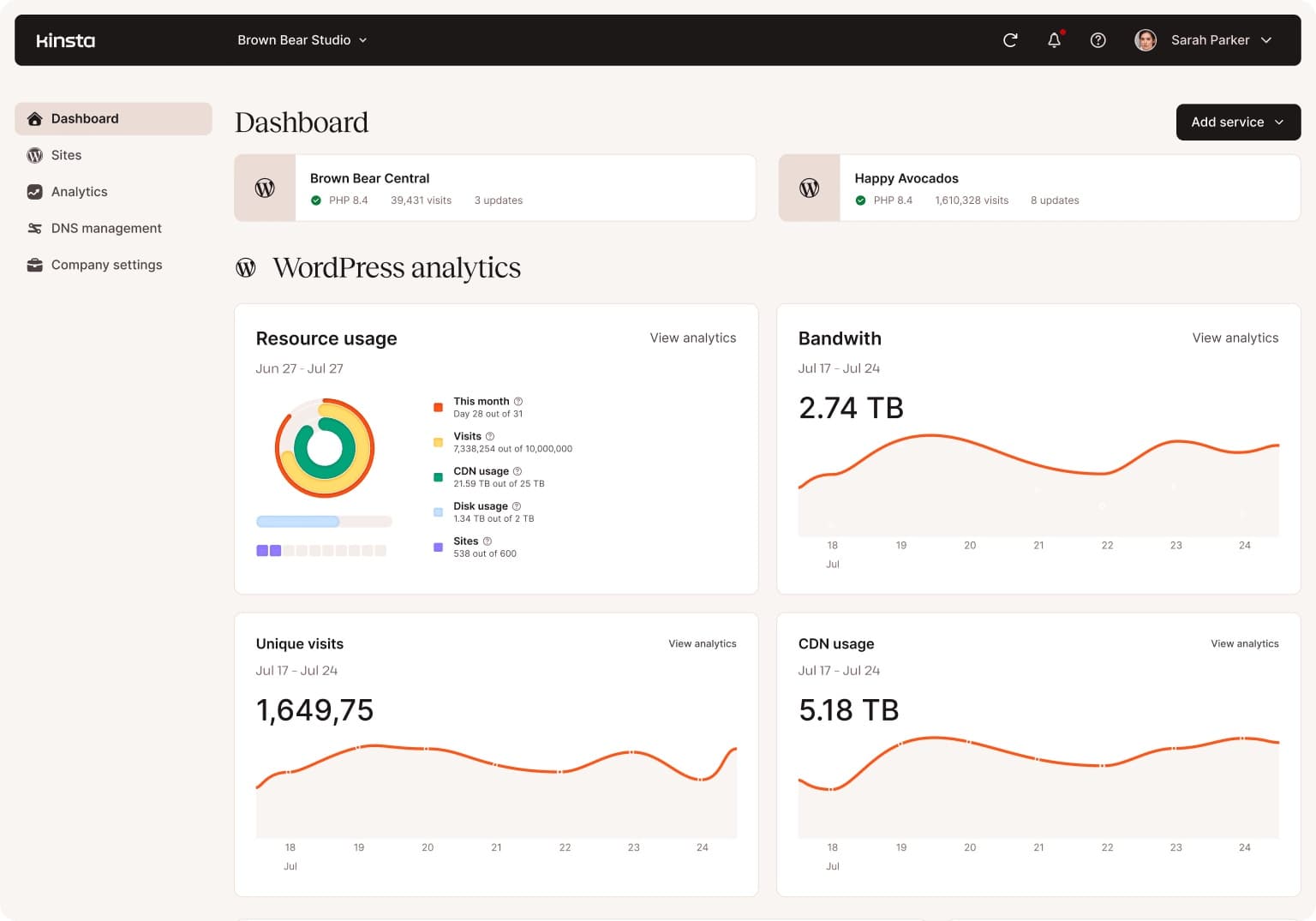
Managed WordPress hosting
Kinsta
Starts at $35/month on Google Cloud infrastructure with 37 data centers and the best dashboard in managed hosting.
$35 a month, or $350 a year. First month free, then the same $35 a month.
Read our Kinsta pageThe Case for WP Engine
WP Engine's Essential plan starts at $28/month for one site, 25,000 monthly visits, and 10 GB storage. That's a real $7/month savings over Kinsta's entry level, and for a small business or blog, $84/year adds up.
But the price difference isn't really the argument for WP Engine. The broader platform is.
WP Engine owns StudioPress, which makes the Genesis Framework. All StudioPress themes come free with any WP Engine plan. That's $100 or more in premium themes you don't need to budget for. For a WordPress agency buying WP Engine for client sites, this is quietly a significant perk.
Smart Plugin Manager, available on Core and above, automatically updates plugins in a staging environment, runs compatibility tests, and only pushes to production if nothing breaks. That's work an agency would otherwise do by hand on every site, every update cycle. Kinsta doesn't have an equivalent tool.
WP Engine's EverCache caching is a page-level system tuned specifically for WordPress. It works well out of the box without configuration, which is genuinely useful if you want reliable performance without fiddling with server settings.
The Core plan adds isolated resources (no shared-server slowdowns during other customers' traffic spikes), managed migrations, and advanced uptime monitoring. If you're moving a high-traffic or complex site and want hands-on migration help rather than a plugin and a prayer, WP Engine's team does it directly.
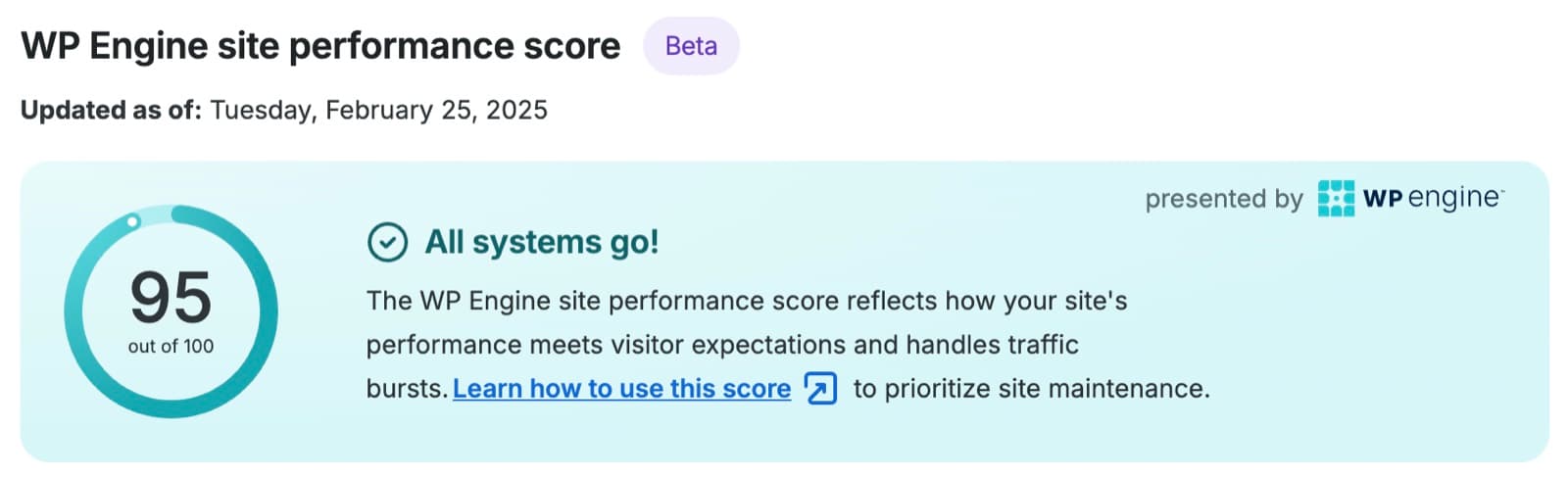
Managed WordPress hosting
WP Engine
Starts at $28/month with StudioPress themes included, Smart Plugin Manager on Core+, and built-in EverCache caching.
From $28 a month, billed annually (Essential, 1 site). Or $35 a month billed monthly; plus tax, and renewal pricing may change.
Read our WP Engine pagePrice in Practice
Both hosts offer roughly 20% off for annual billing. Annual numbers:
WP Engine Essential: starts at $28/month billed annually, or $336/year for one site. Kinsta Single: $30/month billed annually, or $360/year for one site.
That's a $24/year difference at the entry level. Not a decisive number either way.
The gap closes as you scale. Kinsta's WP 5 plan ($96/month annually for 5 sites) and WP Engine's comparable tier land within $20 of each other per month. At the agency scale, you're choosing based on features, not price.
One thing worth knowing: WP Engine's pricing ties to monthly visits and storage. If you push past your visit limit, you'll need to upgrade. Kinsta's model is bandwidth-based, which is more predictable for sites with traffic that spikes and drops rather than growing steadily.
Performance
Both are fast. When you're on managed WordPress hosting, the bottleneck is almost never the host itself. It's your theme, plugins, and images.
That said, Kinsta's Google Cloud infrastructure does edge out WP Engine on raw server response time in independent benchmarks. WebPageTest and GTmetrix results from 2026 consistently show Kinsta time-to-first-byte in the 50-100ms range for well-configured sites. WP Engine with EverCache lands in a similar range but varies more depending on data center selection.
You won't feel this difference on a normal business site. If you're comparing either managed host to shared hosting, the managed option wins decisively. The Kinsta-vs-WP Engine delta is real but small.
Support Quality
Both offer 24/7 live chat. Both have capable teams. This is managed hosting, so the staff know WordPress.
The difference is depth. Kinsta's engineers will engage with application-level issues: slow queries, plugin conflicts, memory management in custom code. WP Engine's support is excellent for infrastructure and standard WordPress problems but has historically been more reserved about diving into custom application code.
For most sites, this doesn't matter. If you're running a heavily customized WooCommerce build or a complex bespoke theme, Kinsta's willingness to go deeper is a real advantage.
Who Should Choose Which
Choose Kinsta if:
- You want Google Cloud infrastructure and the performance edge it provides
- The MyKinsta dashboard matters to you (it genuinely is better than the alternatives)
- You're running a performance-sensitive or high-traffic WooCommerce store
- You need configurable PHP workers to handle uneven traffic
- You want support that'll dig into your actual code
Choose WP Engine if:
- You run a WordPress agency and want plugin updates handled automatically
- Free StudioPress themes have value to your workflow
- You prefer slightly lower entry pricing and don't need Google Cloud's ceiling
- You need hands-on migration support for a complex site
- You want a host with a longer track record in the enterprise WordPress space
Neither choice is wrong. WP Engine has a stronger platform play. Kinsta has stronger infrastructure and tooling. The rest is personal preference.
Frequently asked questions
- Is Kinsta or WP Engine faster?
- Kinsta edges ahead on raw server response time in most independent benchmarks, largely because of Google Cloud infrastructure. But both are fast — the real difference you'll feel day to day is almost nothing on a properly configured site. Both are dramatically faster than shared hosting, which is the comparison that actually matters.
- Can I migrate my WordPress site for free?
- WP Engine includes one free migration for new customers and offers managed migrations on higher plans. Kinsta also offers free migration, though availability varies by plan complexity. Both will handle the move. Contact their support before signing up to confirm what's covered for your specific site.
- Which is better for WooCommerce?
- Kinsta for high-traffic or resource-intensive WooCommerce stores. Their configurable PHP workers, Google Cloud infrastructure, and deeper technical support handle the demands of ecommerce better at scale. WP Engine runs WooCommerce well, but Kinsta's ceiling is higher when your store starts doing real volume.
- Do both offer a money-back guarantee?
- Yes — both offer 30-day money-back guarantees. You can try either one risk-free for a month. If the dashboard frustrates you or the speed doesn't meet your expectations, you can leave without paying.
- What happens if I exceed my visit limit on WP Engine?
- WP Engine won't cut your site off immediately, but consistent overages will prompt a plan upgrade. Their sales team will reach out. It's not a crisis, but it's something to plan around if your traffic is unpredictable. Kinsta's bandwidth-based model is more forgiving for sites with spiky traffic patterns.
- Is managed WordPress hosting worth it for a small blog?
- Probably not. At $28-35/month, managed hosting is priced for sites where uptime and performance directly affect revenue. A hobby blog with under 10,000 monthly visitors is better served by a $10-15/month provider like SiteGround or Cloudways. Managed WordPress hosting earns its cost when downtime is expensive.
Bottom Line
WP Engine wins on price (starts $7/month lower), platform features (StudioPress themes, Smart Plugin Manager), and agency-oriented tooling. Kinsta wins on infrastructure quality, dashboard experience, and technical support depth. For a growing business site or WooCommerce store where performance matters, I'd lean Kinsta. For an agency managing multiple client sites where plugin automation and budget control matter more, WP Engine is the smarter call.
How We Pick
We pick products by combining spec-level research, price checks, trusted third-party benchmarks, and owner sentiment from high-signal sources.
- Performance and real-world value in the category this guide targets
- Price-to-performance and deal consistency over recent pricing windows
- Build quality, reliability patterns, and known long-term issues
- Recommendation refresh cadence to keep these picks current
Author
TheTechSearch Editorial Team
Independent product reviewers & PC builders
We compare real-world specs, reviews and owner reports, price trends, and user feedback to recommend gear that actually makes sense to buy.