Webflow vs WordPress in 2026: Which One Should You Build On?
Webflow or WordPress? The honest split by site type, three-year cost and maintenance load, from a site that sells neither one. Expert picks, pros and cons, a...
As an Amazon Associate we earn from qualifying purchases made through our links — this doesn't affect our picks.
Pick Webflow if your site is mostly marketing pages, nobody on your team wants to update plugins, and your content will stay under 20,000 CMS items. Pick WordPress if you're building a big publication, a store, a membership site, or anything that needs a plugin Webflow simply doesn't have.
That's the whole answer for most people. The rest of this page is about the middle cases, because that's where the expensive mistakes happen.
One thing to know about the search results for this question: nearly every page ranking for "Webflow vs WordPress" is written by a Webflow agency. They build Webflow sites for a living. Their verdict is not a surprise, and it isn't always wrong either. But you deserve a read from someone who doesn't bill for either migration.
| Factor | Webflow | WordPress (self-hosted) |
|---|---|---|
| Software cost | Site plan: Basic $15/mo, Premium $25/mo (yearly) | Free, open source |
| Hosting | Included in the site plan | You buy it: $3 to $35+/mo |
| Updates and security patches | Webflow handles them | You or your host handle them |
| Plugins | No plugin system, apps and embeds only | Around 60,000 in the free directory |
| CMS ceiling | 20,000 items, 40 collections (Premium) | Limited by your server, not a plan |
| Ecommerce | Separate plans from $29/mo | WooCommerce, free core |
| Visual design control | Very high, CSS-level | Depends on theme and builder |
| Leaving later | Static export only, CMS via CSV | Take your files and database anywhere |
| Share of all websites | 0.8% | 40.2% |
The Three Questions That Actually Decide It
Forget the feature lists for a minute. Three questions sort almost everyone.
1. Who does the maintenance, and do they want to?
This is the big one. WordPress core is free, but a WordPress site is a stack of software from different authors that all needs updating, and the plugin layer is where the risk lives.
Patchstack's State of WordPress Security in 2026 report counted 11,334 new vulnerabilities in the WordPress ecosystem during 2025, up 42% on the year before. 91% were in plugins and 9% in themes. WordPress core itself had six, all low risk. And 46% of those vulnerabilities had no fix from the developer by the time they were made public.
The part that should change behavior: Patchstack puts the weighted median time to first exploit at five hours for heavily exploited bugs, and says roughly half of high-impact vulnerabilities get exploited within 24 hours.
So "I'll update it when I get around to it" is not a maintenance plan. Either somebody checks that dashboard every week, or you pay a managed host to do it, or you pick a platform with no plugin layer at all.
Webflow is the third option. There are no plugins to patch. Webflow runs the hosting, the CDN and the security updates on its side, and you never see an "update available" badge.
2. What kind of site is it, really?
Webflow is excellent at a specific shape of site: a company homepage, product and service pages, landing pages, a portfolio, a blog of a few hundred posts. Design-led sites with a marketing team that wants to ship pages without filing a ticket.
WordPress is better at almost everything outside that shape:
- Large publications. Thousands of posts, many authors, editorial workflow, custom post types. Webflow's Premium plan tops out at 20,000 CMS items across 40 collections. A news-style site can burn through that faster than you'd guess, because every author, tag and category page is usually its own item.
- Stores. WooCommerce is free, and with extensions it covers subscriptions, bookings, wholesale pricing and more. Webflow's Ecommerce plans run $29, $74 and $212 a month billed yearly, and the catalog tooling is thinner. For a serious store, honestly, the real rival to WordPress here is Shopify, not Webflow.
- Memberships, courses, directories, forums. These are plugin territory. Webflow can get there with third-party services bolted on, but you're assembling it yourself and paying each vendor.
3. Who's building it?
A designer who thinks in boxes, margins and breakpoints will be fast in Webflow and frustrated in most WordPress page builders. Webflow's Designer is basically a visual interface to real CSS. That's its superpower, and also its learning curve. Someone who has never heard of flexbox will find it harder than Wix or Squarespace, not easier.
A developer, or a business with one on retainer, gets more out of WordPress. Every new feature is a plugin or a bit of PHP, and the platform's cost per feature drops fast once someone technical is around.
And there's the hiring angle. WordPress runs 40.2% of all websites and 58.8% of sites whose CMS is known, per W3Techs' September 2026 numbers. Webflow sits at 0.8% of all sites and 1.2% of known-CMS sites. Finding a WordPress freelancer is trivial. Finding a good Webflow one is easy enough, but the pool is a lot smaller and the rates reflect it.
What Each One Really Costs Over Three Years
"WordPress is free" is true of the software and misleading about the site. Here's the honest comparison for a typical small business site with a blog.
| Setup | Monthly | Three-year total | |---|---|---| | Webflow Basic (no CMS) | $15 | $540 | | Webflow Premium (with CMS) | $25 | $900 | | WordPress on shared hosting, after promo pricing ends | $10 to $20 | $360 to $720, plus your time | | WordPress on WP Engine Essential (annual) | $28 | $1,008 | | WordPress on Kinsta | $35 | $1,260 |
The Webflow prices are its yearly-billed site plans. Monthly billing costs more, $25 for Basic and $39 for Premium. The managed WordPress figures come from the current Kinsta and WP Engine entry plans.
Three things that table leaves out, and they matter.
Webflow bills collaborators separately. Site plans cover hosting and the CMS. Anyone who needs to build in the Designer is on a Workspace plan with per-seat pricing on top. If your marketing team is five people, price that before you commit.
WordPress bills in paid plugins and hours. A premium theme, a forms plugin, a backup tool and an SEO add-on can each carry a yearly license. None of them is expensive on its own. Together they often add a few hundred dollars a year. And the shared hosting line assumes somebody's time is free. It isn't.
Webflow folded its plans together in May 2026. The old CMS and Business site plans were retired and merged into a single Premium plan at $25 a month billed yearly. If an older comparison quotes $23 or $39 for a CMS site, it predates the change.
So on pure dollars, Webflow Premium lands between cheap shared WordPress and managed WordPress. Once you price in maintenance time, Webflow is usually the cheaper option for a small site with no developer. For a large site with a developer already on staff, WordPress usually wins.
Where Webflow Genuinely Hurts
Worth being blunt about, since the agency blogs mostly aren't.
Lock-in is real. You can export a Webflow site's static HTML, CSS and JavaScript. You can't export a working CMS. Collections come out as CSV files, and anything dynamic has to be rebuilt wherever you go next. WordPress is the opposite: copy the files and the database, point DNS somewhere else, done.
The 20,000-item ceiling is a hard wall. Most small business sites will never get close. A content site publishing daily for five years might.
No plugins means no shortcuts. Need a booking calendar, a members area, or a very specific form flow? On WordPress that's often a free plugin and twenty minutes. On Webflow it's a third-party app, an embed, and another monthly bill.
Bandwidth is metered. Premium includes 50 GB a month, with add-ons up to 2.5 TB. Fine for most marketing sites. Worth a look if you host big video or downloads.
Where WordPress Genuinely Hurts
It rots without attention. Leave a WordPress site alone for a year and you'll come back to outdated plugins, a PHP version your host wants to retire, and a real chance something's been compromised. The Patchstack numbers above are the reason.
Page-builder bloat is common. A lot of WordPress sites are slow not because of WordPress, but because of a heavy theme plus a visual builder plus fifteen plugins each loading their own scripts. A carefully built WordPress site is fast. The average one isn't.
Plugin sprawl creates fragile sites. Two plugins that both touch caching or SEO can fight. An update to one can break another. Fixing that is exactly the work nobody on a small team wants.
What About SEO?
Neither platform ranks better by itself. Search engines don't care what CMS you used.
Both give you editable titles and meta descriptions, clean URLs, XML sitemaps, 301 redirects and canonical tags. Webflow has most of this built in. WordPress usually gets it from an SEO plugin like Yoast or Rank Math, which also adds schema and content hints that some writers really like.
Where WordPress pulls ahead is at scale: programmatic pages, complex internal linking, custom schema by post type. Where Webflow pulls ahead is out-of-the-box speed on a lean build, since there's no plugin layer quietly adding scripts. Your content and your links will matter far more than either.
The Quick Decision Table
| Your situation | Pick | |---|---| | Marketing site, designer on the team, no developer | Webflow | | Startup or SaaS homepage plus blog | Webflow | | Portfolio or agency showcase | Webflow | | Blog or publication past a few thousand posts | WordPress | | Online store with more than a handful of products | WordPress (WooCommerce) or Shopify | | Membership, courses, directory or forum | WordPress | | Developer on staff or on retainer | WordPress | | Nobody will ever update anything | Webflow, or WordPress on managed hosting |
That last row is the one people skip. If you love WordPress but know nobody will patch it, managed WordPress hosting is the fix. It gets you most of Webflow's hands-off maintenance while keeping the plugins. We cover where that upgrade pays off in do you need managed WordPress hosting.
Our Picks
If you're going with Webflow
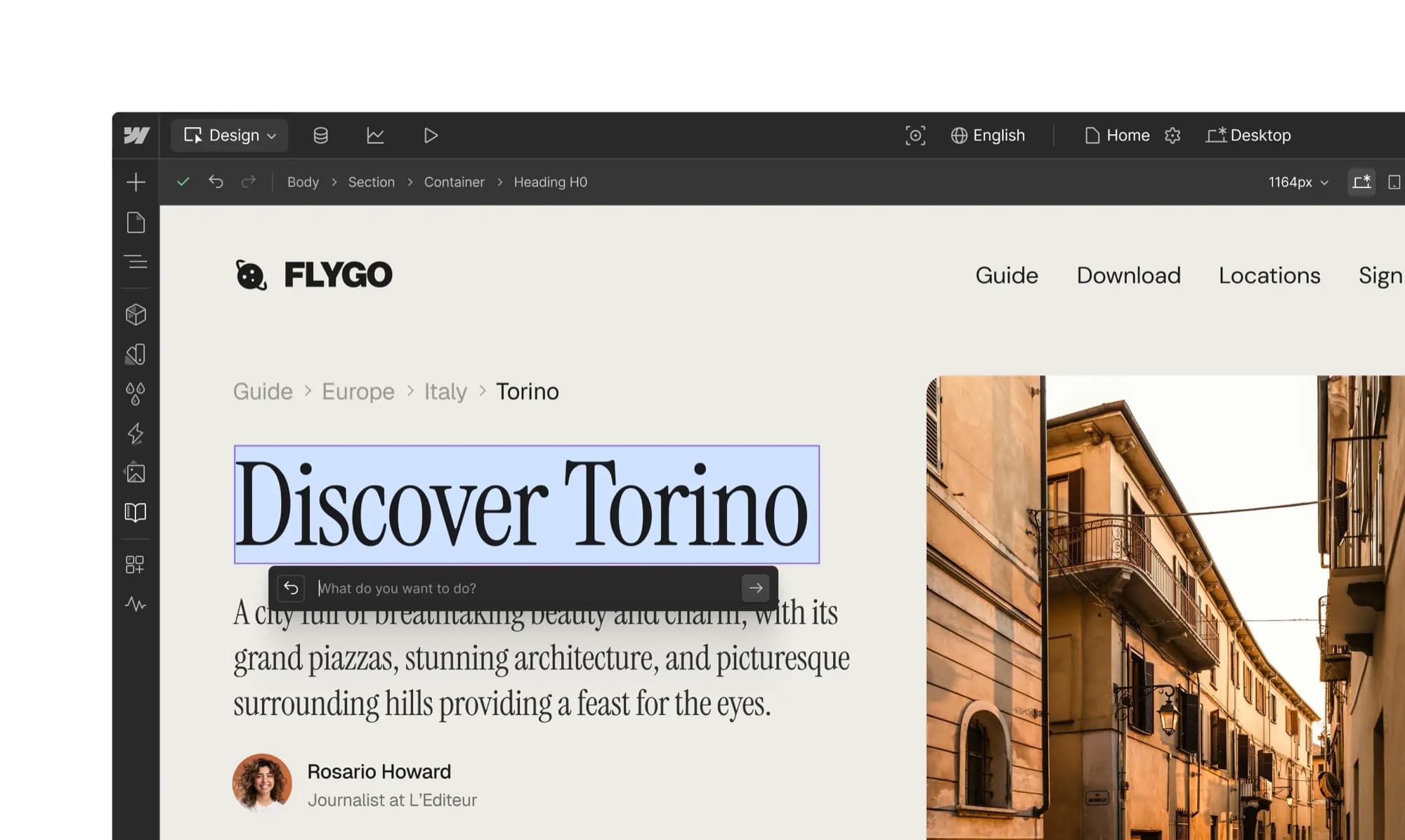
No-code site builder
Webflow
Best for design-led marketing sites with no developer: free to build, $15 a month to publish on your domain.
Free to build; Basic $15/mo billed yearly. Basic $25/mo billed monthly; Premium $25/mo yearly or $39/mo monthly.
Read our Webflow pageStart on the free Starter plan. Build the whole site on a webflow.io address, and only pay once you're ready to connect a domain. Basic at $15 a month billed yearly covers a static site. Step up to Premium at $25 the moment you need the CMS for a blog or case studies.
If you're going with WordPress, pick the host with care
Self-hosted WordPress is only as good as the server and the person maintaining it. These are the two managed hosts we'd shortlist.
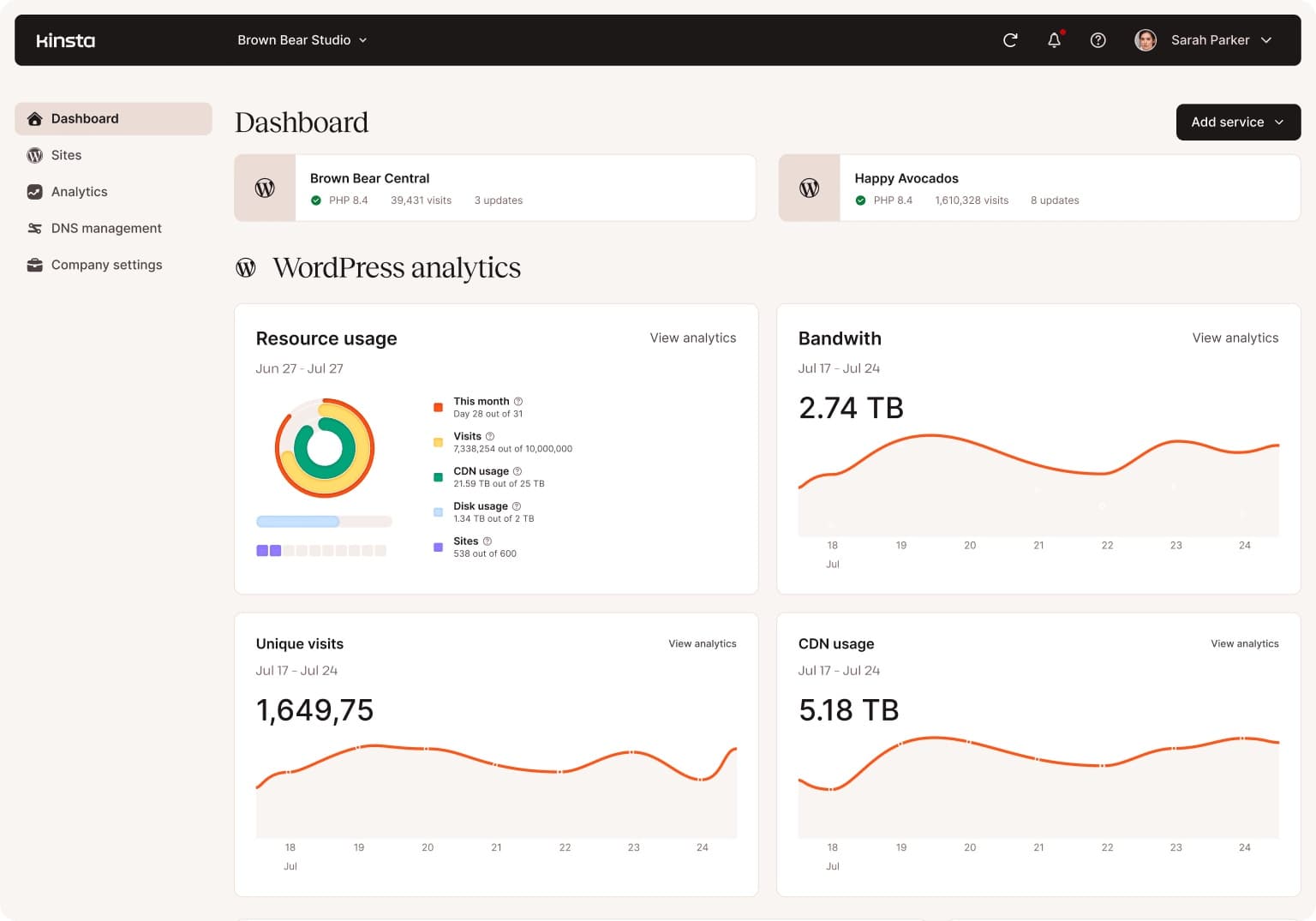
Managed WordPress hosting
Kinsta
Best managed WordPress for speed and a clean dashboard: $35 a month, first month free.
$35 a month, or $350 a year. First month free, then the same $35 a month.
Read our Kinsta page
Managed WordPress hosting
WP Engine
Best managed WordPress on price for one site: from $28 a month billed yearly.
From $28 a month, billed annually (Essential, 1 site). Or $35 a month billed monthly; plus tax, and renewal pricing may change.
Read our WP Engine pageThe honest difference between them is small, and we break it down in Kinsta vs WP Engine. Both handle core updates, daily backups, staging sites and malware cleanup, which is most of the maintenance burden that makes people look at Webflow in the first place.
Frequently asked questions
- Is Webflow better than WordPress for SEO?
- No, not by itself. Both support custom titles, meta descriptions, clean URLs, sitemaps, 301 redirects and canonical tags. Webflow has those built in, WordPress usually adds them with a plugin like Yoast or Rank Math. Content quality, links and page speed decide rankings, and either platform can be fast or slow depending on how the site is built.
- Is Webflow cheaper than WordPress?
- It depends on who maintains the WordPress site. Webflow Premium is $25 a month billed yearly, or $900 over three years. WordPress on shared hosting can cost $360 to $720 over the same period, but that assumes your maintenance time is free. Managed WordPress on WP Engine or Kinsta runs $1,008 to $1,260 over three years. Webflow also bills Designer seats for collaborators separately.
- Can Webflow handle a big blog?
- Up to a point. The Premium plan allows 20,000 CMS items across 40 collections. A blog with a few hundred or a few thousand posts is fine. A publication adding several posts a day for years, with author and tag pages as separate items, can reach the limit, and WordPress has no equivalent cap.
- How hard is it to move from WordPress to Webflow?
- Posts can be exported from WordPress and imported into a Webflow CMS collection as a CSV, but the design has to be rebuilt from scratch, and every old URL that changes needs a 301 redirect set up in Webflow. Plan it as a redesign, not a copy.
- Can I leave Webflow later if I change my mind?
- Yes, but it's work. You can export static HTML, CSS and JavaScript, and CMS collections export as CSV files. Dynamic pages don't come out as working templates, so moving a CMS-heavy Webflow site means rebuilding the templates on the new platform.
- Which is easier for a client or non-technical team to edit?
- Webflow's Edit mode is simpler for day-to-day text and image changes, and it's hard for an editor to break the layout. WordPress's block editor is also approachable, but a site with a page builder and many plugins gives editors more ways to break things.
Bottom Line
Webflow is the better choice for design-led marketing sites run by people who never want to think about plugins, patches or servers. WordPress is the better choice for big content sites, stores, memberships, and any team with a developer. If you want WordPress's flexibility without the maintenance, put it on a managed host and let them do the patching. And whichever you pick, price the three-year cost and the maintenance hours, not just the first month. For the rest of the stack, from email to CRM, see our best online business tools guide.
How We Test
We score products by combining spec-level research, pricing history, trusted third-party benchmarks, and owner sentiment from high-signal sources.
- Performance and real-world value in the category this guide targets
- Price-to-performance and deal consistency over recent pricing windows
- Build quality, reliability patterns, and known long-term issues
- Recommendation refresh cadence to keep these picks current
Author
TheTechSearch Editorial Team
Independent product reviewers & PC builders
We test and compare real-world specs, price trends, and user feedback to recommend gear that actually makes sense to buy.