Do You Need Managed WordPress Hosting? The Honest Answer for 2026
Most WordPress sites don't need managed hosting. Here's the traffic, revenue and TTFB line where $28 to $35 a month starts paying for itself. Expert picks, p...
As an Amazon Associate we earn from qualifying purchases made through our links — this doesn't affect our picks.
In this guide
- Shared Hosting Is Better Than Its Reputation
- The Four Signs You've Actually Outgrown It
- Run the Three-Year Number Before You Decide
- What the Extra $25 a Month Actually Buys
- The Two Hosts Worth Paying For
- If You Run More Than One Site
- What Managed Hosting Won't Fix
- Moving Without Breaking Anything
- Bottom Line
Most WordPress sites don't need managed hosting.
That's the answer, and you're unlikely to get it from the "shared vs managed" posts ranking above this one, because almost every single one of them is published by a hosting company selling one side of the comparison. Go look. Bluehost, DreamHost, CloudPanel, a half-dozen affiliate blogs you've never heard of. All of them arrive at a conclusion that happens to match what they sell.
Here's the line I actually use.
If your site makes money, or a day of downtime would cost you something real, managed WordPress hosting earns its $28 to $35 a month. If it's a portfolio, a hobby blog, or a local business site doing 2,000 visits a month, shared hosting is fine and the upgrade mostly buys reassurance you don't need yet.
The interesting part is the middle, which is where most people asking this question are sitting. And the honest trigger isn't traffic. It's whether a human is currently doing the maintenance by hand, and whether that human is you.
| Factor | Shared Hosting | Managed WordPress |
|---|---|---|
| Intro price | $3 to $10/month | $28 to $35/month |
| Renewal price | $10 to $20/month | Same as intro, mostly |
| Typical TTFB | 400 to 900 ms | 50 to 200 ms |
| Core + plugin updates | You do them | Automatic, with rollback |
| Staging site | Rare, often paid | Included, one click |
| Daily backups | Sometimes, restore is manual | Included, one-click restore |
| Malware cleanup | Paid add-on | Included on most plans |
| Support knows WordPress | Rarely | Yes, that's the product |
| Email hosting | Usually included | Not included |
| Traffic ceiling | Vague, enforced by throttling | Stated visit count |
Shared Hosting Is Better Than Its Reputation
The shared hosting of 2026 is not the shared hosting of 2015. PHP 8.3, LiteSpeed or NGINX in front, free SSL by default, HTTP/3 at most hosts. A well-built WordPress site on a decent shared plan will load fast enough that no visitor will ever notice, and it'll pass Core Web Vitals without drama.
Under roughly 5,000 monthly visits with no revenue attached, the upgrade is hard to justify on numbers alone. You'd be spending about $300 a year to solve problems you haven't got.
So run the cheap test first. Go to your site in an incognito window, open DevTools, and look at the "waiting for server response" figure on the HTML document request. Under 400 ms means your host isn't your problem, and you should go optimize images instead.
Look, the speed gain from moving to Kinsta varies a lot from site to site. The difference is rarely the host. It's how bad the old setup was.
The Four Signs You've Actually Outgrown It
Your renewal bill quietly tripled
This is the one people miss. Shared hosting is priced as a loss leader for the first term and then snaps back.
Bluehost's Starter plan goes from $3.99 to $9.99 at renewal, which is the gentle version. SiteGround's StartUp plan moves from a $2.99 promo to $17.99, and on some terms as high as $29.99. At $18 to $30 a month you are already paying managed money for shared infrastructure, and nobody sends you an email pointing that out.
Check your actual renewal rate before you decide anything. Half the people who "can't afford" managed hosting are already paying for it.
Your server response time sits above half a second
Hosting benchmarks published this year put managed WordPress TTFB in the 50 to 200 ms band and shared hosting in the 400 to 900 ms band. Those are vendor-adjacent numbers, so treat them as a rough direction.
If your TTFB is consistently above 600 ms on a cached page, the box is oversubscribed. No plugin fixes that. You're sharing CPU with a few hundred other accounts and one of them is running something stupid.
You've installed three plugins to patch the hosting
Caching plugin. Security plugin. Backup plugin. Maybe an image optimizer that uploads to somebody else's cloud.
Every one of those is a thing managed hosts do at the server level, where it's faster and can't conflict with your theme. If your plugin list has turned into an infrastructure layer, you're already paying for managed hosting in complexity and bug surface rather than in dollars.
Somebody has to log in and update things
Here's the real math. If updating plugins, checking backups and clearing caches eats two hours a month, and your time is worth anything at all, the $30 plan is cheaper than doing it yourself. That's the entire pitch, stripped of marketing.
For an agency running client sites, it's not even close. One restore-from-backup at 11pm on a Friday pays for a year.
Run the Three-Year Number Before You Decide
Monthly pricing hides the decision. Do it over three years and the comparison gets clearer fast.
Shared hosting on a typical path costs about $48 for year one at the promo rate, then roughly $120 a year after that. Call it $288 over three years. Managed hosting at $28 a month is $1,008 for the same period, so the true gap is about $720.
Now put the other costs back in. A decent backup service runs $50 a year. Malware cleanup, if you ever need it, is $100 to $200 as a one-off. A caching plugin licence is $50 or so annually if you go premium. Add two hours a month of your own maintenance time and price it at whatever you actually charge.
For a hobby site none of that applies, because you're not buying the add-ons and your Sunday afternoon is free. The $720 is real money and the answer is no.
For a site that earns, the add-ons are already in your budget and the maintenance hours are already happening. The gap shrinks to something like $300 over three years, which is one afternoon of your time.
That's the calculation nobody publishes, because it produces a different answer for different people and hosting affiliates prefer one answer.
What the Extra $25 a Month Actually Buys
Server-level caching, which is the single biggest performance item and the one you can't replicate with a plugin.
A real staging environment. Push to staging, break things, push back. Doing this on shared hosting means a subdomain, a manual database copy and a prayer.
Daily backups with one-click restore. Most shared hosts do take backups. Getting one restored is the part that turns into a support ticket.
Malware cleanup written into the plan as a guarantee. If a managed host's site gets hacked, cleaning it is their problem. On shared hosting it's a $199 SiteLock quote.
And support who read code. This is underrated and hard to price. Describing a PHP fatal to somebody who knows what a fatal is saves an afternoon.
The Two Hosts Worth Paying For
There are maybe fifteen managed WordPress hosts. Two of them are worth your money, and they're the two that keep winning on the boring criteria: uptime, support that answers in minutes, and infrastructure that doesn't fall over during a traffic spike.
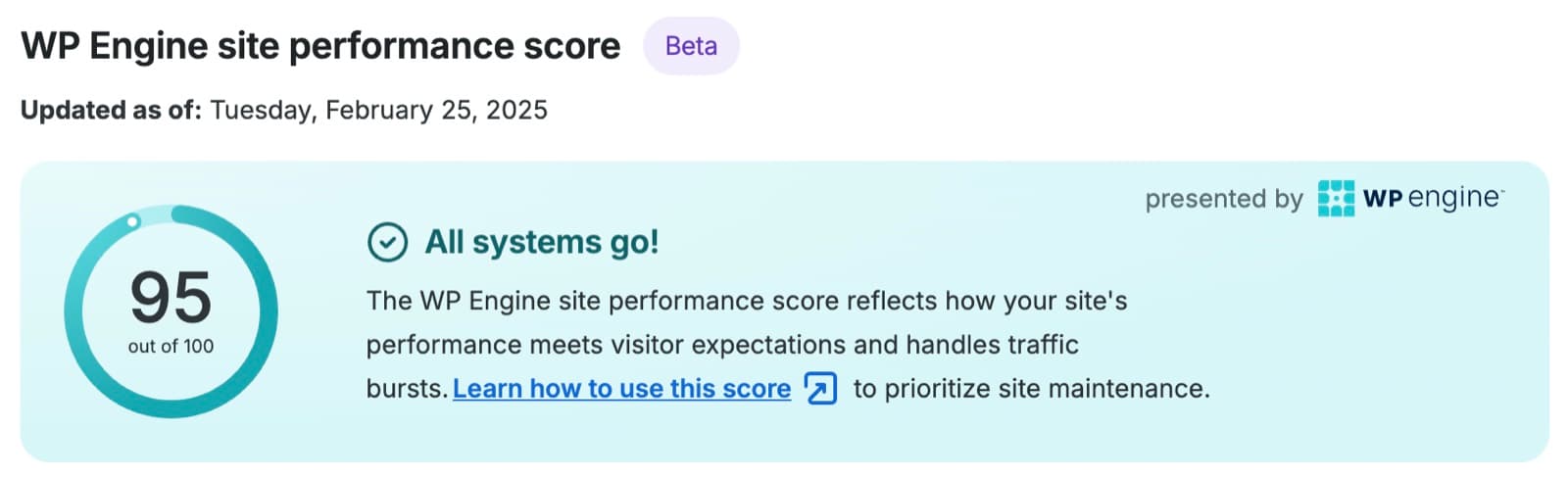
Managed WordPress hosting
WP Engine
Essential starts at $28/month for one site and 25,000 visits, plus every StudioPress theme thrown in. The sensible first upgrade from shared hosting.
From $28 a month, billed annually (Essential, 1 site). Or $35 a month billed monthly; plus tax, and renewal pricing may change.
Read our WP Engine page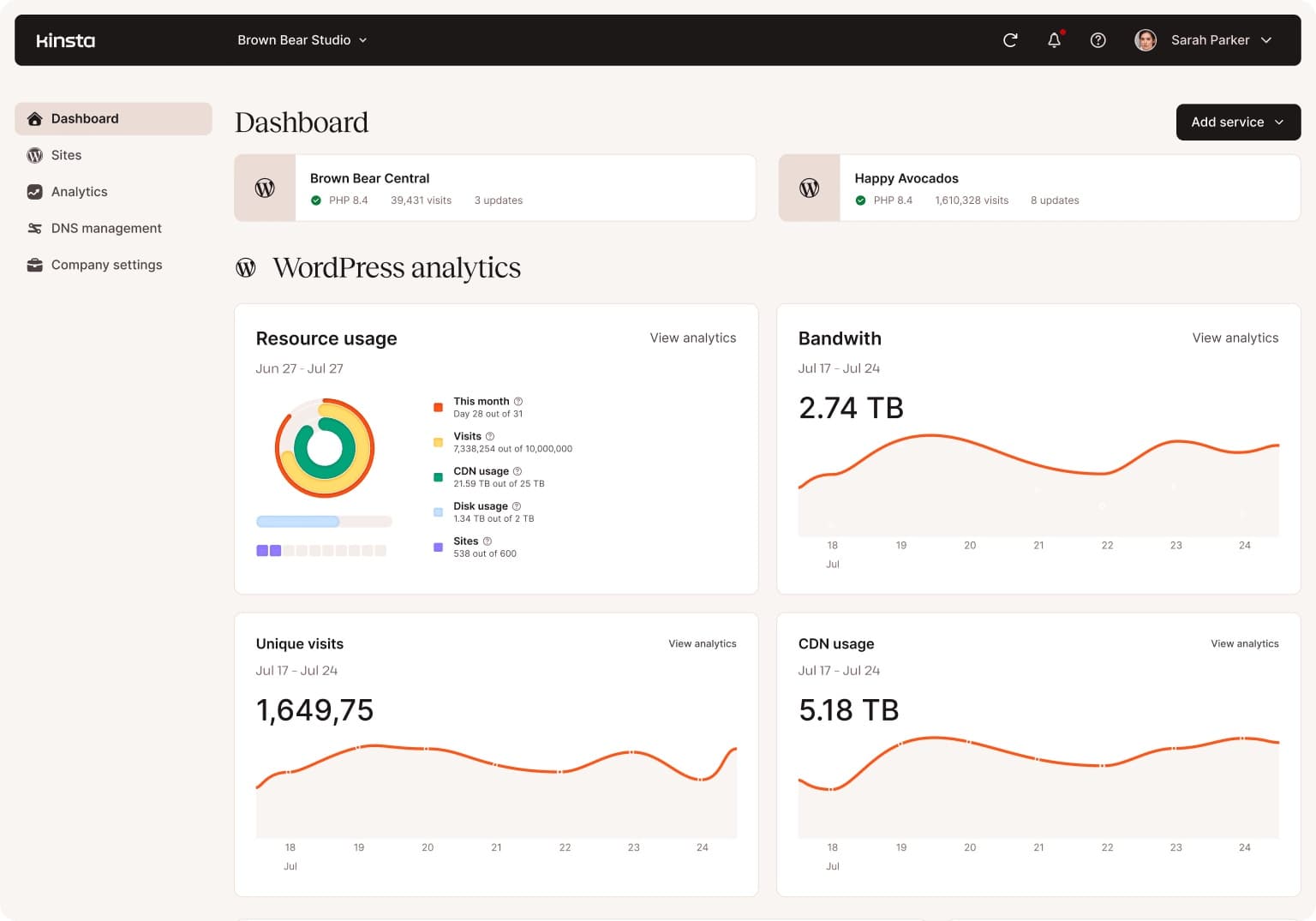
Managed WordPress hosting
Kinsta
$35/month on Google Cloud with configurable PHP workers and the best dashboard in the category. Worth the extra $7 once traffic is real.
$35 a month, or $350 a year. First month free, then the same $35 a month.
Read our Kinsta pageI've written a longer head-to-head if you want the detail: Kinsta vs WP Engine covers pricing tiers, bandwidth limits and where each one gets annoying.
Short version. WP Engine if you're stepping up from shared hosting and want it to just work. Kinsta if you care about tuning the server and you'll actually use the controls.
If You Run More Than One Site
The math changes completely once you pass one site, and this is the case where I stop hedging.
Entry plans at both hosts cover a single install. WP Engine's next tier up handles more sites and more traffic, and Kinsta's WP 2 plan at $70 a month doubles the installs and the bandwidth. Per site, both get cheaper as you climb, which is the opposite of stacking separate shared accounts.
Freelancers and small agencies get a second benefit that doesn't show up on a pricing page. One dashboard, one support relationship, one backup policy across every client. Chasing five different cPanel logins when something breaks is a genuinely miserable way to spend a morning.
There's a billing angle too. Both hosts offer agency plans where you can hand a client their own login without handing over your whole account, and client-billing transfers let you move a site out cleanly when a relationship ends.
If you maintain three or more WordPress sites for anyone other than yourself, stop reading comparisons and just move. The decision was made for you by the number three.
What Managed Hosting Won't Fix
This part gets skipped in every comparison post, so.
It won't fix a 4 MB hero image. It won't fix a page builder loading 40 separate stylesheets. It won't fix a theme that queries the database 300 times per page load. Server-level caching hides some of that, right up until a logged-in user shows up and the cache doesn't apply.
Managed hosts also ban plugins. Most of them block WP Super Cache, W3 Total Cache, and anything that runs its own backup scheduler, because those fight with the platform. Read the banned list first, ideally while you're still shopping.
Email isn't included either. Kinsta and WP Engine both expect you to use Google Workspace or similar, which is another $6 a head. Shared hosts bundle email, and for a small business that's a genuine cost swing.
Moving Without Breaking Anything
Both hosts do free migrations, and both are competent at it. A few things make it go smoothly.
Start before your shared renewal date, not after. You want overlap, not a gap.
Drop your DNS TTL to 300 seconds a day ahead of the switch. Cuts the propagation window from hours to minutes.
Keep the old host running for 30 days. It costs one extra month and it's the difference between a rollback and a crisis.
And turn off your caching and security plugins before the migration runs. They'll conflict with the new platform and the symptoms are confusing.
Frequently asked questions
- Is managed WordPress hosting worth it for a small business site?
- If the site generates leads or sales, yes. The threshold I use is whether one day of downtime costs more than the $336 to $420 annual difference. A plumber whose phone rings because of the site clears that bar easily. A restaurant with a menu page and 800 visits a month does not.
- How much faster is managed hosting, really?
- Server response time is where the gain is concrete: roughly 400 to 900 ms on shared versus 50 to 200 ms on managed. Total page load usually improves far less, because most of that number is your images, fonts and scripts, and switching hosts does nothing about those.
- Can I just use a caching plugin instead?
- Partly. A good caching plugin on decent shared hosting gets you most of the way for anonymous visitors. What it can't do is speed up the uncached requests: logged-in users, WooCommerce carts, checkout, and the admin dashboard. If your site has any logged-in traffic, that gap is the argument for managed hosting.
- Do I lose anything by moving off shared hosting?
- Email hosting, usually, since managed WordPress hosts don't provide mailboxes. You also lose cPanel and the ability to host non-WordPress sites on the same plan. And you'll hit a banned plugin list that blocks most caching and backup plugins.
- Is Kinsta or WP Engine better for a beginner?
- WP Engine. It's $7 a month cheaper, the interface asks fewer questions, and the included StudioPress themes are worth about $100 if you don't already have a theme. Kinsta rewards people who want to tune PHP workers and read New Relic traces, which is not a beginner activity.
- What about Cloudways or Hostinger's managed WordPress plans?
- They sit between the two categories: better than shared hosting, cheaper than Kinsta or WP Engine, with thinner support. Reasonable if you're technical enough to self-diagnose. If you wanted somebody else to own the problem, that's the thing you're paying the premium for and the middle tier doesn't sell it.
Bottom Line
Ask one question. Does this site make money, or would losing it for a day hurt?
No, and traffic is modest? Stay on shared hosting, check your renewal rate, and spend the $300 a year on something that grows the site instead.
Yes? Then you've been quietly paying for managed hosting in your own time for a while now, and the only thing left to decide is which one. WP Engine at $28 is the default answer. Kinsta at $35 is the right call if you'll use the extra control.
Either way, check your renewal invoice first. It's a genuinely common outcome that the upgrade turns out to be nearly free.
How We Pick
We pick products by combining spec-level research, price checks, trusted third-party benchmarks, and owner sentiment from high-signal sources.
- Performance and real-world value in the category this guide targets
- Price-to-performance and deal consistency over recent pricing windows
- Build quality, reliability patterns, and known long-term issues
- Recommendation refresh cadence to keep these picks current
Author
TheTechSearch Editorial Team
Independent product reviewers & PC builders
We compare real-world specs, reviews and owner reports, price trends, and user feedback to recommend gear that actually makes sense to buy.