Kit vs Mailchimp in 2026: Which Email Platform Should You Use?
Kit is free to 10,000 subscribers. Mailchimp's free plan now stops at 250. Here's the real split by business type and list size. Expert picks, pros and cons,...
As an Amazon Associate we earn from qualifying purchases made through our links — this doesn't affect our picks.
Pick Kit if you're a creator, a newsletter writer, or anyone whose business is the email list itself. Pick Mailchimp if you run an online store and want email that reacts to what people buy, browse and abandon in their cart.
That's the whole answer for most people. The rest of this page is about the cases where it isn't that simple, and about pricing, because both companies changed theirs in the past year and most comparison posts haven't caught up.
One more thing before the details. Almost every page ranking for "Kit vs Mailchimp" is written by a competing newsletter platform, an email agency, or a site that earns a commission on one of the two. We have a Kit review page and no Mailchimp one, so weigh that as you read. We've tried to show the math so you can check it.
| Factor | Kit | Mailchimp |
|---|---|---|
| Free plan | Up to 10,000 subscribers | Up to 250 contacts, 500 sends a month |
| Automations on free | None | None |
| Cheapest plan with automations | Creator, $39/mo at 1,000 subs | Essentials, $13/mo at 500 contacts (4-step flows) |
| Price at 5,000 with full automations | $89/mo (Creator) | $100/mo (Standard) |
| Price at 10,000 with full automations | $139/mo (Creator) | $135/mo (Standard) |
| Unsubscribed contacts billed | No | Yes, until you archive them |
| Built for | Creators, newsletters, digital products | Ecommerce and general small business |
| Store integrations | Basic | Native Shopify, WooCommerce, BigCommerce |
The Question That Decides It: What Are You Selling?
If you sell your own ideas, Kit
Kit (formerly ConvertKit) is built around one person or small team writing to an audience. Its free Newsletter plan covers up to 10,000 subscribers, with unlimited broadcasts, forms and landing pages. You can sell digital products and paid newsletter subscriptions from the same account, and Kit takes 3.5% plus 30 cents per transaction.
It also has growth tools that only make sense for a newsletter. The Creator Network lets you recommend other newsletters and get recommended back, and on the Pro plan you can earn from paid recommendations. If the list is the product, these features are the point.
If you sell physical products through a store, Mailchimp
Mailchimp's advantage is the store connection. It integrates natively with Shopify, WooCommerce and BigCommerce, and it can trigger emails based on purchases, abandoned carts and product views, with product recommendation blocks inside the email itself. It also offers SMS alongside email.
That's a real edge. Kit can connect to a store, but its automations are built around tags and subscriber behavior rather than order data. If "customer abandoned a $120 cart" is the trigger you care about most, Mailchimp was designed for it.
If you're a local business sending a monthly update
This is the fuzzy middle. A dentist, a yoga studio or a real estate agent sending a monthly newsletter can use either. Mailchimp has more polished design templates and a drag-and-drop editor people already know. Kit's templates are deliberately plain, closer to a personal letter.
But look at the list size. Mailchimp's free plan now tops out at 250 contacts. Kit's goes to 10,000. For a monthly update with no automations, Kit costs nothing for a very long time, and that usually settles it.
What Each One Really Costs
This is where most comparison posts are out of date. Mailchimp cut its free plan on January 26, 2026 to 250 contacts and 500 sends a month (with a daily cap of 250). Kit raised its paid prices on September 10, 2025 and removed automations from its free plan.
Here's the monthly price with no annual discount, using EmailToolTester's published figures from August and September 2026:
| List size | Kit Creator | Mailchimp Essentials | Mailchimp Standard | |---|---|---|---| | 500 | $39 (1,000 tier) | $13 | $20 | | 1,500 | $59 (3,000 tier) | $45 | $60 | | 5,000 | $89 | $75 | $100 | | 10,000 | $139 | $110 | $135 |
Kit's annual billing takes about 16% off, which puts Creator at $33 a month for 1,000 subscribers ($390 a year). Mailchimp offers a 15% discount for the first 12 months on its paid plans.
The comparison that actually matters
Essentials looks cheapest on that table, and for a small store that only needs a welcome email, it is. But Essentials limits automation flows to four steps. If you want a real onboarding sequence, a course drip, or branching logic, you need Standard, and at that point Kit Creator is $11 cheaper at 5,000 subscribers and $4 more at 10,000. Call it even.
And if you don't need automations at all, Kit's free plan beats every column of that table up to 10,000 subscribers.
The billing rule that catches people
Mailchimp counts subscribed, unsubscribed and non-subscribed contacts toward your plan. Archived, cleaned and deleted contacts don't count. So when people unsubscribe, you keep paying for them until you archive them by hand.
On a list with normal churn this adds up. A list of 5,000 active subscribers with 800 past unsubscribes is billed as 5,800 contacts unless someone cleans it up. Kit bills on subscribers, so an unsubscribe comes off your count on its own.
Send limits
Mailchimp caps monthly sends as a multiple of your contact limit: 10 times on Essentials, 12 times on Standard, 15 times on Premium. A weekly newsletter uses roughly four to five sends per contact a month, so this rarely bites. A daily newsletter on Essentials would hit it.
Kit's plans include unlimited email sends.
Where Kit Falls Short
The free plan has no automations at all now. No welcome sequence, no drip. You get broadcasts, forms and landing pages, and the moment you want an automated welcome email you're on Creator at $39 a month (or $33 billed yearly).
The design options are thin on purpose. If your brand depends on image-heavy, multi-column promotional emails, Kit's editor will feel limiting.
Ecommerce automation is basic compared with Mailchimp. You can tag buyers and send follow-ups, but product-recommendation blocks and deep order-data triggers are Mailchimp's territory.
The jump from free to paid is steep. A free account with 9,000 subscribers that wants one automation goes from $0 to $139 a month at Kit's 10,000 tier.
Where Mailchimp Falls Short
The free plan is now a trial in all but name. At 250 contacts and 500 sends a month, it covers one small send to a small list.
Pricing climbs fast with contacts, and the unsubscribe billing rule quietly adds to it.
Essentials' four-step flow limit is tight. Most people who need automation end up on Standard.
It's weaker for paid subscriptions and digital products. If you want readers to pay you directly for the newsletter, Kit handles that natively, while Mailchimp is built around selling a store's products.
Switching Between Them
Plenty of people reading this already have a list on one platform. Moving is less work than it looks, but it isn't a single click.
The subscribers themselves move as a CSV export and import. That part takes minutes. What doesn't move is everything built around them: signup forms embedded on your site, landing pages, automation sequences, and the tags or groups you've used to segment people. Plan on rebuilding those by hand.
Three things are easy to forget:
- Tags and groups. Mailchimp organizes contacts with audiences, groups and tags. Kit uses tags and segments. Map one to the other before you import, or you'll end up with a flat list.
- Forms on your site. Every embedded Mailchimp form keeps sending new signups to Mailchimp until you replace it.
- The old account. Archive or delete the Mailchimp audience when you're done. Otherwise you're still billed for those contacts, unsubscribes included.
Moving from Kit to Mailchimp is the same process in reverse, with one addition: any paid newsletter subscriptions or digital products you sell through Kit need a new home first.
The Quick Decision Table
| Your situation | Pick | |---|---| | Newsletter under 10,000 subscribers, no automations needed | Kit (free) | | Creator selling courses, ebooks or a paid newsletter | Kit | | Shopify or WooCommerce store, cart and purchase emails | Mailchimp | | Local business, monthly update, under 250 contacts | Either, both free | | Local business, monthly update, 250 to 10,000 contacts | Kit (free) | | Sales team that needs email tied to a CRM pipeline | Neither; see HubSpot below | | Solo operator who also needs funnels, checkout and courses | Neither; see Systeme.io below |
Our Picks
For creators and newsletters
Email marketing
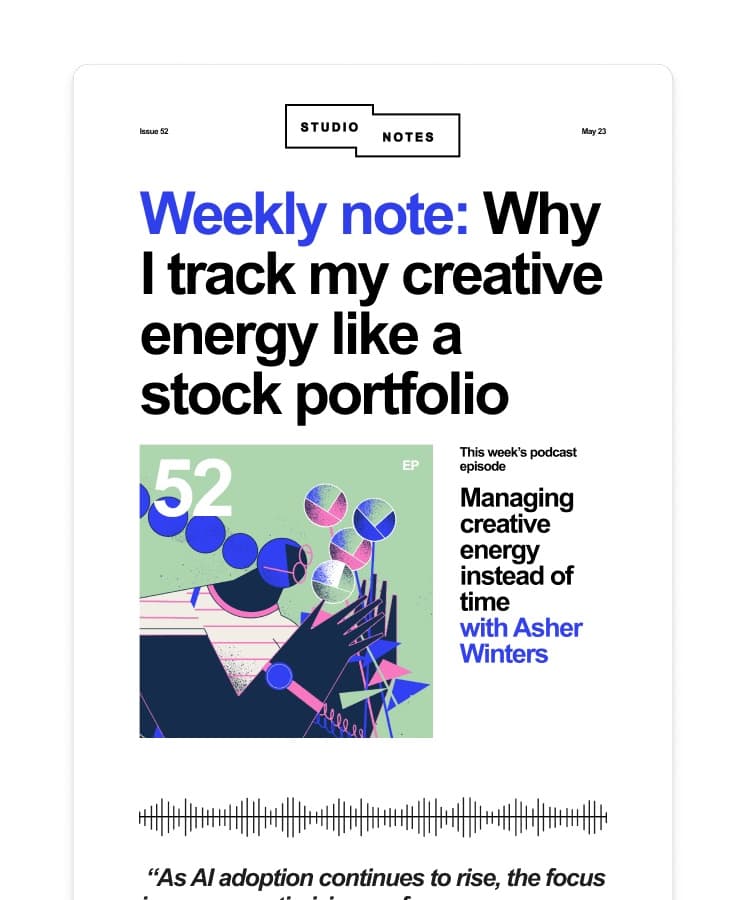
Kit
Best for newsletters and creators: free to 10,000 subscribers, Creator from $33 a month billed yearly when you need automations.
Free to 10,000 subscribers; Creator from $33 a month, yearly. Billed monthly instead, Creator is $39 a month at 1,000 subscribers.
Read our Kit pageStart on the free plan and stay there until you actually need a welcome sequence. When you do, compare the monthly and yearly Creator price at your list size, since the yearly discount is about 16%.
If email is part of a sales pipeline
CRM
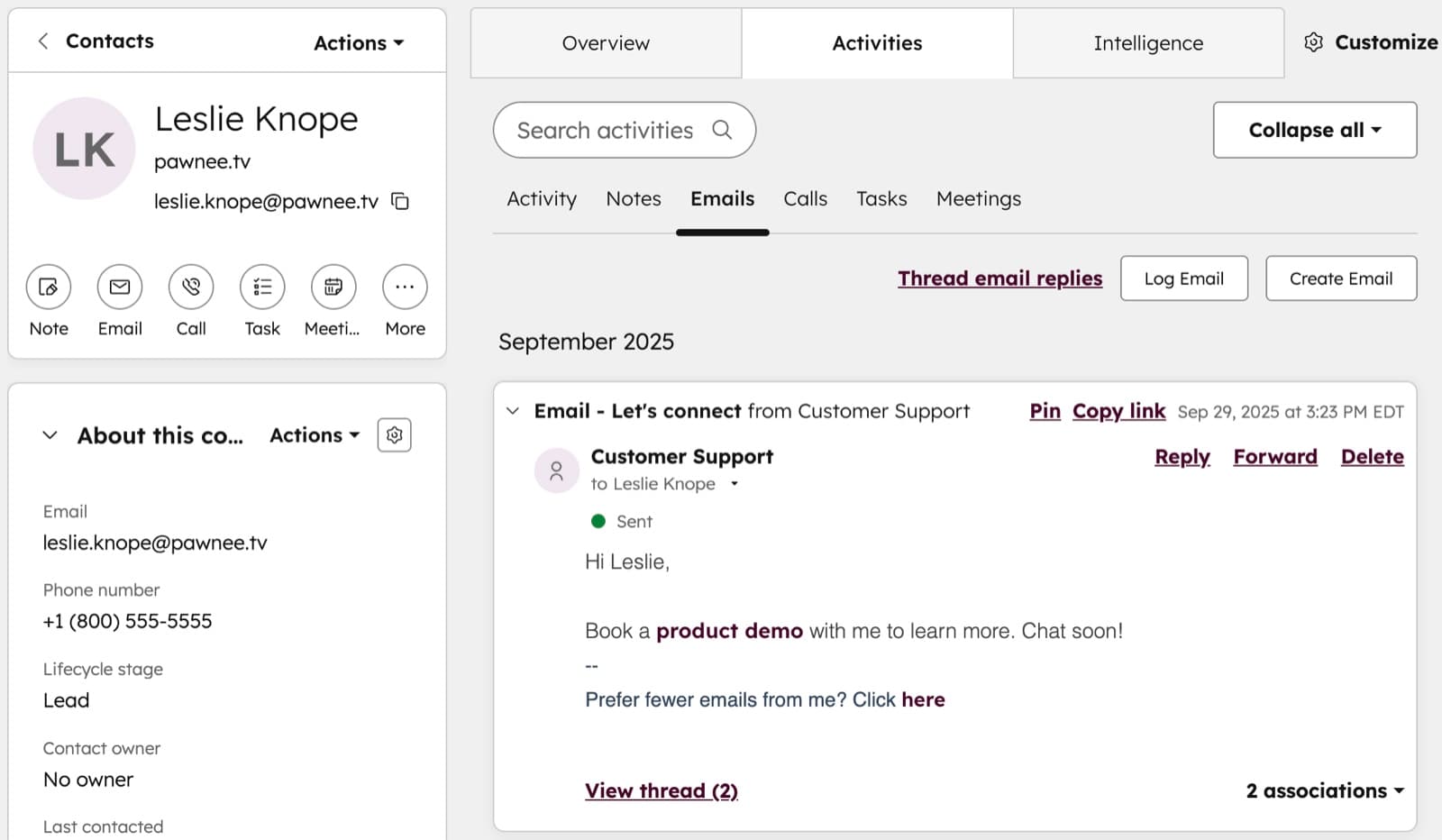
HubSpot
When email needs to live next to deals and contact records: HubSpot's CRM is free for 2 users and 1,000 contacts.
Free for 2 users; Starter from $7 a seat a month (annual). Starter is $10 a seat a month billed monthly; the regular price is $20 a seat.
Read our HubSpot pageSome businesses searching "Kit vs Mailchimp" really need a CRM with email attached. If a salesperson follows up on leads, HubSpot keeps the email history, the deal stage and the contact record in one place. Our guide on whether you need a CRM covers where that line is.
If you want email, funnels and checkout in one place
All-in-one marketing platform
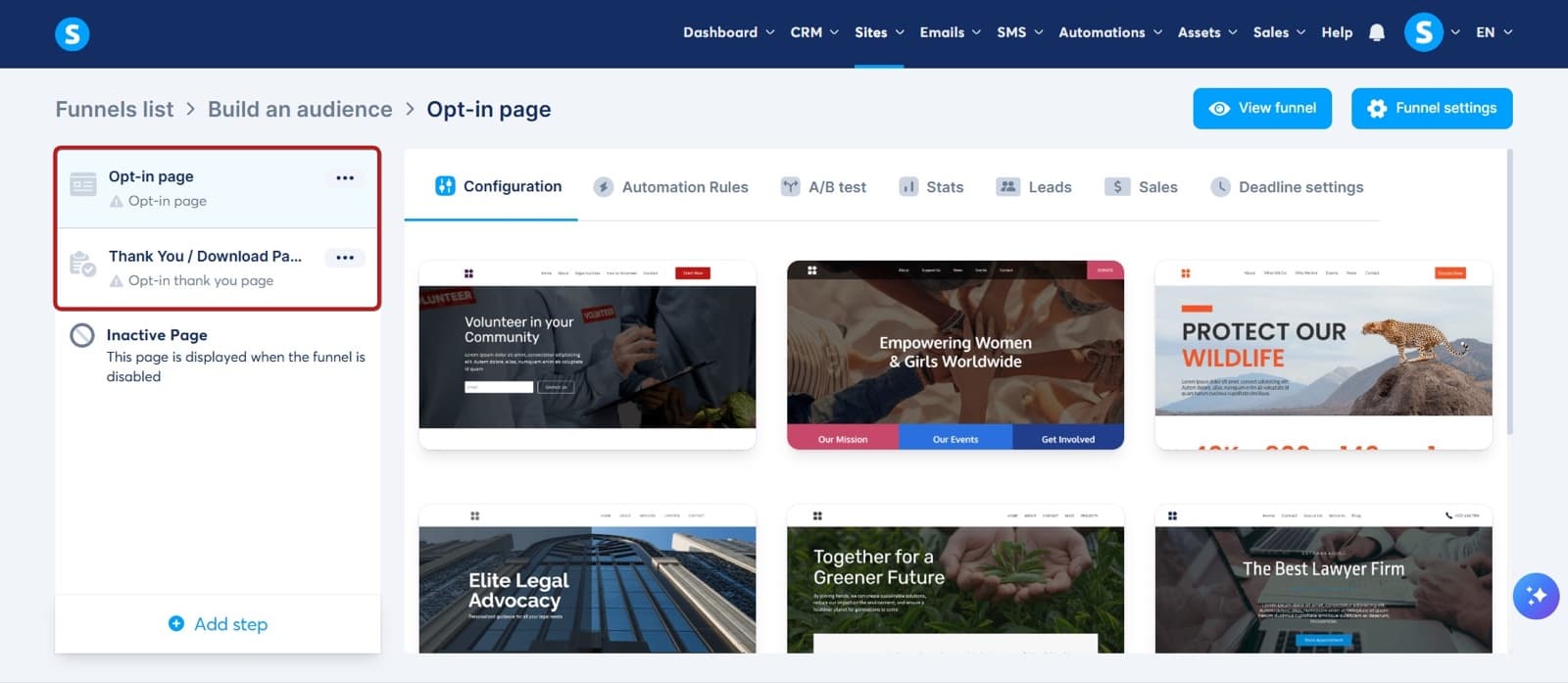
Systeme.io
All-in-one for solo operators: email, funnels, courses and checkout under one login, free plan to start, paid from $17 a month.
Free plan $0 forever, paid from $17 a month. Yearly is $170, $470 or $970 — two months free, prices include tax.
Read our Systeme.io pageSysteme.io bundles email marketing with landing pages, funnels, courses and a checkout, with 0% transaction fees on every plan. If you'd otherwise pay for Kit plus a course platform plus a funnel builder, it's worth pricing. We compare it with its closest rival in ClickFunnels vs Systeme.io.
Frequently asked questions
- Is Kit better than Mailchimp?
- For creators and newsletters, yes. Kit's free plan covers up to 10,000 subscribers against Mailchimp's 250 contacts, and it supports paid newsletters and digital products natively. For ecommerce stores, Mailchimp is usually better because of its native Shopify, WooCommerce and BigCommerce integrations and purchase-based automations.
- Is Kit cheaper than Mailchimp?
- Without automations, much cheaper, because Kit is free to 10,000 subscribers. With full automations the paid prices are close: Kit Creator is $89 a month at 5,000 subscribers against $100 for Mailchimp Standard, and $139 against $135 at 10,000, billed monthly. Mailchimp also bills unsubscribed contacts until you archive them.
- Does Kit's free plan include automations?
- No. Kit removed automations and sequences from its free Newsletter plan. You get unlimited broadcasts, forms and landing pages for up to 10,000 subscribers. Automated sequences and visual automations start on the Creator plan, at $39 a month or $33 a month billed yearly for 1,000 subscribers.
- How many contacts does Mailchimp's free plan allow in 2026?
- 250 contacts and 500 sends a month, with a daily limit of 250 sends and one user seat. The limits were reduced on January 26, 2026. Many older comparison articles still quote the previous 500-contact limit.
- Can I move my list from Mailchimp to Kit?
- Yes. Export your audience from Mailchimp as a CSV and import it into Kit, then rebuild your forms and any automations. Tags usually need to be remapped. Archive or delete the Mailchimp audience afterward so you aren't still billed for those contacts.
- What is Kit's transaction fee on paid newsletters and products?
- 3.5% plus 30 cents per transaction, on every plan including the free one, according to Kit's pricing page.
Bottom Line
Kit is the better email platform for creators, newsletter writers and anyone selling their own digital products, and its free plan to 10,000 subscribers makes it the default for a list that's just starting. Mailchimp is the better platform for online stores that want cart, purchase and product-view emails wired into Shopify or WooCommerce. At 5,000 to 10,000 subscribers with full automations, the two cost within about $10 a month of each other, so choose on fit, not price. And if you use Mailchimp, archive your unsubscribes every month. For the wider field, including ActiveCampaign and Brevo, see our best email marketing software guide.
How We Test
We score products by combining spec-level research, pricing history, trusted third-party benchmarks, and owner sentiment from high-signal sources.
- Performance and real-world value in the category this guide targets
- Price-to-performance and deal consistency over recent pricing windows
- Build quality, reliability patterns, and known long-term issues
- Recommendation refresh cadence to keep these picks current
Author
TheTechSearch Editorial Team
Independent product reviewers & PC builders
We test and compare real-world specs, price trends, and user feedback to recommend gear that actually makes sense to buy.