Best Monitors for RTX 5060 in 2026
The RTX 5060 dominates 1440p gaming. These five monitors unlock everything this $299 GPU can do, starting from budget Fast IPS to OLED under $350. Expert pic...
As an Amazon Associate we earn from qualifying purchases made through our links — this doesn't affect our picks.
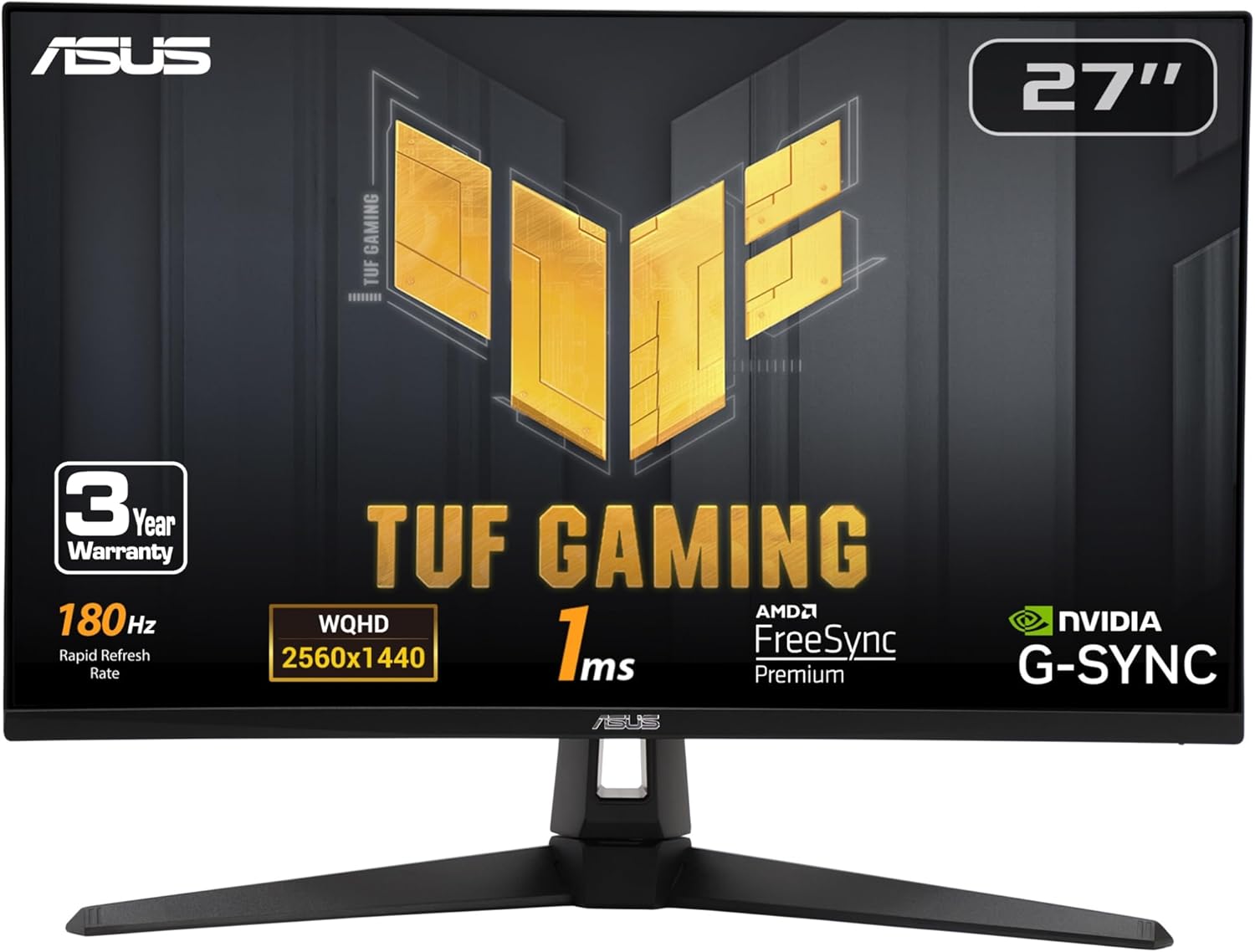
ASUS TUF Gaming 27-inch 1440P HDR Monitor VG27AQ3A
Our top recommendation for this category
Price as of Jun 17, 2026 — see current price on Amazon.
In this guide
- ASUS TUF Gaming VG27AQ3A: Best Value 1440p for RTX 5060
- AOC Q27G3XMN: Best Mini LED HDR Pick for RTX 5060
- MSI G274QPF-QD: Best Color Accuracy for RTX 5060
- Samsung Odyssey G50SF: Best OLED Pick for RTX 5060
- LG UltraGear 27GR83Q-B: Best 240Hz for Competitive Players
- Buying Guide: Choosing the Right Monitor for Your RTX 5060
- Bottom Line
NVIDIA launched the RTX 5060 at $299 on May 19th, and it's been flying off shelves ever since. This thing is built for 1440p, with DLSS 4 Multi Frame Generation and Blackwell's efficiency gains, the 5060 pushes 100-160 fps in most AAA titles at 2560x1440. That's a lot of performance to waste on the wrong panel.
I went through the current monitor market to find what actually pairs well with a $299 GPU. The short version: 1440p at 165-180Hz is the sweet spot. You don't need 4K (the 5060 will strain at it without DLSS), and 1080p wastes the resolution advantage you bought this card for. Here are five monitors across the $199-$350 range that genuinely match what the RTX 5060 can deliver.
| Monitor | Panel | Resolution | Refresh | Price | Best For | |
|---|---|---|---|---|---|---|
| ASUS TUF VG27AQ3A | Fast IPS | 1440p 27" | 180Hz | $199 | Best Value | Check Price |
| AOC Q27G3XMN | Mini LED VA | 1440p 27" | 180Hz | $259 | Best HDR | Check Price |
| MSI G274QPF-QD | Rapid IPS QD | 1440p 27" | 170Hz | $258 | Best Colors | Check Price |
| Samsung Odyssey G50SF | QD-OLED | 1440p 27" | 180Hz | $349 | Best OLED | Check Price |
| LG UltraGear 27GR83Q-B | IPS | 1440p 27" | 240Hz | $320 | Best 240Hz | Check Price |
ASUS TUF Gaming VG27AQ3A: Best Value 1440p for RTX 5060
ASUS TUF Gaming 27-inch 1440P HDR Monitor VG27AQ3A
Pros
- Under $200 for a proper 1440p 180Hz Fast IPS panel
- Full ergonomics: height, tilt, swivel, pivot
- DisplayHDR 400 and 130% sRGB coverage
- Built-in speakers, G-Sync compatible, FreeSync Premium
Cons
- No USB hub, a frustrating omission at any price
- HDR 400 is the entry tier, no local dimming
- Stand could be more solid at its weight
Price as of Jun 17, 2026 — see current price on Amazon.
Let's be direct: $199 for a 27-inch 1440p 180Hz Fast IPS monitor with a full ergonomic stand is genuinely good. The VG27AQ3A is what I'd recommend to most people buying an RTX 5060. You get the resolution you need, refresh rate that outpaces the 5060's output in demanding titles, and a panel that actually covers 130% sRGB so games look right.
The Fast IPS panel here does 1ms (GtG) response, which means motion blur at 180Hz stays tight. Tom's Hardware tested this monitor in late 2023 and found it delivered competitive motion handling in the same tier as panels costing $50-$100 more. The RTX 5060 with DLSS 4 enabled in a game like Cyberpunk 2077 sits around 120-140fps at 1440p ultra settings, so 180Hz gives you headroom without burning money on 240Hz you can't fill.
The one real miss is the USB hub omission. For a monitor at any price, no USB passthrough means one more thing to manage on your desk. That said, the full ergonomic stand (height adjust, tilt, swivel, pivot) is genuinely rare under $200. Most budget monitors give you tilt and nothing else.
At $199, it frequently dips to as low as $179 during sale events. If you see it under $190, buy it immediately.
AOC Q27G3XMN: Best Mini LED HDR Pick for RTX 5060
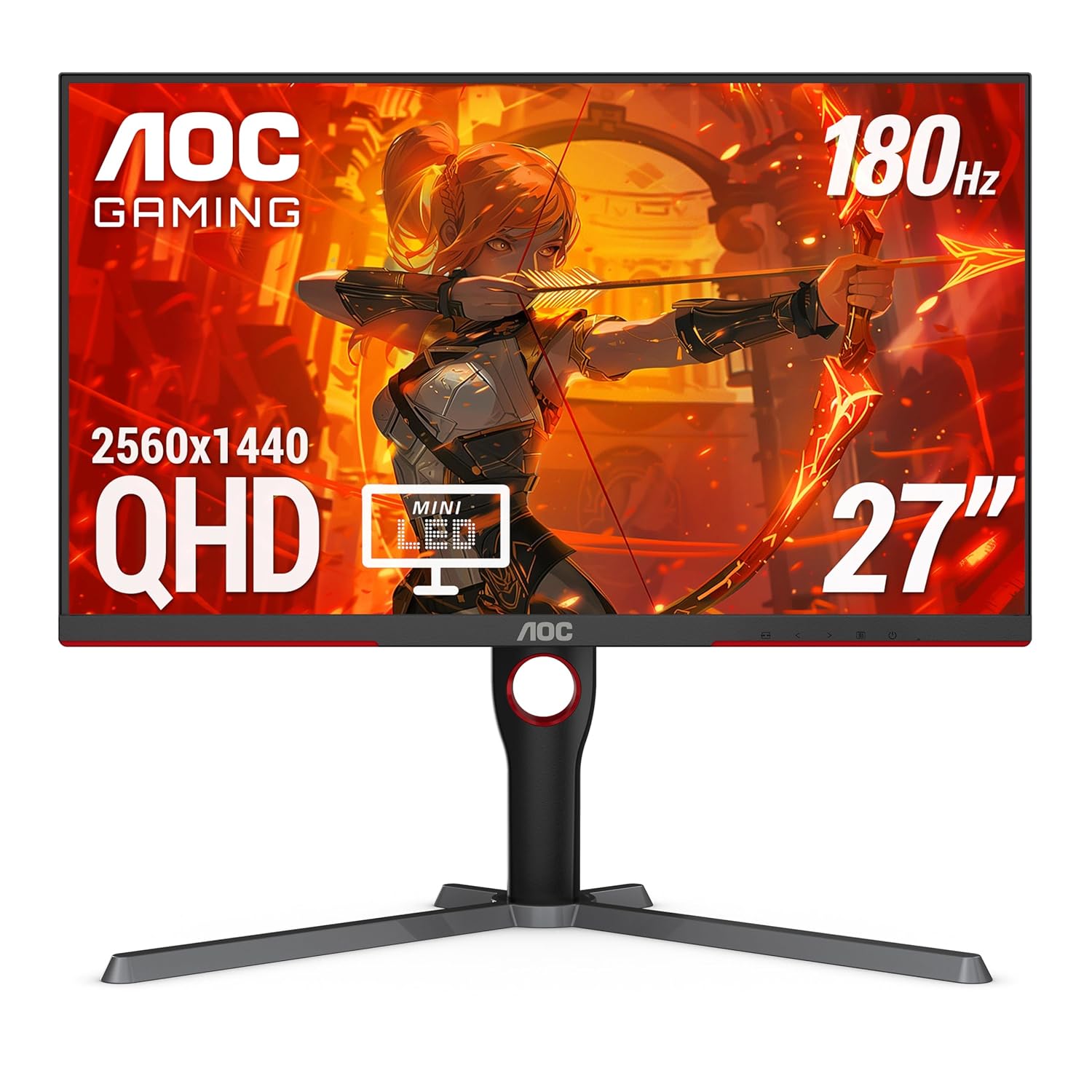
AOC Q27G3XMN 27-inch QHD Mini LED Gaming Monitor
Pros
- 336-zone Mini LED local dimming, DisplayHDR 1000 certified
- 1300 nit peak brightness in HDR, noticeably better than standard IPS
- 180Hz, 1ms GtG VA panel with good motion handling
- Excellent HDR game compatibility: good with DX12 Ultimate titles
Cons
- VA panel has some black smearing at cold temperatures
- Stand base is large, takes up significant desk space
- IPS glow is replaced by haloing around bright objects in HDR
Price as of Jun 17, 2026 — see current price on Amazon.
The AOC Q27G3XMN does something most monitors under $300 don't: it makes HDR look like HDR. With 336 local dimming zones and DisplayHDR 1000 certification (1300 nit peak), this is the cheapest monitor where switching HDR on actually improves the image rather than worsening it.
That matters for RTX 5060 owners specifically because Blackwell's render pipeline has genuinely improved HDR game support. DirectX 12 Ultimate titles like Alan Wake 2, Cyberpunk 2077, and Dying Light 2, all benefit from the higher brightness ceiling and local dimming when the 5060 is doing the rendering. On a standard IPS panel with no local dimming, HDR is mostly a marketing checkbox.
The VA panel is a tradeoff, though. VA panels have better static contrast than IPS (around 3000:1 vs 1000:1), which helps shadow detail in dark games. But they have worse pixel response, and in cold environments you might notice some black smearing in fast motion. At 180Hz the VG27AQ3A above is a cleaner choice for competitive play. For single-player games where you're fighting monsters in dark dungeons, the Q27G3XMN's contrast and HDR performance wins.
The 136% sRGB coverage from the VA panel is solid without being exceptional. Color volume in HDR is where it earns its money, not SDR accuracy.
MSI G274QPF-QD: Best Color Accuracy for RTX 5060
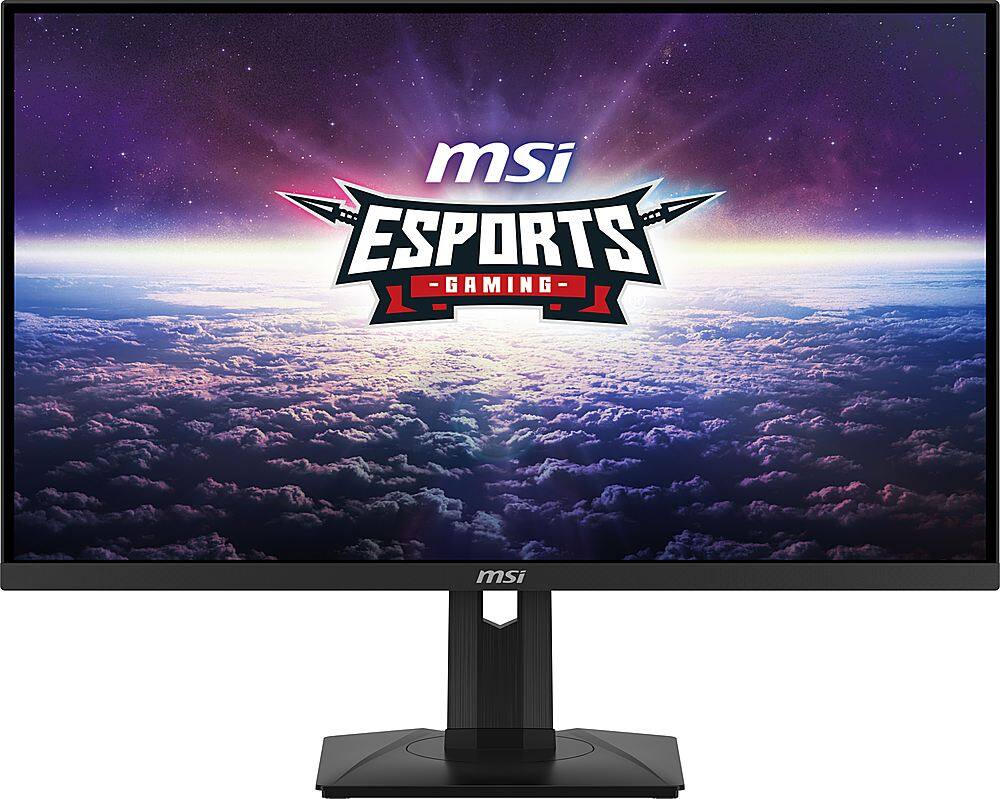
MSI G274QPF-QD 27-inch QHD 170Hz Rapid IPS Quantum Dot Gaming Monitor
Pros
- Quantum Dot layer on Rapid IPS, delivering 150% sRGB, 93% DCI-P3 coverage
- USB-C port for secondary device connectivity
- Full ergonomic stand plus pivot for portrait mode
- 170Hz with consistently fast 1ms GTG response
Cons
- 170Hz is slightly lower than 180Hz alternatives at the same price
- Quantum Dot adds manufacturing cost, so you pay a premium for color
- DisplayHDR 400 only; the HDR spec doesn't match the color quality
Price as of Jun 17, 2026 — see current price on Amazon.
The Quantum Dot layer on the MSI G274QPF-QD is what separates it from standard IPS panels at this price. Where a regular IPS panel covers 92-95% DCI-P3, the QD layer pushes this to 93% DCI-P3 and 150% sRGB. For content creators who also game, like video editors and graphic designers pulling double duty, this is meaningfully better color representation than the ASUS or AOC alternatives.
For pure gaming, honestly, the difference is more subtle. Most games aren't mastered against DCI-P3 targets, so the extra color volume shows up mostly in SDR games looking slightly more saturated and in HDR content that actually uses the wider gamut. But if you edit photos or do color work on the same machine you game on, the G274QPF-QD earns its place at $258.
The Rapid IPS panel runs at 170Hz with 1ms GTG. That's 10Hz less than the ASUS and AOC above, which in real gameplay is completely imperceptible. The USB-C port is a nice touch for MacBook users or anyone with a secondary device. MSI's ergonomic stand covers height, tilt, swivel, and pivot, same as the ASUS TUF.
One thing to know: despite the premium color spec, MSI shipped this with DisplayHDR 400 only. The color quality and the HDR certification don't line up. Don't buy this for HDR gaming. The AOC Q27G3XMN above handles that better at a similar price. Buy the MSI if sRGB accuracy and DCI-P3 coverage matter to your workflow.
Samsung Odyssey G50SF: Best OLED Pick for RTX 5060
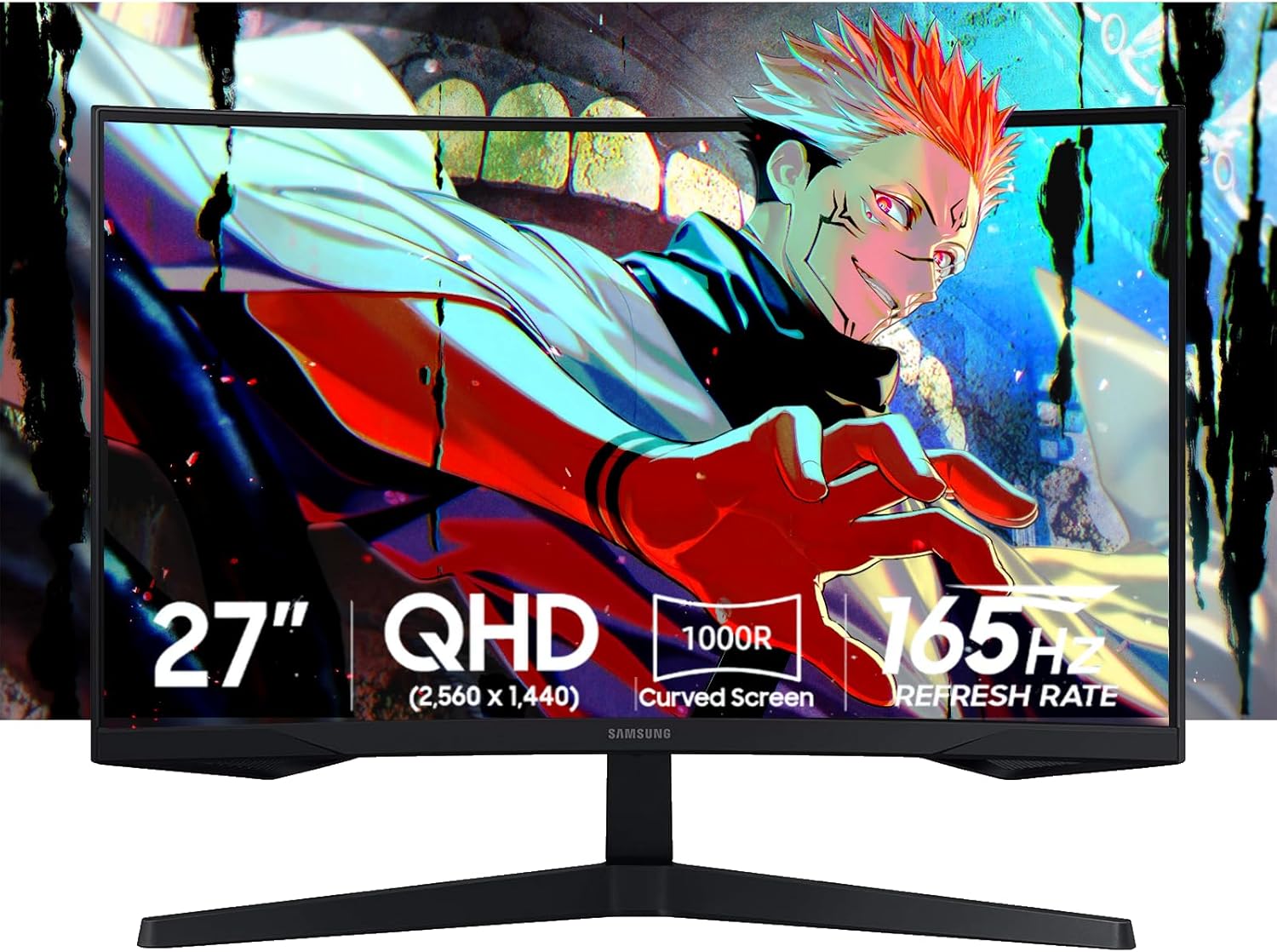
Samsung 27-inch Odyssey OLED G5 G50SF QHD QD-OLED Gaming Monitor
Pros
- QD-OLED panel with 0.03ms pixel response and true infinite contrast
- $349 is the cheapest QD-OLED 1440p monitor available
- 99.3% DCI-P3 with Pantone validation, exceptional color fidelity
- OLED Safeguard firmware protects against burn-in
Cons
- Stand only tilts, no height adjustment; a budget VESA arm fixes this
- 180Hz max, which means the RTX 5060 can outpace it in lighter titles
- Runs 144Hz max over HDMI; needs DisplayPort cable for full 180Hz
Price as of Jun 17, 2026 — see current price on Amazon.
Here's where the budget math gets interesting. The RTX 5060 is a $299 GPU. The Samsung G50SF is a $349 OLED monitor, slightly more expensive than the GPU itself. Is it worth it?
Yes, actually. And here's why: the monitor outlasts the GPU. You'll upgrade your RTX 5060 in two or three years. A QD-OLED panel from 2026 will still be excellent in 2029. The G50SF's Gen 3 QD-OLED tech gives you infinite contrast, 0.03ms pixel response, and 99.3% DCI-P3 coverage. Put it next to any IPS panel under $350 and the difference in shadow detail and color richness is immediately visible. Not "you have to look for it" different, but "oh" different.
Samsung launched this in early 2026 specifically to bring OLED into the sub-$400 tier. The same Gen 3 panel technology used in the $499-$600 flagship monitors is in here, dialed back to 180Hz to hit the lower price. For the RTX 5060 gaming at 100-160fps in AAA titles, 180Hz OLED is a better experience than 240Hz IPS. The response advantage of OLED at 180Hz beats the refresh advantage of 240Hz IPS in anything that isn't pure competitive esports.
The stand situation is genuinely annoying. Tilt only. No height adjustment on a $349 monitor is Samsung cutting corners. Budget $30-40 for a VESA arm and factor it into the total cost. Also: make sure you're using DisplayPort rather than HDMI. The HDMI 2.1 port caps out at 144Hz, and you're paying for 180Hz.
LG UltraGear 27GR83Q-B: Best 240Hz for Competitive Players
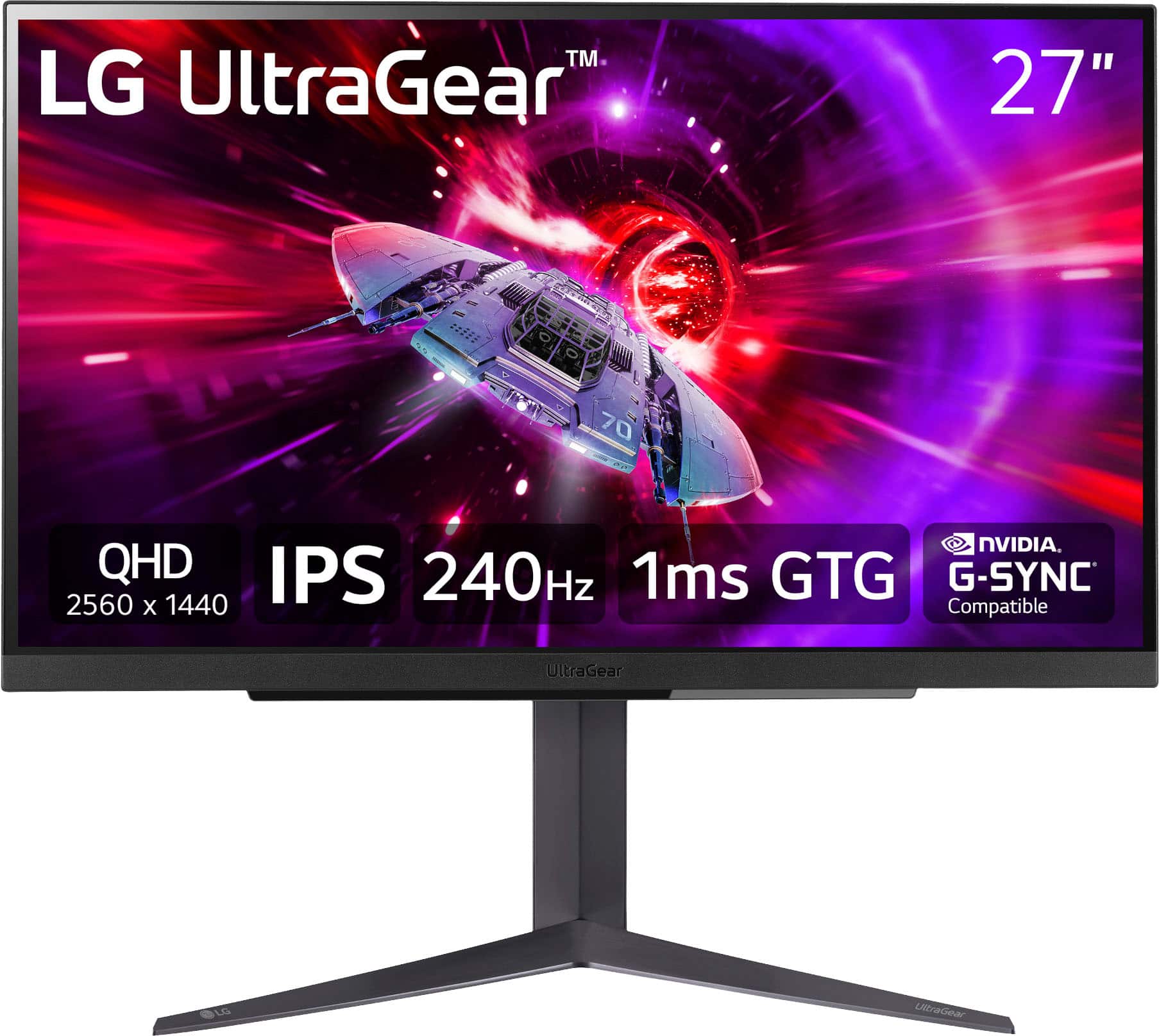
LG UltraGear 27GR83Q-B 27-inch QHD 240Hz IPS Gaming Monitor
Pros
- 240Hz at 1440p for maximum smoothness for competitive play with DLSS 4
- HDMI 2.1 port enables 240Hz console gaming on PS5 Pro or Xbox
- Full ergonomic stand with height, tilt, swivel, and pivot
- DTS:X Ultra spatial audio passthrough via the 4-pole headphone jack
Cons
- $320 buys you a lot of 180Hz OLED and the 240Hz premium is subtle for casual gamers
- DisplayHDR 400 only, no local dimming
- At 240Hz, the RTX 5060 needs DLSS 4 to reach that ceiling consistently
Price as of Jun 17, 2026 — see current price on Amazon.
Here's the case for 240Hz with an RTX 5060. In Valorant, CS2, Apex, and other competitive titles, the RTX 5060 with DLSS 4 Quality mode enabled can push well past 200fps at 1440p. In those games, you're not playing for pretty graphics. You're playing for the advantage of seeing motion early. 240Hz reduces perceived motion blur by another noticeable step compared to 180Hz.
The LG 27GR83Q-B is currently around $320, and it's one of the few monitors that delivers 240Hz at 1440p with a full ergonomic stand and HDMI 2.1. That HDMI 2.1 port is worth calling out: it means this monitor supports 4K 120Hz from a PS5 or Xbox Series X too, making it a dual-purpose panel for people with both a gaming PC and a console.
The IPS panel here is nano-IPS quality, covering 95% DCI-P3, which is better than average for IPS at this price. LG's HDMI 2.1 implementation is also more reliable than cheaper monitors. The 27GR83Q-B consistently holds 240Hz over HDMI 2.1 without needing driver tweaks.
But look, if you're not a competitive player, 240Hz at $320 versus 180Hz OLED at $349 is a tough call. For esports, take the 27GR83Q-B. For everything else, the Samsung G50SF is the better experience.
Buying Guide: Choosing the Right Monitor for Your RTX 5060
What Resolution Should I Target With an RTX 5060?
1440p is the answer, and the RTX 5060's performance ceiling supports it clearly. In demanding AAA titles at ultra settings, the 5060 delivers around 80-100fps at 1440p natively. Enable DLSS 4 Quality mode and that jumps to 120-150fps. At 1080p, you're underutilizing the GPU. The 5060 pushes 160-200fps in most games at 1080p, which is more than most 180Hz monitors can display. The sweet spot is 1440p at 165-180Hz with DLSS 4 enabled.
4K is possible but you'll lean heavily on DLSS 4 ultra performance mode, which trades image quality for playable frame rates. The 5060's 8GB of VRAM also becomes a constraint in some 4K titles. Save 4K for the RTX 5070 tier.
Does Panel Type Matter With an RTX 5060?
Yes, and the choice matters differently depending on what you play.
For competitive gaming (CS2, Valorant, Apex), get a fast IPS panel at 180Hz or higher. The ASUS TUF VG27AQ3A or LG 27GR83Q-B are the right picks here, with consistent pixel response, good motion clarity, no distractions.
For single-player and immersive games (Cyberpunk, Elden Ring, Alan Wake 2), OLED is genuinely worth the premium if you can stretch to $349. The Samsung G50SF makes dark scenes look dramatically better than any IPS panel under $500.
For HDR gaming specifically, the AOC Q27G3XMN with its 336-zone Mini LED local dimming is the best non-OLED option in this list. Standard IPS panels with DisplayHDR 400 are largely disappointing for HDR content.
Should I Get G-Sync or FreeSync With an RTX 5060?
All five monitors in this guide support both G-Sync Compatible and AMD FreeSync Premium. NVIDIA officially certifies monitors for G-Sync Compatible status, which means variable refresh rate works correctly at all frame rates. With the RTX 5060, you'll want VRR active especially in GPU-demanding scenes where frame rate dips below the monitor's refresh rate. All five picks here handle VRR properly.
How Much VRAM Does the RTX 5060 Have?
The RTX 5060 has 8GB of GDDR7 with 448 GB/s of memory bandwidth. At 1440p, 8GB is sufficient for most 2026 titles with high settings. A handful of games, notably The Last of Us Part I PC port and some texture-heavy open worlds, push against 8GB at 1440p ultra. If you run into VRAM pressure, lowering texture quality one step resolves it without significantly impacting visual quality.
Is the RTX 5060 Worth It for 1440p in 2026?
At $299 with DLSS 4 Multi Frame Generation, the RTX 5060 is the best price-per-1440p-fps GPU available in mid-2026. Competitor AMD cards at similar prices don't have an equivalent to DLSS 4's multi-frame generation, which meaningfully shifts the performance comparison. If you're building a 1440p gaming rig on a budget, the 5060 is the obvious starting point.
Frequently asked questions
- What is the best overall monitor for the RTX 5060?
- The ASUS TUF VG27AQ3A at $199 is the best value: 27-inch 1440p, 180Hz Fast IPS, full ergonomic stand. For buyers who can stretch to $349, the Samsung Odyssey G50SF QD-OLED delivers a noticeably better visual experience in single-player games.
- Is 1440p or 1080p better for the RTX 5060?
- 1440p is better for the RTX 5060. The GPU easily handles 1080p and will run over 200fps in most games, more than most monitors display. At 1440p with DLSS 4 Quality mode, you get 120-160fps in demanding titles, which is a better balance of image quality and frame rate.
- Can the RTX 5060 run 4K?
- Yes, but with caveats. At 4K ultra settings, the RTX 5060 drops below 60fps in demanding games without DLSS. With DLSS 4 Ultra Performance mode, it reaches 60-80fps. The 8GB VRAM also becomes a constraint in some 4K titles. 4K is better suited for RTX 5070 or above.
- Does the RTX 5060 support 240Hz gaming?
- Yes. With DLSS 4 enabled in competitive titles like Valorant, CS2, and Apex Legends, the RTX 5060 regularly pushes 200fps and above at 1440p. The LG 27GR83Q-B at $320 is the best 240Hz pairing at this GPU tier.
- Is OLED worth it with the RTX 5060?
- For single-player and immersive games, yes. The Samsung Odyssey G50SF at $349 gives you QD-OLED infinite contrast and 0.03ms response, advantages you can see immediately in any dark or fast-motion scene. For competitive gaming where you prioritize frame rate over visual quality, a fast IPS panel at 180Hz is a better value.
- What cable do I need to run 180Hz on the Samsung G50SF?
- You need a DisplayPort 1.4 cable. The HDMI 2.1 port on the G50SF caps at 144Hz for 1440p. DisplayPort 1.4 gives you the full 180Hz refresh rate. Most monitors ship with a DisplayPort cable, but confirm it's in the box before assuming.
Bottom Line
The RTX 5060 hits its stride at 1440p with DLSS 4 active. Most buyers should start with the ASUS TUF VG27AQ3A at $199 and it's hard to argue with a 27-inch 180Hz Fast IPS panel at that price. If you spend most of your time in immersive single-player games, stretch to the Samsung Odyssey G50SF at $349 and you won't regret the OLED upgrade. Competitive players who want to squeeze every millisecond out of CS2 or Valorant should look at the LG 27GR83Q-B and its 240Hz panel instead.
All five monitors on this list genuinely pair well with the RTX 5060. The choice comes down to your budget, how you game, and whether you care more about raw speed or visual quality.
How We Test
We score products by combining spec-level research, pricing history, trusted third-party benchmarks, and owner sentiment from high-signal sources.
- Performance and real-world value in the category this guide targets
- Price-to-performance and deal consistency over recent pricing windows
- Build quality, reliability patterns, and known long-term issues
- Recommendation refresh cadence to keep these picks current
Author
TheTechSearch Editorial Team
Independent product reviewers & PC builders
We test and compare real-world specs, price trends, and user feedback to recommend gear that actually makes sense to buy.