Do You Need a VPN at Home? An Honest Answer for 2026
Most VPN advice comes from VPN companies. Here's what a VPN actually hides on home Wi-Fi, what it doesn't, and the five cases where it's worth paying for.
As an Amazon Associate we earn from qualifying purchases made through our links — this doesn't affect our picks.
In this guide
Short answer: for ordinary browsing on your own home Wi-Fi, no. Almost every site you visit already encrypts the connection, and a VPN does nothing about the biggest trackers in your life, which are the accounts you're logged into.
But there's one party a VPN hides you from that nothing else on your network does: your internet provider. If you care about that, or you fall into one of five specific cases below, it's worth a few dollars a month.
That's the decision. The rest of this page is the reasoning.
Who's Answering This Question
Search "do I need a VPN at home" and look at who ranks. NordVPN's blog. Avast. Surfshark. Affiliate review pages paid per sign-up. The answer is "yes" on nearly all of them, because "no" doesn't pay.
That doesn't make them wrong about everything. It just means the case against buying one rarely gets written down, so here it is alongside the case for.
What a VPN Actually Does
A VPN wraps all the traffic leaving your device in an encrypted tunnel to a server the VPN company runs. Websites see the VPN server's IP address instead of yours. Your internet provider sees encrypted traffic going to one address and nothing more.
So there are exactly two things it changes:
- Your ISP can no longer see which sites you visit.
- Websites can no longer see your home IP address, and with it your rough location.
Everything else people credit a VPN with is either a side effect of those two or marketing.
Why HTTPS Already Covers Most of It
Ten years ago, a lot of web traffic crossed the internet in plain text. Today it mostly doesn't. Google's Transparency Report, which tracks HTTPS use in Chrome, shows the large majority of pages loaded by US users now arrive encrypted.
HTTPS means the contents of what you do on a site, the pages, the passwords, the card numbers, are already scrambled between your browser and the site. On your home network nobody in the middle can read them, VPN or not.
What HTTPS doesn't hide is the destination. Your provider can still see that you connected to a particular domain, through DNS lookups and the server name your browser announces when it connects. It can't see the page, but it can see the site.
That gap is where a VPN earns its keep at home.
The Part Nobody Mentions: Your ISP
In 2017, Congress used the Congressional Review Act to repeal the FCC's broadband privacy rules before they took effect. Those rules would have required providers to get opt-in consent before using or sharing your browsing history.
Four years later, the Federal Trade Commission published a staff report on six major internet providers. It found that several combined browsing data with app usage and location to target ads, sorted customers into sensitive categories including race and sexual orientation, and buried the disclosures in privacy-policy fine print. The FTC also noted that providers have access to all of a customer's unencrypted traffic.
You can trim some of this without a VPN. Turn on encrypted DNS in your browser or router, and opt out of your provider's ad programs in its account settings. That closes the DNS leak but not the server-name one, and it relies on your provider honoring the opt-out.
A VPN closes both. If the idea of your ISP building an ad profile from your browsing bothers you, this is the strongest reason to run one at home, and it's a perfectly good reason.
The Five Cases Where a VPN Is Worth Paying For
1. You want your ISP out of your browsing
Covered above. This is the one benefit at home that nothing else fully replaces.
2. You use public Wi-Fi, even occasionally
A home VPN subscription works on your phone and laptop everywhere. Hotel, airport and café networks are where the threat model actually gets interesting. HTTPS protects the content, but a rogue hotspot can still mess with DNS, and some networks are configured badly enough that other users can see your device. A VPN takes the network out of the equation.
If you travel even a few times a year, this alone justifies it for a lot of people.
3. You stream libraries from other countries
Netflix, BBC iPlayer and most sports services license content by region, and the catalog changes depending on where your IP says you are. A VPN lets you choose that country. Streaming services actively block VPN servers, so this is a cat-and-mouse game, and it can break their terms of service. Know that going in.
4. Your ISP throttles specific services
Some providers slow particular kinds of traffic, typically video or large downloads, during busy hours. If one service crawls while a general speed test looks fine, that's the tell. Because a VPN hides what the traffic is, the provider can't single it out. Our VPN guide for gaming and streaming covers the latency tradeoff in more detail.
5. You torrent or share files peer to peer
Peer-to-peer traffic exposes your IP address to everyone in the swarm, and copyright monitoring firms watch swarms for exactly that. Even for perfectly legal files, a VPN keeps your home address out of those logs.
When You Can Skip It
You mostly browse, stream your home country's services and use your bank's app. HTTPS covers the content. The VPN would mostly cost you speed.
You're hoping to become anonymous. You won't. If you're logged into Google, Facebook or Amazon, they know it's you regardless of your IP. Cookies, browser fingerprinting and account logins do the tracking, and a VPN touches none of them.
You want protection from malware or scams. A VPN doesn't scan files or stop you clicking a phishing link. Some providers bundle ad and malware blocking as an add-on, but that's a separate feature on a separate tier, not what the tunnel does.
You game competitively on a nearby server. Every VPN adds a hop. On a good provider with a close server it's small. On a distant one it's noticeable, and in a ranked match noticeable is bad.
What It Costs You
Money, first. The cheapest legitimate VPNs run a few dollars a month on a multi-year plan and roughly five times that billed monthly. The headline prices are introductory, and renewals are much higher, which is the detail most comparison pages leave out.
Speed, second. Encryption and the extra hop take a slice of your bandwidth and add latency. Connect to a server near you and most people won't notice on a fast line. Pick one across an ocean and you will.
Trust, third, and this is the one people underrate. A VPN doesn't remove the party that can see your traffic. It replaces your ISP with the VPN company. That only helps if the VPN company is more trustworthy, which is why independent no-logs audits matter more than server counts.
Why Free VPNs Are Usually the Wrong Answer
Running servers costs money, so a free VPN is paid for somehow. A 2016 study by Australia's CSIRO and partners analyzed 283 Android VPN apps and found that 18% didn't encrypt traffic at all and 38% showed some sign of malware in VirusTotal scans (Ikram et al., Proceedings of the 2016 Internet Measurement Conference, 349-364).
Not every free option is a scam. Proton has a legitimate free tier, and Apple's iCloud Private Relay covers Safari for iCloud+ subscribers. But "free VPN" plus an app store search is how people end up handing their traffic to an unknown company, which is the opposite of the point.
Where to Land If the Answer Is Yes
If one of the five cases applies, pick a paid provider with independently audited no-logs claims, enough simultaneous devices for your household, and apps for everything you own, including the TV.
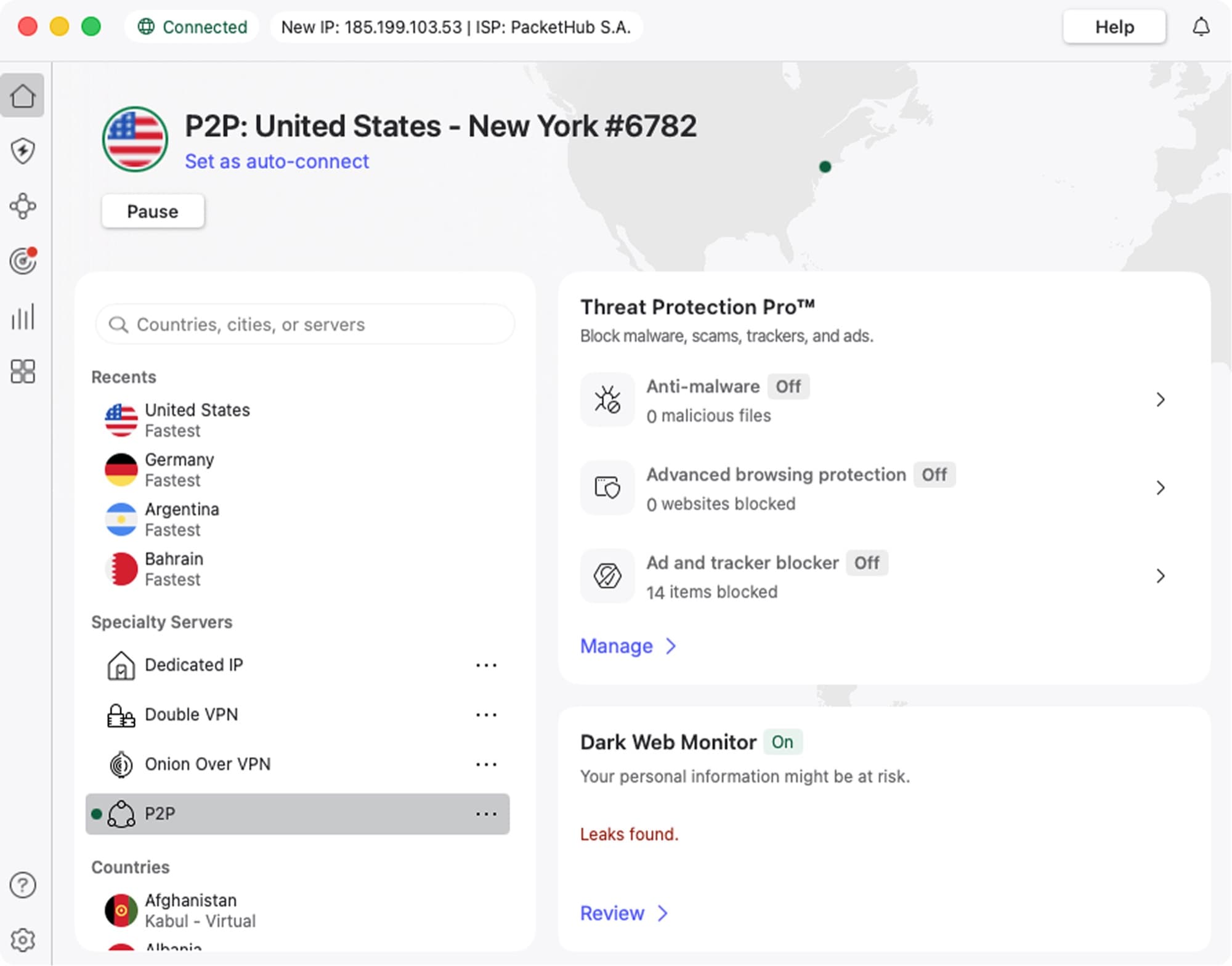
VPN
NordVPN
Covers the at-home case well: 10 devices on every plan, apps for phones, laptops and TVs, and a 30-day money-back guarantee to find out whether you actually use it.
From $3.49/mo on the 2-year plan ($94.23 for 27 months). Renews at $139.08 a year.
Read our NordVPN pageCheck the renewal price before you commit. NordVPN's 2-year Basic plan is $3.49 a month up front ($94.23 for 27 months) and renews at $139.08 a year, and billed monthly it's $14.99. That spread is typical of the industry, so compare renewal prices, not just intro offers. The full breakdown is on our NordVPN page.
A practical tip: install it on your phone and laptop before you bother with the router. Router-level VPNs cover every device at once, smart TVs included, but they slow everything down and make streaming-region troubleshooting harder. Most households are better served by apps on the devices that leave the house.
Frequently asked questions
- Does a VPN hide my browsing from my internet provider?
- Yes. With a VPN on, your provider sees encrypted traffic going to the VPN server and nothing about which sites you visit. Without one, HTTPS hides the pages and content but your provider can still see the domains you connect to through DNS lookups and the server name your browser sends.
- Is my home Wi-Fi safe without a VPN?
- For most people, yes. A password-protected home network with WPA2 or WPA3 keeps strangers off it, and HTTPS encrypts the contents of nearly every site you visit. A VPN at home is about privacy from your internet provider and websites, not about protecting you from people on your own network.
- Will a VPN slow down my internet?
- Somewhat. Encryption and the extra trip to the VPN server cost some bandwidth and add latency. A nearby server on a good provider is barely noticeable on a fast connection, while a server on another continent is very noticeable, especially in online games.
- Does a VPN make me anonymous?
- No. It hides your IP address and hides your traffic from your provider, but any site you are logged into still knows who you are, and cookies and browser fingerprinting still work. Treat a VPN as a privacy tool against your provider and the networks you join, not as anonymity.
- Is it worth running a VPN on the router?
- Only if you want every device covered automatically, including smart TVs and consoles that cannot run VPN apps. The tradeoff is that the whole household's traffic slows down and goes through one region, which complicates streaming. Most people do better installing the app on phones and laptops.
- Are free VPNs safe to use?
- Many are not. A 2016 CSIRO-led study of 283 Android VPN apps found 18% did not encrypt traffic and 38% showed signs of malware. Reputable free tiers exist, such as Proton's, but an unknown free VPN from an app store search is a bigger privacy risk than using no VPN at all.
Bottom Line
At home, a VPN is a privacy purchase, not a security one. HTTPS already protects what you send. What a VPN adds is keeping your internet provider out of your browsing history and your IP address out of websites' logs.
If that matters to you, or you travel, stream other countries' catalogs, deal with throttling or use torrents, pay for a reputable one and check the renewal price. If none of that applies, turn on encrypted DNS in your browser, opt out of your ISP's ad programs and save the money.
How We Test
We score products by combining spec-level research, pricing history, trusted third-party benchmarks, and owner sentiment from high-signal sources.
- Performance and real-world value in the category this guide targets
- Price-to-performance and deal consistency over recent pricing windows
- Build quality, reliability patterns, and known long-term issues
- Recommendation refresh cadence to keep these picks current
Author
TheTechSearch Editorial Team
Independent product reviewers & PC builders
We test and compare real-world specs, price trends, and user feedback to recommend gear that actually makes sense to buy.