HubSpot Free vs Starter in 2026: When Is the Upgrade Worth It?
HubSpot's free CRM covers 2 users and 1,000 contacts. Starter is $7 a seat for new customers, $20 regular. Here are the triggers that justify paying. Expert...
As an Amazon Associate we earn from qualifying purchases made through our links — this doesn't affect our picks.
Stay on HubSpot's free CRM until one of four things happens: a third person needs a login, your contact list passes 1,000, a customer-facing email or form starts to look cheap with HubSpot's logo on it, or someone on the team is copying and pasting the same follow-up email by hand every week. Any one of those, and Starter pays for itself. None of them, and you're paying for features you won't open.
That's the whole answer for most small teams. The rest of this page is the detail behind it, because the pages ranking for this question are almost all written by HubSpot itself, by HubSpot partner agencies, or by competing CRMs with a reason to make the free plan look worse than it is.
Prices below come from HubSpot's own pricing and Starter pages, read on 6 October 2026, US dollars.
| Factor | Free CRM | Starter |
|---|---|---|
| Price | $0, no time limit | $7/seat/mo annual, $10 monthly (new customers) |
| Regular price | $0 | $20 per seat per month |
| Users | 2 | Any number, paid per seat |
| Contacts | 1,000 total | 1,000 marketing contacts included, more in tiers |
| Custom properties | 10 | 1,000 |
| Marketing email sends | 2,000 a month, branded | 5x your marketing contact tier, unbranded |
| Automation | 1 automated action | Up to 10 automated actions, plus sequences |
| HubSpot branding | On emails, forms, chat, meeting links | Removed |
| HubSpot credits | None | 500 a month |
| Support | Community and knowledge base | Email and in-app chat |
What the Free Plan Actually Gives You
The free tier is not a trial, and it's more useful than the competitor blogs admit.
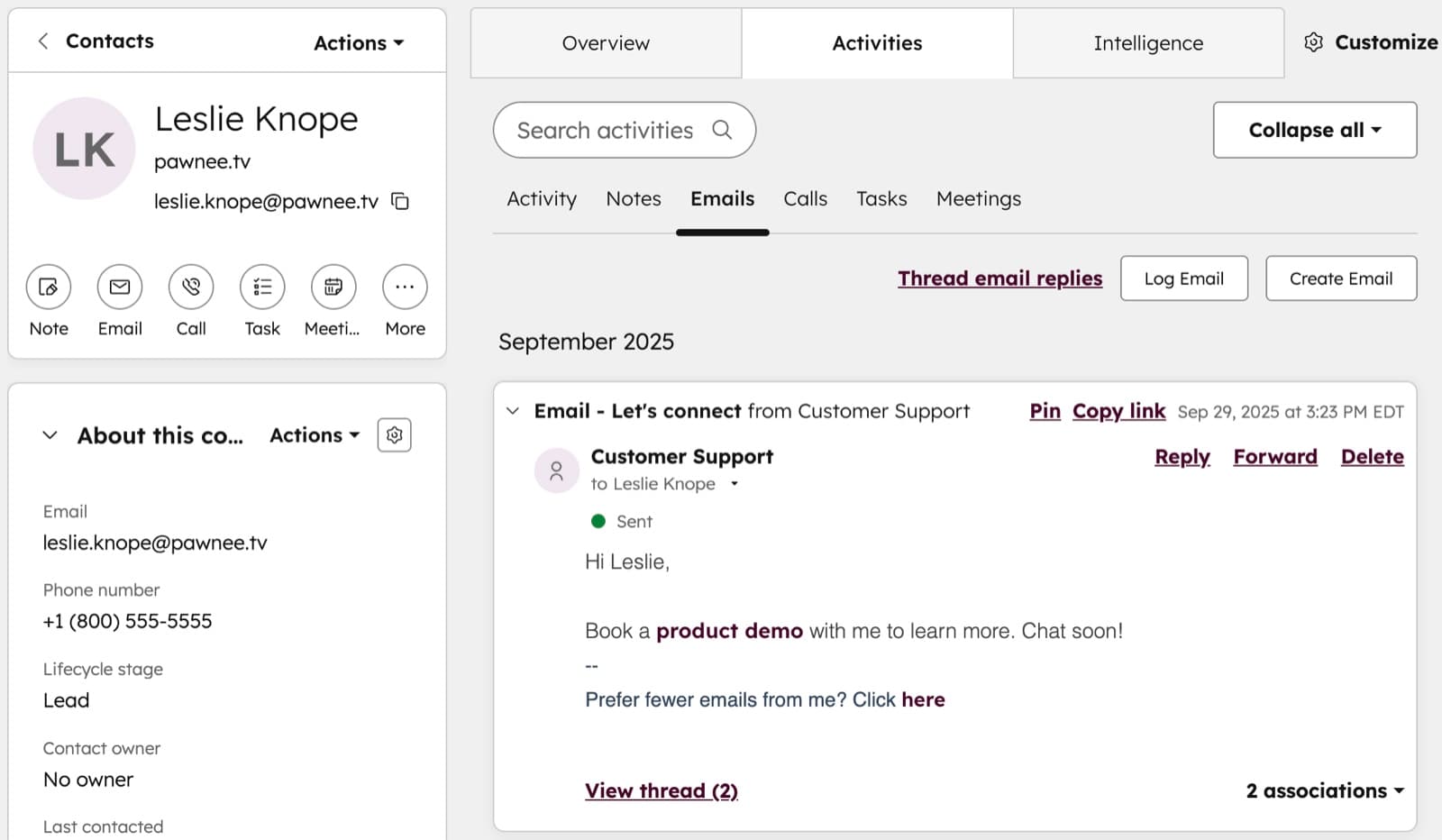
You get contact and company records, a deal pipeline with stages you can rename, tasks with due dates, email tracking and logging from Gmail or Outlook, meeting links, forms, live chat and basic reporting. HubSpot allows up to 15 pipelines per account, and that ceiling is the same on Starter. Two people can log in.
For a two-person agency, a contractor, a consultant or a small B2B shop with a few dozen active deals, that's a complete CRM. Honestly, most teams this size never touch the limits. They hit a different wall first, which is that nobody logs anything.
So if you're still deciding whether your team will use a CRM at all, our guide to whether you need a CRM is the better starting point. Prove the habit on the free plan, then come back here.
The Four Upgrade Triggers
1. A third person needs access
The free plan stops at 2 users. That's the hardest limit and the one that ends most free accounts.
Starter has no user cap, but every user is a paid seat. So the bill scales with headcount, not with how much you use the tool. A five-person sales team on annual billing at the new-customer rate is $35 a month. At the $20 regular rate it's $100 a month, which is worth knowing before you build processes around it.
2. You pass 1,000 contacts
HubSpot's Starter page lists the free plan at 1,000 total contacts. Once an import pushes you over, new contacts stop being created, and that tends to happen at the worst moment, usually right after a trade show or a list purchase.
Starter includes 1,000 marketing contacts and sells more in tiers. Here's the thing: marketing contacts are the ones you email from HubSpot's marketing tools. A sales team that mostly emails one-to-one from Gmail can keep plenty of contacts as non-marketing records. Get that distinction straight before you buy a bigger tier you don't need.
3. The branding starts to cost you
On free, HubSpot's logo sits on your marketing emails, forms, live chat and meeting booking pages. For an internal pipeline, nobody cares. For a consultancy charging $5,000 a project, a "Powered by HubSpot" footer on the booking page is a small signal you'd rather not send.
Starter removes it everywhere. If your forms and meeting links face paying clients, this alone is a fair reason to upgrade, and it's the trigger people most often regret ignoring.
4. Someone is doing follow-ups by hand
The free plan gives you one automated action. That's enough to send a thank-you email when someone fills in a form, and not much else.
Starter raises that to 10 automated actions and adds simple sales sequences: a timed run of follow-up emails that stops when the contact replies. If a rep is sending "just checking in" emails from a sticky note, sequences are the feature that actually saves hours. Two hours a week at any reasonable hourly rate costs more than a $7 seat.
What Starter Does Not Fix
Starter is the cheap tier of a very expensive product, and a few things people expect from it live higher up.
Proper workflow automation, the branching "if this, then that" builder most people picture when they hear "marketing automation", sits in Professional. HubSpot's lander pricing puts Professional at $1,300 a month on annual billing with six seats included. That's not a gentle step from Starter. It's a cliff.
Custom reporting dashboards are limited on Starter too. And the 500 monthly credits cover HubSpot's AI agents and features, which are useful but metered. Heavy users will run through them.
So the honest framing is this: Starter is for teams that need more seats, more contacts, no branding and light automation. If you already know you need complex automation, price Professional before you commit to HubSpot at all, because that's where the platform's real cost lives.
Run the Real Numbers
The $7 headline is a new-customer rate on annual billing. Monthly billing on the same offer is $10 a seat, and HubSpot lists the regular price as $20 a seat. Budget for the $20 figure, so the year-two bill doesn't surprise you.
Here's what that looks like at three team sizes, per month:
- 2 seats: $14 annual intro, $40 regular. At this size, ask whether branding is your only reason. If it is, that's $480 a year at regular price to remove a logo.
- 5 seats: $35 annual intro, $100 regular. Usually justified by sequences alone if those five people sell.
- 10 seats: $70 annual intro, $200 regular. Now it's worth comparing against Pipedrive or Zoho, which price differently at this size.
And watch the contact tier. Seats are only half the bill. If your marketing list grows from 1,000 to 5,000 contacts, the contact tier moves too, and that can cost more than the seats.
Who Should Stay Free
Plenty of teams should never upgrade, and that's fine. HubSpot makes its money on the teams that grow, not on the ones that don't.
Stay on free if:
- One or two people use the CRM and that won't change this year.
- You have fewer than about 800 contacts, leaving room for growth.
- Your clients never see a HubSpot form, email or booking link.
- Follow-ups are personal and occasional rather than repeated scripts.
A freelance designer tracking 40 client relationships is the classic case. Free does everything, forever.
Who Should Upgrade Now
Upgrade to Starter if:
- A third teammate needs to work deals.
- You're about to import a list that takes you past 1,000 contacts.
- Your booking page or forms go in front of clients who pay you real money.
- A rep sends the same three follow-up emails to every new lead.
If two of those are true, the case is clear. If only branding is true and you're a team of two, it's a judgment call, and it comes down to how much a logo bothers your clients. Sort of a vanity purchase, but not always a wrong one.
If HubSpot Isn't the Right Shape
Sometimes the free-vs-Starter question is really a sign that HubSpot is the wrong tool.
If your business runs on a newsletter or a list rather than a sales pipeline, you're paying for CRM machinery you don't need. An email platform fits better, and our email marketing software guide covers that case. If you're a solo operator selling courses or digital products, an all-in-one platform with funnels and checkout built in usually beats a CRM plus four add-ons.
Our Pick
CRM
HubSpot
Start on the free CRM, 2 users and 1,000 contacts with no time limit. Move to Starter when a third seat, the 1,000-contact cap or client-facing branding forces it.
Free for 2 users; Starter from $7 a seat a month (annual). Starter is $10 a seat a month billed monthly; the regular price is $20 a seat.
Read our HubSpot pageOur HubSpot page lays out the plan table, the regular price behind the $7 offer, and what each tier includes, so you can check the numbers above against the source.
Frequently asked questions
- Is HubSpot's free CRM really free forever?
- Yes. The free plan has no time limit and no credit card requirement. It covers 2 users and 1,000 total contacts, with deal pipelines, tasks, email tracking, forms, live chat and meeting links, all carrying HubSpot branding.
- How much does HubSpot Starter cost in 2026?
- HubSpot's Starter page shows $7 per seat per month billed annually, or $10 per seat billed monthly, as a new-customer offer. The regular price is listed at $20 per seat per month, so budget for that figure in year two.
- What is the biggest difference between HubSpot Free and Starter?
- Seats and branding. Free stops at 2 users and puts HubSpot's logo on emails, forms, chat and meeting pages. Starter lets you add any number of paid seats and removes the branding. It also raises custom properties from 10 to 1,000 and adds simple sales sequences.
- Does HubSpot Starter include workflow automation?
- Only light automation. Starter allows up to 10 automated actions plus simple sequences. The full branching workflow builder sits in Professional, which HubSpot prices at $1,300 a month on annual billing with six seats included.
- What happens when I hit 1,000 contacts on the free plan?
- New contacts stop being created once you reach the cap, so imports and form fills that would push you over fail. You can delete stale records to make room, or upgrade to Starter, which includes 1,000 marketing contacts and sells larger contact tiers.
- Can I downgrade from Starter back to Free?
- Yes, Starter has no long-term lock beyond the billing term you chose. Annual billing commits you for the year, which is why monthly billing at $10 a seat is the safer test if you are unsure.
Bottom Line
HubSpot's free CRM is a real product, and for one or two people with a modest contact list it's all you need. Upgrade to Starter the moment a third person needs a seat, your list crosses 1,000, your client-facing forms and booking pages need to lose the HubSpot logo, or someone is sending the same follow-ups by hand. Budget at the $20 regular seat price rather than the $7 offer, and if you already know you need deep automation, price Professional first, because that's the tier where HubSpot's real cost shows up.
How We Test
We score products by combining spec-level research, pricing history, trusted third-party benchmarks, and owner sentiment from high-signal sources.
- Performance and real-world value in the category this guide targets
- Price-to-performance and deal consistency over recent pricing windows
- Build quality, reliability patterns, and known long-term issues
- Recommendation refresh cadence to keep these picks current
Author
TheTechSearch Editorial Team
Independent product reviewers & PC builders
We test and compare real-world specs, price trends, and user feedback to recommend gear that actually makes sense to buy.